Quick Tech Tip: Verify Urgent Requests With A Known-Number Callback
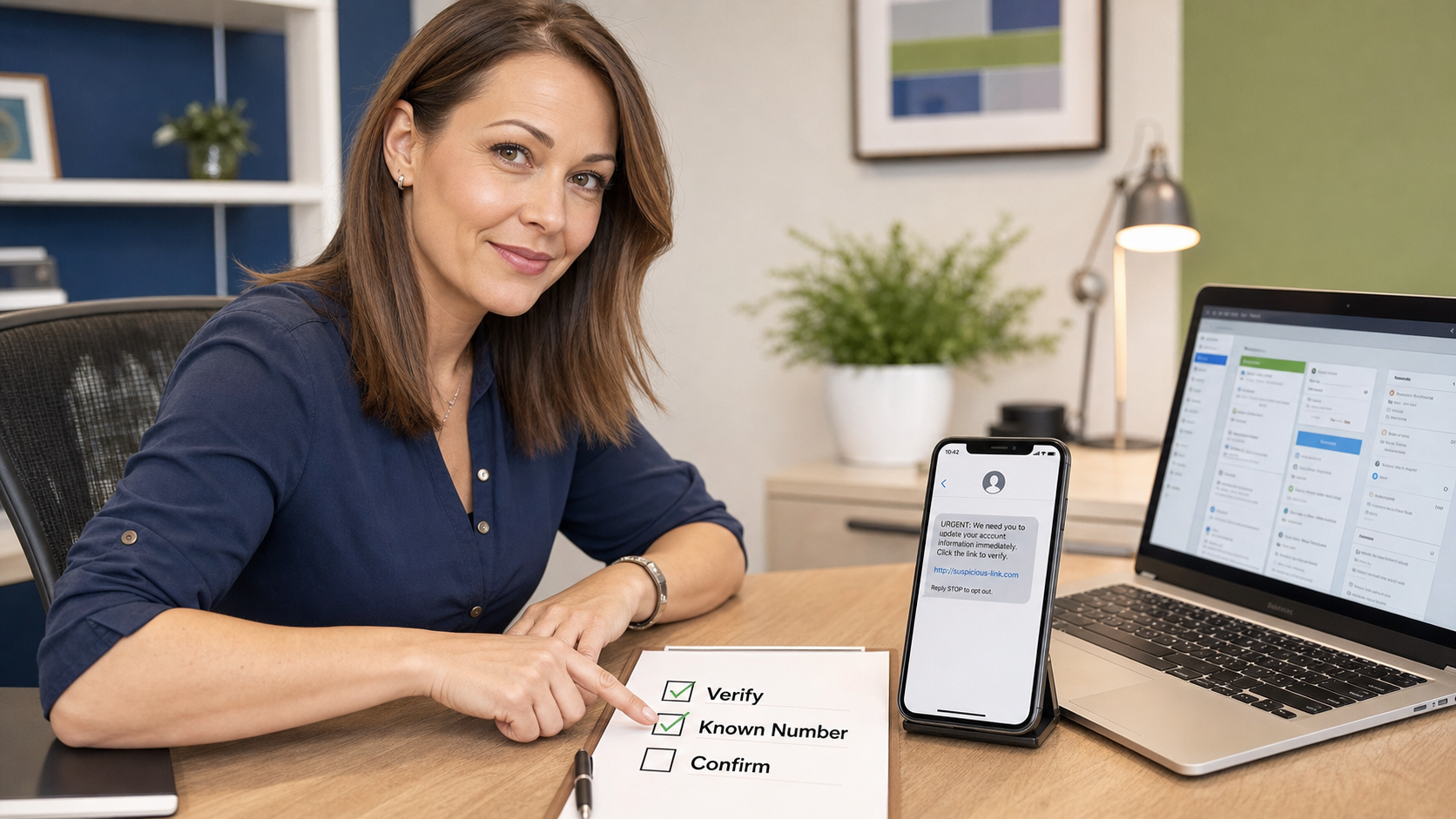
Before approving money, passwords, MFA codes, remote access, or account changes, verify the request through a phone number, portal, or saved contact you already trust.
Before approving money, passwords, MFA codes, remote access, or account changes, verify the request through a phone number, portal, or saved contact you already trust.
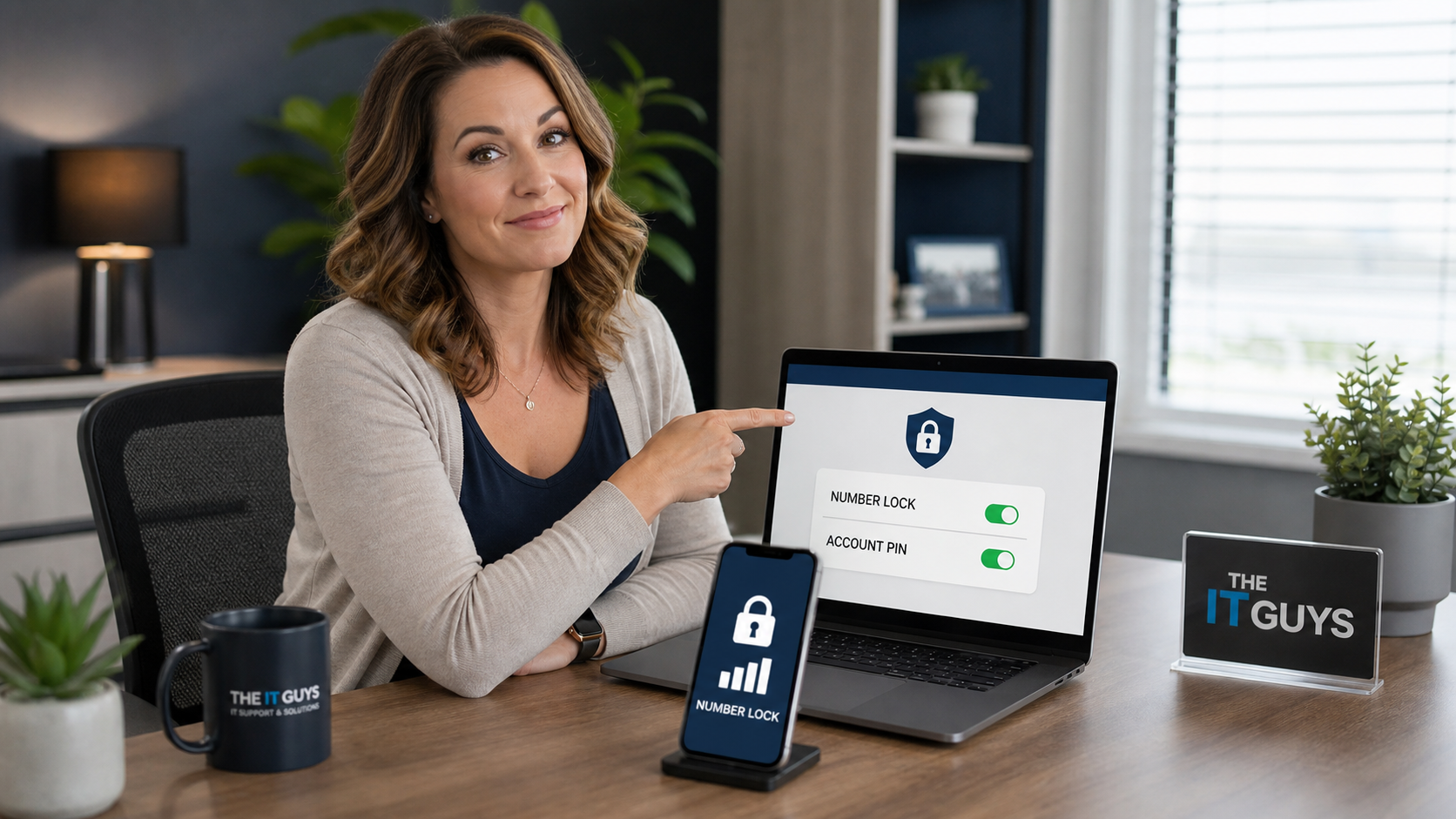
A quick carrier-account lock, unique account PIN, and stronger MFA setup can make SIM-swap and port-out fraud much harder before your phone number becomes an account-recovery weakness.
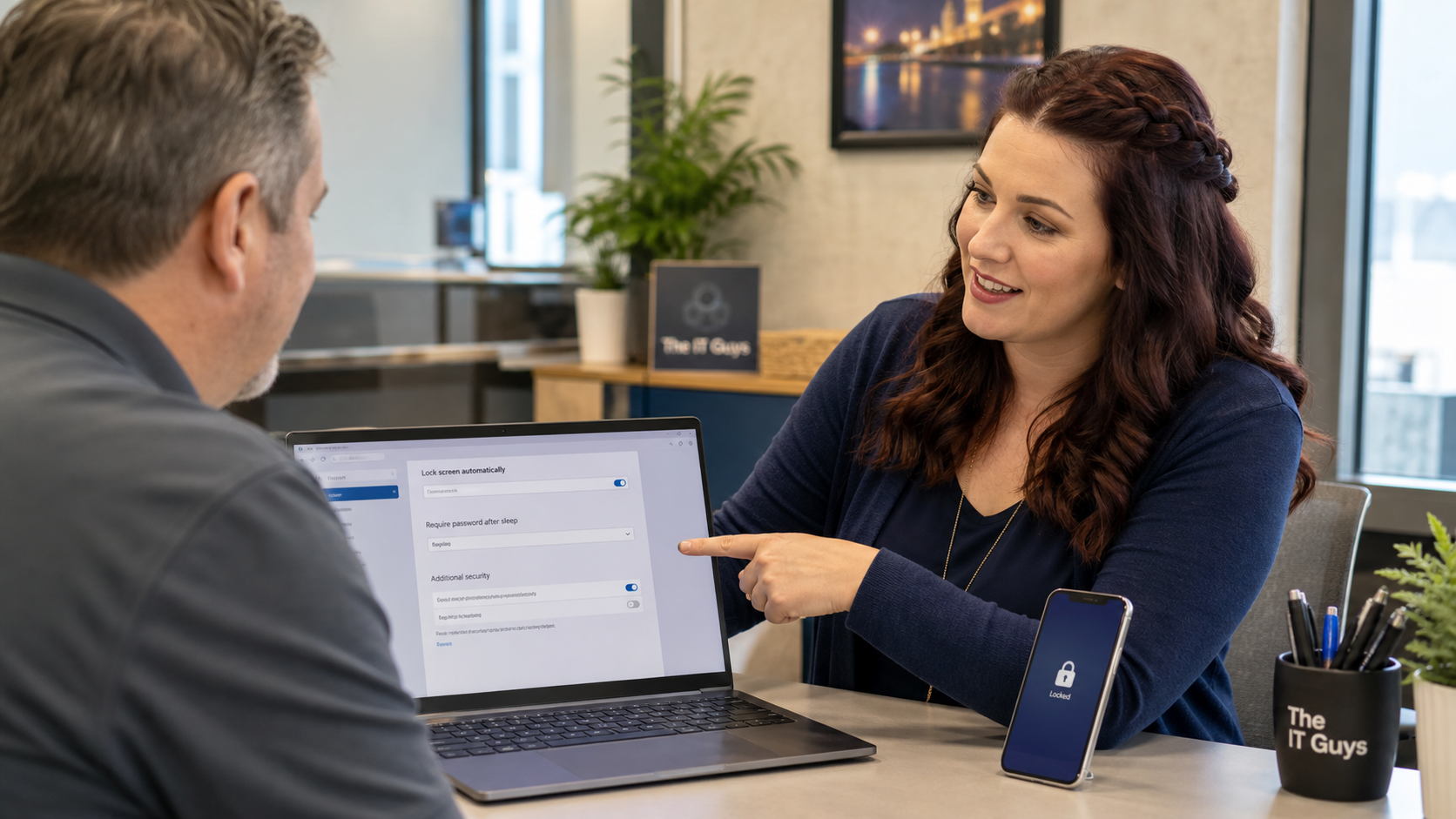
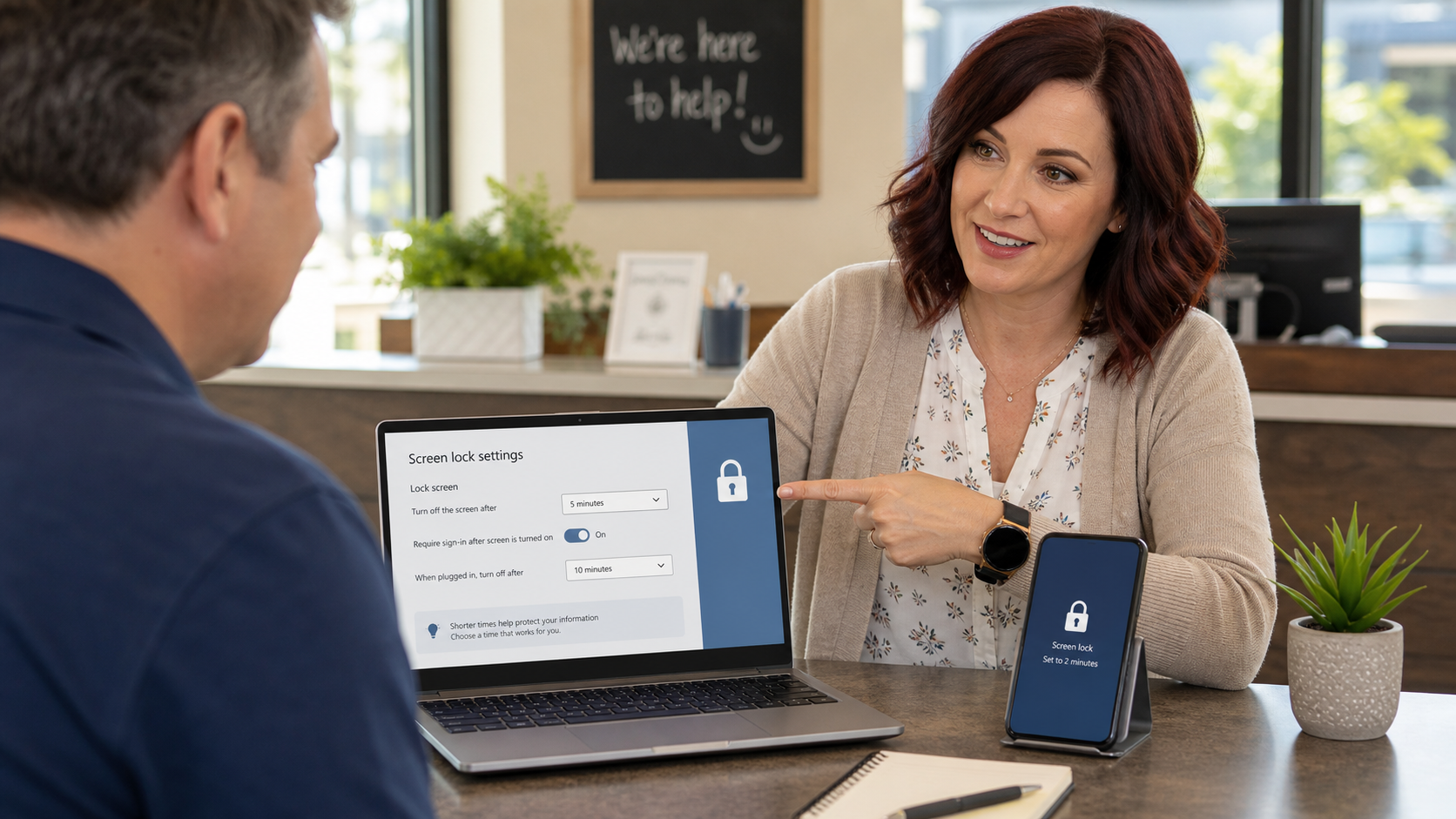
A short automatic screen lock protects email, files, customer records, business apps, and saved logins when a computer or phone is left unattended.
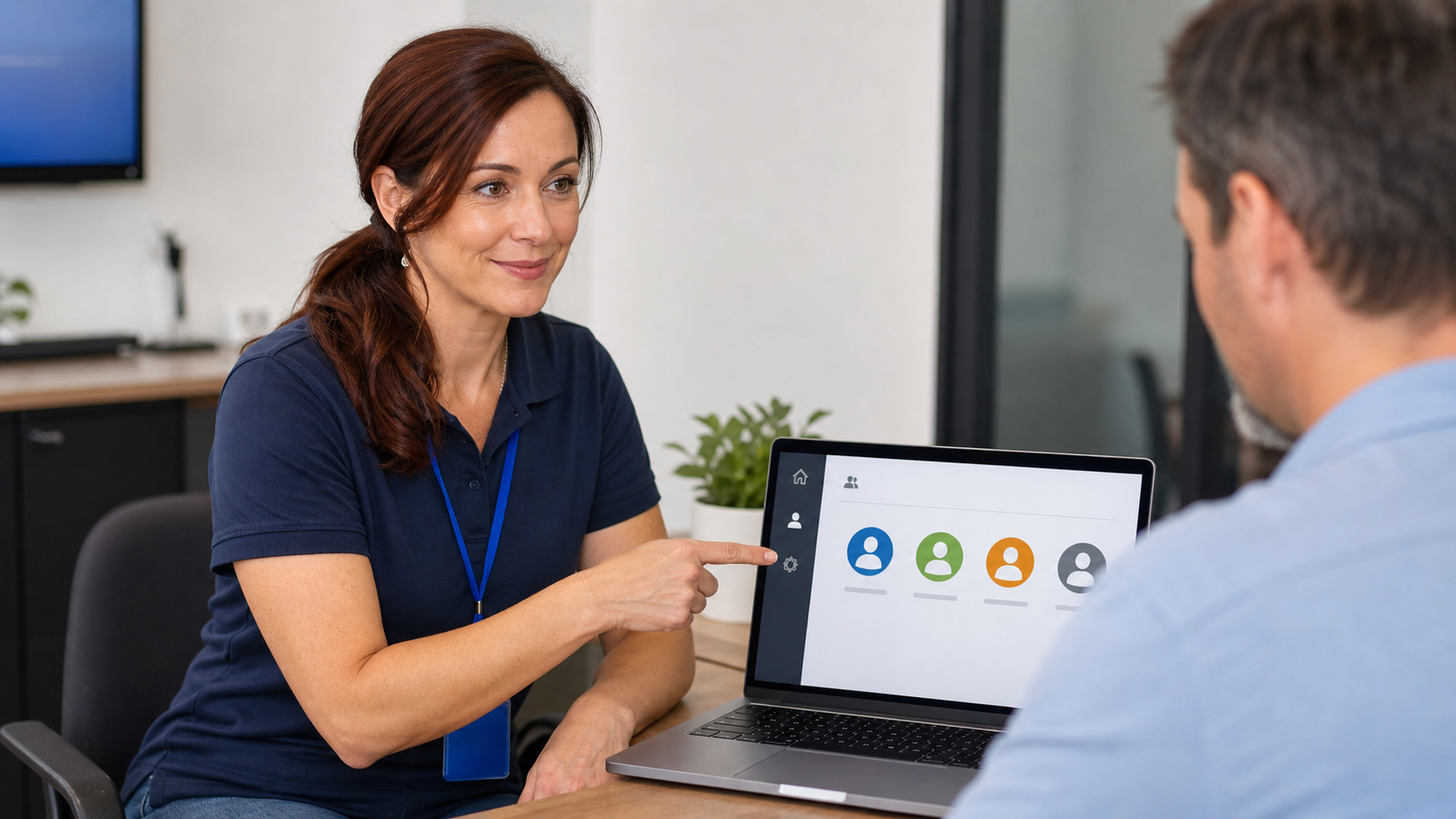
If a home or small-business computer is used by more than one person, separate user accounts make privacy, passwords, files, admin rights, and offboarding much easier to manage.
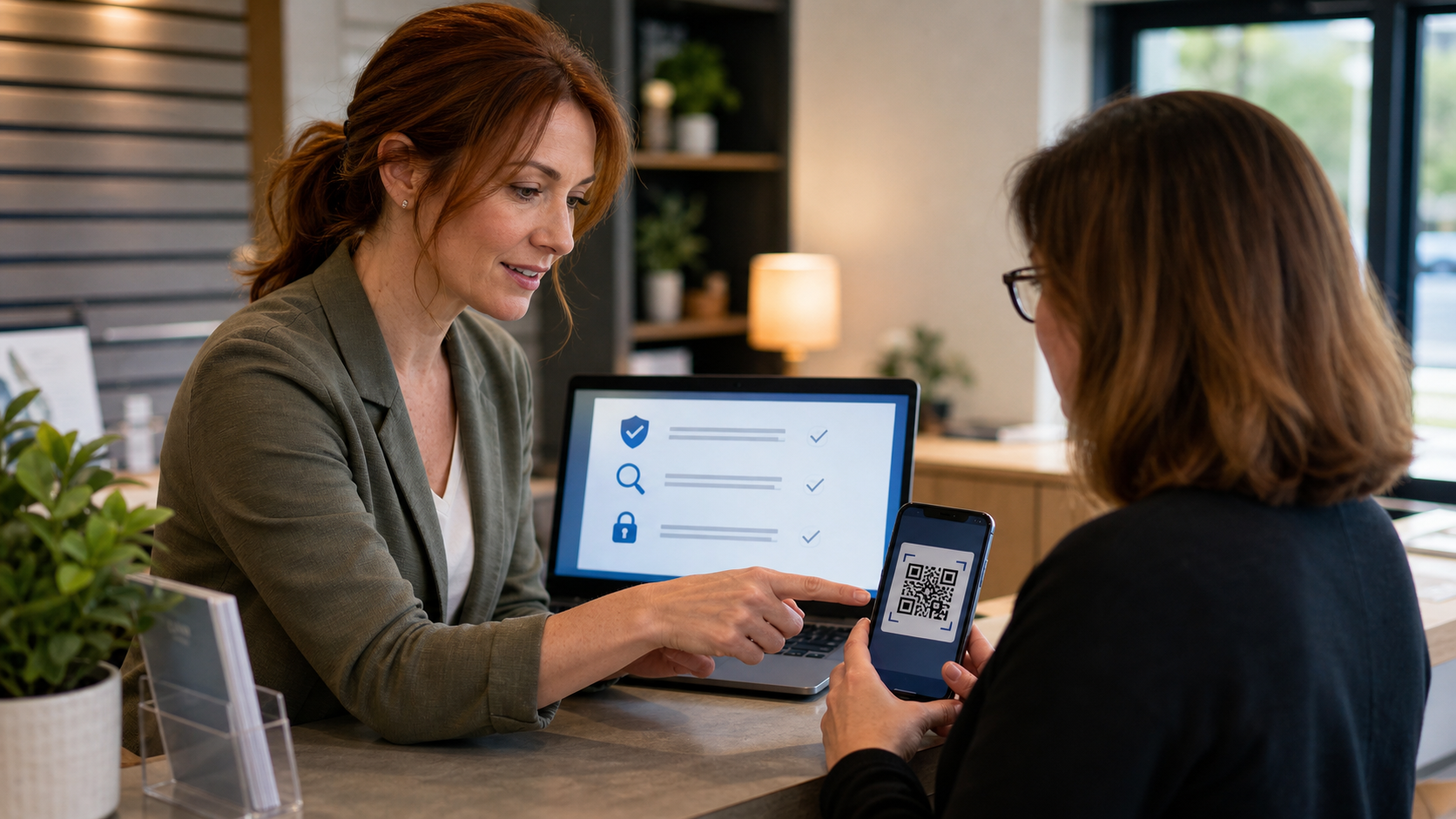
QR codes are convenient, but they can hide phishing links, fake payment pages, and tampered signs. Use this quick check before scanning at work, in public, or from an unexpected package.
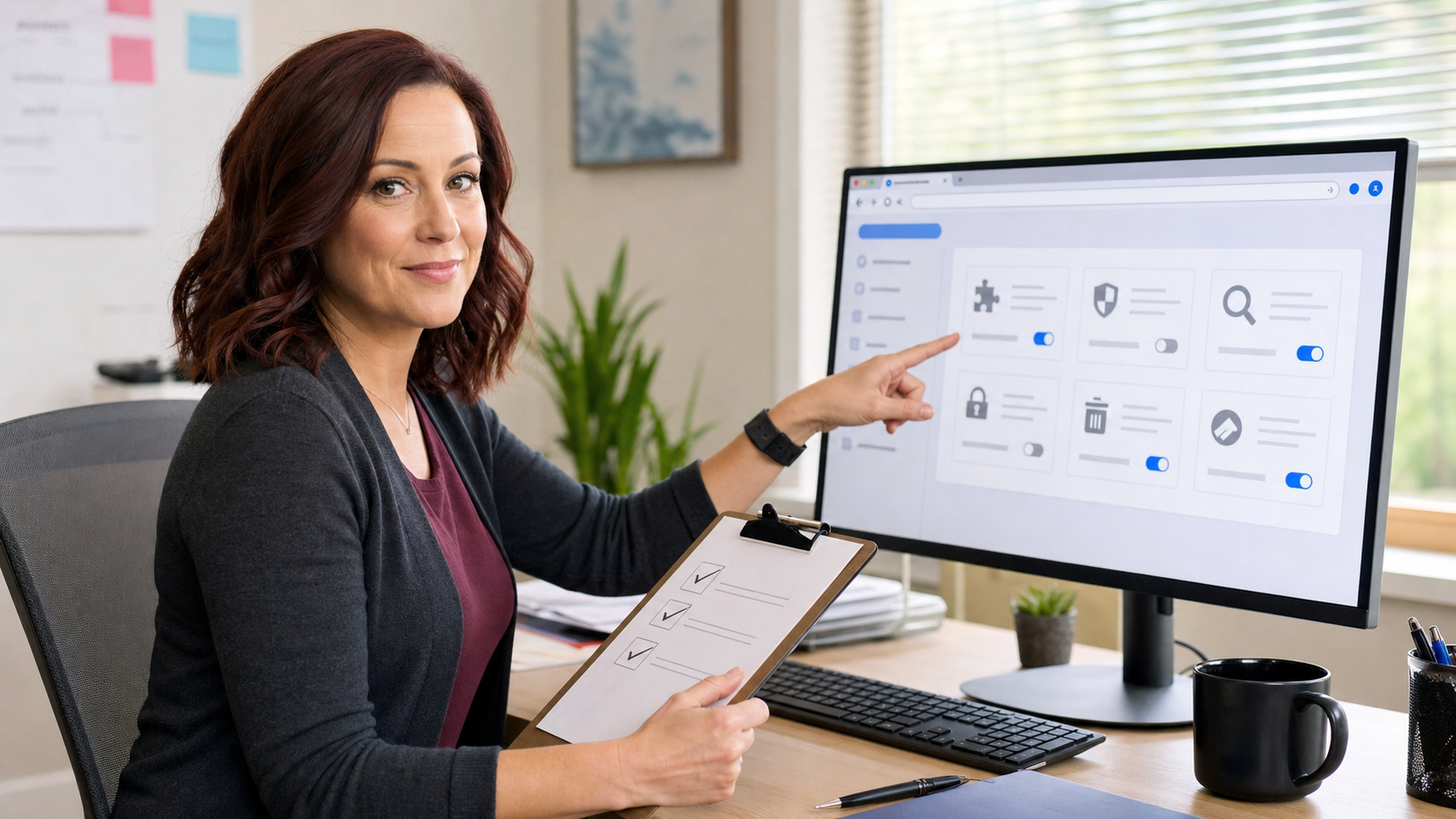
A 10-minute browser extension audit can remove forgotten add-ons, reduce privacy exposure, and keep sensitive business websites cleaner and safer.
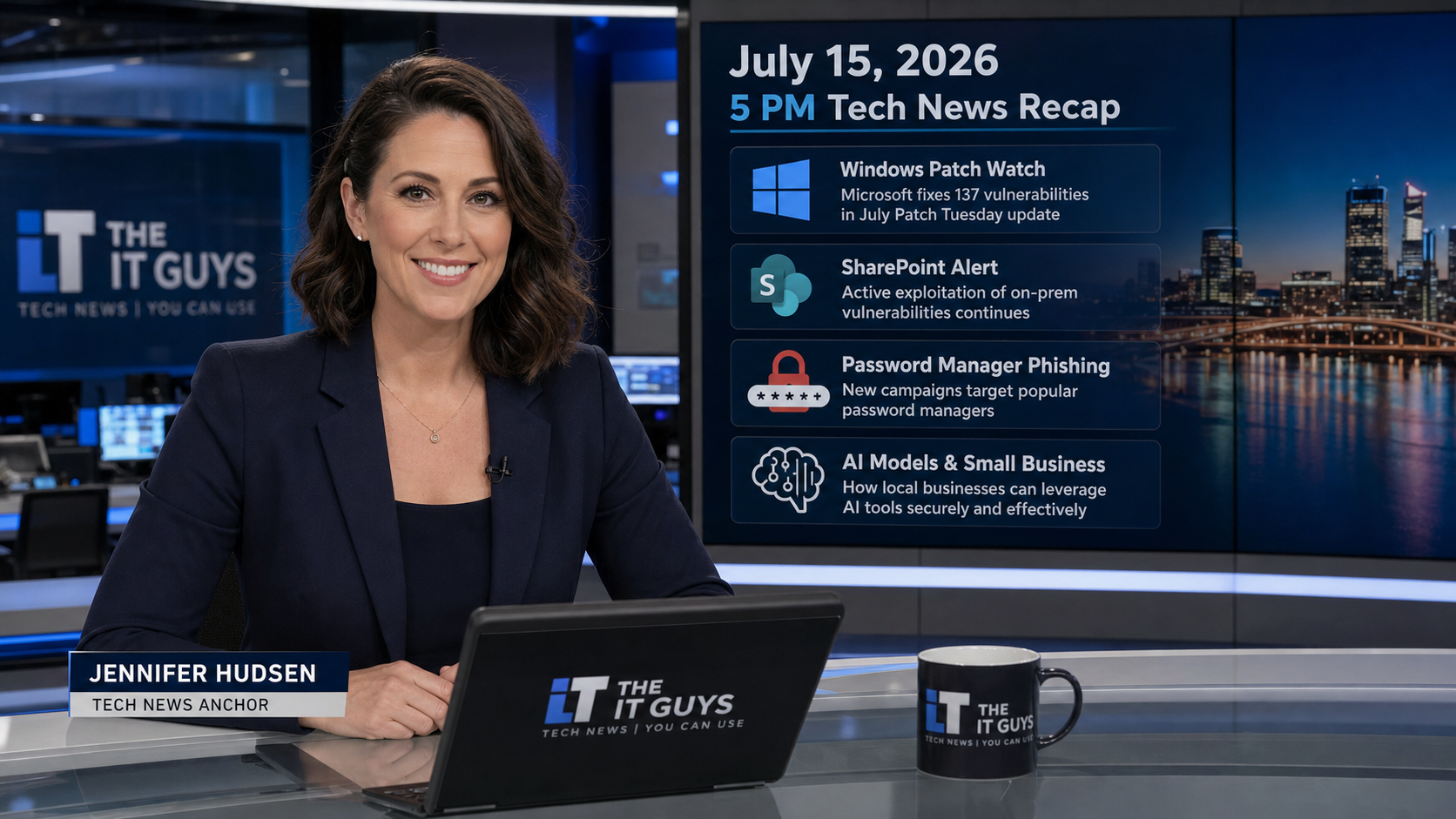
Today’s practical tech recap covers Microsoft’s record July patch release, active SharePoint Server exploitation, fake LastPass and Bitwarden security alerts, Progress ShareFile emergency fixes, and what AI-assisted bug hunting means for home users and small businesses.
Microsoft’s July 14, 2026 Patch Tuesday release covers 622 Microsoft CVEs, 428 republished Chromium CVEs, exploited AD FS and SharePoint issues, a publicly known BitLocker bypass, and updates across Windows, Office, Edge, SharePoint, SQL Server, Exchange, Azure, Defender, .NET, and more.
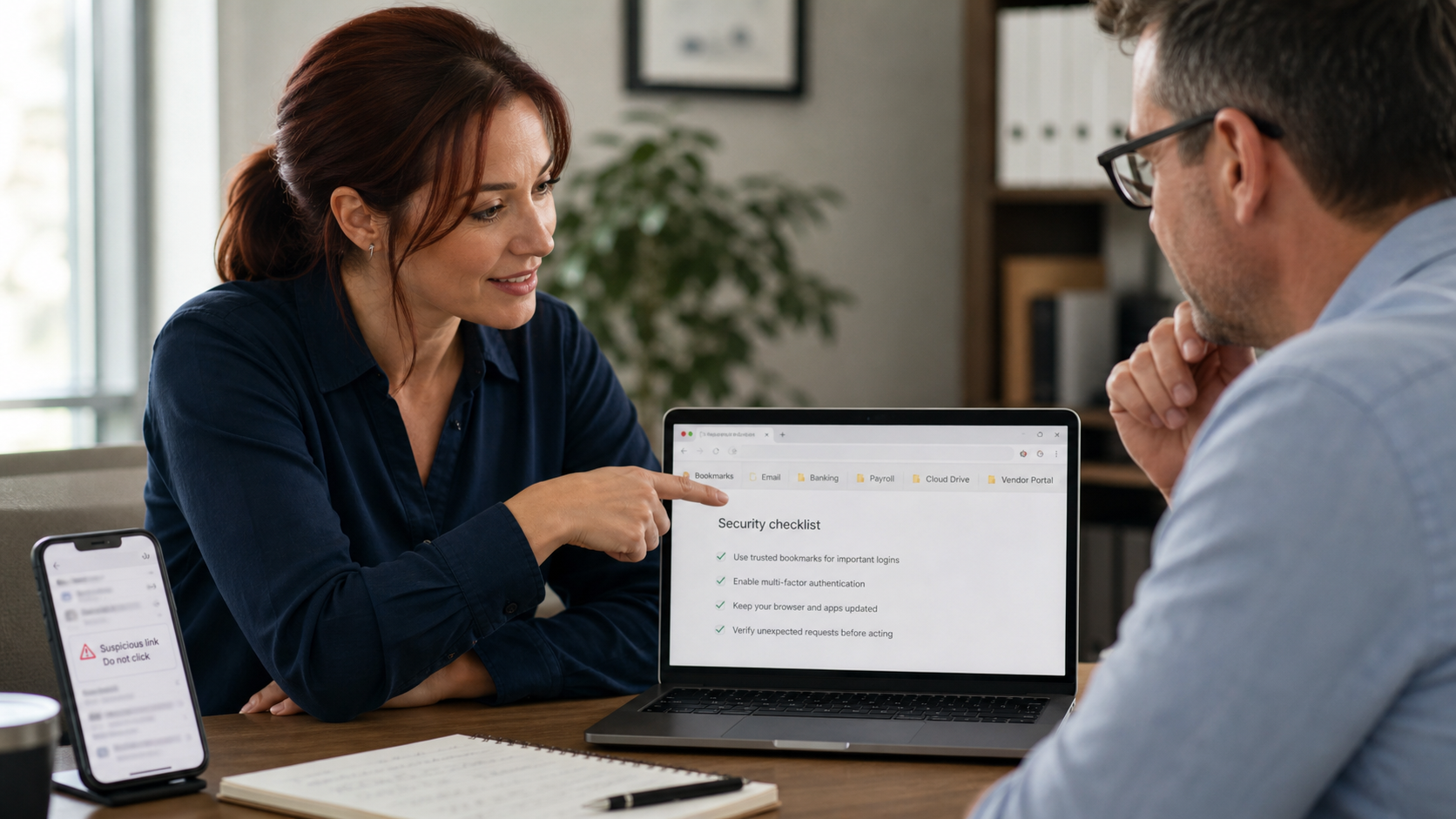
A small folder of trusted bookmarks gives you and your team a safer way back to banking, email, payroll, cloud files, and business portals when suspicious messages try to rush you into clicking.
A quick notification privacy check can stop text codes, email subjects, calendar details, and customer messages from showing on a locked phone or computer.