Quick Tech Tip: Make A Same-Day Employee Offboarding Checklist
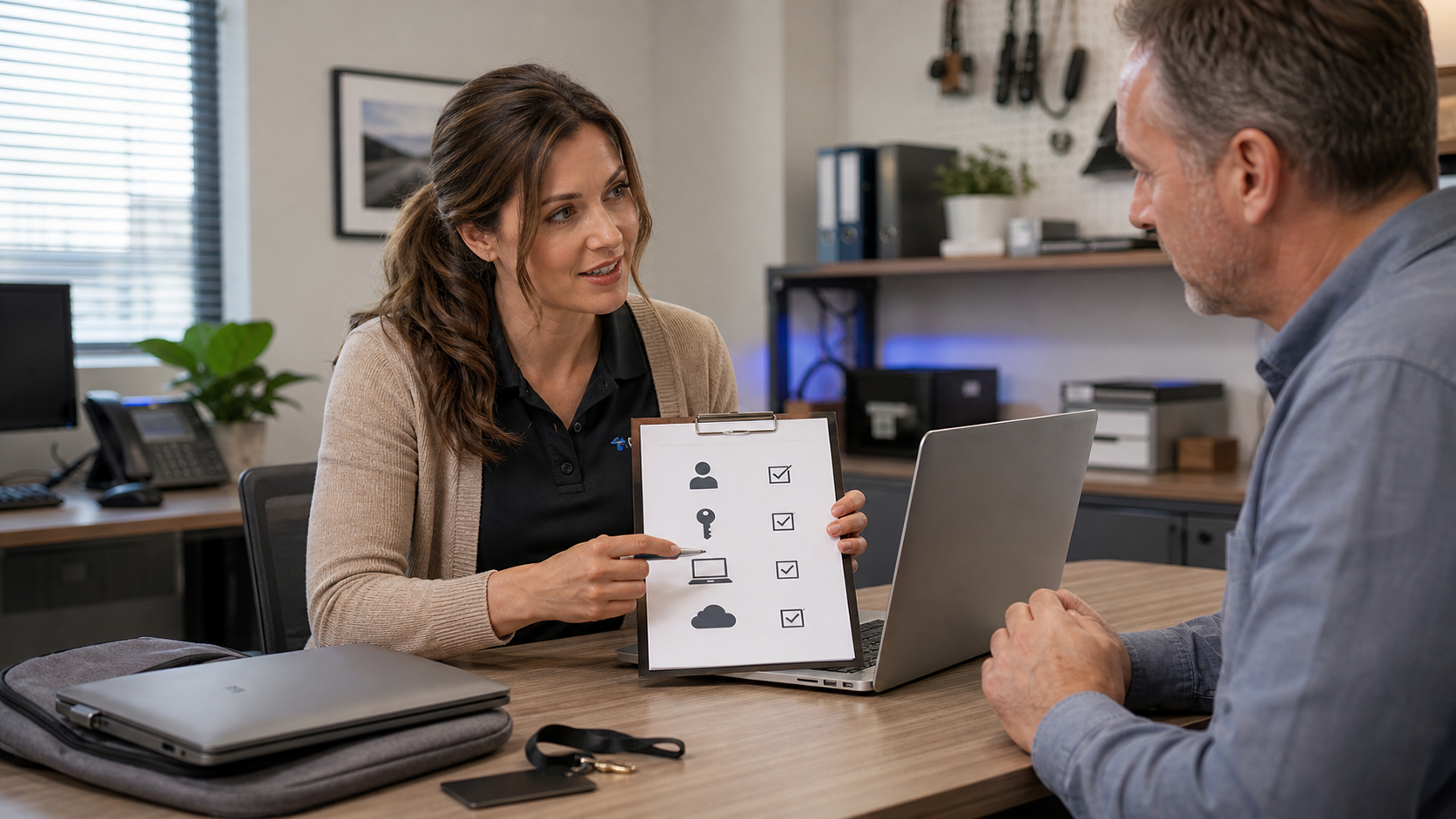
Before a former employee account becomes a security gap, use a same-day checklist to disable access, preserve business data, collect devices, and rotate shared passwords.
Before a former employee account becomes a security gap, use a same-day checklist to disable access, preserve business data, collect devices, and rotate shared passwords.
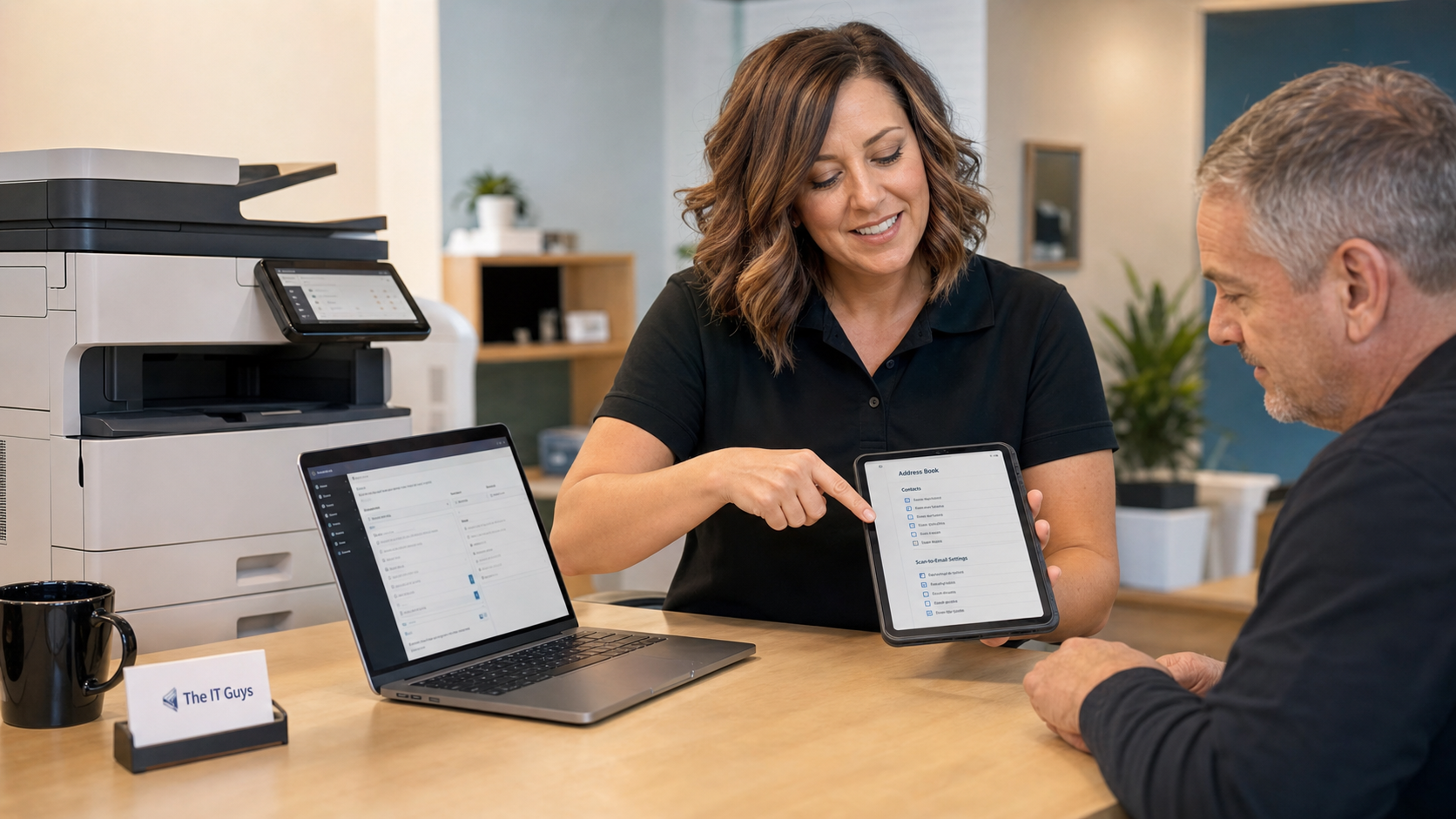
A quick review of printer and scanner address books can prevent sensitive scans from going to former employees, old vendors, personal inboxes, or forgotten scan-to-email accounts.
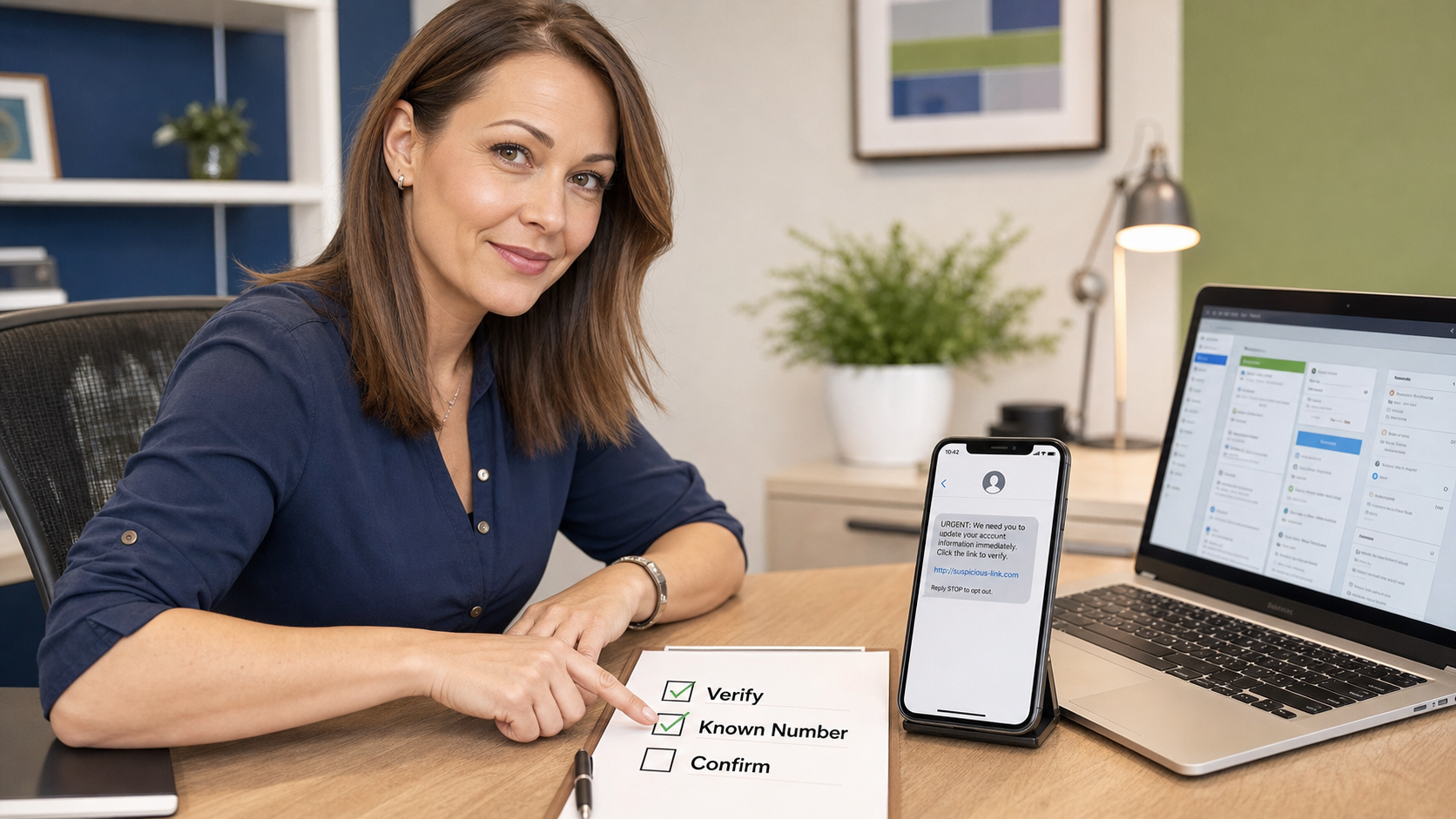
Before approving money, passwords, MFA codes, remote access, or account changes, verify the request through a phone number, portal, or saved contact you already trust.
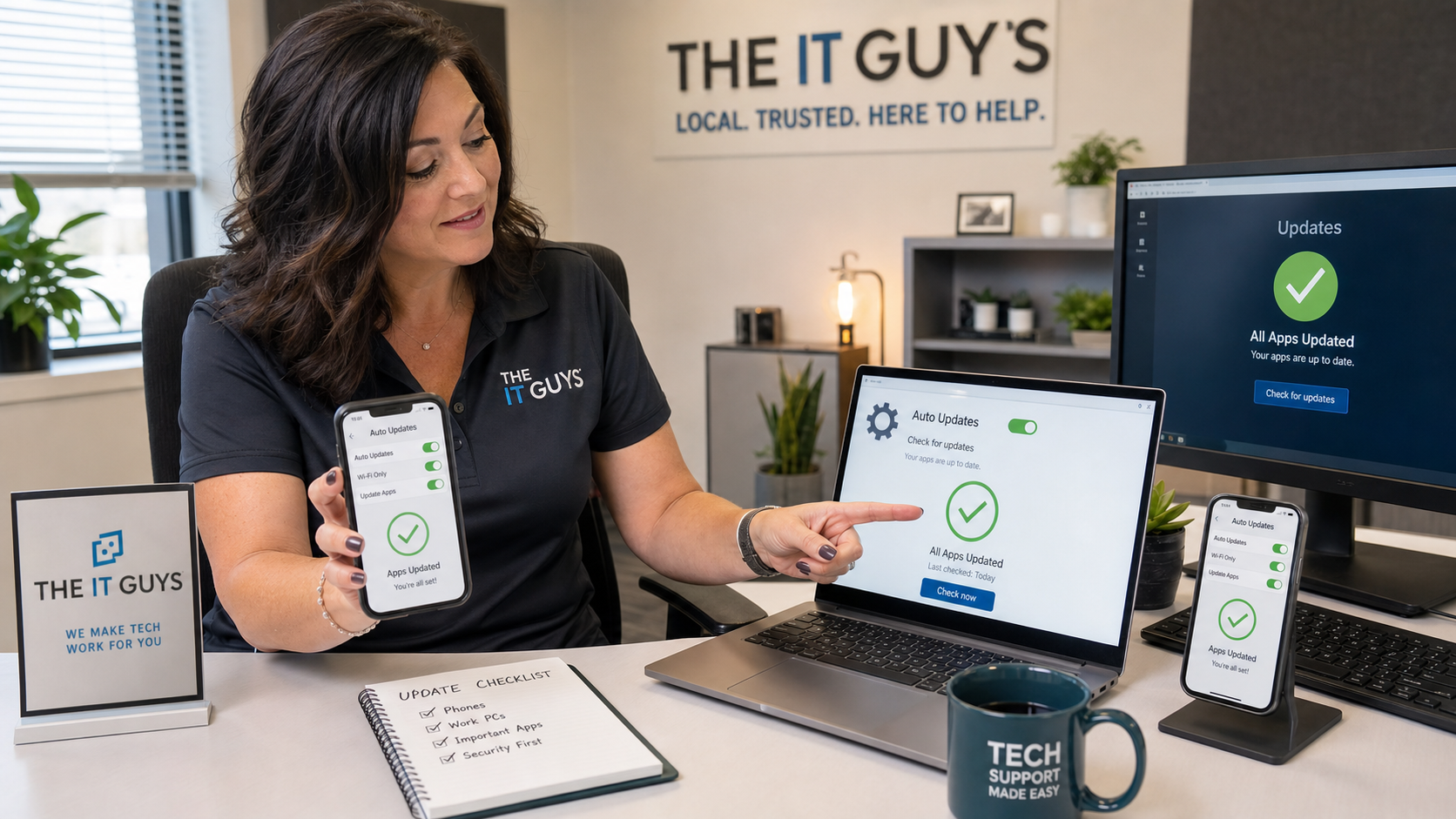
A quick check of automatic app updates on Windows PCs, iPhones, iPads, and Android devices can prevent stale apps, missing security fixes, and broken workday tools.
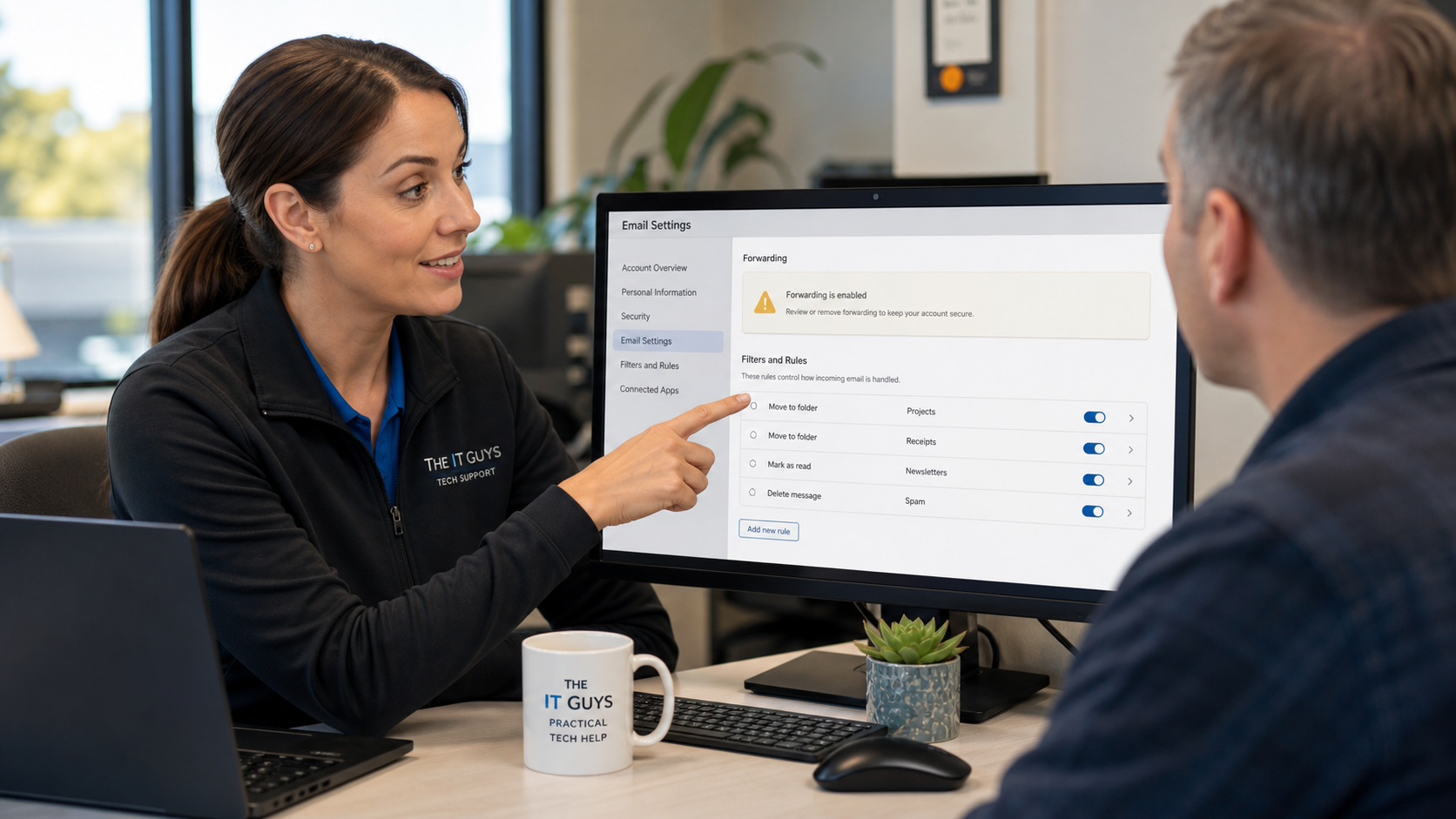
A 10-minute review of email forwarding, filters, and inbox rules can catch quiet mailbox changes left behind after phishing, password theft, or account compromise.
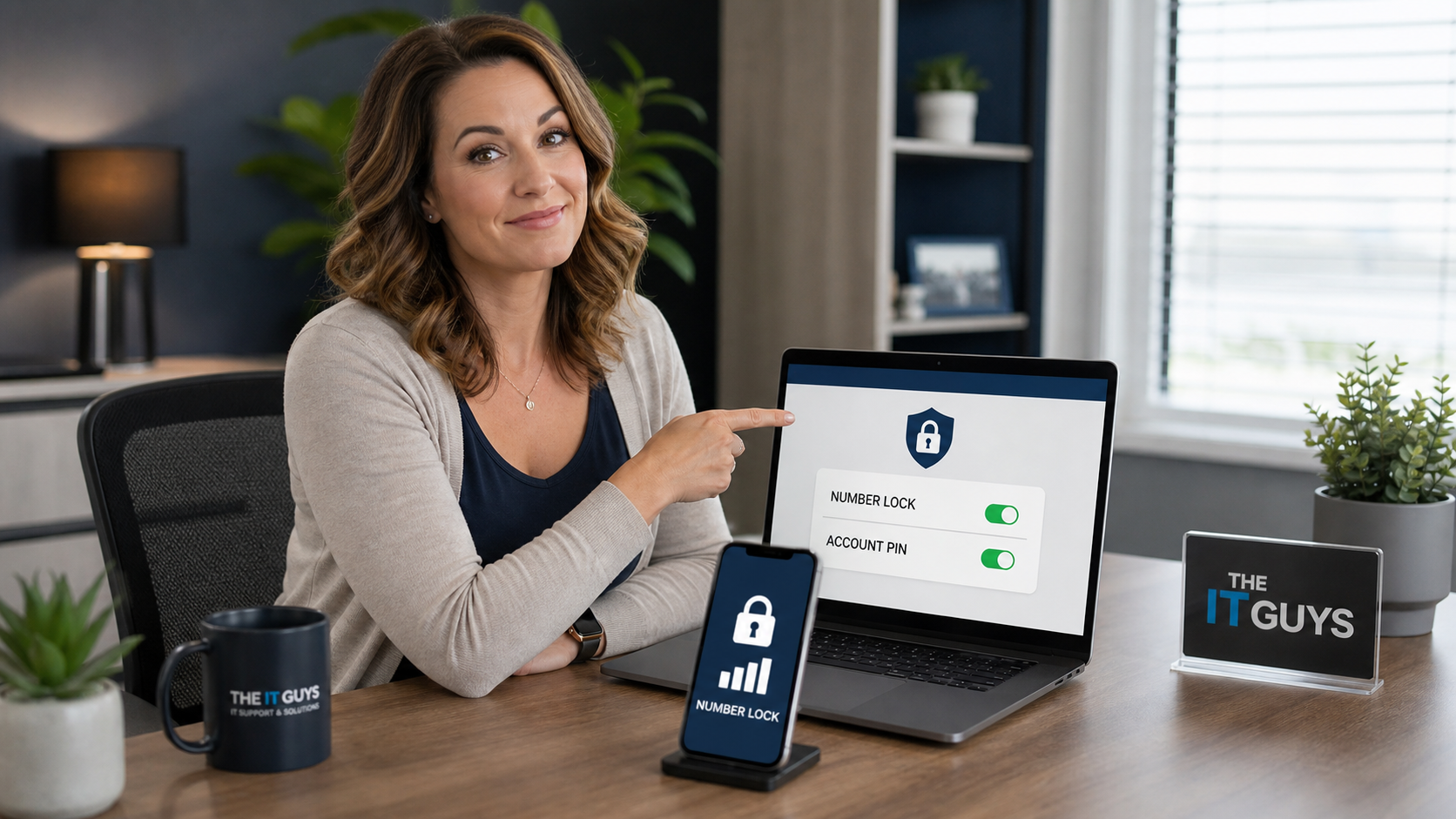
A quick carrier-account lock, unique account PIN, and stronger MFA setup can make SIM-swap and port-out fraud much harder before your phone number becomes an account-recovery weakness.
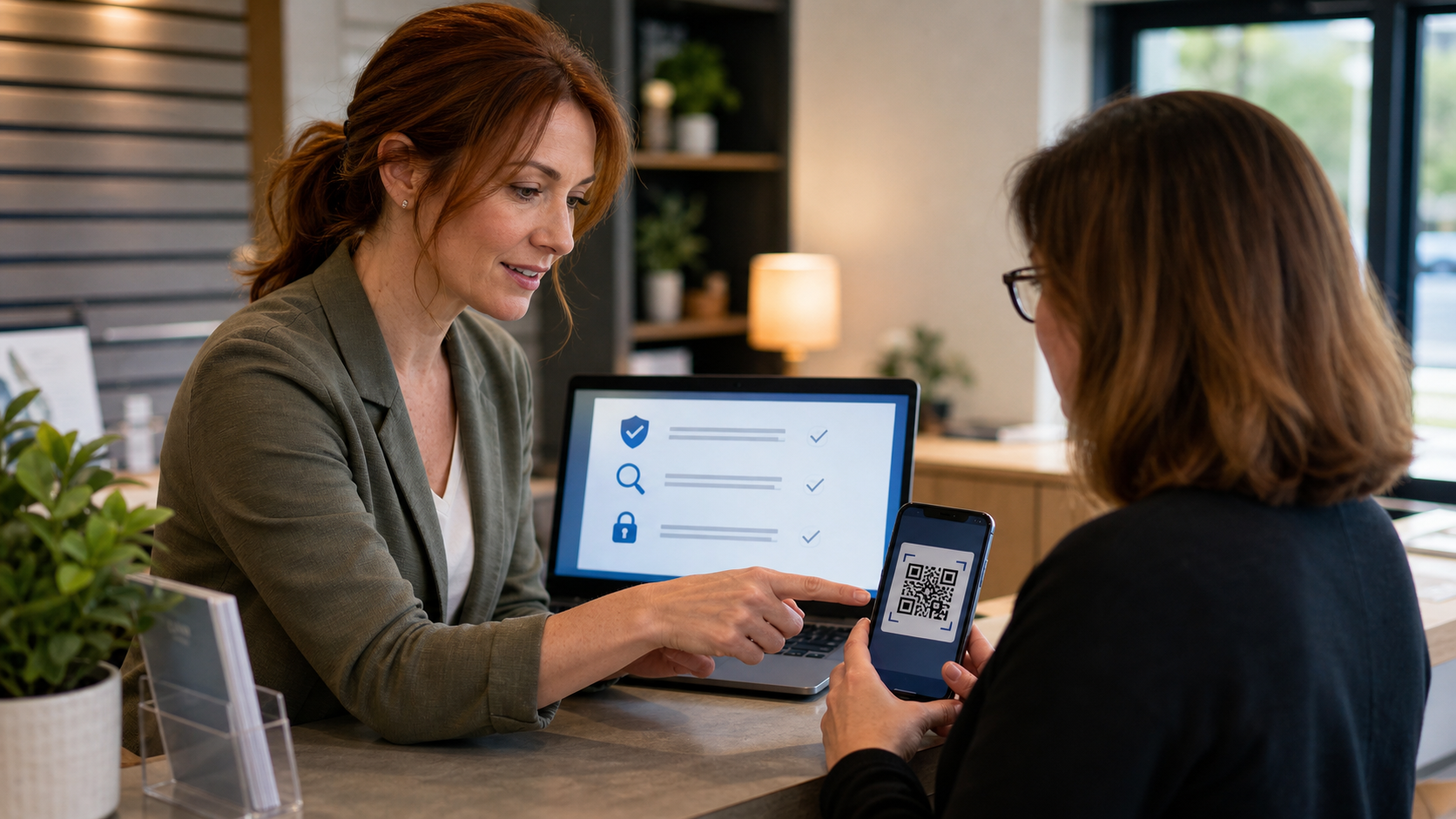
QR codes are convenient, but they can hide phishing links, fake payment pages, and tampered signs. Use this quick check before scanning at work, in public, or from an unexpected package.
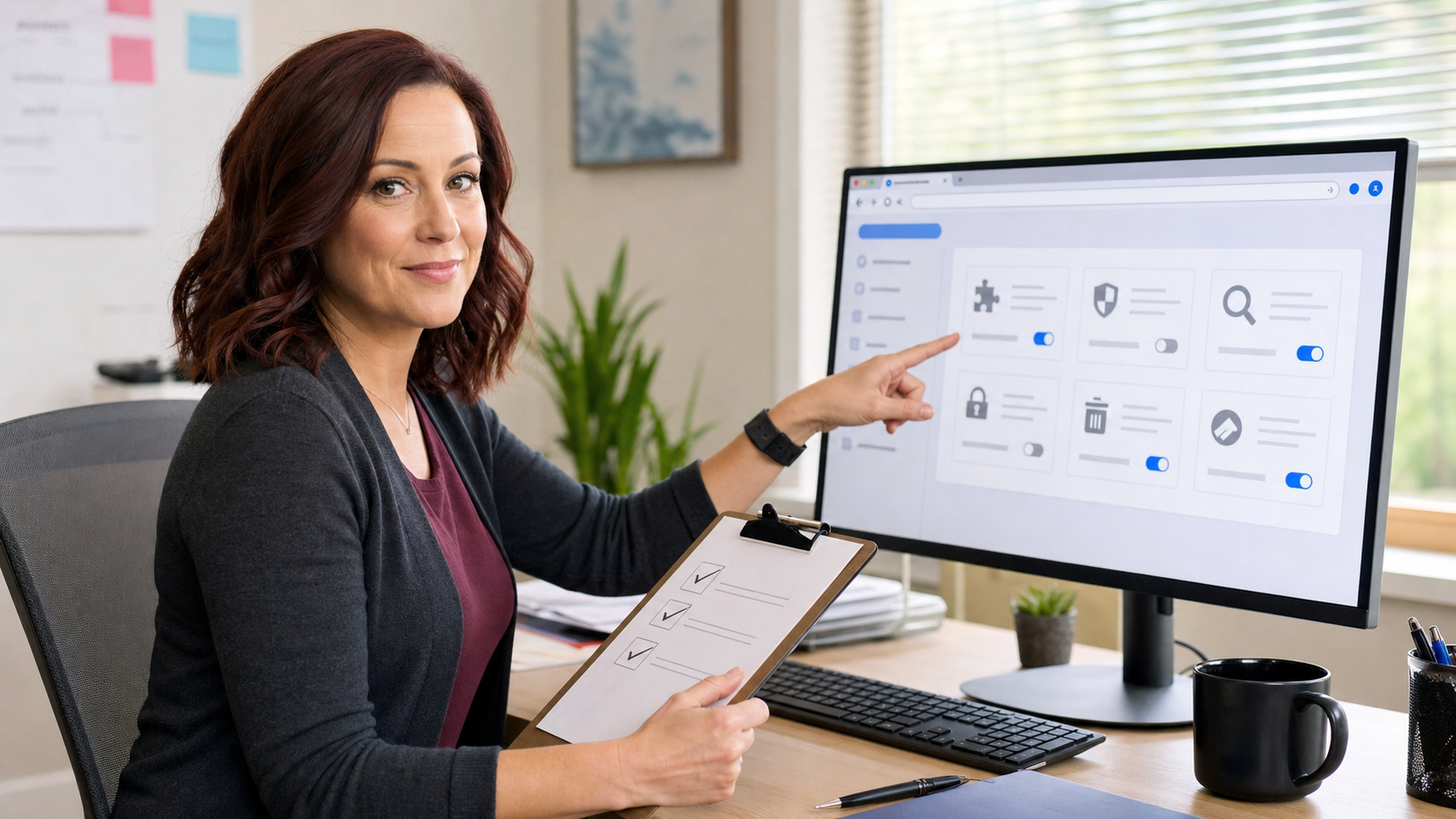
A 10-minute browser extension audit can remove forgotten add-ons, reduce privacy exposure, and keep sensitive business websites cleaner and safer.
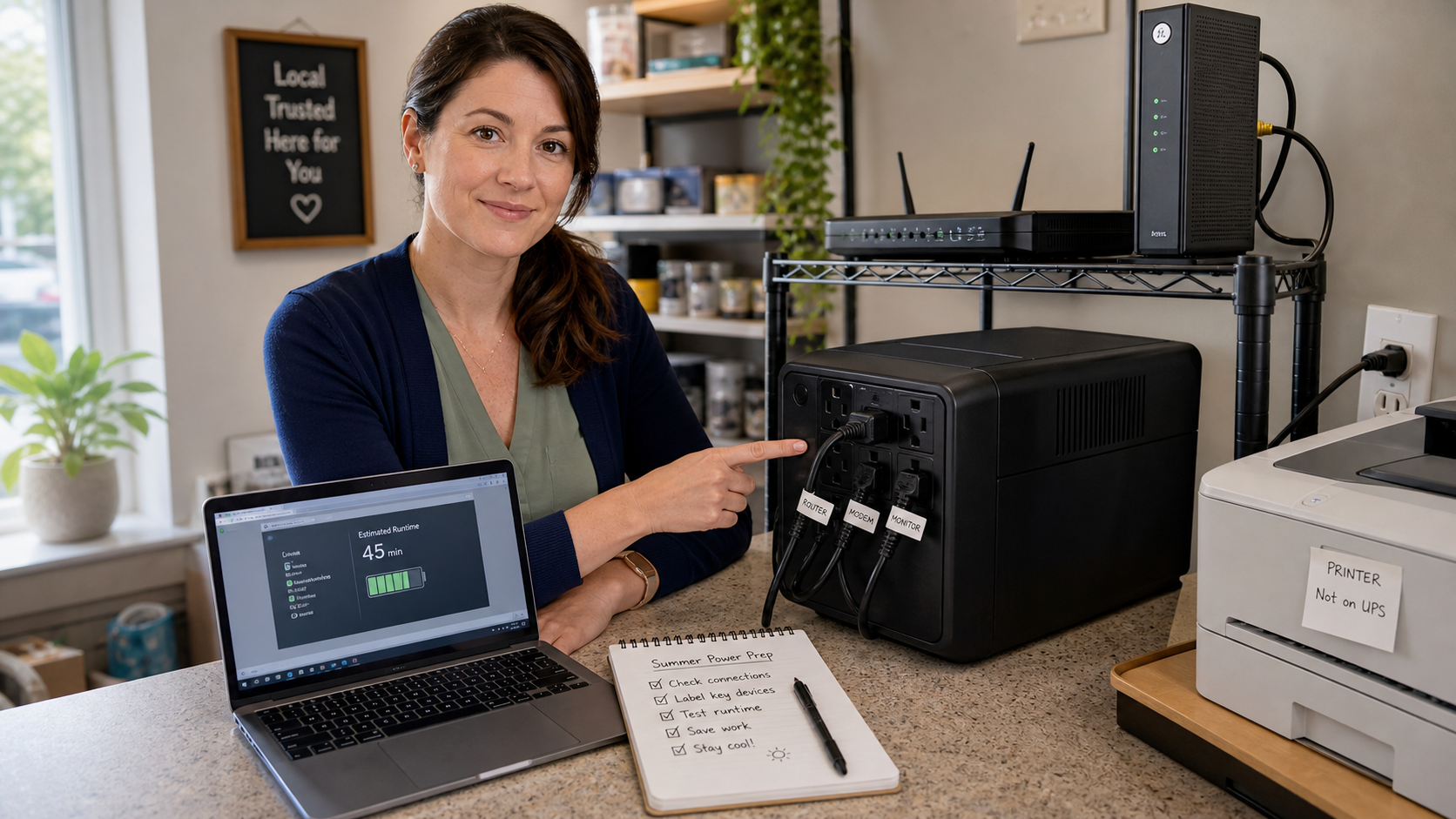
A UPS battery backup only helps if the right devices are plugged in, the battery still holds useful runtime, and your office knows how systems should shut down when power drops.
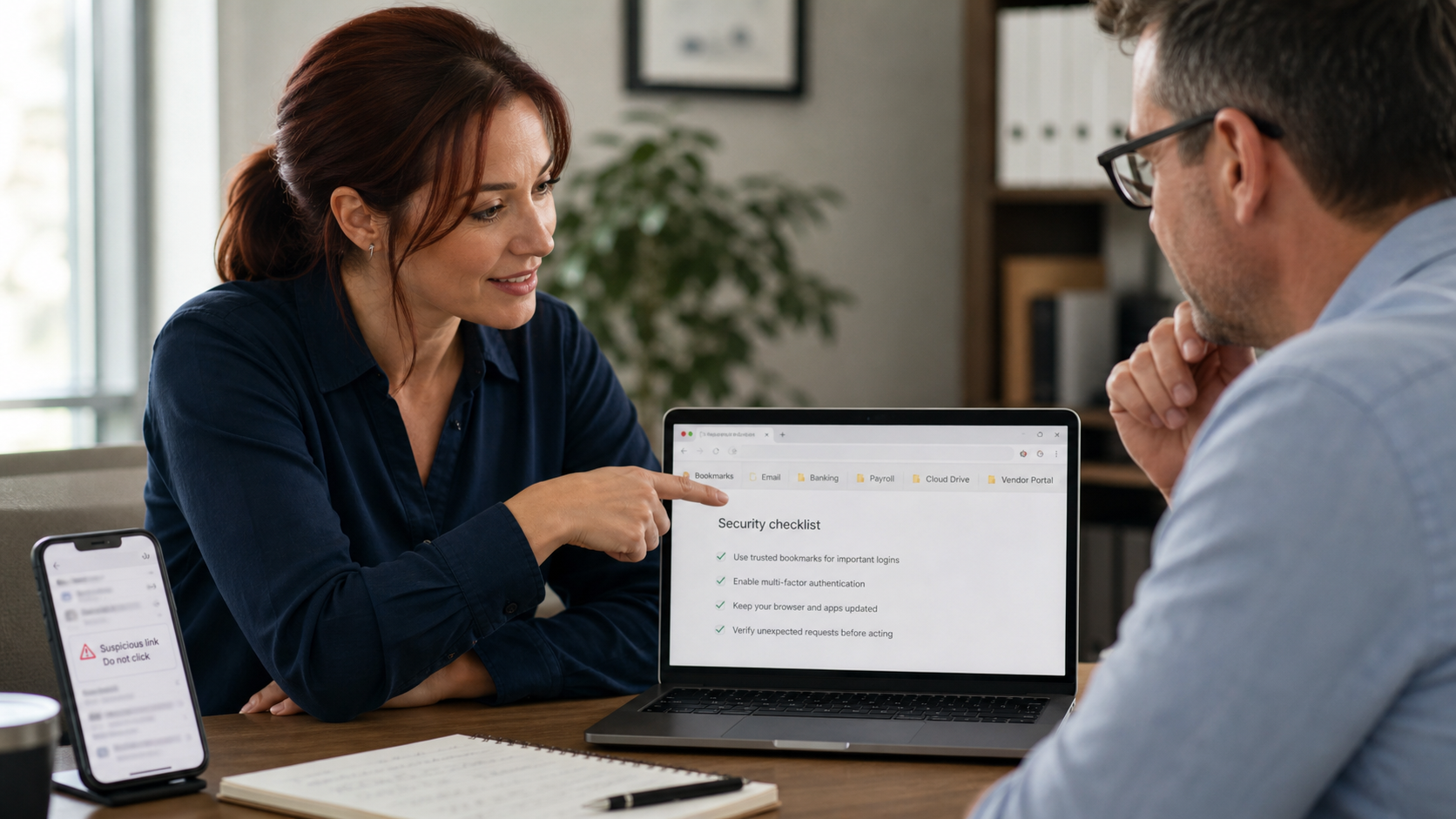
A small folder of trusted bookmarks gives you and your team a safer way back to banking, email, payroll, cloud files, and business portals when suspicious messages try to rush you into clicking.