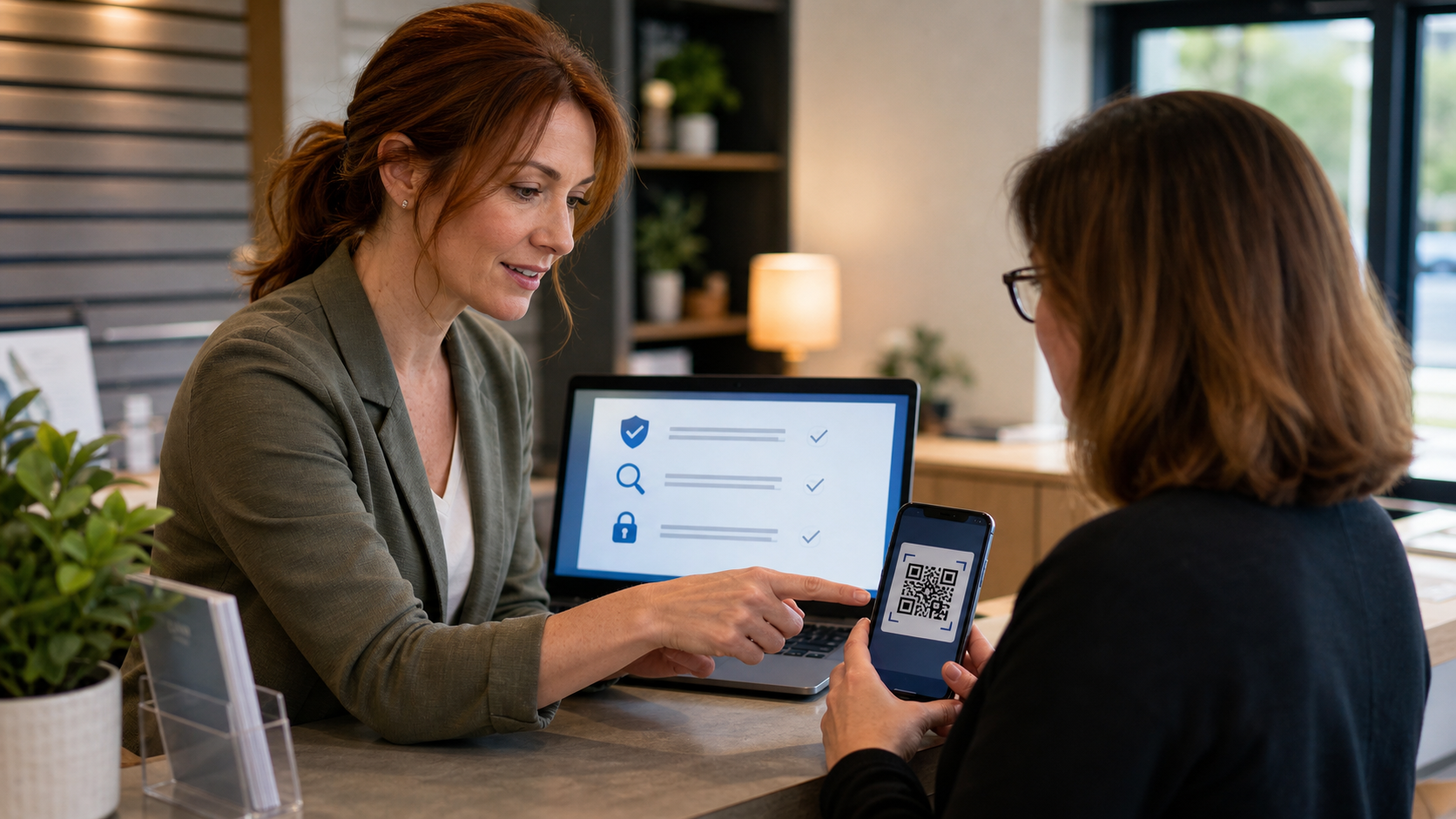
QR codes are useful because they remove typing. They are also risky for the same reason: you may not see where the code sends you until after your phone has already opened the link. For a home user, that can mean a fake package notice or a fake parking payment page. For a small business, it can mean a customer, employee, or bookkeeper being sent to a look-alike login page that steals a password or payment card.
The practical fix is not to stop using QR codes. The fix is to slow the scan down by a few seconds, preview the destination, and verify anything that asks for a login, payment, app install, or security code.
The 30-Second QR Code Safety Check
- Look at the physical code first. If it is on a sticker, parking meter, restaurant table, flyer, invoice, or front-door sign, check whether another sticker has been placed over the original. Tampered public QR codes are a known scam method.
- Preview the link before opening it. Most phone cameras show the destination URL before you tap. If the domain is misspelled, shortened, random-looking, or unrelated to the company, stop.
- Use the company app or typed website for money and logins. For parking, shipping, banking, Microsoft 365, Google, payroll, and payment portals, open the official app or type the known website instead of trusting a code from an email, text, poster, or package insert.
- Do not enter passwords from a QR code link unless you expected it. If the code claims your mailbox, Microsoft account, bank, delivery, or payroll account needs action, go through your normal bookmark or app.
- Pause on urgency. Messages that say your account will close, your package will be lost, your payment will fail, or your computer is infected are trying to rush you.
Where QR Codes Cause the Most Trouble
QR code scams usually work by hiding the real destination. The Federal Trade Commission warns that a harmful QR code can send people to a spoofed website that looks legitimate, or to a site that tries to steal passwords, credit card numbers, or other personal information. The FBI has also warned about criminals tampering with QR codes to redirect victims to malicious sites that steal login and financial information.
These are the situations I would treat as higher risk:
- Unexpected packages: A mystery package with a QR code asking you to scan for details, a review, a refund, or account verification should be treated carefully. The FTC has warned that unexpected-package QR codes can lead to phishing pages or malware.
- Parking meters and payment signs: A fake sticker can send payment to the wrong place or capture card details.
- Email attachments and invoices: QR codes in invoices, shared documents, and “secure message” emails are now common in phishing because they can bypass some email link scanning.
- Account setup and MFA: QR codes are legitimately used for authenticator apps, but only scan them from the real account security page you opened yourself.
- Public Wi-Fi signs: A QR code that joins Wi-Fi or installs a profile can change how your device connects. Use the business’s posted network name and ask staff if something looks off.
For Small Businesses: Make Your Own QR Codes Safer
If your business uses QR codes for menus, payments, reviews, Wi-Fi, forms, or appointment scheduling, a little upkeep helps customers trust them.
- Use a clear, branded landing page. The URL should obviously match your business website, not a random short link.
- Print the short website address under the code. Customers who do not trust the scan can type the address manually.
- Inspect public signs weekly. Look for stickers, swapped table tents, changed payment signs, or QR labels that do not match your design.
- Do not point QR codes directly to sensitive logins when avoidable. Send people to a normal page that explains what they are doing before they sign in or pay.
- Keep one source of truth. Track every public QR code, where it is posted, what URL it uses, and who owns that destination.
What Can Go Wrong
The biggest mistake is treating a QR code like a trusted identity. A QR code is just a pointer. It does not prove who created it, who placed it, or whether the destination changed after printing.
- Credential theft: A fake Microsoft, Google, bank, shipping, or payroll page can capture your username, password, and MFA code.
- Payment fraud: A fake payment page can collect card details or send money to the wrong account.
- Malware or risky apps: Some links push app installs, browser notifications, or device profiles that should not be trusted.
- Business reputation damage: If a customer scans a tampered sign in your lobby and loses money, they will still associate the problem with your business.
When to Call an IT Professional
Call for help quickly if someone entered a password, payment card, MFA code, bank information, or business email credentials after scanning a QR code. The same goes for a phone that installed an unfamiliar app, a browser that started sending strange notifications, or a business sign that may have been tampered with.
For a business, The IT Guys can help verify whether accounts were accessed, reset exposed passwords, check Microsoft 365 or Google sign-in logs, review payment and email rules, clean up browser notifications, and build safer QR-code landing pages that customers can verify.
A Simple Rule to Remember
If a QR code asks you to sign in, pay, install, approve, or hurry, do not trust the code by itself. Preview the link, verify the domain, and use the official app or saved bookmark for anything sensitive.