Quick Tech Tip: Turn On Lost-Device Recovery Before A Phone Or Laptop Disappears

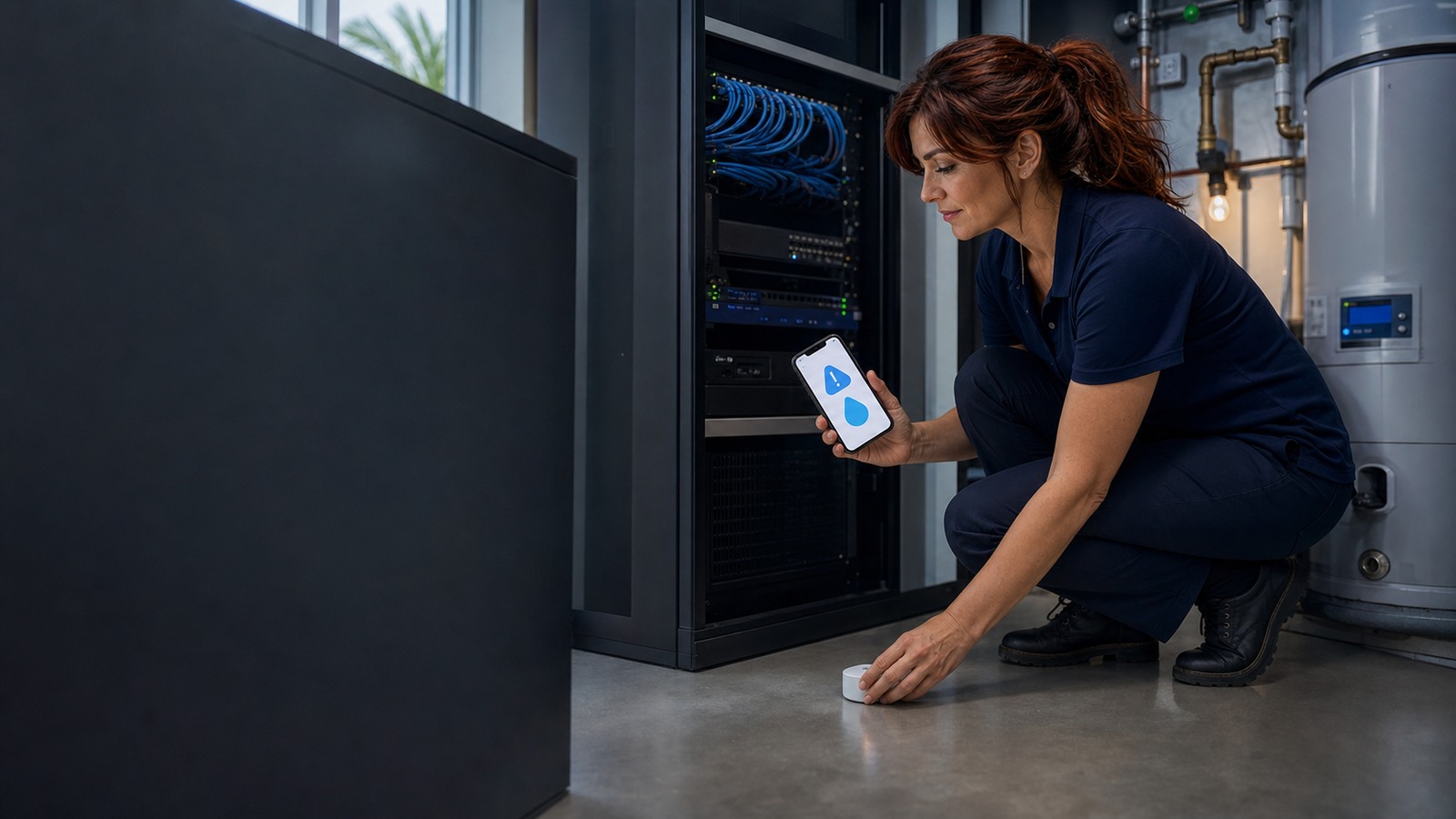
Jennifer IT assistant showing lost-device recovery settings on a laptop and phone for a small business

A lost phone or laptop is much easier to handle when Find My, Find My Device, Windows Find my device, screen locks, recovery options, and a business response plan are already in place.

read more →

The Internet of Bodies Is Already Here: How IoB Can Help Us, Warn Us, And Put Our Privacy At Risk

A calm half human half robotic person representing the Internet of Bodies and connected health technology

The Internet of Bodies connects wearables, medical devices, health apps, and future implants to the internet. Here is what IoB can improve, what it can warn us about, and what families and small businesses should secure now.

read more →

How To Prolong The Life Of Your SSD Or NVMe Drive

Jennifer, a friendly IT assistant, holding an NVMe SSD beside an open desktop PC, drive health dashboard, heatsink, thermal pad, and backup drive

Practical Windows 11 and Windows 10 guidance for keeping SSDs and NVMe drives healthy: TRIM, free space, firmware, thermals, heatsinks, SMART monitoring, and backups.

read more →

Quick Tech Tip: Check QR Codes Before You Scan Or Pay

Jennifer IT assistant showing a phone QR code preview warning at a small business counter

Before you scan a QR code and enter a password, payment card, or verification code, preview the link, check for tampering, and use the official app or website when anything feels off.

read more →

Windows 11 25H2 Is Out: Newer Features, What Changed, And How To Download It

News-style Windows 11 25H2 hero image with a four-pane window logo and large 25H2 text

Windows 11 version 25H2 is broadly available, but it is an enablement-package style release for 24H2 PCs. Here is what changed, who should install it now, and the safest download paths.

read more →