Quick Tech Tip: Put Guest Wi-Fi And Smart Devices On Their Own Network
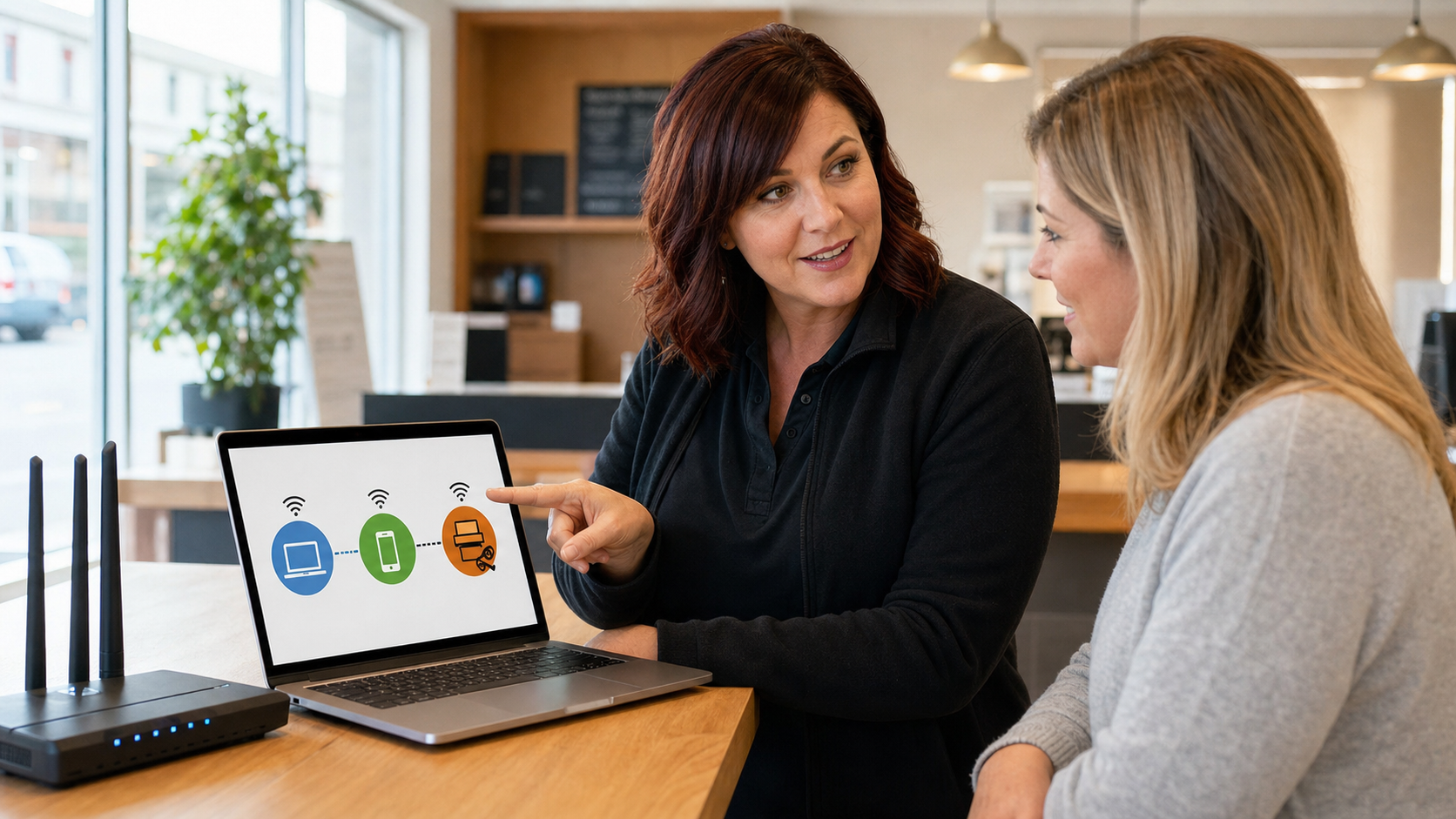
A separate guest and smart-device Wi-Fi setup can keep customer phones, TVs, cameras, and gadgets away from staff computers, printers, files, and business systems.
A separate guest and smart-device Wi-Fi setup can keep customer phones, TVs, cameras, and gadgets away from staff computers, printers, files, and business systems.
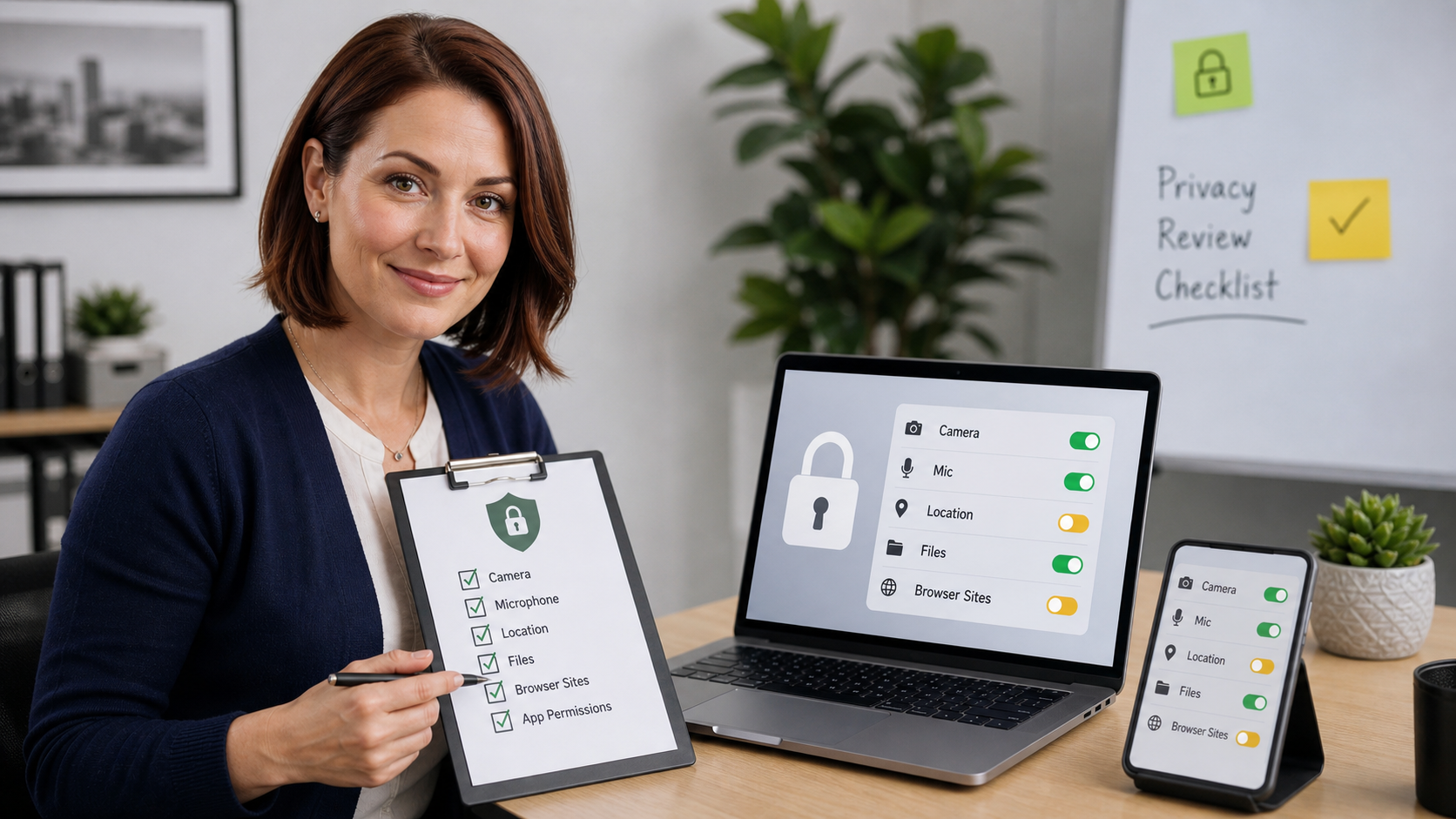
A ten-minute app and browser permission review can remove old camera, microphone, location, contact, photo, and file access without breaking the tools you still need.
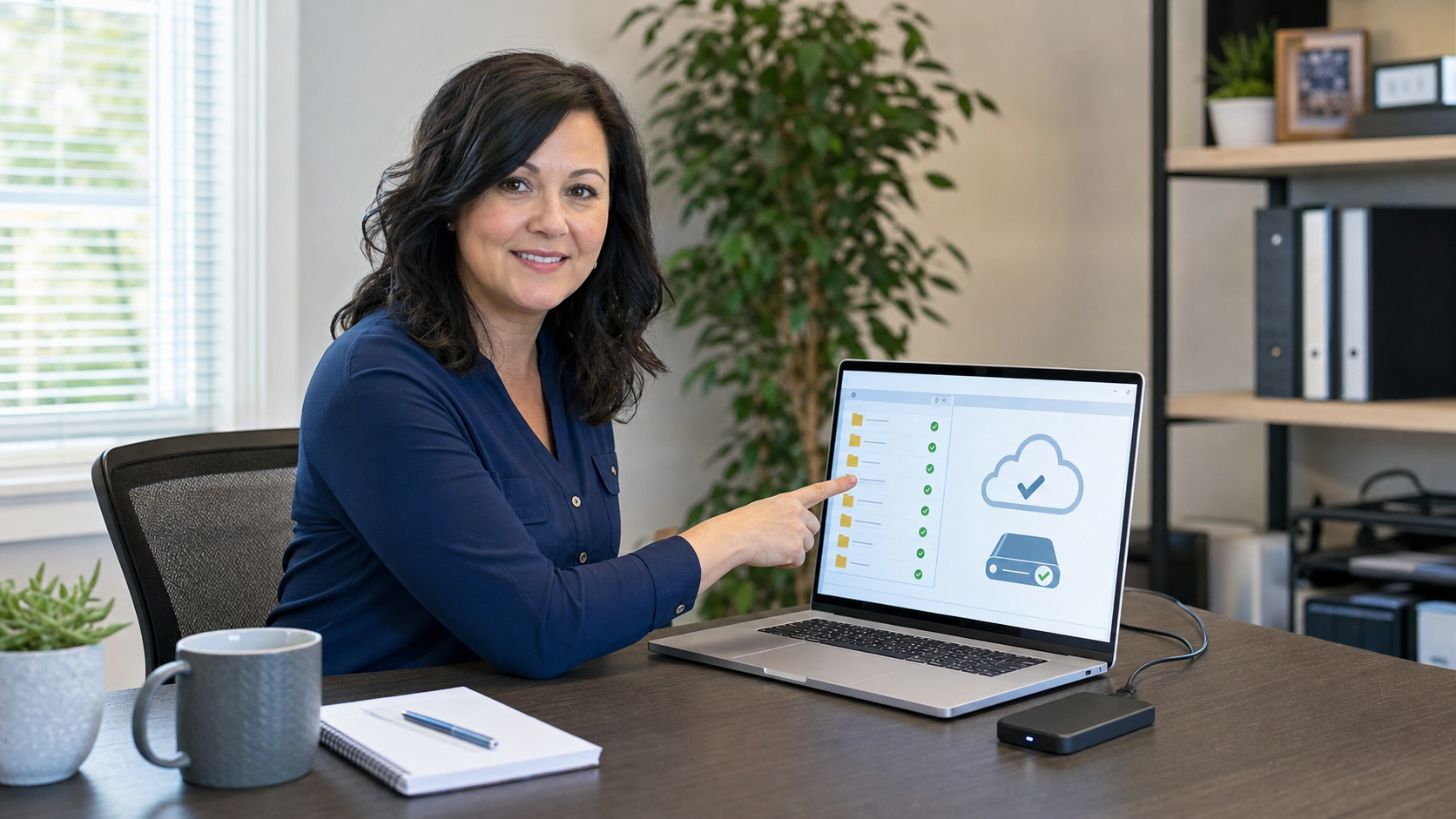
A simple ten-minute backup check can catch paused sync apps, wrong folders, full cloud storage, and missing offline backups before a laptop failure or ransomware incident turns into a crisis.
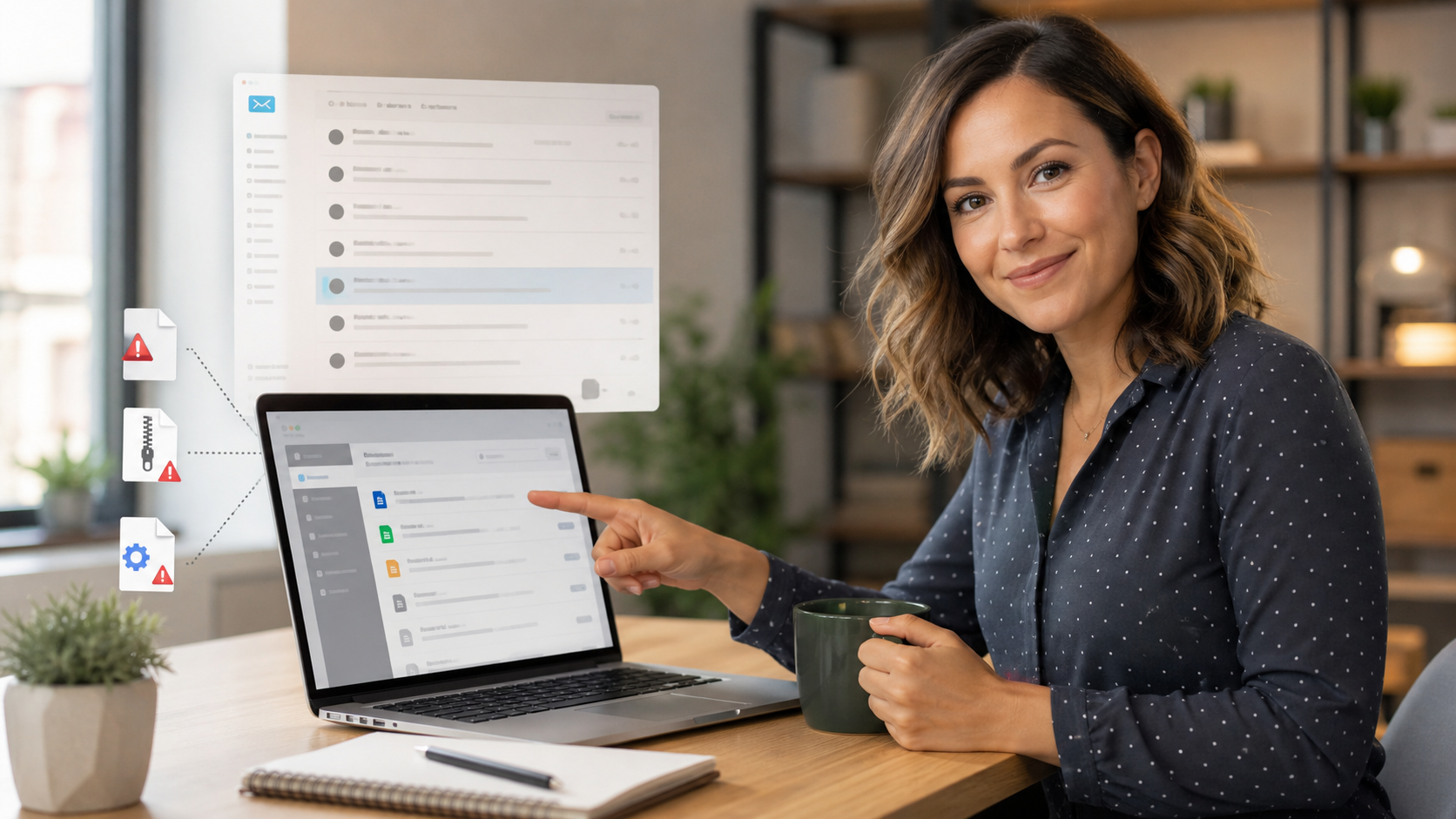
Turn on file name extensions in Windows or macOS so fake invoices, resumes, scanner files, and double-extension attachments are easier to catch before someone opens them.
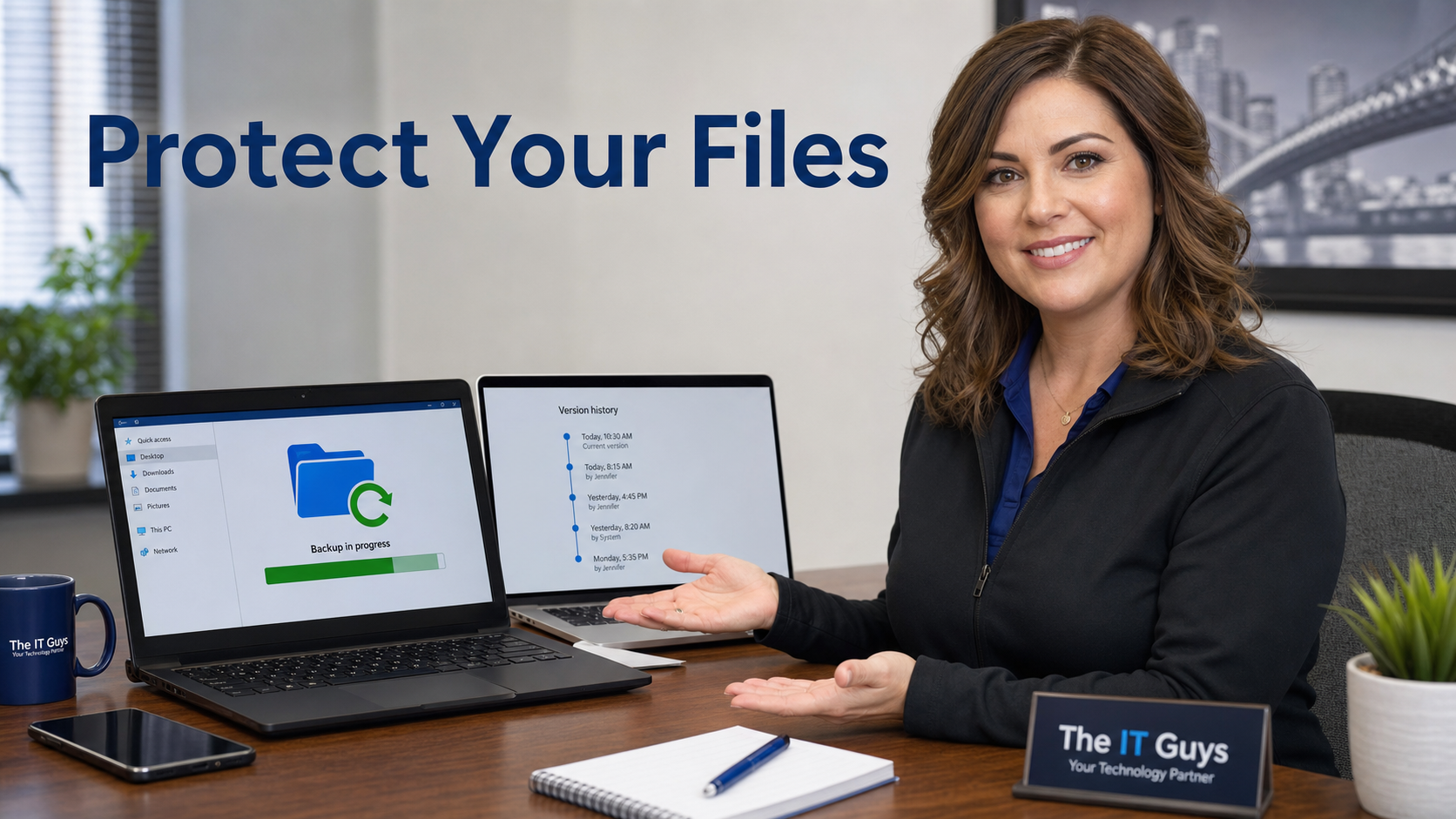
Before ransomware, accidental deletion, or a bad sync causes trouble, verify protected folders, cloud version history, and at least one real backup with a quick restore test.
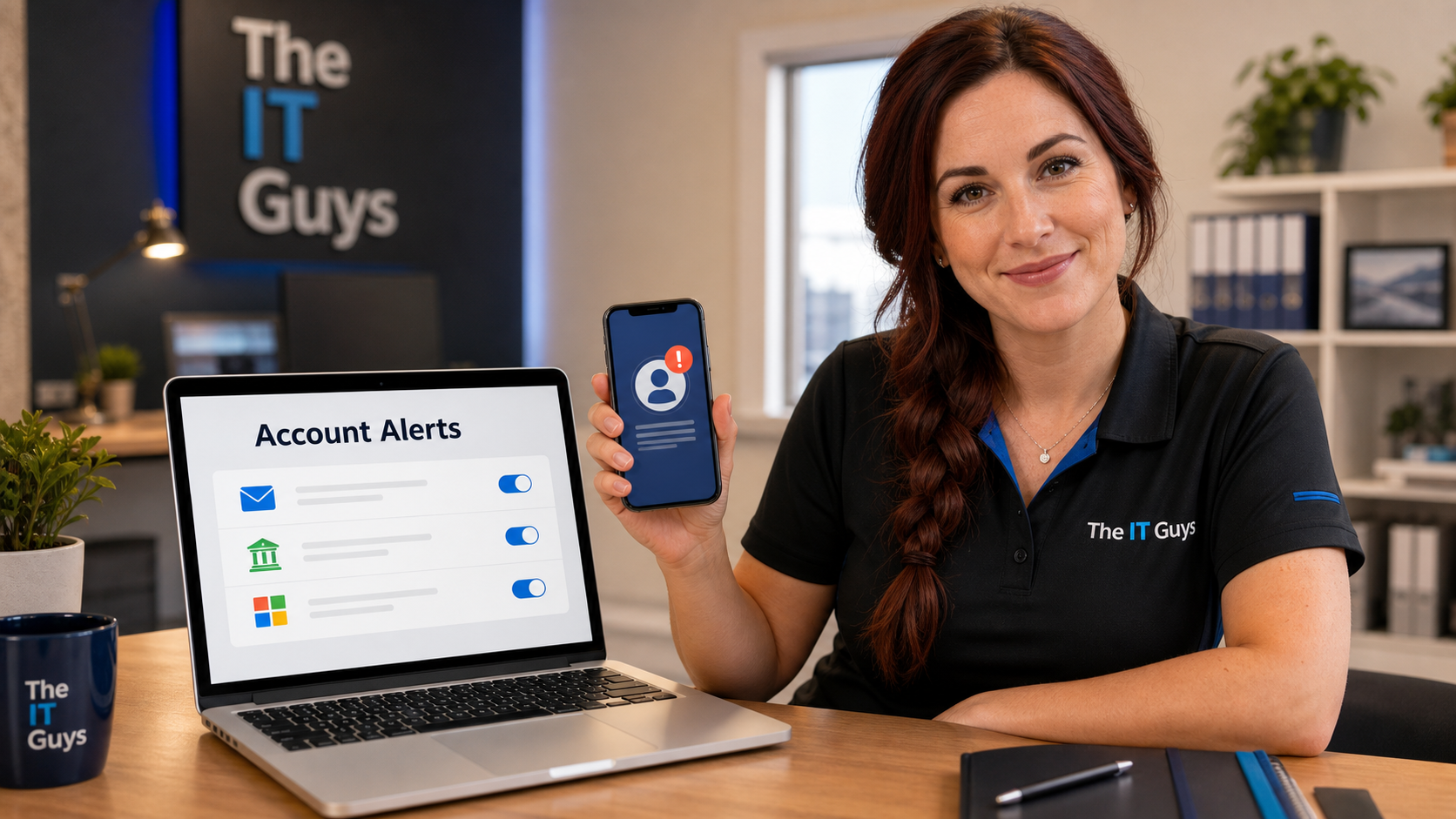
Security, payment, and admin account alerts can give you an early warning when someone signs in, changes recovery information, adds a device, or moves money.
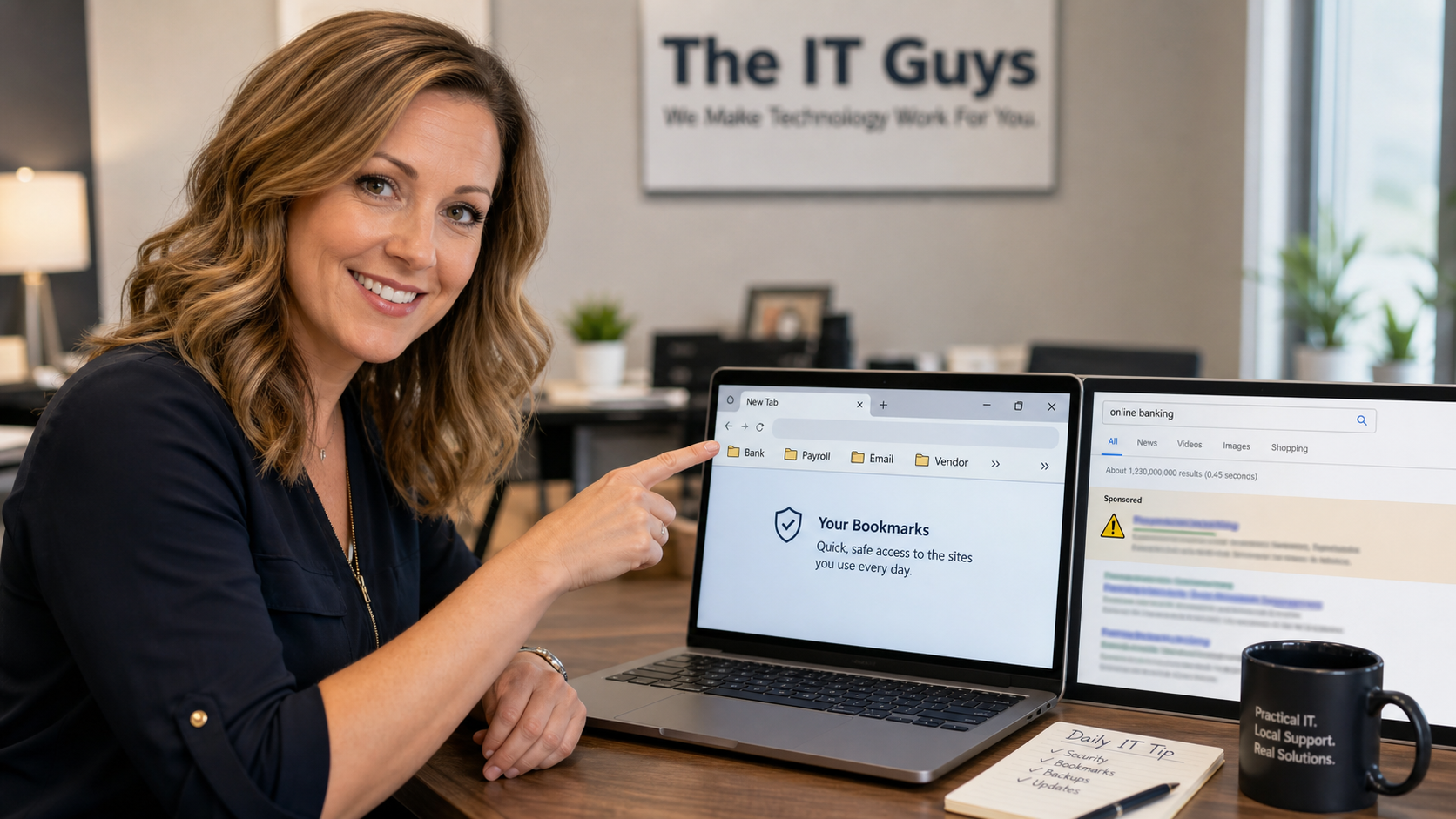
A simple daily habit can prevent expensive login mistakes: save verified bookmarks for banking, payroll, Microsoft 365, vendor portals, and other sensitive accounts instead of searching for them every time.
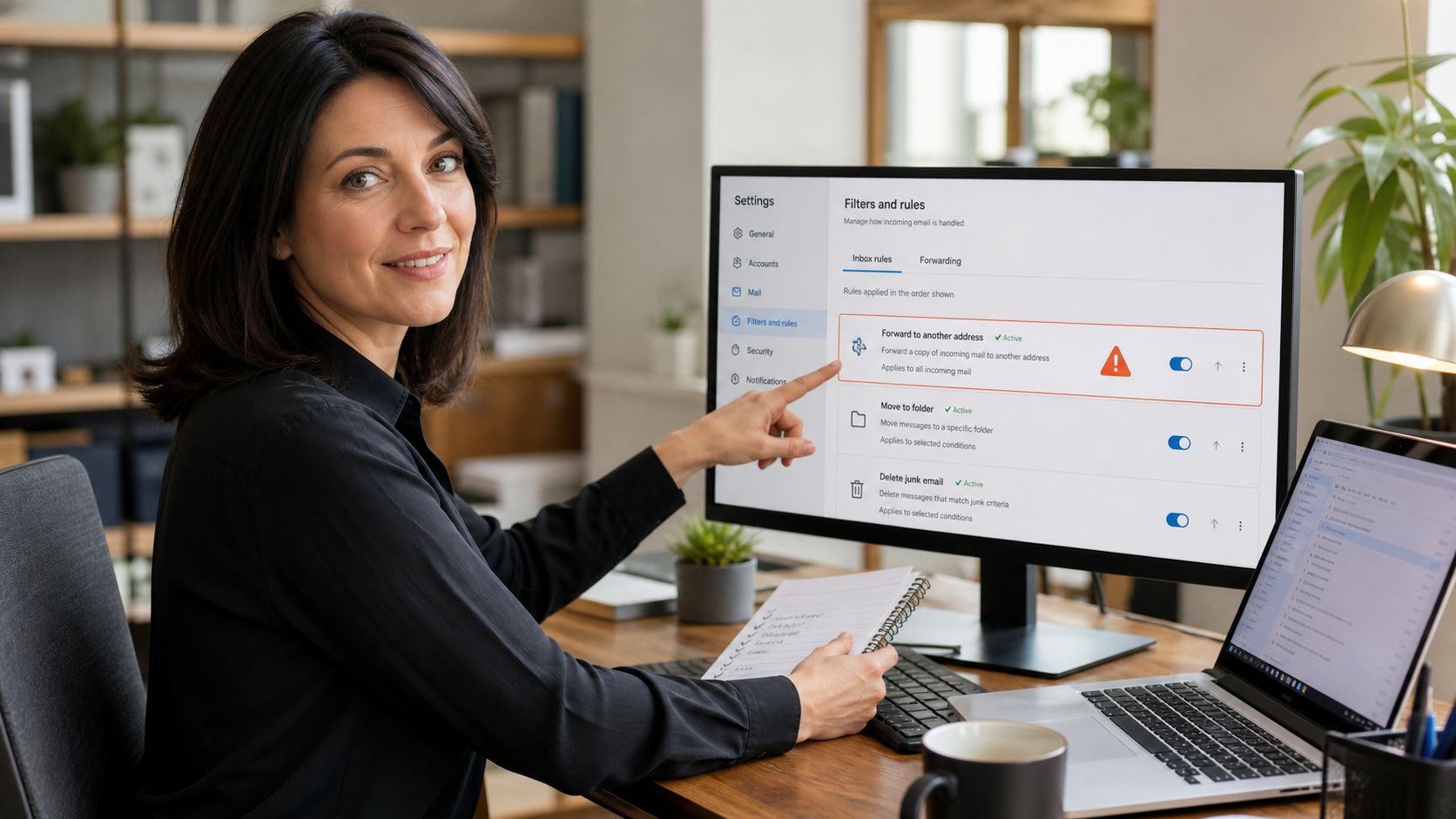
A practical ten-minute check for Gmail, Outlook, and business email accounts: review forwarding rules, inbox rules, and filters so hidden settings do not keep leaking messages after an account compromise.
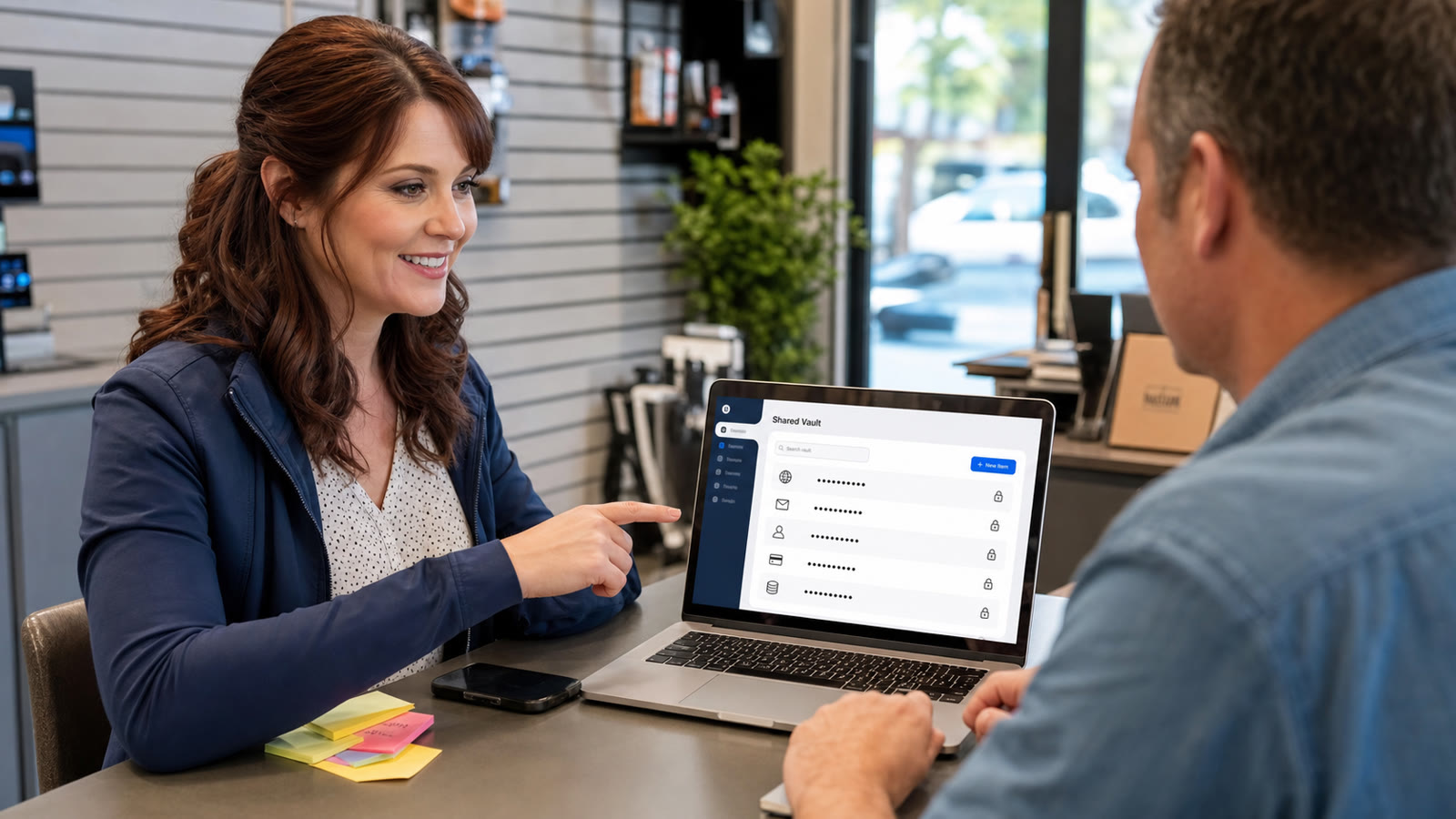
A practical password-sharing cleanup for families and small businesses: move shared logins out of texts, spreadsheets, sticky notes, and screenshots, then protect them with a password manager shared vault and MFA.