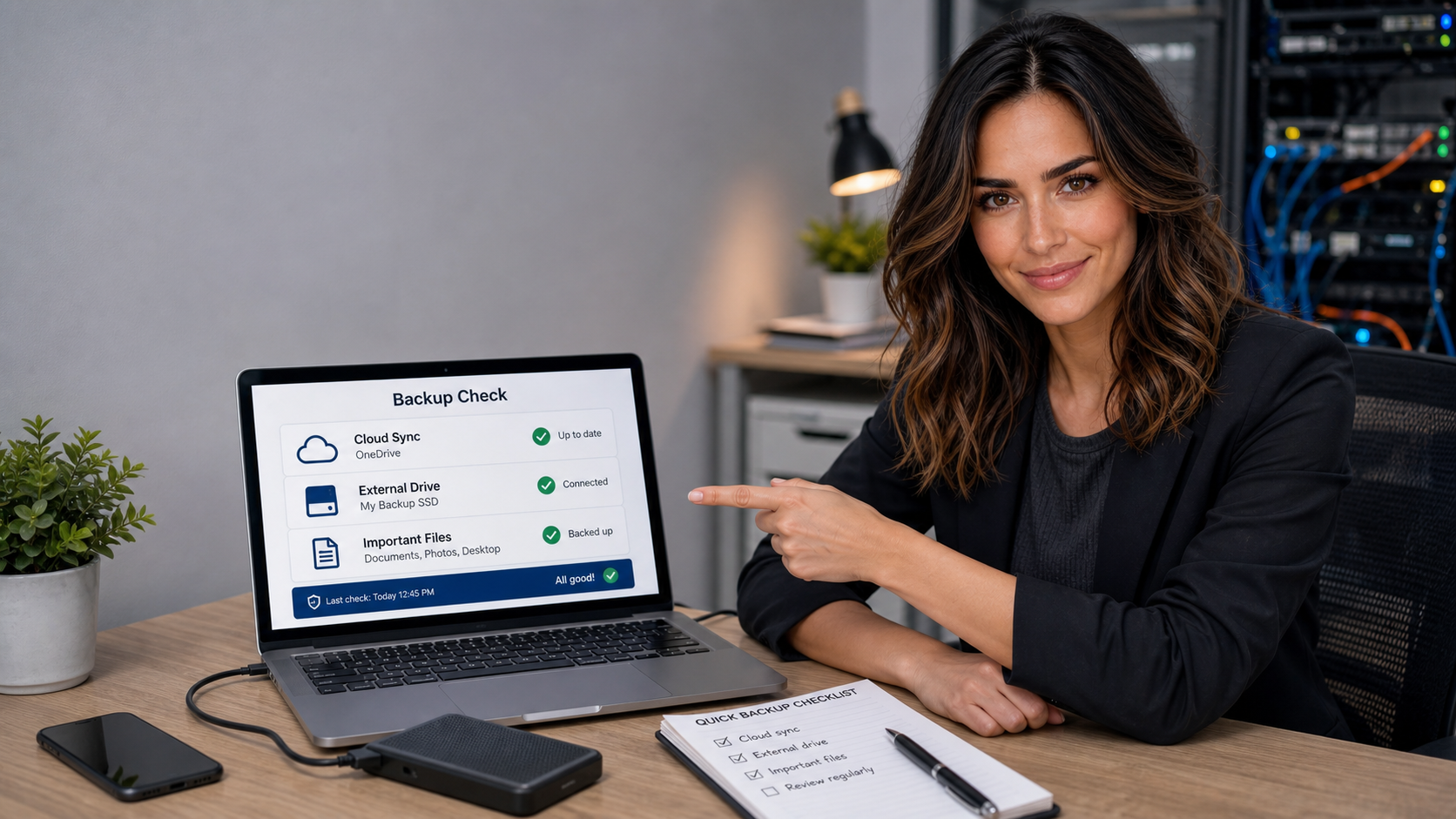
Quick Tech Tip: Make Sure Your Important Folders Are Actually Backed Up

Jennifer from The IT Guys checking cloud backup folders and an external drive on a small business laptop.

A simple ten-minute backup check can catch paused sync apps, wrong folders, full cloud storage, and missing offline backups before a laptop failure or ransomware incident turns into a crisis.

read more →

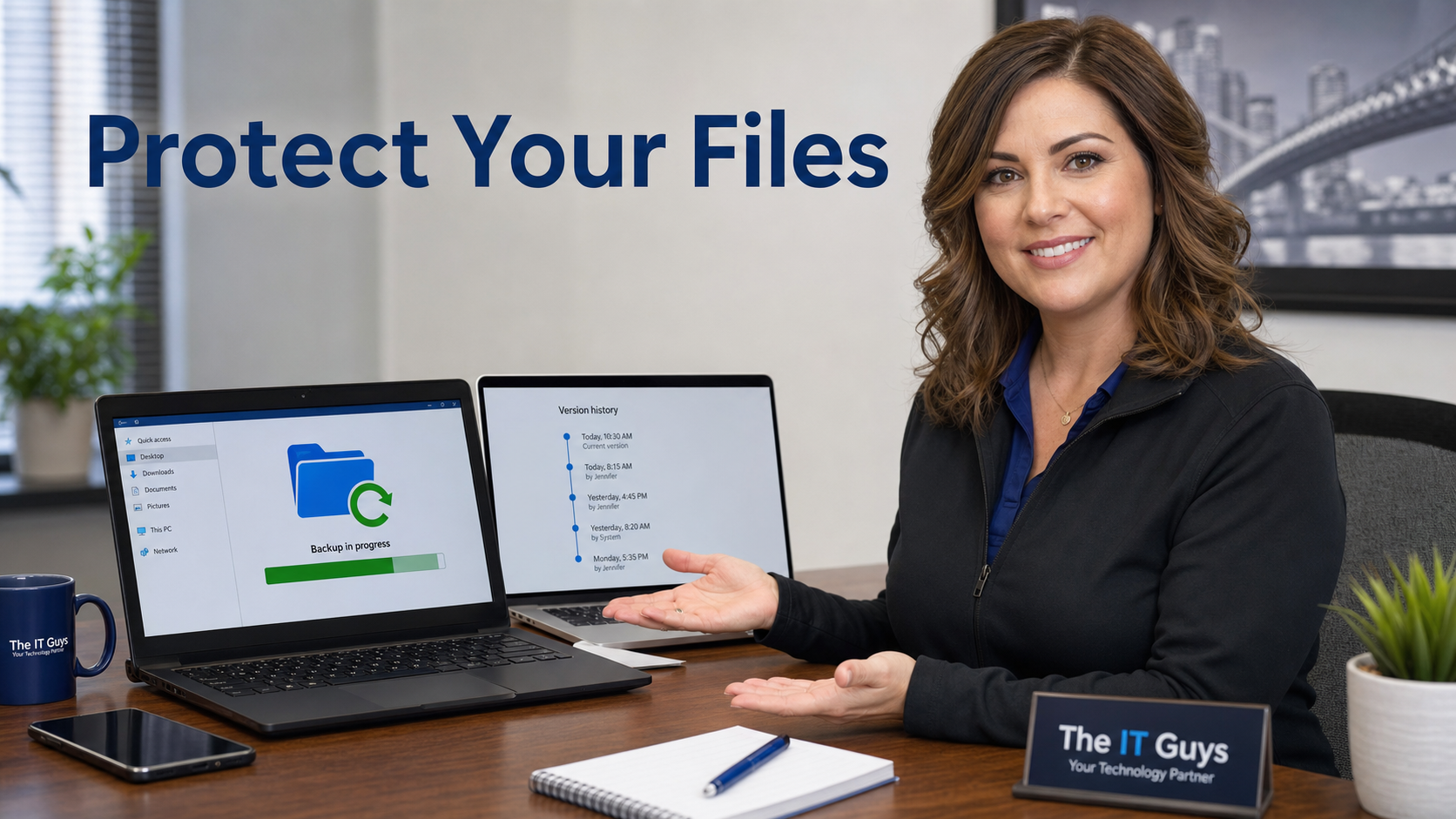
Quick Tech Tip: Make Sure Your Important Files Can Be Restored

Jennifer from The IT Guys helping a small business protect important files with backup, version history, and ransomware recovery settings.

Before ransomware, accidental deletion, or a bad sync causes trouble, verify protected folders, cloud version history, and at least one real backup with a quick restore test.

read more →

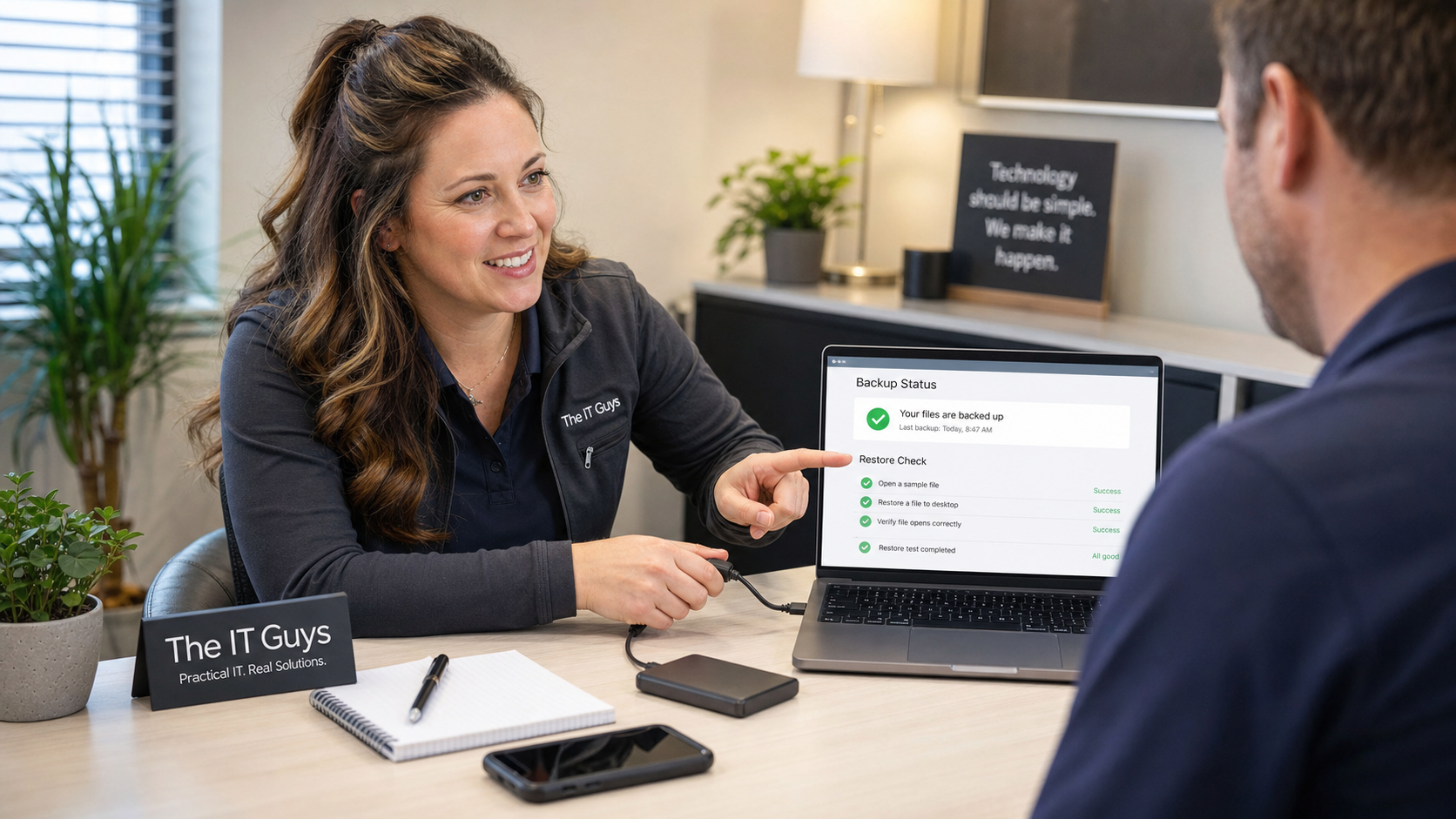
Quick Tech Tip: Test One File Restore Before You Trust Your Backups

Jennifer helping a small business owner test a file restore from local and cloud backups

A practical 15-minute restore test for home users and small businesses: recover one harmless file, open it, check the date, and find backup problems before an emergency.

read more →

Quick Tech Tip: Check Cloud File Version History Before One Bad Save Ruins Your Day

Jennifer pointing to a cloud file version history timeline on a laptop in a small business office

A practical 10-minute drill for finding OneDrive, SharePoint, and Google Drive version history before accidental overwrites, sync mistakes, or ransomware-style damage become a crisis.

read more →

Quick Tech Tip: Check Cloud File Sharing Links Before They Spread Too Far

Jennifer reviewing cloud file sharing permissions with named users, locked folders, and expiring links

A practical 10-minute checklist for reviewing OneDrive, SharePoint, and Google Drive sharing links: remove old public links, use named people, lower editor access, and add expiration dates where available.

read more →