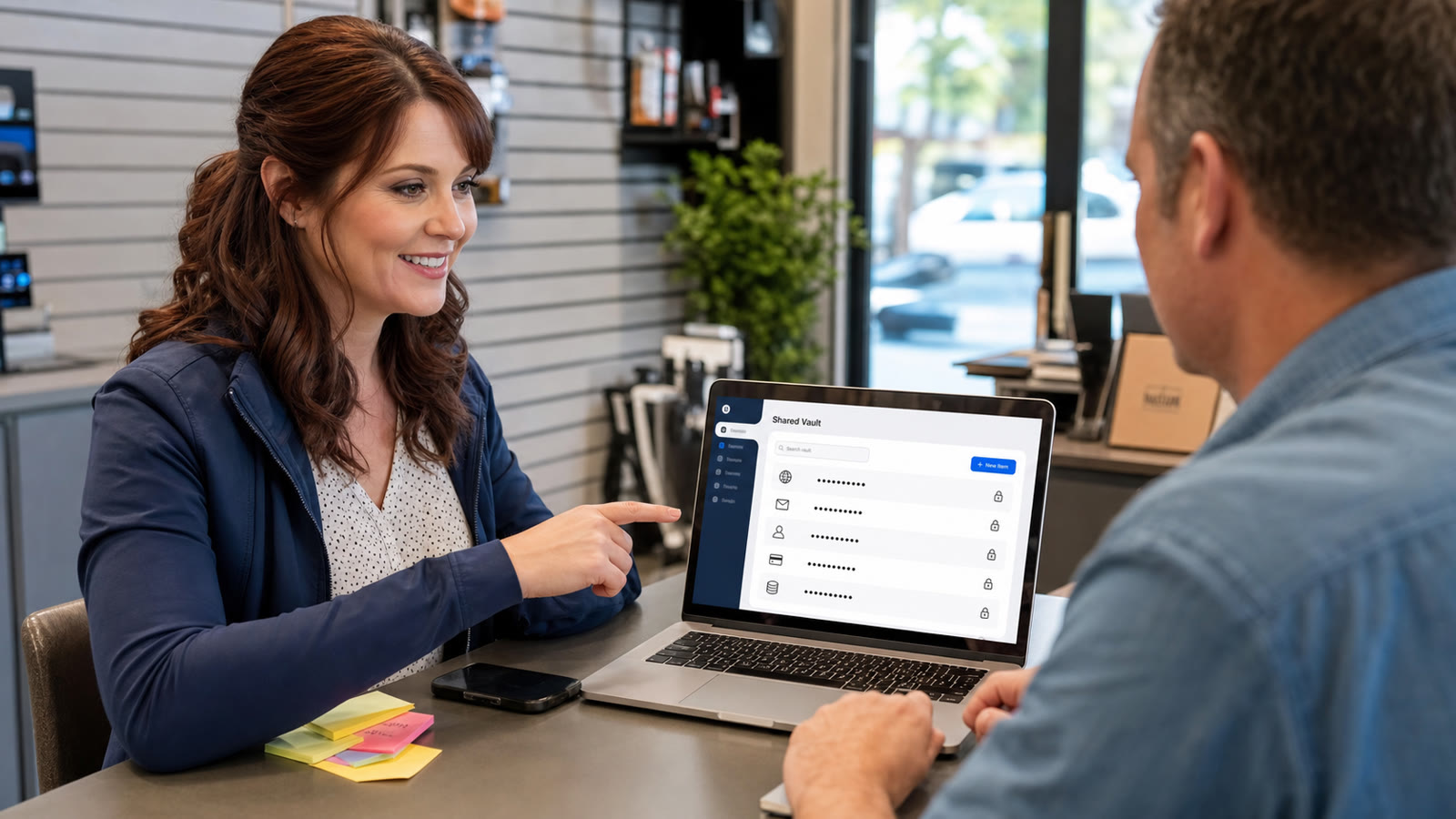
Practical tech tip for May 30, 2026: stop sending passwords through text messages, email, sticky notes, screenshots, or shared spreadsheets. If two or more people need access to the same account, use a password manager with a shared vault or secure sharing feature instead.
This matters for regular families, home offices, and small businesses. A shared Netflix password is annoying when it gets lost. A shared business email, bank login, website admin account, social media account, vendor portal, QuickBooks login, domain registrar account, or point-of-sale password can become a real operational problem if it is reused, copied into a chat thread, or still known by someone who should no longer have access.
Why Password Sharing Gets Messy Fast
Most password problems do not start with a dramatic breach. They start with convenience. Someone needs the copier admin password, the website login, the Wi-Fi portal account, the payroll portal, or the vendor account right now, so the password gets sent in a text or email. Later, the password changes, but the old message remains. An employee leaves, but nobody remembers every account they could access. A phone gets lost, but old screenshots and chats are still on it.
CISA’s Secure Our World guidance recommends strong, unique passwords and says using a password manager is one of the easiest ways to protect accounts. The National Cybersecurity Alliance gives similar guidance: long, unique, random passwords are hard to manage by memory, and a password manager helps generate, store, and autofill them securely. For small businesses, the practical lesson is simple: the safer workflow is usually also the cleaner workflow.
What A Shared Vault Does
A password manager stores logins in an encrypted vault. Many password managers also let you create separate vaults or collections for specific people, teams, or purposes. Instead of telling someone the password in a message, you give that person access to the item or vault. When they no longer need access, you remove their access from the vault and change any passwords that may have been exposed outside the manager.
For a home, that might mean one shared family vault for streaming, utilities, travel, and household accounts. For a small business, it might mean one vault for owners, one for front desk tools, one for website/vendor accounts, and one for accounting systems. The goal is not to dump every password into one giant bucket. The goal is to give the right people access to the right logins without spreading passwords all over phones, email inboxes, and paper notes.
Step-By-Step: Make Password Sharing Safer This Week
- Pick one password manager. Choose a reputable password manager that supports your devices and has sharing or team/family vault features. Built-in browser password managers can be useful, but a dedicated password manager often has better sharing, recovery, auditing, and cross-device controls for families and businesses.
- Create a strong master password or passphrase. This is the one password you must protect carefully. Make it long, unique, and not reused anywhere else. Do not store it in the same email account that could be lost if the vault is unavailable.
- Turn on multifactor authentication for the password manager. Use an authenticator app, security key, passkey, or another strong second factor when available. A password manager protects many accounts, so its own login deserves extra protection.
- Create separate vaults by purpose. For example: Owners, Office Staff, Website/Admin, Accounting, Household, or Vendors. Avoid giving everyone access to everything just because it is faster today.
- Move the most important shared passwords first. Start with email admin accounts, website hosting, domain registrar, banking, payroll, bookkeeping, social media, vendor portals, and any account that could interrupt business if lost.
- Replace weak or reused passwords as you add them. Use the password manager’s generator to create long, random, unique passwords. The National Cybersecurity Alliance recommends passwords that are at least 16 characters long, unique to each account, and random.
- Share through the manager, not by copying the password. Use the password manager’s built-in share, vault, family, or team feature. Avoid pasting passwords into text messages, email, chat apps, screenshots, or shared documents.
- Clean up the old copies. Delete old password notes, spreadsheets, pinned chat messages, screenshots, and printed lists where practical. If a password has been sitting in old messages for a long time, change it after moving it into the vault.
- Write down the recovery process. Store recovery codes, emergency access instructions, or account recovery details in a secure offline place, such as a safe. Do not rely on one person being the only one who knows how to get into critical business accounts.
- Review access when people change roles. When an employee, contractor, volunteer, family member, or vendor no longer needs access, remove them from the shared vault and change any passwords they may have directly known.
A Small Business Example
Imagine a local office with a website login, domain registrar, Microsoft 365 admin account, Facebook page, scheduling app, payroll portal, printer admin password, QuickBooks-related services, and a few vendor portals. If those passwords live in a spreadsheet named “Logins.xlsx,” the business has several problems at once: no clean access control, no easy way to know who copied it, no reliable offboarding process, and a high chance that at least some passwords are reused.
A better setup is to move those credentials into a business password manager, separate owner-only accounts from staff accounts, enable MFA, and change the most important passwords during the move. That gives the business a cleaner way to onboard help, remove access later, and recover accounts when someone is unavailable.
Important Cautions
Do not put the master password in the vault itself. If the only copy of your master password or recovery key is stored inside the locked vault, you may be stuck during an emergency.
Do not use one shared login when individual accounts are available. For business tools like Microsoft 365, Google Workspace, bookkeeping, payroll, point-of-sale, and website admin systems, individual user accounts are usually better than everyone sharing one login. Shared vaults are useful, but they do not replace proper user accounts and role-based access.
Do not skip MFA just because the password is strong. Strong passwords help, but multifactor authentication adds another layer if a password is phished, reused, leaked, or typed into the wrong page.
Do not ignore recovery planning. Many reputable password managers use designs where the provider cannot simply reveal your master password if you forget it. That is good for security, but it means you need recovery codes, emergency access, account ownership records, or a documented recovery process.
What Can Go Wrong
- Someone forgets the master password: recovery may be limited, especially with zero-knowledge password managers. Plan recovery before there is a crisis.
- The wrong person gets vault access: separate sensitive logins by vault or role instead of sharing one large collection with everyone.
- Passwords stay in old messages: moving passwords into a manager does not remove old copies. Change passwords that were previously exposed in email, text, or screenshots.
- Autofill fills the wrong site: always check the website address before logging in, especially for banking, email, payroll, and admin portals.
- A shared account hides accountability: when possible, create individual accounts so actions can be traced to the right person.
- Business continuity depends on one person: if only one owner knows the vault, recovery codes, and billing email, the business can get locked out during illness, travel, staff turnover, or emergencies.
When To Call The IT Guys
Call The IT Guys if your business has passwords scattered across paper notes, spreadsheets, email, text messages, browser profiles, or old employee devices. It is also worth calling if you are not sure which password manager fits your setup, if you need to migrate a team without breaking access, or if important accounts need MFA, recovery cleanup, or role-based user accounts.
You should also ask for help if someone left the company and still knows key passwords, if a shared account was used by multiple people for sensitive work, if a password was sent to the wrong person, or if you suspect a login was phished. In those cases, the fix may include changing passwords, revoking sessions, checking mailbox rules, reviewing admin users, and securing recovery methods.
Useful Source Links
- CISA: Use Strong Passwords
- CISA: Secure Our World Passwords Tip Sheet
- National Cybersecurity Alliance: How To Create Strong Passwords
- National Cybersecurity Alliance: What Is A Password Manager?
- NIST SP 800-63B: Authentication And Password Guidance
- Google Account Help: Manage Passwords
- Microsoft Learn: Password Manager Security In Microsoft Edge
Quick Takeaway
If a password is important enough to share, it is important enough to share safely. Put shared logins in a password manager, protect the vault with MFA, separate access by role, clean up old copies, and plan account recovery before you need it.
Related Reading
- Quick Tech Tip: Check Email Forwarding Rules Before They Leak Your Messages – a practical follow-up checklist readers can use right away
- Quick Tech Tip: Check Your Browser Extensions Before They Cause Trouble – a practical follow-up checklist readers can use right away
- Important Tech News Roundup for May 28, 2026: AI Safeguards, Privacy Risks, Supply Chain Security, and AI Infrastructure – more practical technology and security context from The IT Guys
FAQ
Who is this guide for?
This article is written for regular home users and small businesses that want practical technology guidance without unnecessary jargon.
What should I check before following the steps?
Make sure the instructions match your device, account, software version, and business requirements. If something looks different, pause before guessing.
When should I ask for help?
If the device or account is important for work, contains sensitive data, or the change could affect backups, email, payments, or customer access, it is worth getting help first.