

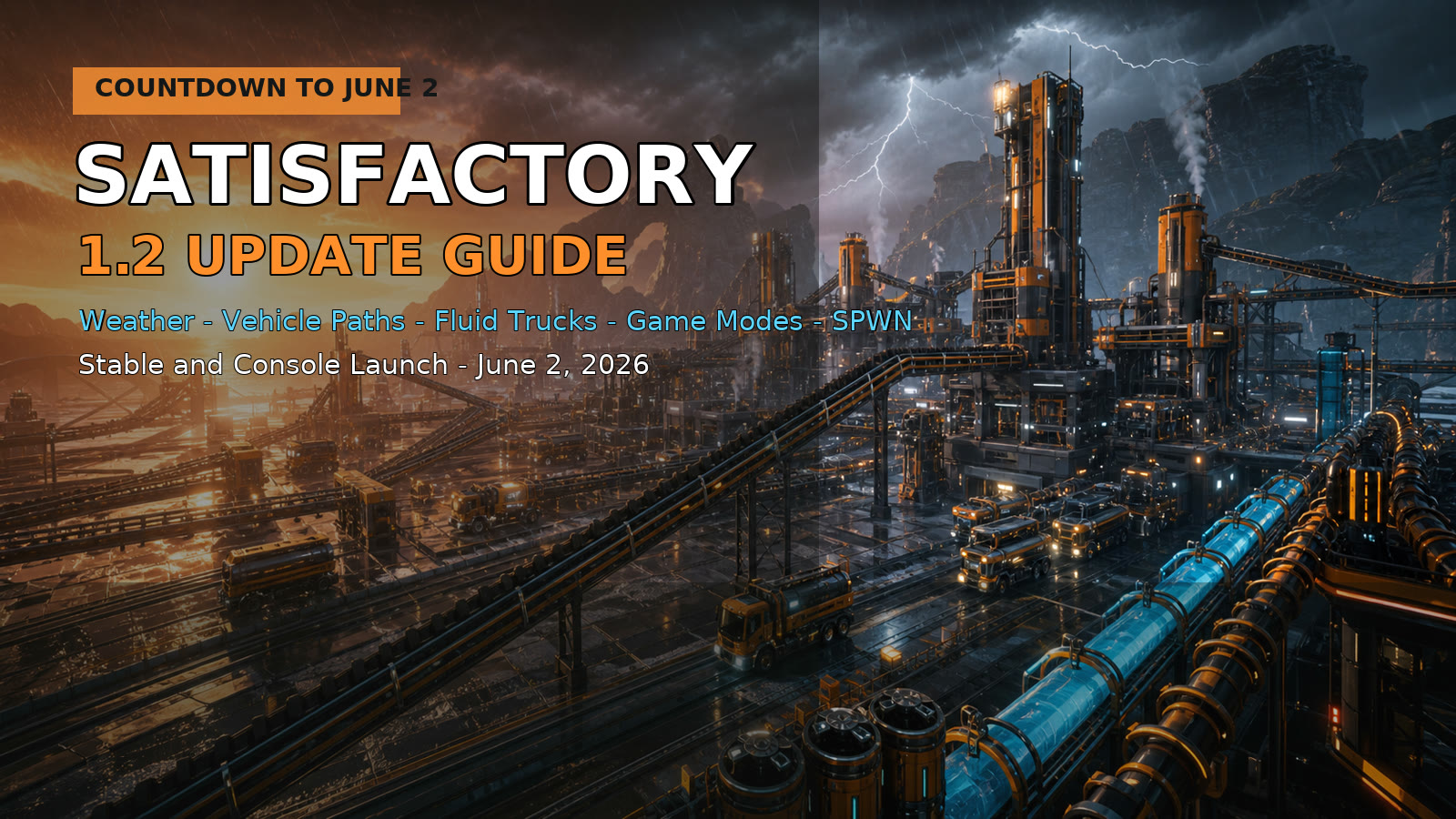
Updated May 30, 2026: Satisfactory 1.2 is scheduled to move from Experimental to the stable/live branch on Tuesday, June 2, 2026, and this is not a tiny tune-up. Coffee Stain has been testing the update on Experimental since March 17, and the June 2 release is the one most players have been waiting for: stable branch players, console players, and anyone who did not want to risk a factory save on the beta branch.
The short version: Satisfactory 1.2 brings weather back, adds Fluid Trucks and Fluid Truck Stations, rebuilds automated vehicle routes into a more physical path system, adds new Game Modes for cost multipliers and resource randomization, improves controller support, upgrades to Unreal Engine 5.6.1, and adds several quality-of-life changes that factory builders will feel immediately.
The Biggest Changes At A Glance
- Release target: June 2, 2026 for stable/live branch and console, after Experimental testing that began March 17, 2026.
- Weather returns: rain, thunder, wind, fog, wet surfaces, weather presets, rain occlusion under many buildables, and new world/video settings.
- Fluid logistics get a new option: Fluid Trucks and Fluid Truck Stations add a long-distance alternative to pipes and trains, with 3200 m3 internal storage on both the truck and station.
- Vehicle automation is rebuilt: vehicle paths are now placed with the Build Gun from the Transport tab, more like physical infrastructure than the old recorded-route system.
- Game Modes arrive: new-save-only options for resource randomization, resource purity, recipe part cost multipliers, power consumption multipliers, and Space Elevator deliverable cost multipliers.
- Creative Mode is renamed: Advanced Game Settings are now Creative Mode, still disabling achievements when used.
- Better controller support: Dynamic Gamepad Swap and rebindable controller bindings make it easier to switch between keyboard/mouse and controller.
- Factory-building quality of life: daisy-chained power connectors, zoopable signs, real single-player pause, new photo mode tools, new buildables, and more console parity work.
Official Videos Worth Watching
Coffee Stain's official videos are worth embedding here because Satisfactory patch notes are unusually visual. Vehicle paths, rain occlusion, fluid trucks, and new game modes all make more sense when you can actually see them in motion.
Weather Is Back, And It Is More Than Cosmetic
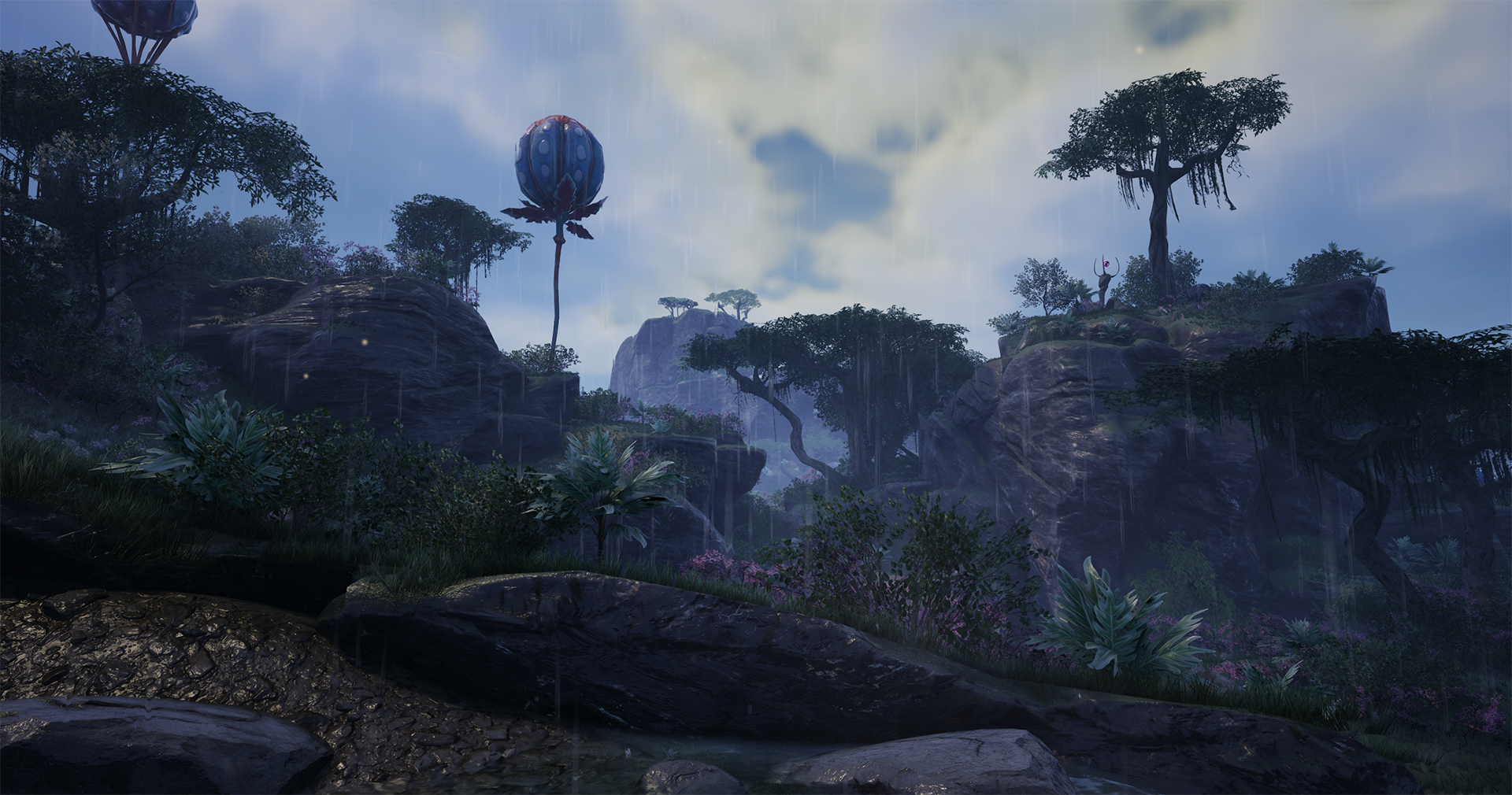
Weather was removed after earlier Unreal Engine work, and 1.2 brings it back with a much more mature system. Coffee Stain describes rain as having improved visual effects, wetness on buildings and the pioneer's suit, improved wind, fog, several rain-density variants, thunder, and more.
The more interesting detail is rain occlusion. In plain English, rain should be blocked by many buildables, foundations, and walls. That matters because Satisfactory players build huge indoor factories, outdoor refineries, glass-heavy showpieces, roads, tunnels, and train stations. If weather ignored all of that, it would look wrong. With occlusion, a covered factory should feel different from an exposed oil field.
There are also player controls. The 1.2 notes list weather presets such as Default, Dry, The Great MASSAGE-2 (AB)b, Clear, Raining Kittens and Puppies, and Extreme. World settings include toggles for rain post-processing and thunder, while the video settings add a fog-density slider under Options > Video > Advanced.
Practical player tip: If you are playing on a lower-end PC, Steam Deck, or console and you notice performance drops during storms, start by testing fog density and rain-related post-processing before giving up on the update. Weather is one of the most visible parts of 1.2, but it is also one of the easiest to tune.
Fluid Trucks Change Long-Distance Liquid Logistics
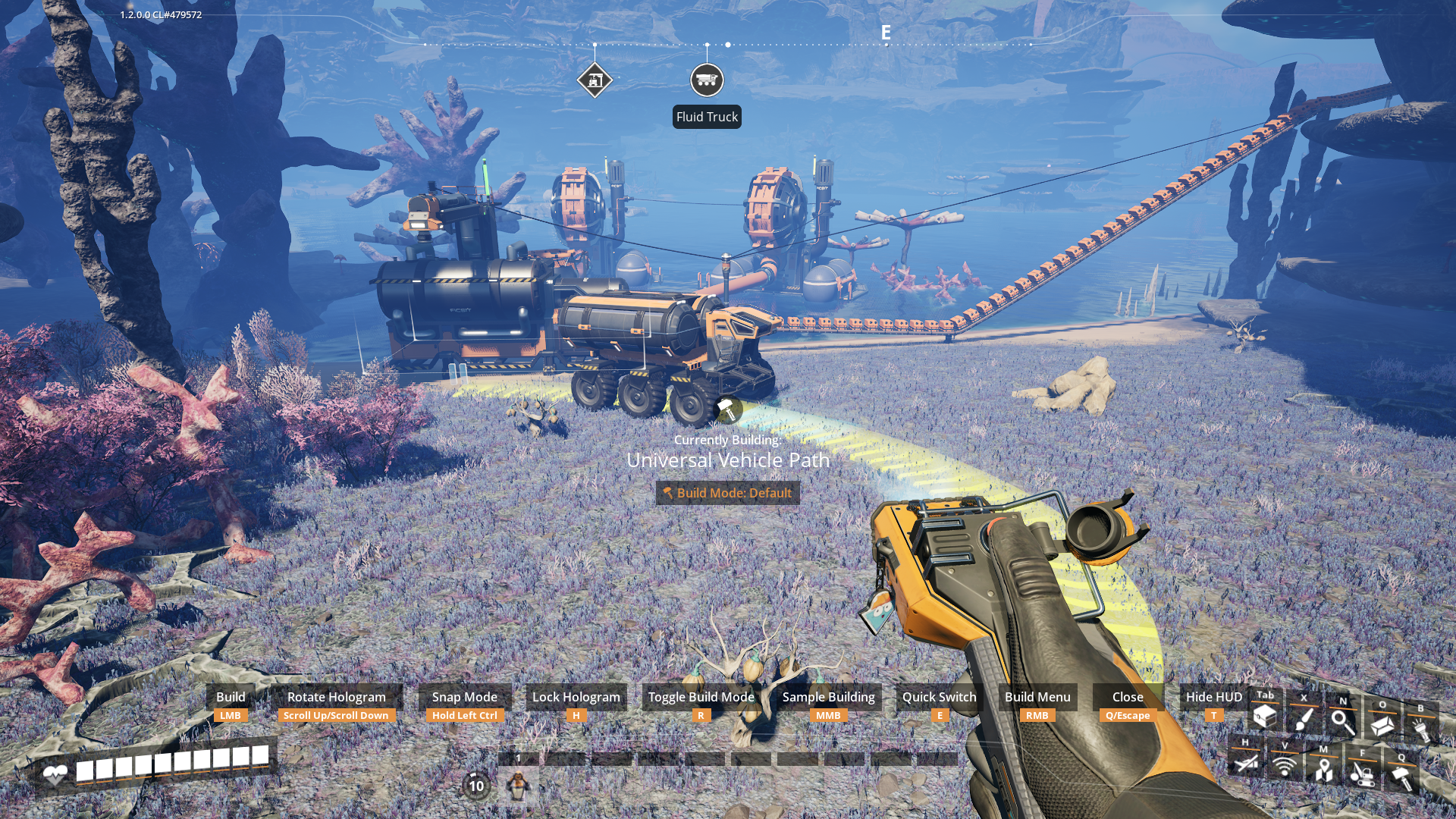
Fluid Trucks and Fluid Truck Stations are one of the headline additions. Both the station and truck have 3200 m3 of internal storage, and Coffee Stain says they unlock in Tier 5 as part of the normal Logistics Mk.4 milestone.
This does not make pipes obsolete. Pipes are still the clean answer for short, controlled runs. Trains still matter when you want high-volume, scheduled, multi-stop logistics. But Fluid Trucks fill a nice middle ground: oil, fuel, water, nitrogen, or other fluid movement across awkward terrain where a permanent pipe highway feels ugly, expensive, or annoying to maintain.
For existing factories, the most natural use case is an outpost that makes sense geographically but not architecturally. Maybe your oil site is far from your main fuel plant. Maybe you want a temporary route while rebuilding a pipe network. Maybe your save has a massive long-distance pipe run that works, but looks terrible. Fluid Trucks give you another option that feels more like actual factory logistics.
Before you redesign everything: wait to test real throughput on your save. Truck route length, station timing, road layout, vehicle pathing, fuel supply, terrain, and multiplayer behavior can all affect whether Fluid Trucks beat pipes or trains for your specific factory.
Vehicle Pathing Has Been Rebuilt From The Ground Up
The old automated vehicle route system was one of those Satisfactory features that could feel brilliant when it worked and frustrating when it did not. In 1.2, vehicle path automation has been remade. Instead of recording a route by driving it, players can place Vehicle Paths from the Transport tab using the Build Gun, then place vehicles on those paths in a system closer to trains and railways.
That is a major design shift. It turns vehicle automation into something visible, buildable, and easier to reason about. Coffee Stain also says Straight Build Mode is available for Vehicle Paths, and individual paths exist for each vehicle type if you want to customize routes further.
Old automated vehicle routes should continue to work as-is, based on Coffee Stain's notes, which is important for long-running saves. Still, this is exactly the kind of update where I would back up saves before launch day, load the factory, and check any critical truck routes before assuming production is fine.
Game Modes Are The Big Reason To Start A New Save
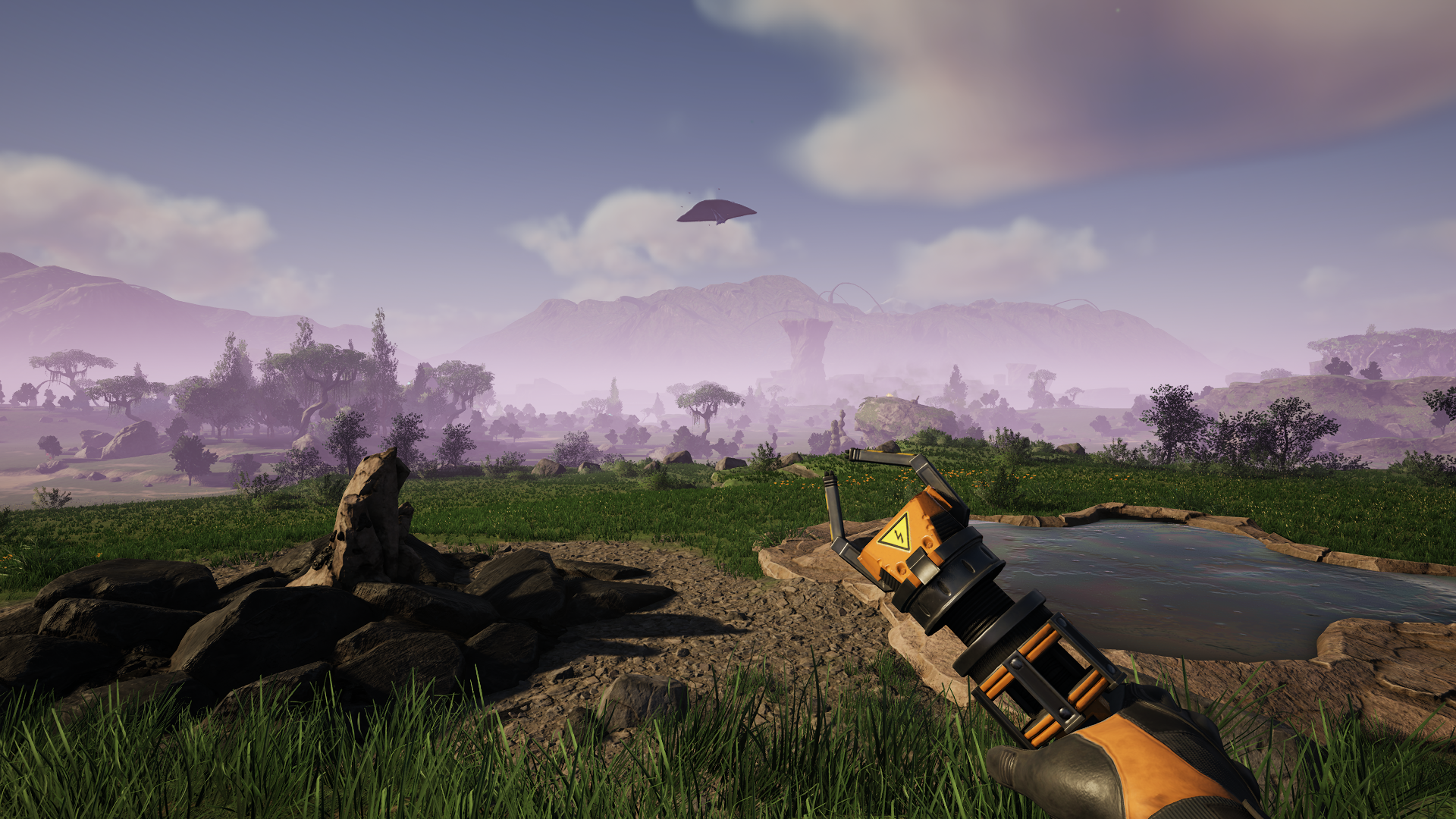
Game Modes are separate from Creative Mode. That distinction matters. Creative Mode is the renamed Advanced Game Settings area, and using it still disables achievements. Game Modes, according to Coffee Stain, are available only when creating a new game, do not disable achievements, and let players change the shape of a normal playthrough.
The settings are serious enough to make a save feel completely different. Space Elevator deliverable costs can be set to 0.25, 0.50, 0.75, 1, 2, 5, 10, 25, 50, or 100. Recipe part costs can range from 0.25 to 2. Power consumption can range from 0.25 to 5. Resource nodes can be randomized or biased toward basic resources, advanced resources, or fossil fuels. Node purity can be left default, made all pure, mostly pure, average, mostly impure, all impure, or random.
That opens the door to challenge saves, relaxed saves, co-op chaos saves, and replay-focused seeds. A 0.25 cost multiplier save could be great for builders who want to move quickly without fully entering Creative Mode. A 100x Space Elevator deliverable save is the opposite: a long grind for players who want a reason to build absurd production capacity.
Important limitation: Coffee Stain says Game Mode settings can be adjusted independently, but once active they cannot be turned off for that save. They also apply during multiplayer sessions. Choose carefully before starting a group world.
Daisy-Chained Power Connectors Are A Quietly Huge Upgrade
Satisfactory factories can turn into forests of power poles. Version 1.2 adds a Caterium MAM unlock called Upgraded Power Connectors. This allows two power connections on the same building, letting power flow from building to building instead of forcing every connection back through the usual pole-to-building setup.
This is not as flashy as storms or tanker trucks, but it may be one of the most-used features in actual factories. Cleaner power layouts mean fewer poles, less visual clutter, and easier maintenance when you are building compact production lines or polished showpiece factories.
The unlock is part of the Caterium MAM tree and requires 15 Computers, 50 High Speed Connectors, and 500 Quickwire, based on the official notes. That makes sense: this is a quality-of-life reward for players who have moved beyond early-game spaghetti.
Photo Mode, Selfie Mode, And Better Factory Screenshots
Satisfactory players love showing off factories, and 1.2 leans into that. Photo Mode gets a new color filter, a new effect filter called Blueprint, pose variants for the hover pack, and a new Selfie Mode with a pioneer-facing camera, arm and head rotation, cropping settings, and filters.
This pairs well with weather. Rain, wet factory surfaces, fog, thunder, and better photo tools should make 1.2 screenshots look noticeably more dramatic than 1.1 screenshots, especially for outdoor megabases, train stations, oil platforms, and nighttime factory shots.
Other Quality-Of-Life Changes Players Should Not Miss
- Real pause in single player: pressing ESC can actually pause game logic, enabled by default. This is single-player only and disabled in multiplayer sessions.
- SPWN building: a new Alien Technology MAM unlock that acts as a custom player spawn point.
- Zoopable signs: signs can now be zooped, and ground-placed zooped signs get poles.
- Pipeline T-Junction: a new buildable unlocked through the Tier 3 Coal Power milestone.
- Cross Beam: a new buildable in the AWESOME Shop's Beam Expansion Pack.
- Hologram rotation mode: options for how build holograms face when created by the Build Gun.
- Flying Manta art update: the manta gets a visual refresh.
- Console parity: PC gets changes and bug fixes that came from the console version work.
What To Do Before June 2
If you have a big Satisfactory save, treat June 2 like a real update day. The update has gone through Experimental testing and several hotfixes, but complex factory saves can still reveal edge cases.
- Back up saves and blueprints. Coffee Stain repeatedly recommends backing up saves before trying Experimental. The same advice is smart before the stable release. On Windows, saves are normally under
%LocalAppData%\FactoryGame\Saved\SaveGames\, with blueprints under the relatedblueprintsfolder. - Check vehicle-heavy factories first. Old routes should keep working, but vehicle automation is one of the most changed systems.
- Expect mods to need time. If you rely on mods, check your mod manager and mod pages before loading your main world.
- Review performance settings. Weather, fog, post-processing, and Unreal Engine changes may shift performance on some machines.
- Consider a fresh save. New Game Modes only apply at new-game creation, so the most interesting 1.2 replay features require starting fresh.
- Test multiplayer settings before inviting everyone. Game Mode settings apply in multiplayer and cannot be turned off once active for that save.
Should You Start Over?
If your current factory is active and you are attached to it, there is no automatic reason to abandon it. Existing saves should benefit from weather, vehicle changes, Fluid Trucks, daisy-chained power, QoL improvements, and photo mode upgrades.
But if you have been waiting for an excuse to restart, 1.2 is a strong one. Game Modes and resource randomization are clearly aimed at replay value. A fresh world with randomized nodes, adjusted recipe costs, and new vehicle logistics could feel very different from a standard 1.0 or 1.1 playthrough.
Bottom Line
Satisfactory 1.2 looks like a systems update more than a simple content drop. Weather changes the feel of the world. Fluid Trucks change how players can think about liquids. Vehicle paths change how route automation is built. Game Modes change how new saves can be structured. Daisy-chained power and real pause clean up everyday annoyances.
For a factory game, that is the good stuff. It is not just "more items." It is more ways to design, route, tune, photograph, and replay the same giant machine.
Sources And Further Reading
- Satisfactory Update 1.2 is out now on Experimental - Steam News
- Satisfactory Steam News and 1.2 hotfix notes
- Official Satisfactory Wiki - Patch 1.2.0.0
- Official Satisfactory Wiki - Future Content
- Satisfactory Q&A Site for bug reports and feedback
- Coffee Stain Studios on YouTube
Related Reading
- Steam Free Weekend Games Checked May 29, 2026: Drift86, Path of Exile 2, and More - another gaming/deals post from The IT Guys archive
- New PC Games Coming in June 2026: Release Dates, Steam Deals, Images, and What To Watch - another gaming/deals post from The IT Guys archive
- Free Epic Games Store Games to Claim May 28-June 4, 2026: LONESTAR, Calico, and Northgard Mobile - another gaming/deals post from The IT Guys archive
FAQ
Who is this guide for?
This article is written for regular home users and small businesses that want practical technology guidance without unnecessary jargon.
What should I check before following the steps?
Make sure the instructions match your device, account, software version, and business requirements. If something looks different, pause before guessing.
When should I ask for help?
If the device or account is important for work, contains sensitive data, or the change could affect backups, email, payments, or customer access, it is worth getting help first.