Quick Tech Tip: Review Browser Extensions You No Longer Use

A 10-minute browser extension audit can remove forgotten add-ons, reduce privacy exposure, and keep sensitive business websites cleaner and safer.
A 10-minute browser extension audit can remove forgotten add-ons, reduce privacy exposure, and keep sensitive business websites cleaner and safer.

Microsoft’s July 14, 2026 Patch Tuesday release covers 622 Microsoft CVEs, 428 republished Chromium CVEs, exploited AD FS and SharePoint issues, a publicly known BitLocker bypass, and updates across Windows, Office, Edge, SharePoint, SQL Server, Exchange, Azure, Defender, .NET, and more.

A five-minute browser notification cleanup can stop fake virus alerts, fake billing warnings, and noisy website popups before someone clicks the wrong thing.

Jennifer’s 5 PM technology news recap for June 29, 2026: CISA’s SimpleHelp warning, Microsoft’s StegoAd extension cleanup, WhatsApp usernames, Windows 10 ESU planning, and Rocket Lab’s Iridium deal.

A practical browser-security habit for home users and small businesses: check Chrome, Edge, Firefox, and Safari updates, save work first, restart safely, and avoid fake browser-update scams.

A practical 15-minute browser profile setup for separating work, banking, admin portals, and personal browsing without mixing passwords, sync, extensions, and saved sessions.

A practical 15-minute checklist for finding compromised, reused, and weak saved passwords in Chrome, Apple Passwords, Microsoft Edge, or a business password manager.

A practical browser autofill cleanup checklist for home users and small businesses: remove old payment cards, addresses, shared-profile data, and risky synced details before they cause payment or privacy trouble.
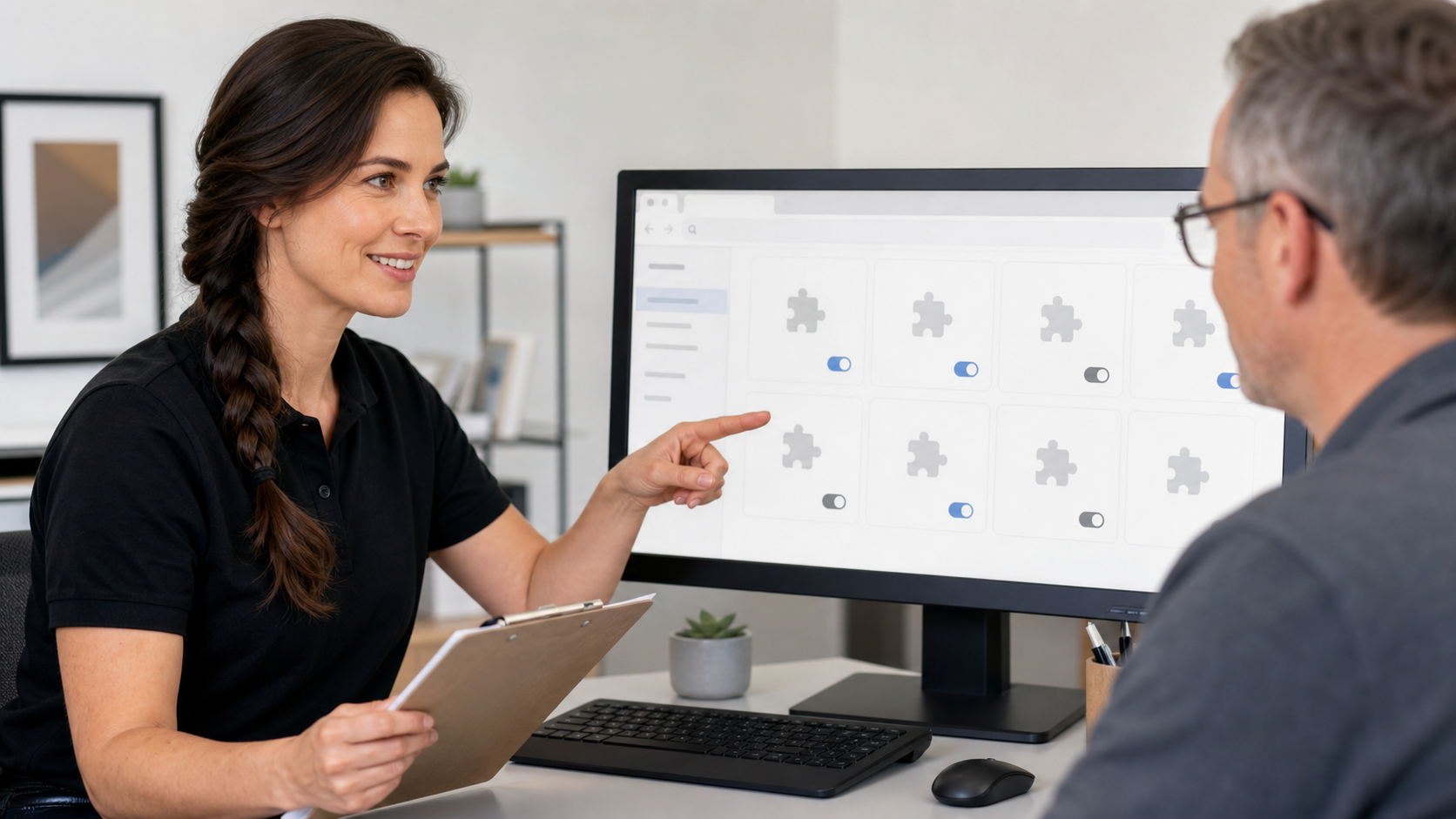
A practical browser security tip for home users and small businesses: review Chrome, Edge, and Firefox extensions, remove what you do not need, and watch for risky permissions.
If you are getting many notifications from Google Chrome and/or Microsoft Edge popping up notifications on your right sidebar. Try this quick tip to get rid of the notifications. Related Reading How to remove those relentless Google Chrome and/or Microsoft […]