

Microsoft released a Windows 11 out-of-band update on Saturday, July 18, 2026, but this is not a normal “everyone must rush right now” update. The update is mainly for a limited group of Dell devices with a specific Intel Innovation Platform Framework driver issue. For those affected PCs, it matters because Microsoft says recent Windows updates could cause changes in performance, power consumption, or general system behavior.
The short version: if you have a Windows 11 Dell computer that was blocked from receiving the July 2026 Windows security update, or you saw a yellow warning in Device Manager next to the Intel Innovation Platform Framework Processor Participant driver, this update is worth checking. If your PC is not affected, Microsoft says no action is required.
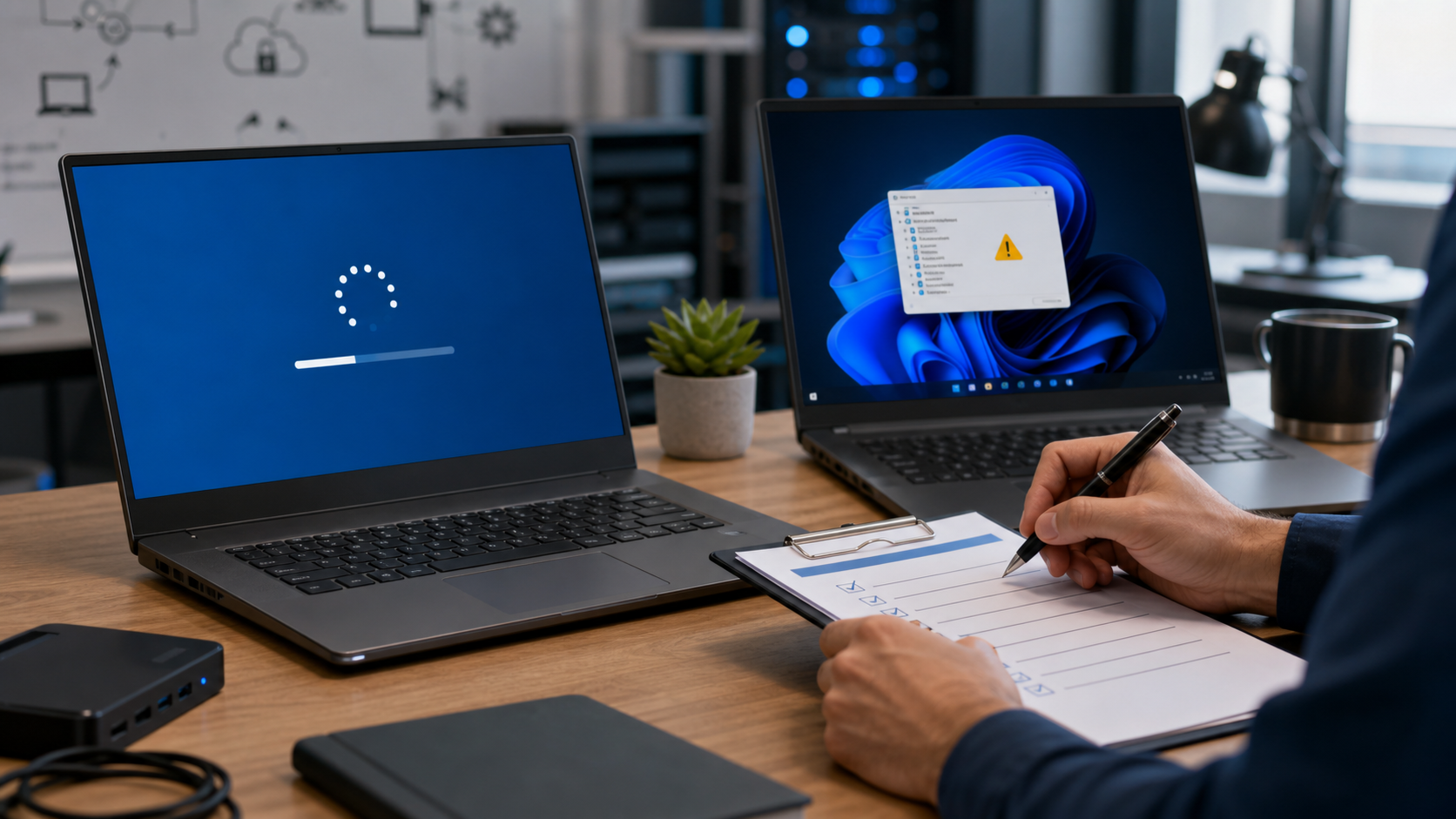
What Microsoft Released Today
Microsoft posted a Windows message center announcement on July 18, 2026 at 12:00 PM Pacific for an out-of-band update addressing a Windows update issue on some devices with an Intel IPF driver. Microsoft points users and IT administrators to two official KB articles:
- KB5121767 for Windows 11, versions 25H2 and 24H2. Microsoft lists this as OS Builds 26200.8894 and 26100.8894.
- Hotpatch KB5121768 for Windows 11 Enterprise LTSC 2024 hotpatch environments. Microsoft lists this as OS Builds 26200.8893 and 26100.8893.
The important customer point is that this is an out-of-band cumulative update. That means Microsoft released it outside the normal monthly Patch Tuesday schedule. It includes previous security and non-security improvements, plus the extra fix for this Dell/Intel driver issue.
This is different from a brand-new broad zero-day emergency advisory. I checked Microsoft’s Security Update Guide during this review, but the same-day item Microsoft published today is the Windows Release Health/message center and KB support guidance for the Dell/Intel IPF issue. The practical security angle is that some affected PCs had been temporarily held back from the July 2026 Windows security update, and this OOB update is the path Microsoft now gives those affected devices.
Who Is Affected
Microsoft’s known issue entry says the issue affects specific Dell models with the Intel Innovation Platform Framework Processor Participant driver. Microsoft says the original problem appeared after installing the June 23, 2026 Windows non-security preview update, KB5095093. Affected devices could show a yellow exclamation point in Device Manager next to the Intel IPF driver.
Microsoft says the issue was related to an incompatibility between the Intel driver and the new Windows USB-C Connection Manager interface introduced in that June preview update. The possible symptoms Microsoft lists include changes in performance, power consumption, or system behavior. In plain English, that could look like a laptop suddenly feeling slower, using battery differently, running warmer, behaving oddly around power states, or showing a device warning after updates.
The affected Windows client platforms listed by Microsoft are:
- Windows 11, version 25H2
- Windows 11, version 24H2
Microsoft lists Server: None for this Dell/IPF known issue. That is useful for businesses because it keeps the scope narrow: this is primarily a Windows 11 client-device issue, not a Windows Server emergency.
Why This Matters Even If It Is Narrow
Most home users and small businesses do not track safeguard holds, preview updates, driver compatibility, and Windows release channels every day. That is exactly why these out-of-band releases can be confusing. The update is not telling every Windows user to panic. It is telling a specific set of affected devices, especially affected Dell PCs, that Microsoft now has a cumulative update available to resolve a known update block and driver behavior problem.
There are three practical reasons to pay attention:
- Security update access: Microsoft says some affected Dell devices were temporarily prevented from receiving the July 2026 Windows security update, KB5101650. KB5121767 now gives those affected systems a way forward.
- Device reliability: Power, performance, USB-C behavior, and Device Manager warnings can disrupt a workday even when the computer technically still boots.
- Business rollout timing: if a company uses Dell laptops broadly, it should identify affected models before pushing updates blindly to every machine.
What Home Users Should Do
If you are using a personal Dell Windows 11 laptop and Windows Update offers KB5121767, install it through the normal Windows Update flow. Before you do, plug in the laptop, save your work, close important applications, and give the update time to finish. Even when an update is targeted, a rushed or interrupted install can create avoidable trouble.
For a regular home user, the safest check is:
- Open Settings > Windows Update.
- Check whether KB5121767 is offered.
- If it appears, read the update name carefully and install it when you have time to restart or wait through update processing.
- After the update, check whether the computer behaves normally on battery and when connected to USB-C docks, chargers, displays, or adapters.
Microsoft says that if Get the latest updates as soon as they’re available is turned on, affected devices will automatically receive the OOB update. If that toggle is off, Microsoft says users can go to Windows Update and select Download & Install. KB5121767 is also available through the Microsoft Update Catalog, but most home users should use Windows Update unless an IT professional is helping with a manual install.
What Small Businesses Should Do
For small businesses, the best move is not “install it everywhere immediately.” The better move is inventory first, then target the affected machines. This update is most relevant if you use Dell Windows 11 laptops on versions 24H2 or 25H2, especially if you already noticed a Device Manager warning, power problems, dock/USB-C weirdness, or inconsistent update availability after the June preview or July security update cycle.
A practical rollout plan:
- Check device models: identify Dell laptops in the office and note which ones are running Windows 11 version 24H2 or 25H2.
- Check update status: look for machines that did not receive July’s KB5101650 security update or were held back by Windows Update.
- Check Device Manager: look for warning icons beside Intel Innovation Platform Framework Processor Participant.
- Pilot first: install KB5121767 on one affected laptop, test sign-in, sleep/wake, battery behavior, USB-C charging, docking stations, external monitors, VPN, printers, and line-of-business apps.
- Roll out in waves: update the rest of the affected devices after the pilot behaves normally.
- Document the result: record the old and new OS build numbers, the device model, the install date, and whether any dock/power symptoms changed.
For managed environments, Microsoft says IT administrators using Microsoft Intune can expedite deployment of this update, and devices managed by Windows Autopatch with hotpatch updates enabled will receive the update automatically. Microsoft’s Intune guidance for expedited quality updates is here: Expedite Windows quality updates in Microsoft Intune.
Hotpatch Customers: KB5121768 Has A Different Restart Story
Microsoft also published Hotpatch KB5121768 for Windows 11 Enterprise LTSC 2024. This is aimed at managed hotpatch environments, not typical home PCs. Microsoft says this hotpatch update installs and takes effect without a device restart for devices managed by Windows Autopatch and enrolled in hotpatching, provided those devices have already installed the July 2026 security update KB5101650.
That last part matters. Microsoft says a restart is required for devices that have not yet installed the July 2026 security update. So even with hotpatch, IT teams should not promise “no restart” until they verify the device’s baseline update state.
What Can Go Wrong
Windows updates usually go fine, but the failures that matter tend to show up at bad times: a laptop needed for payroll, a front desk system, a service manager’s field laptop, or a business owner’s only machine. For this specific issue, pay attention to anything involving power behavior, USB-C hardware, docks, external displays, battery drain, sleep/wake, device warnings, and whether the July security update shows as installed afterward.
Before installing, we recommend:
- Back up important files or confirm that OneDrive, local backups, or your business backup system is current.
- Do not start the update right before a meeting, payroll run, closing time, or travel.
- Plug laptops into reliable power.
- Disconnect unnecessary docks and accessories if the machine has been behaving strangely, then reconnect and test afterward.
- For business PCs, avoid mixing manual installs, driver updates, BIOS updates, and Windows cumulative updates all at once unless there is a clear troubleshooting plan.
What About Mac Users?
I also checked Apple’s official Apple security releases page and Apple’s Update macOS on Mac guidance today. Apple’s security page was published/updated on June 29, 2026 and lists macOS Tahoe 26.5.2 as the latest macOS release, dated June 29, 2026. I did not find a same-day July 18 macOS security release, Rapid Security Response, or macOS advisory from Apple during this check.
Mac users should still keep automatic updates and important background updates enabled, but today’s same-day action item is Microsoft’s targeted Windows out-of-band update, not a new Apple macOS release.
When To Call The IT Guys
Call The IT Guys if a Dell laptop is stuck without the July security update, shows Intel IPF warnings in Device Manager, suddenly has power or USB-C dock behavior changes, or is part of a business fleet where update timing matters. For one home computer, the fix may be simple. For a business with ten, twenty, or fifty Dell laptops, the job is really inventory, testing, backup verification, rollout timing, and post-update checks.
We can help confirm whether a device is affected, check Windows build numbers, review update history, test docking stations and power behavior, and build a small-business patch plan that does not interrupt the workday.
Official Sources Checked
- Microsoft Windows message center
- Windows Release Health: Windows 11 version 25H2 known issues
- Microsoft KB5121767: July 18, 2026 out-of-band update for Windows 11 25H2 and 24H2
- Microsoft KB5121768: July 18, 2026 hotpatch out-of-band update
- Microsoft KB5101650: July 2026 Windows security update referenced by Microsoft
- Microsoft Security Update Guide
- Microsoft Update Catalog search for KB5121767
- Apple security releases
- Apple: Update macOS on Mac
- Apple: Background updates on Mac
Quick FAQ
Is KB5121767 a normal Patch Tuesday update?
No. Microsoft labels KB5121767 as an out-of-band update released July 18, 2026. It is cumulative and includes previous improvements, but the new same-day reason is the Dell/Intel IPF issue.
Should every Windows 11 user install it manually?
No. Microsoft says this OOB update is only recommended for affected devices and that no action is required if your device is not affected. If Windows Update offers it, that is the safest normal path for most users.
Does this affect Windows Server?
For the Dell/Intel IPF known issue, Microsoft lists client platforms Windows 11 version 25H2 and 24H2, and lists Server as none.
Was there a new macOS security update today?
I did not find a same-day July 18, 2026 macOS security release or Rapid Security Response on Apple’s official security releases page during this check. Apple’s listed latest macOS release remains macOS Tahoe 26.5.2 from June 29, 2026.