Quick Tech Tip: Stop Using An Admin Account For Everyday Work

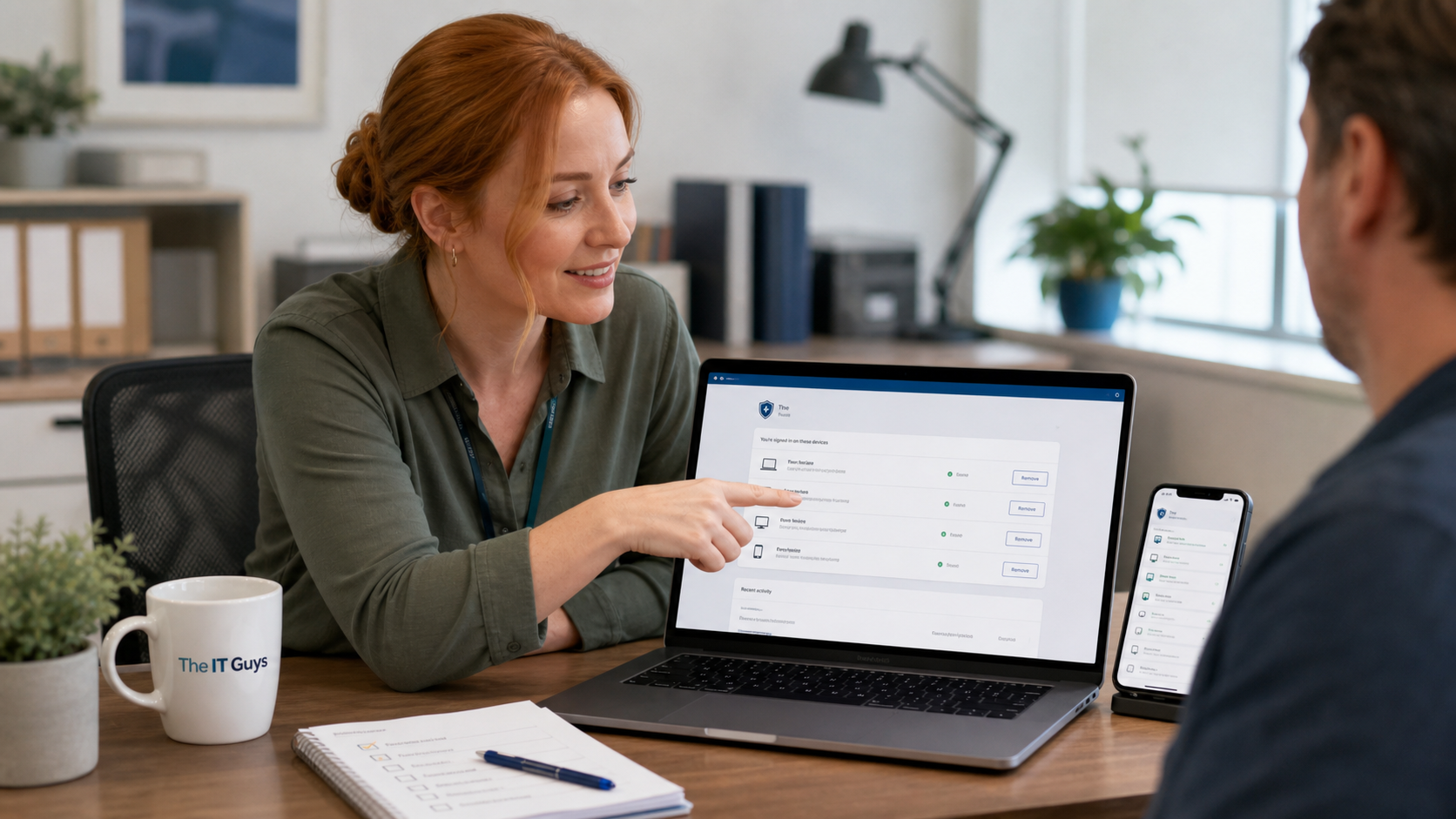
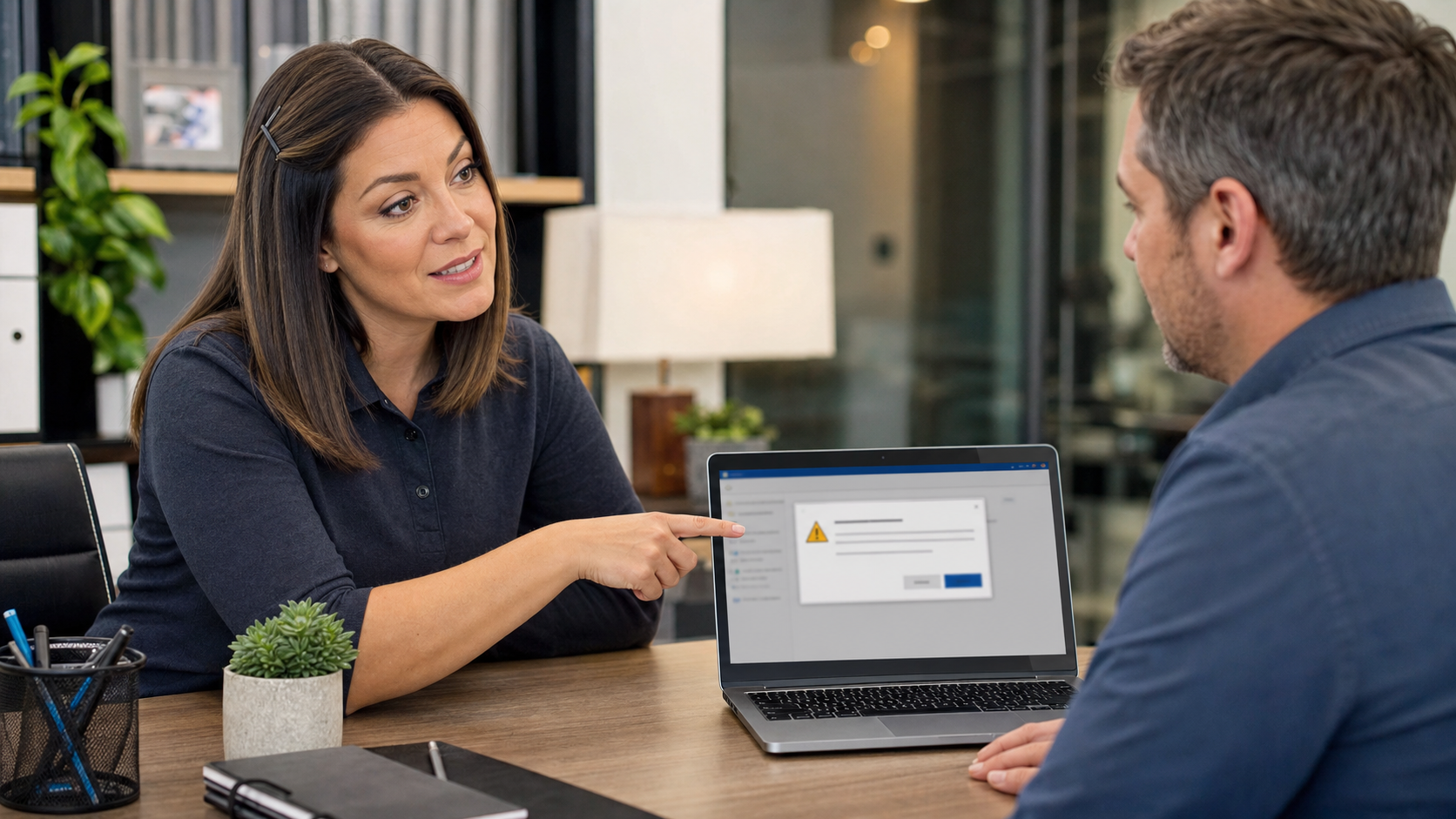
Jennifer helping a small business separate daily user and administrator accounts on a laptop

A practical Windows and Mac security tip for home users and small businesses: keep a separate administrator account, use a standard account for daily work, and avoid approving system changes on autopilot.

read more →

Quick Tech Tip: Verify Payment Changes Before You Pay The Invoice

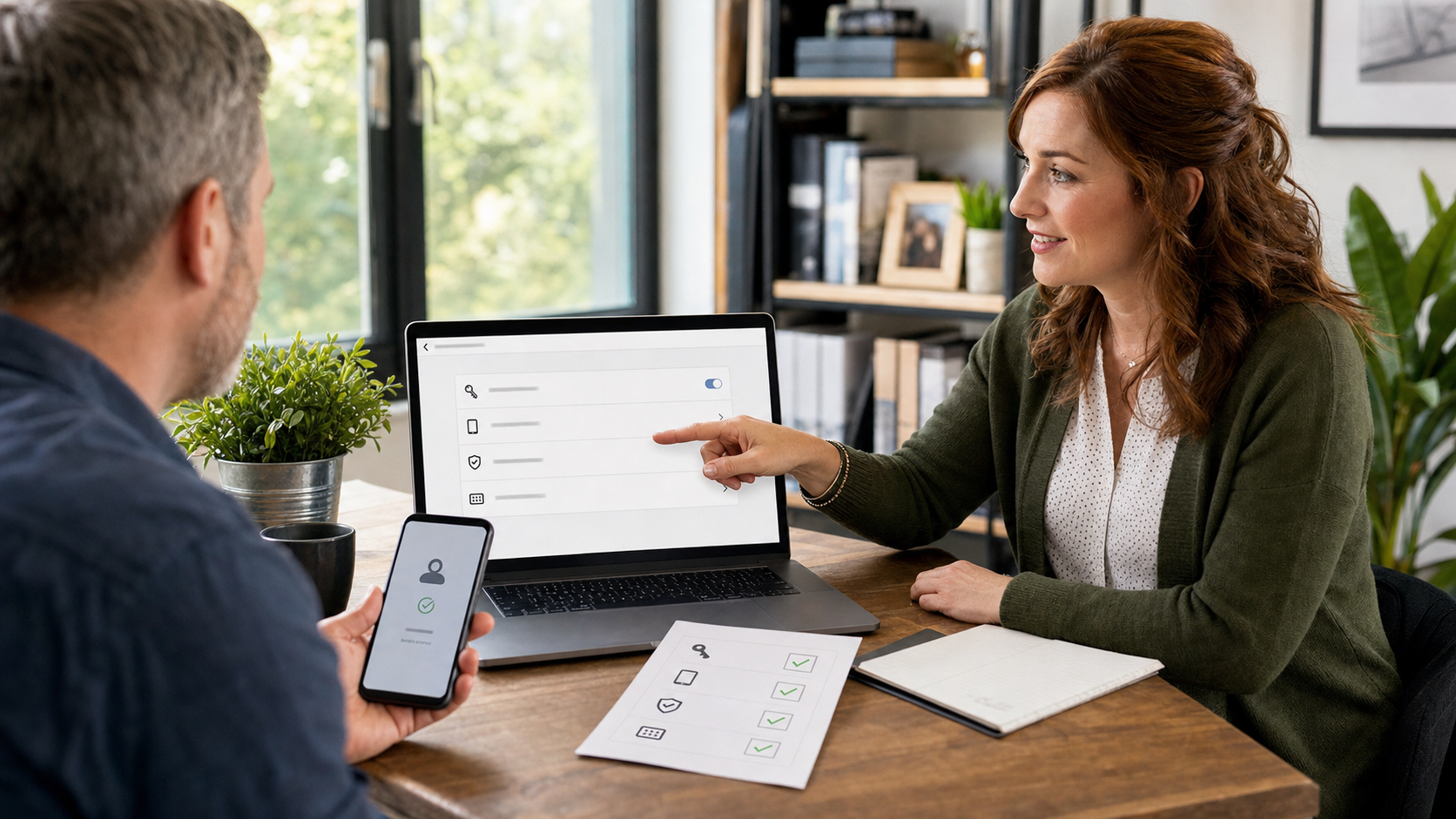
Jennifer helping a small business verify an invoice payment change before approving the bill

A practical small-business checklist for stopping fake invoices and payment-change scams: verify outside the email thread, require a second approval, and document the call before money moves.

read more →

Quick Tech Tip: Use Verified Bookmarks For Banking, Payroll, And Business Logins

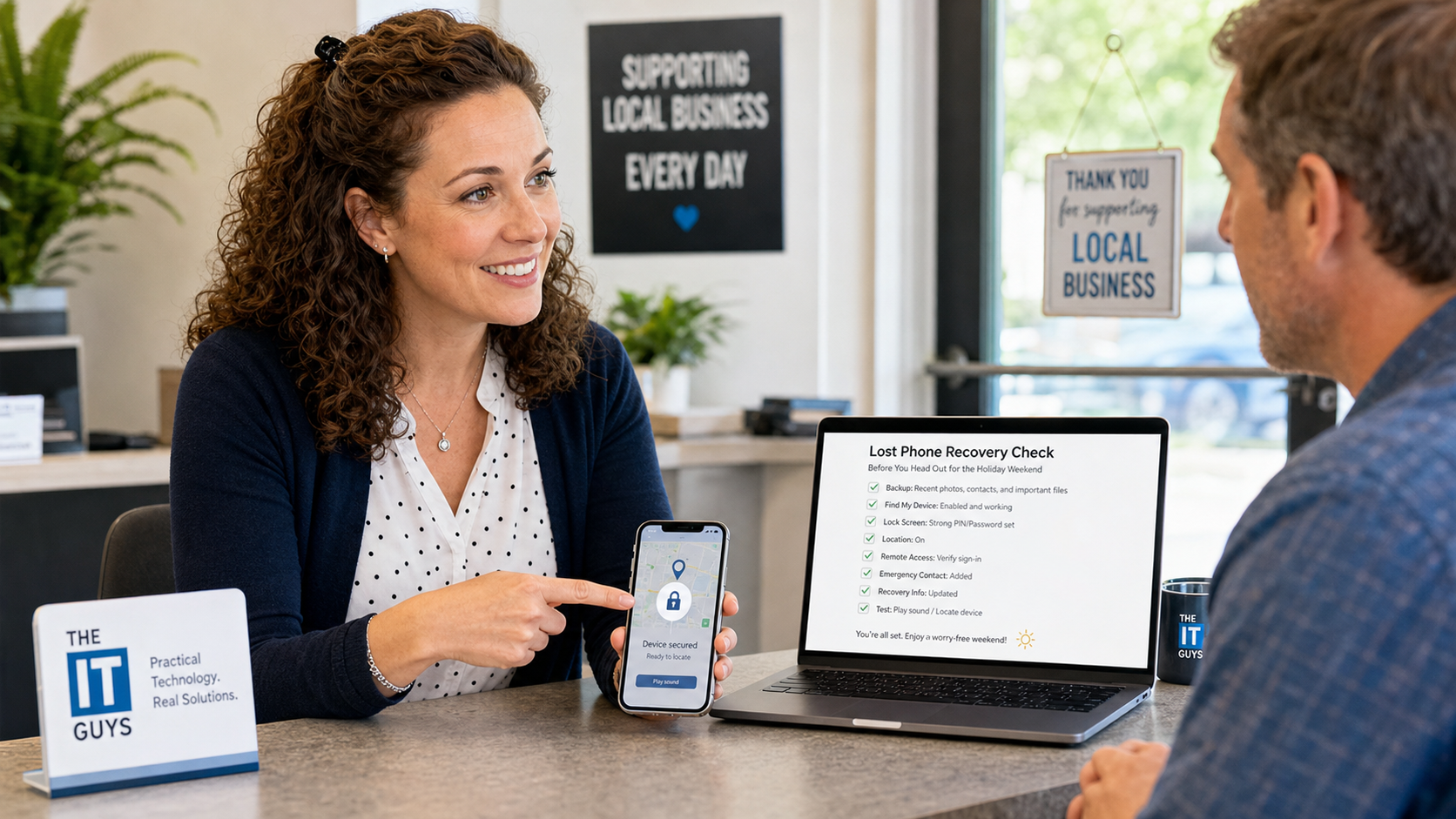
Jennifer helping a small business owner save verified bookmarks for banking, payroll, email, and vendor login pages.

A simple daily habit can prevent expensive login mistakes: save verified bookmarks for banking, payroll, Microsoft 365, vendor portals, and other sensitive accounts instead of searching for them every time.

read more →

June 2026 Patch Tuesday: Windows Security Updates, KB Numbers, and What To Check First

Professional IT operations desk showing June 2026 Patch Tuesday Windows security update dashboards and server patch status

Microsoft’s June 2026 Patch Tuesday updates are now live. If you manage Windows PCs or servers, this is a real monthly security update, not just an optional preview. The main customer takeaway is simple: install the.

read more →

Did Russia Hack 33% Of U.S. Routers? What The Confirmed Router Warning Really Says

A Wi-Fi router beside a cybersecurity dashboard representing Russian GRU router DNS hijacking risk

A practical look at the unverified 33% router-hacking claim, the confirmed Russian GRU/APT28 router DNS-hijacking campaign, and what home users and small businesses should check now.

read more →

Quick Tech Tip: Check Your Router Before It Becomes The Weak Link

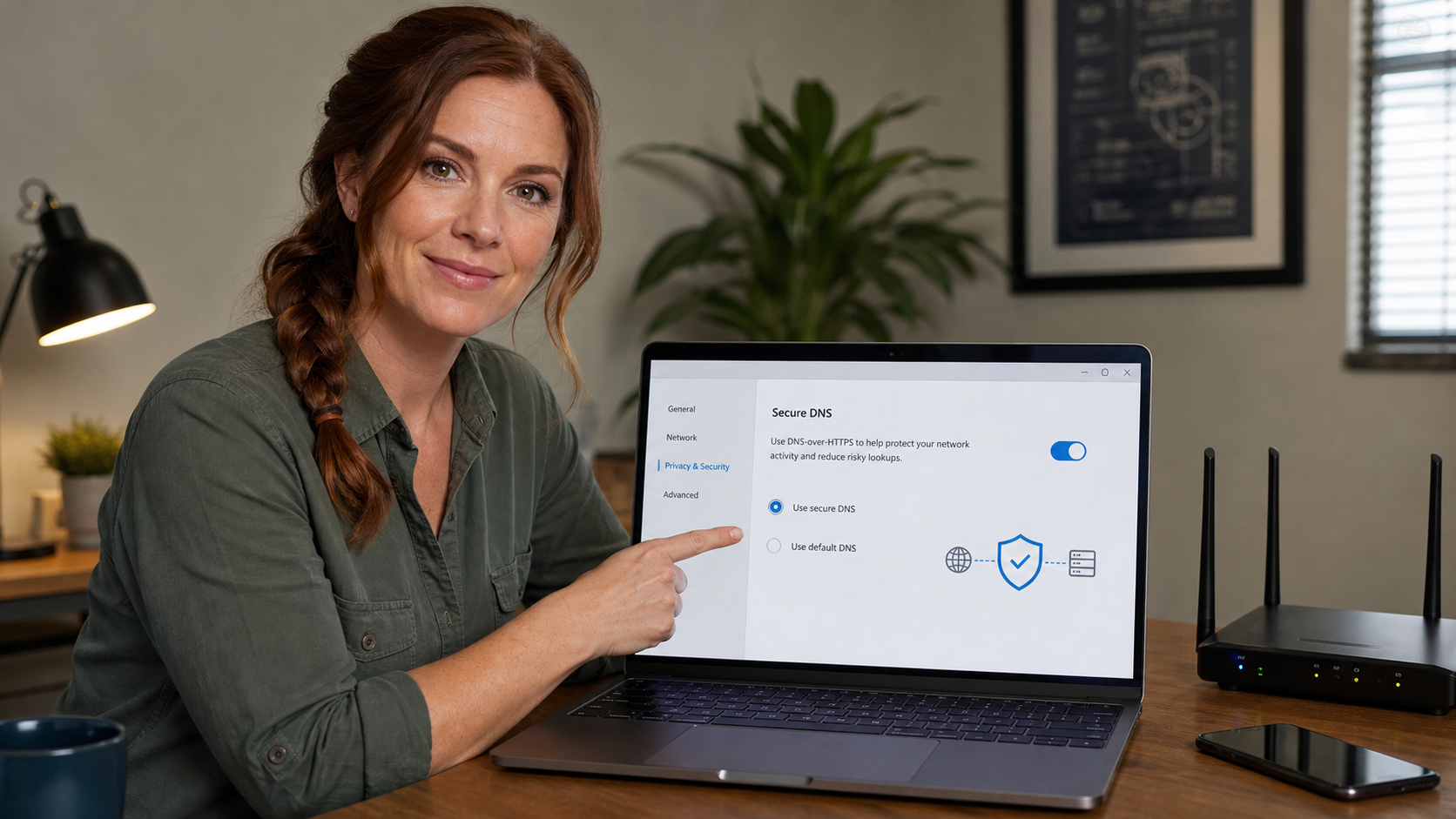
Jennifer reviewing router security settings including firmware updates, strong admin password, WPA2 or WPA3 Wi-Fi, guest network, and connected devices

Quick tech tip: take 20 minutes today to check your router. Your router is the front door for your home or small-business network, and a few basic settings can prevent a lot of trouble later. This is not about turning.

read more →

New Android Feature Spots AI Voice Scams In Real Time: How To Enable It

Jennifer explaining Android fake call detection and AI voice scam warnings on a phone screen

Google’s new Android Fake Call Detection helps warn when a scammer may be spoofing a contact and using an AI-cloned voice. Here is what it needs, what is on by default, and how Pixel users can enable real-time Scam Detection.

read more →

Quick Tech Tip: Check Cloud File Sharing Links Before They Spread Too Far

Jennifer reviewing cloud file sharing permissions with named users, locked folders, and expiring links

A practical 10-minute checklist for reviewing OneDrive, SharePoint, and Google Drive sharing links: remove old public links, use named people, lower editor access, and add expiration dates where available.

read more →