
Cloud Storage Full? Fix It Before Email and File Sync Stop

A safe cleanup plan for full Google or Microsoft cloud storage before Gmail, Outlook.com, OneDrive, Drive, photo backup, or file sync is interrupted.
A safe cleanup plan for full Google or Microsoft cloud storage before Gmail, Outlook.com, OneDrive, Drive, photo backup, or file sync is interrupted.
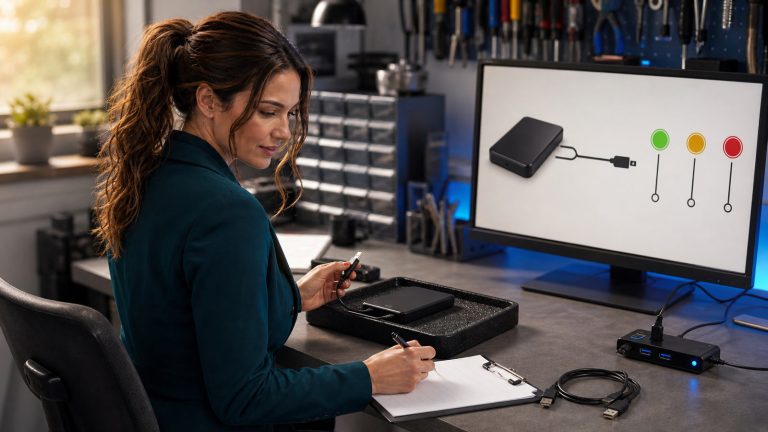
A safe Windows and Mac diagnostic ladder for a missing external drive: preserve evidence, avoid destructive prompts, interpret disk status, protect irreplaceable files, and know when to stop.

Optimize WordPress images by matching dimensions, responsive derivatives, formats, loading priority, crop safety, and alt text to the page—not by chasing one magic file size.

A practical small-business checklist for safely using supported POS offline payments, protecting pending transactions, restoring connectivity, and reconciling every sale after an internet outage.
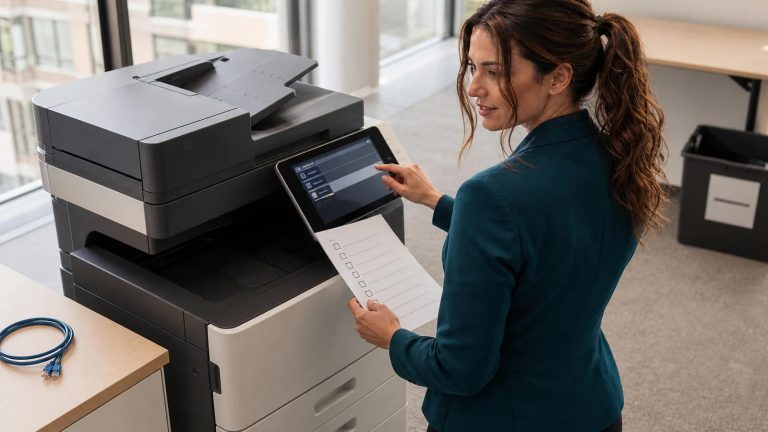
Before an office printer, copier, or multifunction device leaves your control, preserve the right settings, revoke cloud access, erase stored customer data, and verify the result with this model-aware checklist.
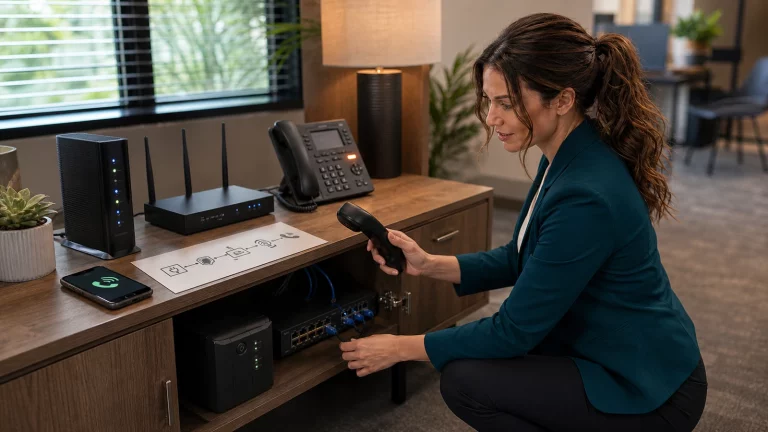
A practical small-business checklist for keeping calls reachable through power, internet, network, or cloud-phone failures—plus safe UPS testing, inbound forwarding, cellular fallback, and accurate 911 location planning.

Build your own RustDesk Server OSS on a fresh Debian server with Docker Engine and Docker Compose. This complete guide covers ports, keys, clients, security, backups, updates, troubleshooting, and removal.

A password reset is not enough after a Microsoft 365 email compromise. Follow this ordered plan to stop fraud, revoke sessions, remove hidden persistence, preserve evidence, and restore access safely.

Windows signed you into a blank temporary profile? Save new work before sign-out, identify the loaded profile, preserve the original data, and follow a safe recovery ladder before registry edits or a reset cause permanent loss.
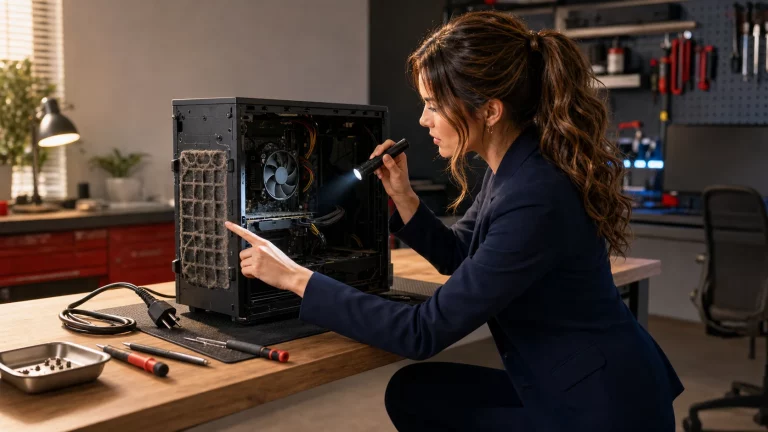
A safe, step-by-step guide to tell normal fan noise from a real cooling failure, inspect airflow, identify software load, avoid damaging DIY fixes, and know when to stop using an overheating computer.