

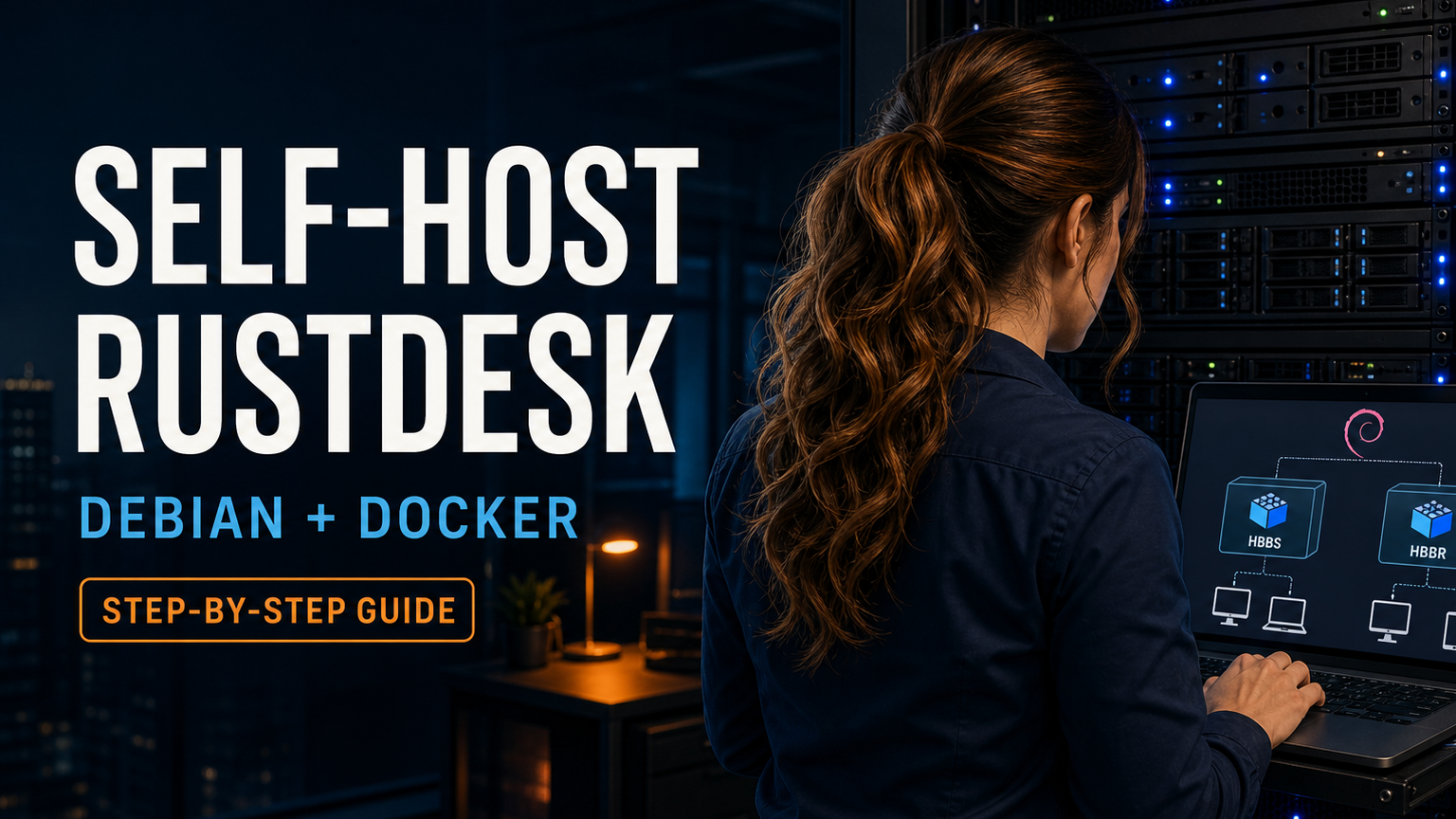
RustDesk Server OSS · Debian · Docker
Want private, self-hosted remote access without routing every connection through somebody else’s infrastructure? This guide walks through a clean RustDesk Server OSS deployment on a fresh Debian server using Docker Engine and Docker Compose.
1. Understand what you are installing
hbbs
The ID, rendezvous, and signaling server. Clients register their current address with it. When one computer requests another, hbbs tries to help them establish a direct peer-to-peer connection using hole punching.
hbbr
The relay server. When a direct connection cannot be established, traffic passes through hbbr. Relay use consumes your server’s bandwidth, so capacity matters when supporting many sessions.
You need both containers. In many sessions, hbbs helps the endpoints connect directly and hbbr is not used. Restrictive NAT, firewalls, or carrier networks can force a relayed connection.
Before you begin
- A supported 64-bit Debian server. Docker currently supports Debian 13 “Trixie,” 12 “Bookworm,” and 11 “Bullseye,” though new deployments should normally use the current stable Debian release.
- Root or a user with
sudo. - A public IPv4 address or properly routed public address. If your ISP uses CGNAT, inbound port forwarding may not work; use a VPS or request a real public IP.
- A DNS name such as
rustdesk.example.comis strongly recommended, although a public IP can work. - Router or cloud-firewall access to expose only the required ports.
- At least two test clients on different networks—for example, a PC on your LAN and a phone on cellular data.
rustdesk.example.com with your own hostname. Never paste your private key, server password, SSH credentials, or customer information into a public guide or support message.2. Prepare the fresh Debian server
Sign in through SSH or the provider console, update the operating system, and install the small set of prerequisite tools:
sudo apt update
sudo apt full-upgrade -y
sudo apt install -y ca-certificates curl
sudo timedatectl set-ntp true
If the upgrade installed a new kernel, reboot before continuing:
sudo rebootAfter reconnecting, confirm the release and address information:
cat /etc/os-release
ip address
hostnamectl
Point DNS at the server
Create an A record for rustdesk.example.com pointing to the server’s public IPv4 address. Add an AAAA record only if IPv6 is configured and firewalled correctly. Confirm resolution from the server:
getent ahosts rustdesk.example.comIf the server sits behind a router, forward the required ports to the Debian server’s fixed LAN address. Reserve that address in DHCP or configure it statically so the forwarding target does not change.
3. Open only the required RustDesk ports
| Port | Protocol | Purpose | Required? |
|---|---|---|---|
21115 | TCP | NAT type test | Yes |
21116 | TCP | TCP hole punching and connection service | Yes |
21116 | UDP | ID registration and heartbeat | Yes |
21117 | TCP | Relay service through hbbr | Yes |
21118/21119 | TCP | Optional web-client WebSockets | No—keep closed unless deliberately deploying the web client behind a secured reverse proxy |
21114 | TCP | RustDesk Server Pro API/web console | No for this OSS guide |
Open TCP 21115, TCP and UDP 21116, and TCP 21117 in your VPS/cloud firewall. If the server is behind a router, forward those same ports.
If UFW is already installed and active
sudo ufw allow OpenSSH
sudo ufw allow 21115/tcp
sudo ufw allow 21116/tcp
sudo ufw allow 21116/udp
sudo ufw allow 21117/tcp
sudo ufw status verbose-p mechanism can bypass UFW/firewalld rules. This guide follows RustDesk’s Linux recommendation and uses host networking, but you should still enforce the same port policy at the provider firewall or upstream router.4. Install Docker Engine and Docker Compose
Use Docker’s official Debian repository. Docker’s convenience script is intended primarily for testing/development and is not the preferred production installation method.
Remove conflicting packages
On a genuinely fresh installation, APT may simply report that none are installed:
sudo apt remove $(dpkg --get-selections docker.io docker-compose docker-doc docker-buildx podman-docker containerd runc | cut -f1)Add Docker’s official signing key and repository
sudo apt update
sudo apt install -y ca-certificates curl
sudo install -m 0755 -d /etc/apt/keyrings
sudo curl -fsSL https://download.docker.com/linux/debian/gpg \
  -o /etc/apt/keyrings/docker.asc
sudo chmod a+r /etc/apt/keyrings/docker.asc

sudo tee /etc/apt/sources.list.d/docker.sources >/dev/null <<EOF
Types: deb
URIs: https://download.docker.com/linux/debian
Suites: $(. /etc/os-release && echo "$VERSION_CODENAME")
Components: stable
Architectures: $(dpkg --print-architecture)
Signed-By: /etc/apt/keyrings/docker.asc
EOF

sudo apt update
Install Engine and the Compose plugin
sudo apt install -y docker-ce docker-ce-cli containerd.io \
  docker-buildx-plugin docker-compose-plugin
sudo systemctl enable --now docker
Verify the service and run Docker’s test container:
sudo systemctl --no-pager --full status docker
sudo docker run --rm hello-world
sudo docker compose versiondocker group effectively grants root-level control of the host. This guide keeps sudo docker in its examples instead of casually expanding that privilege.5. Deploy RustDesk Server OSS
Create a dedicated directory. Everything RustDesk needs—including its identity keys and database files—will persist in the local data folder.
sudo mkdir -p /opt/rustdesk-server/data
sudo chown -R "$(id -u):$(id -g)" /opt/rustdesk-server
cd /opt/rustdesk-server
Create the Compose file:
nano compose.ymlPaste this configuration. It pins RustDesk Server OSS 1.1.16, the current stable release verified on August 17, 2026. Pinning prevents an unreviewed image change during a later container recreation.
services:
  hbbs:
    container_name: hbbs
    image: rustdesk/rustdesk-server:1.1.16
    command: hbbs
    volumes:
      - ./data:/root
    network_mode: "host"
    depends_on:
      - hbbr
    restart: unless-stopped

  hbbr:
    container_name: hbbr
    image: rustdesk/rustdesk-server:1.1.16
    command: hbbr
    volumes:
      - ./data:/root
    network_mode: "host"
    restart: unless-stopped
Save with Ctrl+O, press Enter, and exit with Ctrl+X. Validate the file before starting anything:
sudo docker compose configIf the rendered configuration looks correct, pull and start both services:
sudo docker compose pull
sudo docker compose up -d
sudo docker compose ps
Both hbbs and hbbr should report a running state. Review startup logs:
sudo docker compose logs --tail=100 hbbs
sudo docker compose logs --tail=100 hbbr
Why host networking?
RustDesk’s official Docker guide recommends network_mode: "host" for most Linux deployments. It avoids extra port-mapping complexity and lets the services see the incoming address directly. Host networking is a Linux feature; do not combine it with a Compose ports: section.
6. Retrieve and protect the server key
On its first run, hbbs generates an Ed25519 key pair in the persistent data directory.
sudo ls -la /opt/rustdesk-server/data
sudo cat /opt/rustdesk-server/data/id_ed25519.pub
The contents of id_ed25519.pub are the public key that must be entered into each RustDesk client. Copy the complete one-line value without extra spaces.
id_ed25519. The file without .pub is the private server identity key. Back it up securely and keep it off websites, tickets, screenshots, and chat rooms. If the private key is lost during a rebuild, the server generates a different identity and every client must be reconfigured with a new public key.7. Configure every RustDesk client
Install the current RustDesk client from the official RustDesk releases page. Configure both sides of a connection—not only the technician’s computer.
- Open RustDesk and select the menu beside the displayed ID.
- Open Settings → Network and unlock the settings with elevated privileges if requested.
- Set ID Server to
rustdesk.example.com. The default ID service port is21116, sorustdesk.example.com:21116is also explicit and valid. - Paste the full contents of
id_ed25519.pubinto Key. - For this basic OSS setup, leave API Server blank. The relay field can also remain blank because RustDesk normally infers
hbbron TCP21117; set it explicitly only when using a nonstandard topology. - Apply the settings and repeat them on the computer you intend to reach.
For multiple OSS clients, configure one client and use RustDesk’s Export Server Config, then import that string on the others. Treat the exported configuration as deployment information and distribute it only to intended devices.
Remote-access credentials still matter
The self-hosted server helps devices find and reach each other; it does not replace endpoint authorization. On each controlled computer, configure RustDesk’s unattended-access settings deliberately, use a long unique permanent password where unattended access is required, restrict allowed functions, keep the operating system patched, and remove access when it is no longer needed.
8. Verify the deployment
On the Debian server:
cd /opt/rustdesk-server
sudo docker compose ps
sudo ss -lntup | grep -E '21115|21116|21117'
sudo docker compose logs --tail=100
You should see TCP listeners for 21115, 21116, and 21117, plus UDP 21116. Then test between two clients on different networks. A same-LAN test alone does not prove router forwarding or the public firewall.
External port test
From another Linux or macOS computer outside your network, you can test the TCP ports:
nc -vz rustdesk.example.com 21115
nc -vz rustdesk.example.com 21116
nc -vz rustdesk.example.com 21117
UDP cannot be validated reliably with a simple TCP-style connection test; the best proof is a client registering successfully while you observe hbbs logs.
Common problems
| Symptom | Check |
|---|---|
| Client is not ready or cannot register | Verify DNS, UDP/TCP 21116, the exact public key, and hbbs logs. |
| Devices register but cannot connect | Verify TCP 21115 and 21117, router forwarding, provider firewall, and hbbr logs. |
| Works on cellular but not inside the same LAN | Your router may lack NAT loopback/hairpin NAT. Use local split DNS, a hosts-file override for testing, or enable hairpin NAT if the router supports it. |
| Containers keep restarting | Run sudo docker compose logs --tail=200; check architecture compatibility, file permissions, disk space, and whether another service already owns the ports. |
| Clients warn about a key mismatch | The server may have been rebuilt without its original data directory. Restore the original private/public key pair or intentionally distribute the newly verified public key. |
| Everything works only when a firewall is disabled | Do not leave it disabled. Correct the upstream and host rules for only the four minimum protocol/port combinations. |
9. Back up and update safely
Create a consistent backup
This method causes brief downtime but gives you a simple, restorable snapshot:
cd /opt/rustdesk-server
sudo docker compose down
sudo tar --acls --xattrs -czf \
  "/root/rustdesk-server-backup-$(date +%F).tar.gz" \
  compose.yml data
sudo docker compose up -d
sudo docker compose ps
Copy the resulting archive to another secured system. A backup that exists only on the same VPS is not protection from disk loss or provider failure. Periodically test restoration on an isolated server.
Update RustDesk Server intentionally
- Read the official RustDesk Server release notes.
- Create and move an off-server backup.
- Change both image tags in
compose.ymlfrom1.1.16to the tested new version. - Validate, pull, and recreate the containers:
cd /opt/rustdesk-server
sudo docker compose config
sudo docker compose pull
sudo docker compose up -d
sudo docker compose ps
sudo docker compose logs --tail=100
If the update fails, change both tags back to the prior version and run sudo docker compose up -d. Restore the backup only when the application data also requires rollback.
Update Debian and Docker
sudo apt update
sudo apt upgrade
sudo docker version
sudo docker compose version
Schedule maintenance, review package changes, reboot when required, and retest a real remote session afterward.
10. Stop, remove, or rebuild
Stop without deleting persistent data
cd /opt/rustdesk-server
sudo docker compose down
Start it again
cd /opt/rustdesk-server
sudo docker compose up -d
Fully remove the RustDesk deployment
Back up first. The final removal command below permanently deletes the server keys and database:
cd /opt/rustdesk-server
sudo docker compose down
sudo rm -rf /opt/rustdesk-server
Also remove the RustDesk firewall and router-forwarding rules you created. Do not purge Docker itself if other containers depend on it.
Security checklist
- Expose only TCP
21115, TCP/UDP21116, and TCP21117. - Keep optional WebSocket ports
21118/21119closed unless a properly secured reverse proxy is intentionally deployed. - Protect SSH with keys, restricted administration sources, and current patches.
- Do not disclose the private
id_ed25519key. - Use strong, unique endpoint passwords and least-privilege access settings.
- Back up the complete Compose file and
datadirectory off-server. - Review logs and bandwidth usage; relay traffic can be substantial.
- Never expose Docker’s daemon socket or unauthenticated remote API to the internet.
Frequently asked questions
Do I need a domain name?
No, a public IP can work, but a DNS hostname is easier to maintain when addresses change and makes later migrations cleaner.
Do I need ports 21114, 21118, and 21119?
Not for this basic RustDesk Server OSS desktop-client deployment. Port 21114 relates to Pro API/web-console use, while 21118 and 21119 support the web client. Keep them closed unless you deliberately deploy those features.
Can I use one container?
You need both services. They can share the same image and persistent data directory, but hbbs provides rendezvous/signaling and hbbr provides relay service.
Can I use Docker’s latest tag?
Yes, and the official example does. This guide pins a known release so a future container recreation cannot silently introduce a new server version. Check the release page and update intentionally.
Does self-hosting make every remote session private automatically?
It gives you control over the rendezvous/relay infrastructure, but security still depends on trusted clients, protected keys, endpoint authorization, network configuration, timely updates, and secure administration.
Would you rather have it installed for you?
The IT Guys can help plan, install, harden, document, and test a self-hosted RustDesk server for homes and small businesses. We can also configure client devices and confirm remote access from outside the local network.
Contact The IT GuysOfficial sources
- Docker: Install Docker Engine on Debian
- RustDesk: Self-host overview and required ports
- RustDesk Server OSS: Docker and Compose
- RustDesk: Client configuration and public key
- RustDesk: NAT loopback troubleshooting
- RustDesk Server OSS 1.1.16 release
Guide researched and verified against official sources on August 17, 2026. Software and documentation change; review the linked official instructions before a production deployment.