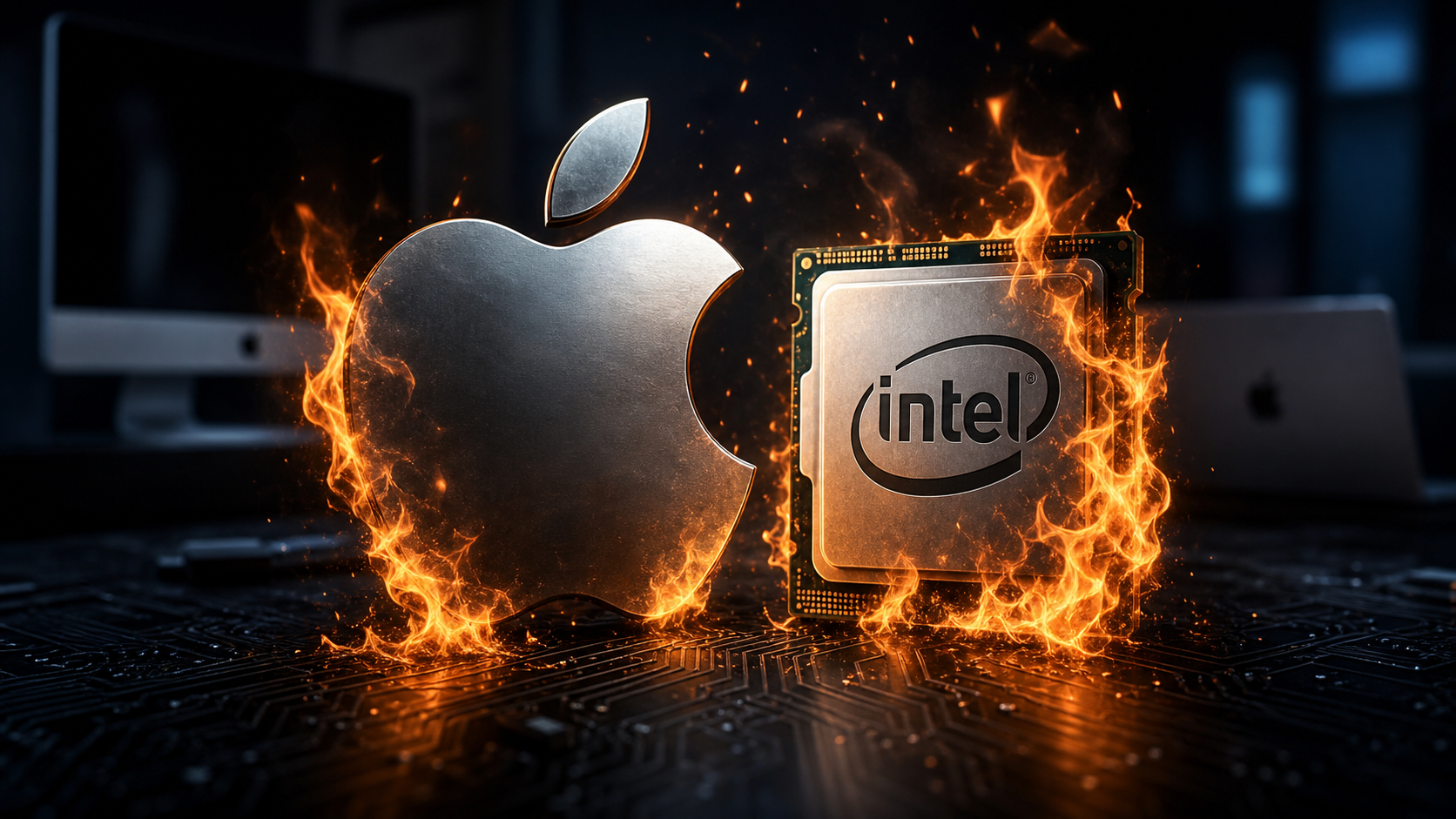
Checked June 10, 2026: Apple's next major Mac update, macOS 27 Golden Gate, marks the real end of the Intel Mac era. Apple's compatibility list for macOS 27 includes MacBook Air, MacBook Pro, iMac, Mac mini, Mac Studio, and Mac Pro models with Apple silicon. It does not include Intel-based Macs.
For customers with older Intel MacBooks, iMacs, Mac minis, iMac Pros, or 2019 Mac Pros, this does not mean the computer suddenly stops working today. It does mean those machines are no longer on the newest macOS upgrade path. For home users and small businesses, that changes how we should think about security updates, replacement timing, app compatibility, and whether an older Mac is still a good fit for work.
In this article
- What changed with macOS 27 Golden Gate
- Why Apple is dropping Intel Mac support
- What this means for customers with Intel Macs
- The separate Rosetta issue for Intel-only apps
- A practical checklist for home and business users
- When to keep using the Mac and when to replace it
What Changed With macOS 27 Golden Gate
Apple's official macOS 27 page says Golden Gate is compatible with the following Mac families:
- MacBook Neo (2026)
- MacBook Air with Apple silicon, 2020 and later
- MacBook Pro with Apple silicon, 2020 and later
- iMac with Apple silicon, 2021 and later
- Mac mini with Apple silicon, 2020 and later
- Mac Studio, 2022 and later
- Mac Pro with Apple silicon, 2023
The key phrase is with Apple silicon. If the Mac has an Intel processor, it is outside the macOS 27 supported-device list. That includes some machines that still feel powerful, such as the 2019 16-inch MacBook Pro, 2020 Intel 13-inch MacBook Pro models, the 2020 Intel iMac, the iMac Pro, and the 2019 Intel Mac Pro.

Why Apple Is Dropping Intel Mac Support
The short version: Apple has finished the Mac platform transition it started in 2020. Apple silicon Macs use Apple-designed chips instead of Intel processors. That gives Apple tighter control over performance, battery life, graphics, machine learning hardware, memory architecture, security features, and how macOS talks to the hardware underneath.
Supporting Intel and Apple silicon at the same time adds engineering weight. Every major macOS release has to be tested across different CPU architectures, graphics paths, firmware behavior, drivers, power-management behavior, and edge cases. At some point, Apple clearly decided the benefits of a cleaner Apple silicon-only macOS outweighed keeping the last Intel Macs on the newest release.
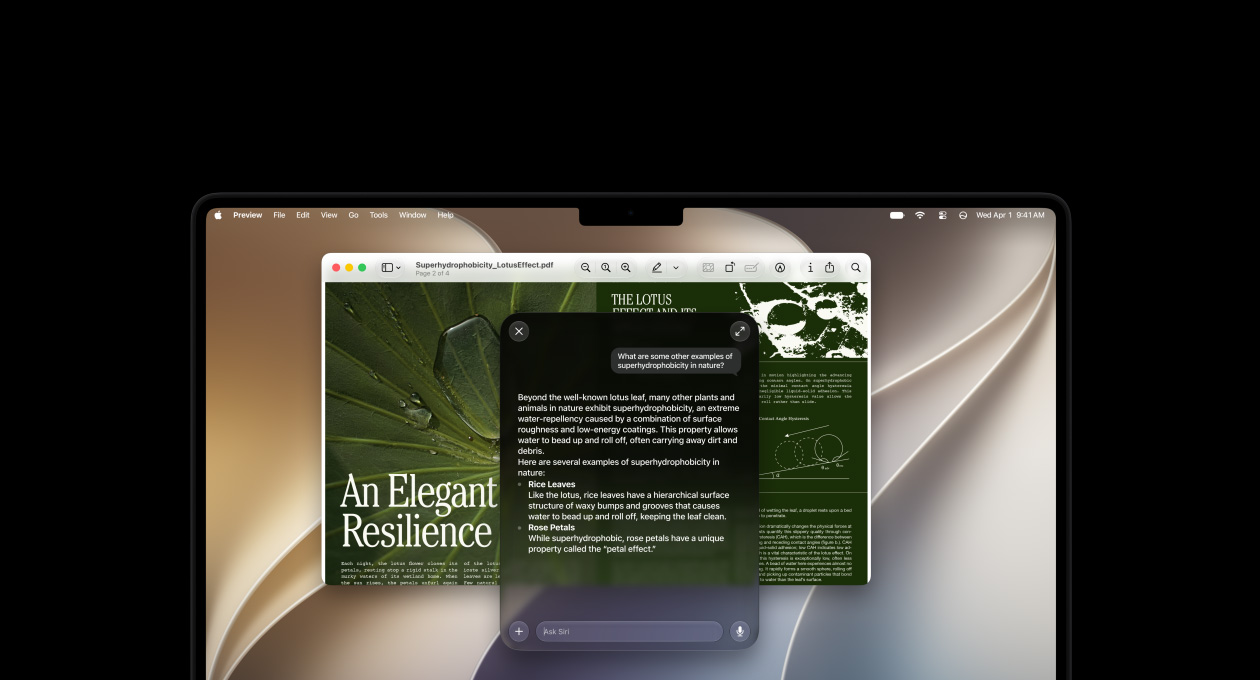
This is also tied to Apple's newer AI and platform features. Golden Gate is part of Apple's broader Apple Intelligence and Siri AI push across devices. Some of those features depend heavily on newer neural engines, unified memory, and on-device processing. Even among Apple silicon Macs, not every advanced feature is guaranteed on every older chip. Dropping Intel support lets Apple aim the new operating system at hardware that is closer to the future it wants to build for.

What This Means For Customers With Intel Macs
If you own an Intel Mac, the practical impact depends on what you use it for.
Your Mac Should Still Work
An Intel Mac running macOS 26 Tahoe or an earlier supported version will not suddenly stop opening documents, browsing the web, joining video calls, or running installed apps just because macOS 27 exists. If the machine is healthy, backed up, and doing a simple job, it may still have useful life left.
You Will Not Get macOS 27 Features
The line is the operating-system upgrade. Intel Macs will not install Golden Gate through normal Apple-supported methods. That means no macOS 27 interface changes, newer Siri AI features, Visual Intelligence improvements, new Mac platform features, or future-only app requirements that depend on macOS 27.
Security Planning Becomes More Important
Apple commonly provides security updates for recent older macOS versions for a period of time, but the exact window and coverage can vary by release and vulnerability. The smart move is to treat Intel Macs as machines that need a replacement plan, not as machines that can be ignored because they still turn on.
For a home user, that may mean planning a replacement within the next year or two. For a business, it means making an inventory now, especially for Macs used for payroll, banking, client files, customer records, email, remote access, or admin work.

The Separate Rosetta Issue For Intel-Only Apps
There are two related but different issues here:
- Intel Macs: Intel-based Mac hardware is not supported by macOS 27.
- Intel-only apps on Apple silicon Macs: Rosetta lets Apple silicon Macs run older Intel-based apps, but Apple says Rosetta support is ending in a future macOS version.
Apple's support page explains that Rosetta enables a Mac with Apple silicon to run Intel-based apps and warns that Rosetta support will end in a future version of macOS. Apple's developer documentation says Rosetta was designed to ease the Apple silicon transition and is planned through macOS 27 as a general-purpose tool for Intel apps, with a narrower legacy-game-focused subset beyond that timeframe.
For customers, this matters even if they already bought an Apple silicon Mac. A newer M-series Mac may still depend on old Intel-only software through Rosetta. Examples can include old printer/scanner utilities, niche business software, audio plugins, older Adobe plugins, accounting add-ons, label-printer tools, medical/dental peripherals, security-camera software, and specialty drivers.
Before a business upgrades everything, it should check which apps are still Intel-only and whether the vendor has an Apple silicon-native version.
A Practical Checklist For Home And Business Users
Here is the checklist we would use with a customer before making a replacement decision.
1. Identify Whether The Mac Is Intel Or Apple Silicon
Click the Apple menu, choose About This Mac, and look for the processor/chip line. If it says Intel Core i5, Intel Core i7, Intel Core i9, Xeon, or another Intel label, it is an Intel Mac. If it says M1, M2, M3, M4, M5, or another Apple chip, it is Apple silicon.
2. Check The Current macOS Version
In System Settings > General > Software Update, check what version is installed and whether security updates are available. If an Intel Mac is going to stay in service, it should at least be kept current on the newest supported macOS version available for that model.
3. Confirm Backups Before Any Upgrade Or Replacement
Before replacing or retiring a Mac, make sure Time Machine, cloud backup, or another backup method is actually working. A backup that has not completed in six months is not a backup plan.
4. List Critical Apps And Peripherals
Write down anything the Mac must support: printers, scanners, label printers, accounting software, VPN clients, remote desktop tools, security-camera apps, medical/dental software, design plugins, music production plugins, or browser extensions tied to work. Then confirm the vendor supports Apple silicon and current macOS versions.
5. Do Not Put Production Macs On Betas
macOS 27 is in the beta/release cycle. Betas are useful for testing, but they do not belong on a business owner's only laptop, a front-desk machine, a payroll computer, or a Mac that runs customer work.
When To Keep Using The Mac And When To Replace It
It may be reasonable to keep an Intel Mac for now if it is used for low-risk work, still receives available security updates, has a working backup, runs current browsers, and is not used for sensitive business data or unsupported software.
It is time to plan a replacement if the Mac is used for business-critical work, cannot run current security updates, has battery or storage problems, runs slow under normal tasks, uses old unsupported apps, handles financial/client data, or is already difficult to maintain.
For many customers, the best answer is not panic-buying a new Mac today. The best answer is inventory first, backup second, app compatibility third, then choose a replacement timeline. A healthy Intel Mac can often be retired gracefully instead of urgently.
The IT Guys Takeaway
Apple dropping Intel Mac support in macOS 27 is not surprising, but it is still a real planning moment. Intel Macs had a long run, and many of them are still useful machines. The problem is that useful is not the same as future-ready.
If your Mac is used for casual home tasks, you may have some time. If it is used for business, sensitive data, remote access, bookkeeping, customer work, or employee productivity, treat this as the year to make a plan. Check the model, check backups, check software, then decide whether to keep it in a limited role or move to an Apple silicon Mac.
Related Reading
- macOS Golden Gate 27 Announced: What Apple Is Changing And What Mac Owners Should Know
- iOS 27 Preview: Release Date, Siri AI, Apple Intelligence, Photos, Passwords, and Child Safety
- macOS Tahoe 26.5.1 Released June 1, 2026: What Mac Users Should Do Now
Sources And Further Reading
- Apple: macOS 27 Golden Gate compatibility list and feature preview
- Apple Support: Using Intel-based apps on a Mac with Apple silicon
- Apple Developer: About the Rosetta translation environment
- Apple Developer: macOS 27 beta release
- MacRumors: Macs compatible with macOS Golden Gate
- MacRumors: macOS 27 and Rosetta support timeline