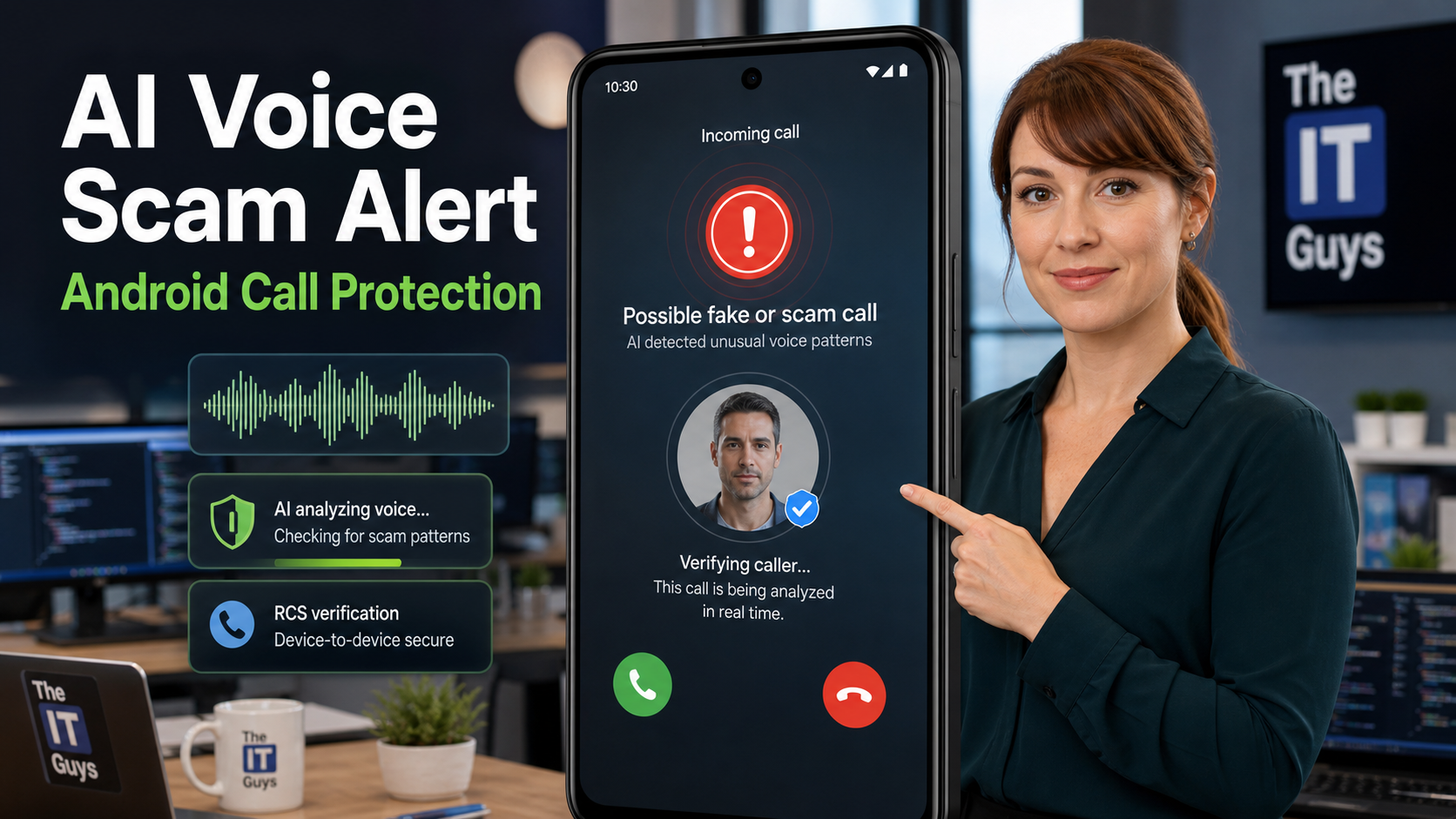
Bottom line: Google is rolling out a new Android safety feature called fake call detection that can warn you when a scammer may be spoofing a contact’s phone number and using an AI-cloned voice to impersonate someone you trust. It started rolling out globally in June 2026 through Phone by Google, beginning with Pixel phones, and it is meant to fight a newer kind of scam: the call looks like it came from “Mom,” a boss, a customer, or a coworker, but the real person is not calling.
This is useful, but there is one detail Android users need to understand: Google’s new Fake Call Detection and Google’s Scam Detection are related but not the same thing. Fake Call Detection verifies whether a contact call is really coming from that contact’s device. Scam Detection, available on eligible Pixel phones, listens for scam-like conversation patterns during a call and warns you in real time. Both are helpful, but neither replaces the old-fashioned rule that still works best: hang up and verify urgent requests another way.
In This Article
- Quick summary
- Why AI voice scams are harder to spot now
- How Fake Call Detection works
- What your Android phone needs
- How to enable the right settings
- Pixel Scam Detection: the other real-time call warning
- What to do if you get a warning
- Small business checklist
- FAQ
Quick Summary
- Feature name: Fake Call Detection in Phone by Google.
- What it does: Warns when a scammer may be impersonating one of your contacts through caller ID spoofing.
- Why AI matters: Scammers can combine a spoofed number with AI voice cloning, making the call look and sound like someone you know.
- Rollout: Google announced the feature on June 2, 2026, and says it is rolling out globally in Phone by Google to Android 12+ devices this month, starting with Pixel devices.
- Main requirements: Android 12 or newer, Phone by Google, Google Contacts, Google Messages, RCS enabled in Google Messages, and both the caller and recipient using Phone by Google.
- Default behavior: Google says Fake Call Detection is on by default and works in the background.
- Separate Pixel feature: Eligible Pixel phones also have Scam Detection, which can analyze call patterns on-device and alert you during suspicious calls.
Why AI Voice Scams Are Harder To Spot Now
Caller ID used to feel like a shortcut for trust. If the name on the screen matched someone in your contacts, most people answered differently than they would answer an unknown number. Scammers know that, so they use caller ID spoofing to make a call appear to come from a familiar person, business, bank, or government agency.
AI voice cloning makes that worse. A scammer does not need a perfect recording studio or a Hollywood-level setup to create a convincing voice. Short public clips, voicemail greetings, social media videos, meeting recordings, or compromised audio can give criminals enough material to imitate a voice well enough to create panic.
Google’s security blog points to the broader fraud problem behind this feature: INTERPOL’s March 2026 Global Financial Fraud Threat Assessment cited impersonation fraud as a major contributor to more than $400 billion in global losses, and the FTC reported $2.95 billion in U.S. imposter scam losses in 2024. That does not mean every suspicious phone call is an AI deepfake, but it does show why phone-based impersonation is not a small nuisance anymore.
How Android Fake Call Detection Works
Google describes Fake Call Detection as a private device-to-device verification check. When someone in your contacts calls you and both of you are using Phone by Google, the caller’s device sends a silent confirmation signal to your device in real time. The point is to prove that the call really came from that contact’s phone, not just from a system spoofing the contact’s number.
The feature uses end-to-end encrypted RCS technology for that confirmation. If the normal confirmation is missing, your phone can check with the contact’s real device. If that device indicates it is not currently making the call, your screen can show a warning telling you that someone may be pretending to call from that contact’s number.
That is the practical value: Android is not trying to judge whether the voice sounds real. It is checking whether the call is actually coming from the device that belongs to the contact. That is a cleaner way to fight the combination of spoofed caller ID and AI voice cloning.
What Your Android Phone Needs
Before you go hunting through settings, check the basics. Google’s support page lists these requirements for fake call detection:
- Android 12 or higher. Older Android versions are not listed for this new feature.
- Phone by Google installed. This is Google’s official dialer app, and on many Android phones it is already the default Phone app.
- Google Contacts installed. The feature depends on contact identity, so Google’s Contacts app is part of the requirement.
- Google Messages installed with RCS turned on. RCS is the modern messaging technology Google uses for the encrypted verification signal.
- Both people must use Phone by Google. This matters. If your contact uses a different phone app or the feature has not reached one of the devices yet, the verification may not work.
- Rollout timing still applies. Google says the rollout starts with Pixel devices and expands globally through Phone by Google during June 2026. Some phones may see it later than others.
One more practical note: the Phone by Google listing on Google Play says the app is available for most Android devices running Android 9.0 and newer, but this new fake call protection specifically requires Android 12 or newer. Installing the app on an older phone does not guarantee the new protection.
How To Enable Fake Call Detection And Related Android Protections
Google says Fake Call Detection is on by default, so most users should not need to flip a special “fake call detection” switch. What you should do is make sure the required apps and related protections are set correctly.
Step 1: Update Phone By Google
- Open the Google Play Store.
- Search for Phone by Google.
- Tap Update if an update is available.
- If your Android phone uses a different dialer app and Phone by Google is available for your device, install it and set it as your default phone app when prompted.
Step 2: Turn On Caller ID And Spam Protection
Google’s support page says caller ID and spam protection is on by default, but it is worth checking:
- Open the Phone app.
- Tap More options, usually the three dots in the top-right corner.
- Tap Settings.
- Tap Caller ID and spam.
- Make sure See caller ID and spam is turned on.
- Optional: turn on Filter spam calls if your phone offers that setting and you want suspected spam calls filtered more aggressively.
Step 3: Make Sure Google Messages Has RCS Turned On
Fake Call Detection requires RCS capability in Google Messages. To check it:
- Open Google Messages.
- Tap your profile picture or account icon.
- Tap Messages settings.
- Tap RCS chats. On some phones this may appear as Chat features.
- Turn on RCS chats if it is available.
- Check that the status shows connected or available. If it is stuck verifying, update Google Messages and Carrier Services, then try again later.
Step 4: Keep Google Contacts Installed And Updated
Because this feature is about verifying calls from people in your contacts, make sure Google Contacts is installed and updated. Also clean up duplicate contact entries where you can. A phone full of outdated duplicate numbers makes every call-protection feature harder to trust.
Step 5: Know Where To Disable It
Most people should leave Fake Call Detection enabled, but Google says it can be disabled in Phone by Google settings. If you turn off caller ID and spam protection, you may lose related warnings. For most home users and small businesses, leaving these protections on is the better default.
Pixel Scam Detection: The Other Real-Time Warning
Google also has a feature called Scam Detection in the Phone app on eligible Pixel phones. This is the one that analyzes call behavior during the conversation and alerts you if the call sounds like a scam. It is different from Fake Call Detection, and it has different requirements.
According to Google’s Phone app help page, Scam Detection works on-device, is off by default, and must be turned on manually. On Pixel 9 and later devices, Google says it is powered by Gemini Nano on-device. On earlier eligible Pixel devices, it uses Google’s on-device machine learning models. Google also says no conversation audio or transcription is stored on the device or sent to Google servers for this feature.
Who Can Use Pixel Scam Detection?
- Pixel 6 and later devices in the United States.
- Pixel 9 and later devices in Australia, Canada, France, Germany, India, Ireland, Italy, Japan, Mexico, Spain, and the United Kingdom.
- Pixel 9a in the United States only, according to Google’s help page.
How To Turn On Pixel Scam Detection
- Open the Phone app.
- Tap More options.
- Tap Settings.
- Tap Scam Detection.
- Turn on Scam Detection.
Google notes that Scam Detection uses an audible beep at the start of the call and every few minutes after so call participants know the feature is turned on. If the phone detects a likely scam, it can alert you with a notification, sound, and vibration. You can dismiss the warning if it is not a scam, or end the call from the warning.
What To Do If Your Phone Warns You About A Fake Or Scam Call
If Android warns you that a call may be fake or suspicious, treat the warning seriously. Do not argue with the caller or try to outsmart them. End the call and verify through a separate channel.
- Call the person back from your contacts or from a known number you already trust.
- Use another channel such as text, Signal, email, or an in-person check if the call claimed to be an emergency.
- Never provide MFA codes, password reset codes, banking codes, or remote access because of an inbound call.
- Do not send gift cards, crypto, wire transfers, Zelle payments, or cash based only on a phone call.
- For business requests, verify through policy. Payment changes, payroll changes, password resets, and vendor changes should require a second approval path.
- Report the call as spam or fraud when your phone gives you that option.
Small Business Checklist
If your business uses Android phones for calls, field work, customer communication, or account security, this is worth turning into a short staff habit instead of treating it as a phone feature nobody discusses.
- Update Android phones and Google apps. Prioritize Phone by Google, Google Messages, Google Contacts, and monthly Android security updates.
- Confirm which phones are eligible. Check Android version, phone model, and whether Phone by Google can be used as the default dialer.
- Turn on RCS in Google Messages. Fake Call Detection depends on RCS capability.
- Enable Pixel Scam Detection where available. This is especially useful for owners, managers, finance staff, dispatch, and anyone who approves purchases or account changes.
- Create a callback rule. Staff should hang up and call back using a known number before approving money, passwords, remote access, payroll changes, or vendor payment changes.
- Use verification phrases for family and internal emergencies. A short phrase can help when a caller claims to be a relative, employee, or manager in trouble.
- Train against urgency. “Do this now and do not tell anyone” is a red flag, even when the voice sounds familiar.
- Review account recovery settings. A scam call often tries to collect password reset codes or MFA codes. Strong MFA helps only if people do not read the codes aloud.
For small businesses around Port Saint Lucie, Jensen Beach, Fort Pierce, and Vero Beach, The IT Guys can help review Android phone settings, update status, MFA habits, and scam-call procedures so staff know what to do before a convincing call lands.
FAQ
Is Fake Call Detection available on every Android phone?
No. Google says it is rolling out globally in Phone by Google to Android 12+ devices during June 2026, starting with Pixel devices. It also requires Phone by Google, Google Contacts, Google Messages, RCS capability, and both the caller and recipient using Phone by Google.
Do I need to turn Fake Call Detection on?
Google says Fake Call Detection is on by default and works automatically behind the scenes. You should still update Phone by Google, keep caller ID and spam protection turned on, install Google Contacts and Google Messages, and enable RCS chats in Google Messages.
Is this the same as Pixel Scam Detection?
No. Fake Call Detection verifies whether a contact call is really coming from that contact’s device. Pixel Scam Detection analyzes call patterns on eligible Pixel phones and warns when a conversation appears scam-like. Scam Detection is off by default and must be turned on in the Phone app settings.
Does Google record my calls for Scam Detection?
Google’s help page says Scam Detection processing is done on-device and that no conversation audio or transcription is stored on the device or sent to Google servers. The feature also plays audible beeps so participants know it is turned on.
Will this stop all AI voice scams?
No. It is another layer of protection, not a guarantee. Scammers change tactics, and not every suspicious call will meet the technical requirements for a warning. Keep using callback verification, MFA code discipline, and payment-change approval rules.
Related Reading
- June 2026 Android Drop: New Phone Features Worth Knowing
- Android CVE-2026-0073: Update Your Phone Now
- Why Passkeys and MFA Are Still the Best Way to Protect Your Email in 2026
- Quick Tech Tip: Check Your Account Recovery Info Before You Need It
Sources
- Google Security Blog: How Android helps keep you safe from impersonation scams with fake call detection
- Google: June Android Drop announcement
- Google Phone Help: Use caller ID and spam protection
- Google Phone Help: Use Scam Detection
- Google Play: Phone by Google
- Google Messages Help: Turn on RCS chats
- FTC: 2024 fraud loss data