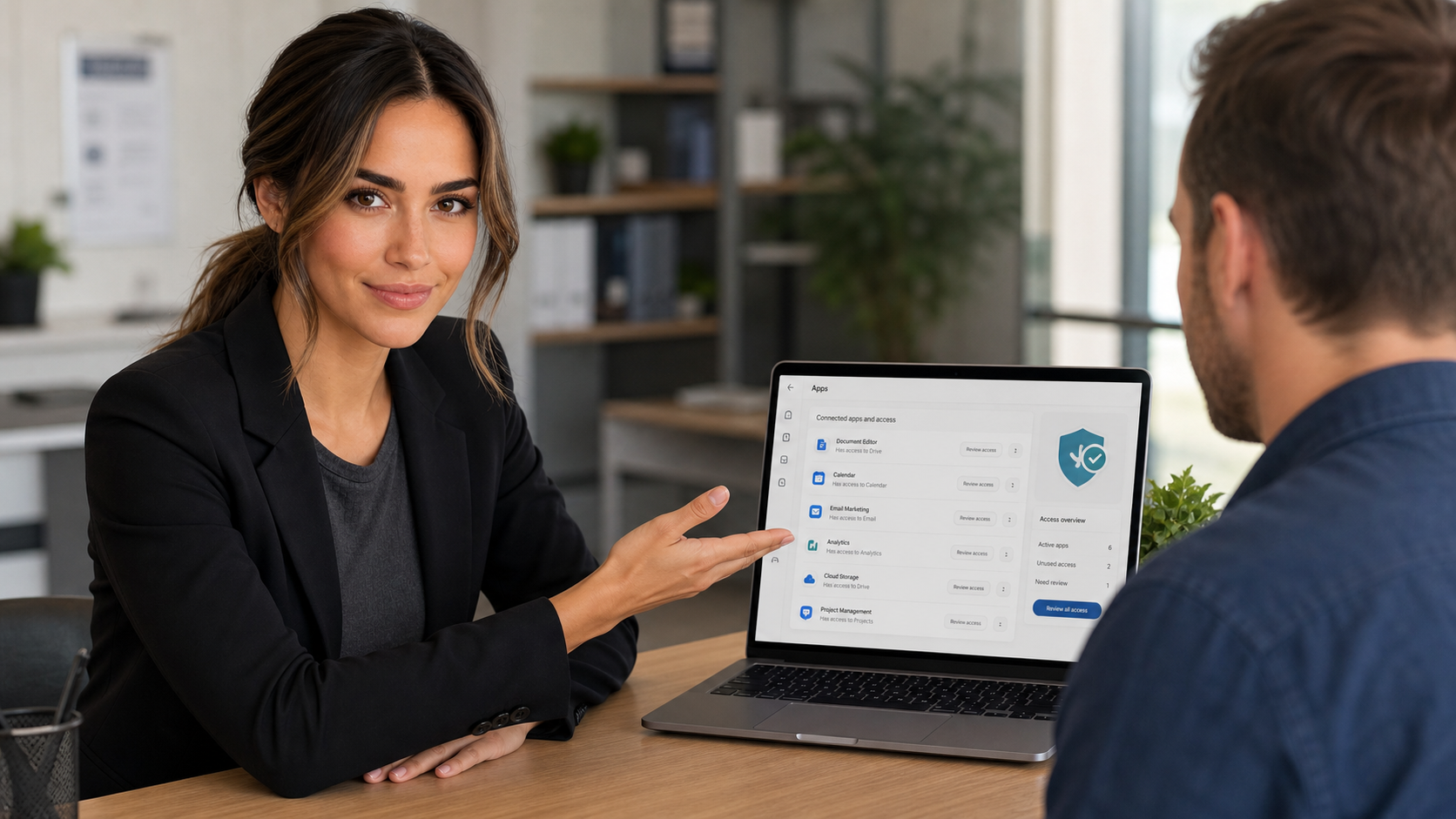
Today’s practical tech tip: take 15 minutes to review which third-party apps, websites, and services can still access your Google, Microsoft, or Apple account. This is one of those quiet security chores that does not look urgent until an old app, abandoned browser tool, or forgotten vendor portal becomes the weak link.
Most people think about passwords and multi-factor authentication first. Those matter, but connected-app access is different: you may have already granted an app permission to read email, view calendars, manage files, see contacts, or sign in as you. If that app is no longer used, no longer trusted, or owned by a vendor you barely remember, it should not keep sitting on the account.
Why this matters for regular users and small businesses
Connected apps are common and often legitimate. A calendar booking tool may need your calendar. A scanner app may need cloud storage access. A CRM, accounting add-on, email marketing platform, or phone sync tool may need permission to connect to Microsoft 365 or Google Workspace.
The risk is that access tends to pile up. Employees test a tool and move on. A browser extension gets installed for one task. A vendor login is created for a short project. Months later, the app may still have access even though nobody remembers why it was approved.
For a small business, this can become a real security and privacy issue. Old app permissions may expose mailboxes, files, calendars, contacts, or customer information. If a connected service is compromised, poorly maintained, or still tied to a former employee workflow, it can create an avoidable opening.
The 15-minute connected-app audit
Start with your most important accounts: your main email account, Microsoft 365 or Google Workspace account, cloud storage account, accounting account, and any Apple Account used for business devices or app sign-ins.
1. Review Google connected apps
- Go to your Google Account security settings.
- Find the section for third-party apps and services or apps with access to your account.
- Open each app you do not immediately recognize.
- Look at what access it has, such as basic profile information, Gmail, Drive, Calendar, Contacts, or other data.
- Remove access for apps you no longer use, do not recognize, or do not trust.
Google says linked apps can request different levels of access, including permission to view or modify Google Account data, and that you can remove access at any time. That is exactly why this review is worth doing before there is a problem.
2. Review Microsoft work or school app permissions
- Sign in to your Microsoft work or school account.
- Open the My Apps or My Account portal.
- Look for app permissions or connected applications.
- Select apps you no longer use and review their permissions.
- Revoke permissions for anything unnecessary, suspicious, or tied to a tool your business has retired.
Microsoft notes that revoking permissions can break some app functionality. That is not a reason to avoid cleanup; it is a reason to be deliberate. If an app is still mission-critical, confirm who owns it before removing access.
3. Review Sign in with Apple apps
- On iPhone or iPad, open Settings and tap your name.
- Open Sign in with Apple.
- Review the apps and developers listed there.
- Select an app to see what information was shared.
- Stop using Sign in with Apple for apps you no longer want connected.
Apple’s support guidance explains that stopping Sign in with Apple for an app can sign you out of that app. If the app matters, make sure you know how you will sign back in before removing it.
What to remove first
If you only have time for the highest-risk items, prioritize these:
- Apps with email access: email is often the reset path for other accounts.
- Apps with file access: cloud drives often contain tax records, invoices, contracts, and customer files.
- Calendar and contact sync tools: these can expose business relationships and meeting details.
- Old browser extensions or login helpers: especially if you cannot identify the vendor.
- Trial software: anything installed for a short project that never became part of normal operations.
- Former vendor integrations: especially scheduling, marketing, CRM, accounting, ticketing, and remote support tools.
Do not remove blindly
There are a few cautions before you start clicking revoke on everything:
- Some business tools will stop working. Calendar booking, email archiving, CRM sync, scan-to-cloud, phone systems, and accounting imports may depend on these permissions.
- Some apps belong to the business, not one person. If you are using Microsoft 365 or Google Workspace, check with the account admin before removing anything that looks company-wide.
- Removing access is not the same as deleting the outside account. You may still need to close the account at the vendor’s website.
- Suspicious access may require more than cleanup. If you see an app you never approved with broad email or file access, change the password, review sign-in history, check MFA, and look for forwarding rules or mailbox changes.
Make the cleanup stick
After the first pass, turn this into a simple routine:
- Review connected apps once per quarter.
- Review immediately when an employee leaves or a vendor relationship ends.
- Keep a short list of approved business integrations, who owns them, and what they connect to.
- Require multi-factor authentication on the account before approving new integrations.
- For Microsoft 365 or Google Workspace, restrict who can approve high-risk third-party apps.
The FTC recommends turning on two-factor authentication from account settings, especially for sensitive accounts such as email, banking, payment apps, social media, and tax-related services. CISA also recommends using MFA as an extra step beyond just a password. Connected-app cleanup works best when it is paired with strong MFA and a clear approval process.
When to call an IT professional
Call for help if you find an app with broad access that nobody recognizes, if a former employee’s workflow still controls a key integration, or if removing a permission breaks email, calendars, cloud file access, phones, accounting, or customer systems.
For businesses, this is also a good time to ask for a tenant-level review. An IT professional can check Microsoft 365 or Google Workspace admin settings, app consent policies, risky sign-ins, MFA coverage, mailbox forwarding rules, and whether old integrations are still active across the company.
Useful source links
- Google: manage linked apps with access to your Google Account
- Google: Sign in with Google overview and account control
- Microsoft: edit or revoke application permissions in the My Apps portal
- Apple: manage your apps with Sign in with Apple
- FTC: use two-factor authentication to protect your accounts
- CISA: more than a password