

Checked May 29, 2026: Apple has a busy iPhone software month coming in June. The important part for regular users and small businesses is that not all of these changes arrive the same way. Some are already in the iOS 26.6 beta cycle as maintenance and security work. The bigger wave is expected at Apple’s Worldwide Developers Conference, WWDC 2026, which runs June 8-12 and should preview the next major iPhone update cycle, widely expected to be called iOS 27.
If you only take one thing from this article, make it this: June is likely to bring announcements and betas, not a stable upgrade that every iPhone owner should immediately install. Most home users and businesses should keep current with public iOS security updates, avoid developer betas on primary phones, and watch the WWDC announcements before making device or app plans.
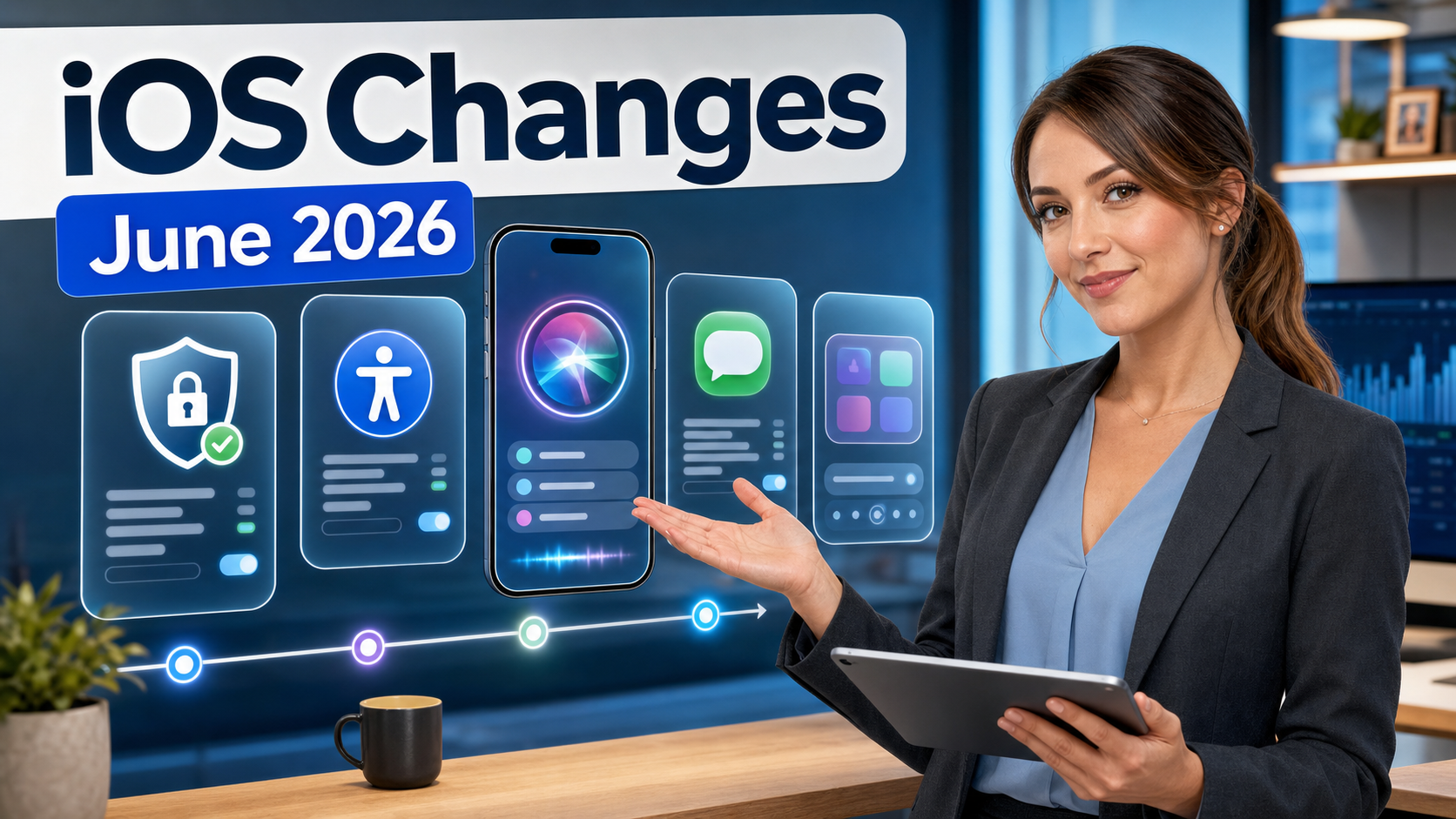
Quick Summary: What Is Coming In June?
- WWDC 2026 starts June 8. Apple has officially announced WWDC for June 8-12, 2026, with the keynote on June 8.
- The next major iPhone software preview is expected. Apple has not publicly confirmed every consumer feature yet, but iOS 27 is expected to be previewed during WWDC.
- iOS 26.6 is already in beta. Apple’s developer releases page lists iOS 26.6 beta build 23G5028e dated May 26, 2026.
- Security still matters right now. iOS 26.5, released May 11, includes a long list of security fixes and should not be ignored while everyone is talking about the next major version.
- AI and Siri are the headline expectations. Multiple reports point to a major Siri and Apple Intelligence push, but some details remain rumor until Apple confirms them on stage.
- Accessibility changes are already official. Apple has previewed new Apple Intelligence-powered accessibility improvements coming later this year.
- Businesses should wait for testing. A June beta is useful for IT planning, not for deploying immediately to every employee phone.
Confirmed: WWDC 2026 Is June 8-12
Apple’s own Newsroom says WWDC 2026 takes place June 8-12, 2026. That matters because WWDC is where Apple usually previews the next major versions of iOS, iPadOS, macOS, watchOS, tvOS, and visionOS before they roll out more broadly later in the year.
For normal iPhone users, WWDC is mostly an announcement event. For developers, IT teams, app vendors, and businesses that depend on iPhones, it is the start of the testing season. Apple typically releases early developer betas first, then public betas later, and final public releases closer to the fall iPhone season. That means a feature shown on June 8 may not be ready for a customer’s daily phone that same day.
Practical takeaway: watch the June 8 keynote for direction, but do not treat the first beta as a normal update. If your phone is used for business calls, banking, two-factor authentication, dispatching, point-of-sale work, or customer communication, stay on the stable public release unless you have a clear testing reason.
iOS 26.6: The Smaller Update Already In Testing
Before the next major iOS preview, Apple is already testing iOS 26.6 beta. Apple’s developer releases listing shows iOS 26.6 beta build 23G5028e dated May 26, 2026. Early reporting from MacRumors describes this as the first iOS 26.6 and iPadOS 26.6 developer beta, arriving about two weeks after iOS 26.5.
So far, iOS 26.6 does not look like the “big new features” release that most people will be talking about in June. It appears more like a late-cycle iOS 26 update: bug fixes, polish, possible security work, and compatibility cleanup before Apple shifts public attention to the next major version.
For home users: if you see iOS 26.6 beta mentioned online, that does not mean you should install it. Betas can break apps, reduce battery life, cause Bluetooth or CarPlay quirks, and make troubleshooting harder.
For small businesses: iOS 26.6 beta may be worth testing on one spare device if you depend on iPhone apps for scheduling, inventory, mobile payments, field service, email, VPN, or device management. It should not be rolled out across staff phones unless your IT process specifically supports beta testing.
Do Not Skip iOS 26.5 Security Fixes While Waiting For June
Apple released iOS 26.5 and iPadOS 26.5 on May 11, 2026. Apple’s official security page for iOS 26.5 and iPadOS 26.5 lists the security content by component and CVE where available. MacRumors also reported that the update addressed more than 50 security vulnerabilities.
This is the less exciting but more urgent part for most customers. New features get attention, but security updates protect against the real-world problems that affect phones used for email, banking, business apps, family photos, authentication apps, and password managers.
Practical takeaway: if your iPhone is on an older iOS 26 version, update to the current stable public iOS release before worrying about iOS 27 rumors. If you manage employee phones, confirm that your mobile device management policy is not delaying security updates too long.
RCS Encryption: A Real Change Already Rolling Out
One of the more practical iPhone messaging changes has already started: Apple announced that end-to-end encrypted RCS messaging began rolling out in beta on May 11, 2026, for iPhone users running iOS 26.5 with supported carriers and Android users on the latest version of Google Messages.
RCS is the modern replacement for old SMS/MMS texting between different phone platforms. The reason this matters is simple: many iPhone-to-Android conversations still fall outside Apple’s iMessage bubble. Better RCS support can mean improved media sharing, better group messaging behavior, and stronger privacy when encryption is available.
There is one important caution: Apple describes the encrypted RCS rollout as beta and carrier-dependent. That means one person may see it before another, and it may not appear consistently across every carrier, region, or Android messaging setup right away.
For customers: do not assume every green-bubble conversation is suddenly fully protected. Watch for the app’s encryption indicators and keep sensitive information out of normal text messages when there is any doubt.
Expected: iOS 27 And The Next Major iPhone Software Preview
Apple has not published a full public iOS 27 feature list yet. That is the point of WWDC. However, multiple current reports from MacRumors, 9to5Mac, TechRadar, Tom’s Guide, TechCrunch, and others point to iOS 27 being the major iPhone software story at WWDC 2026.
Because this article is being written before the keynote, the honest way to explain the next month is to split changes into two categories:
- Confirmed by Apple: WWDC dates, iOS 26.6 beta availability, iOS 26.5 security content, RCS encryption beta rollout, and new accessibility features coming later this year.
- Reported but not final until Apple announces it: the full iOS 27 feature set, Siri redesign details, possible AirPods settings changes, possible Health app changes, and the exact beta/public release timing.
That distinction matters. It keeps the article useful without turning rumors into promises.
Siri And Apple Intelligence: The Biggest Expected Change
The biggest expected iOS change is a major Siri and Apple Intelligence push. Reporting from Bloomberg’s Mark Gurman, summarized by outlets including TechCrunch, Tom’s Guide, and Macworld, suggests Apple is preparing a more modern Siri experience that may include a redesigned interface, more text-based interaction, and deeper system integration.
Why would that matter to regular users? Because Siri has historically been useful for basic commands but less dependable for complex, context-heavy tasks. A meaningful Siri upgrade could change how people use the iPhone for everyday requests such as finding information in apps, controlling settings, handling messages, working with reminders, summarizing information, or connecting with other AI services.
For small businesses, the practical question is not “does Siri sound impressive on stage?” The question is whether it can reliably help with real work without creating privacy, compliance, or accuracy problems. A smarter assistant could be useful for field notes, reminders, scheduling, follow-up messages, and quick information retrieval. But any AI assistant can also misunderstand context, produce wrong answers, or expose sensitive data if employees use it carelessly.
What to watch at WWDC: whether Apple clearly explains what runs on-device, what goes to Private Cloud Compute, whether third-party AI tools are involved, what devices qualify, and whether business administrators can control the feature through management settings.
Accessibility Improvements: Already Official And Potentially Very Useful
Unlike many iOS 27 rumors, Apple has already previewed new accessibility improvements. In a May 2026 Newsroom post, Apple announced new accessibility features and updates with Apple Intelligence coming later this year.
The most important customer-facing idea is that Apple Intelligence will help features such as VoiceOver, Magnifier, Voice Control, and Accessibility Reader better understand what is on screen and help users navigate with more natural language. Apple specifically describes Voice Control becoming more intuitive so users can describe onscreen buttons and controls instead of memorizing exact labels or numbers.
This matters beyond traditional accessibility use cases. Better natural-language control can help users who have temporary injuries, low vision, motor challenges, fatigue, or difficulty using small touch targets. It can also help older users who know what they want to do but do not know the exact name of every button.
Business angle: accessibility improvements can reduce support friction for employees and customers. If your business provides iPhones or iPads to staff, these tools may help employees who struggle with touch input, reading small text, or navigating visually complex apps.
AirPods Settings May Get Easier To Understand
Another reported iOS 27 change is a redesigned AirPods settings experience. 9to5Mac summarized Bloomberg reporting that Apple is working on a significant change to the AirPods menu layout in Settings, though not a separate AirPods app.
This sounds small, but it could be useful. AirPods settings have become more complicated over time: noise control, adaptive audio, conversation awareness, microphone behavior, personalized volume, spatial audio, hearing features, firmware behavior, and device switching can all confuse users. A clearer AirPods settings page would help customers understand what their earbuds are actually doing.
Practical takeaway: if Apple reorganizes AirPods settings, expect some “where did that setting go?” questions after the update. For businesses using AirPods or Beats for calls, it may be worth making a short internal guide once the final menus are known.
Health App And Coaching Features: Watch Carefully, But Do Not Count On Everything Immediately
Health has been another expected area for Apple. Recent reporting summarized by TechRadar says Apple’s AI health coach may be delayed until later in the iOS 27 cycle, while a broader Health app overhaul may still be possible.
This is the type of feature where customers should be careful with expectations. Health and fitness features often roll out slowly because they touch sensitive personal information, medical-adjacent guidance, wearable-device data, and regional rules. Even if Apple previews health changes in June, availability may depend on device model, language, country, Apple Watch compatibility, and future iOS point releases.
Practical takeaway: do not buy a new iPhone or Apple Watch based only on a rumored health feature. Wait for Apple’s confirmed device list and release timing.
Liquid Glass And Readability: Refinement Instead Of Another Full Redesign
Last year’s iOS 26 brought Apple’s “Liquid Glass” design language across Apple platforms. Some users liked the more modern look, while others struggled with readability, contrast, and visual busyness. Current reporting suggests iOS 27 may refine that design rather than replace it.
TechRadar reported earlier this year that Apple may focus on performance, stability, and readability controls rather than abandoning Liquid Glass. If Apple adds more control over transparency or visual intensity, that would be good news for customers who found iOS 26 harder to read.
Customer tip: after any major iOS update, check Accessibility settings such as Reduce Transparency, Increase Contrast, Larger Text, Display Zoom, Motion settings, and color filters if the new design feels harder to use.
What iPhone Owners Should Do Before June Updates
- Install stable security updates. Do not stay behind on iOS 26.5 security fixes just because iOS 27 news is coming.
- Back up before major changes. Apple’s support page explains how to back up iPhone with iCloud or a computer.
- Avoid developer betas on your main phone. Apple’s developer beta guidance is for testing and compatibility work, not normal daily use.
- Check storage first. Major iOS updates often need several gigabytes of free space for download, preparation, and installation.
- Update important apps. Banking, payroll, medical, point-of-sale, authentication, email, and messaging apps should be kept current before major iOS changes.
- Know your Apple Account password. After updates, some devices may ask for Apple Account, iCloud, or two-factor confirmation.
- Do not update right before travel or a workday. Give yourself time in case Bluetooth, CarPlay, VPN, email, or battery behavior needs troubleshooting.
What Small Businesses Should Do
For businesses, the safest approach is a staged plan. Let Apple announce the software, let developers and early testers find the first wave of bugs, then test your must-have apps before pushing the update widely.
- Pick one test device. Use a spare iPhone, not the owner’s primary phone or the phone used for two-factor authentication.
- List mission-critical apps. Include email, calendar, POS, banking, payroll, password manager, authenticator, VPN, remote desktop, dispatch, inventory, and industry-specific apps.
- Check vendor notes. Watch for app developers posting iOS 27 compatibility updates after WWDC.
- Use MDM controls if available. Managed devices can often delay major updates while still allowing security updates.
- Train staff on visible changes. Siri, accessibility, AirPods settings, design changes, and messaging changes can all create support questions.
- Document known issues. If CarPlay, Bluetooth scanners, printers, payment terminals, or VPN apps break in beta testing, do not deploy widely.
Should You Install The June Beta?
Most people should not install the first June beta on their main iPhone. Apple’s beta program is useful, but beta software can have battery drain, app crashes, missing features, display glitches, connectivity problems, and data-restore headaches. Apple’s beta support pages explain that returning to a previous iOS version may require restoring from a backup made before installing the beta.
Install a beta only if you understand the risk, have a backup, can tolerate bugs, and preferably have a spare device. If the phone is used for work, family coordination, medical apps, banking, password management, two-factor codes, or travel, wait for the stable public release.
Bottom Line
June should be an important month for iPhone software, but it is not a month where everyone should rush to install everything they see online. The confirmed story is that WWDC starts June 8, iOS 26.6 is in beta, iOS 26.5 has important security fixes, encrypted RCS is beginning to roll out in beta, and Apple has previewed major accessibility improvements with Apple Intelligence.
The expected story is that Apple will preview iOS 27 with a heavy focus on Siri, Apple Intelligence, accessibility, and interface refinement. That could be exciting, especially if Siri finally becomes more useful in everyday work. But for customers and small businesses, the right move is still measured: update stable releases, back up important phones, test before deploying, and wait for Apple’s confirmed details before making purchase or rollout decisions.
FAQ
Is iOS 27 officially out in June?
No. The next major iOS version is expected to be previewed at WWDC in June, with early betas likely first. A stable public release would normally come later.
Should I install iOS 26.6 beta?
Not on your main phone unless you are intentionally testing. For most people, wait for stable public updates.
What is the most important iPhone update right now?
For most users, the most important current update is the latest stable public iOS release with security fixes, not the upcoming beta.
Will Siri finally get better?
That is the big expectation for WWDC 2026, but the final details, device requirements, privacy behavior, and timing need Apple confirmation.
What should businesses do first?
Make sure employee iPhones are backed up and current on stable security updates. Then test upcoming betas on a spare device before allowing broad deployment.
Sources Checked
- Apple Newsroom: WWDC 2026 runs June 8-12
- Apple Developer Releases: iOS 26.6 beta listing
- Apple Support: security content of iOS 26.5 and iPadOS 26.5
- Apple Newsroom: encrypted RCS messaging begins rolling out in beta
- Apple Newsroom: new accessibility features and Apple Intelligence updates
- Apple Developer Support: installing and using Apple beta software
- Apple Support: how to back up iPhone
- MacRumors: Apple seeds first iOS 26.6 beta
- 9to5Mac: reported AirPods settings changes in iOS 27
- TechCrunch: reported Siri app and AI changes ahead of WWDC
- Tom’s Guide: reported iOS 27 and Siri expectations
- TechRadar: reported Health app and AI health coach timing
Related Reading
- Important Tech News Roundup for May 28, 2026: AI Safeguards, Privacy Risks, Supply Chain Security, and AI Infrastructure – more practical technology and security context from The IT Guys
- Important Tech News Roundup for May 27, 2026: AI Search, Windows Updates, Privacy Safety, and Cybersecurity – more practical technology and security context from The IT Guys
- U.S.-Iran Conflict Cybersecurity Warning: How People and Small Businesses Can Protect Themselves From Hacking, Phishing, and Ransomware – related guidance from The IT Guys archive