

Short version: CIFSwitch, now tracked as CVE-2026-46243, is a high-severity Linux local privilege escalation issue in the way the Linux CIFS/SMB client interacts with the cifs-utils userspace helper. It is not a remote internet worm, and it does not mean someone can automatically break into a Linux machine from outside your network. But if an attacker, malicious app, compromised container, or low-privileged user can already run code on an affected Linux system, this bug may help them become root.
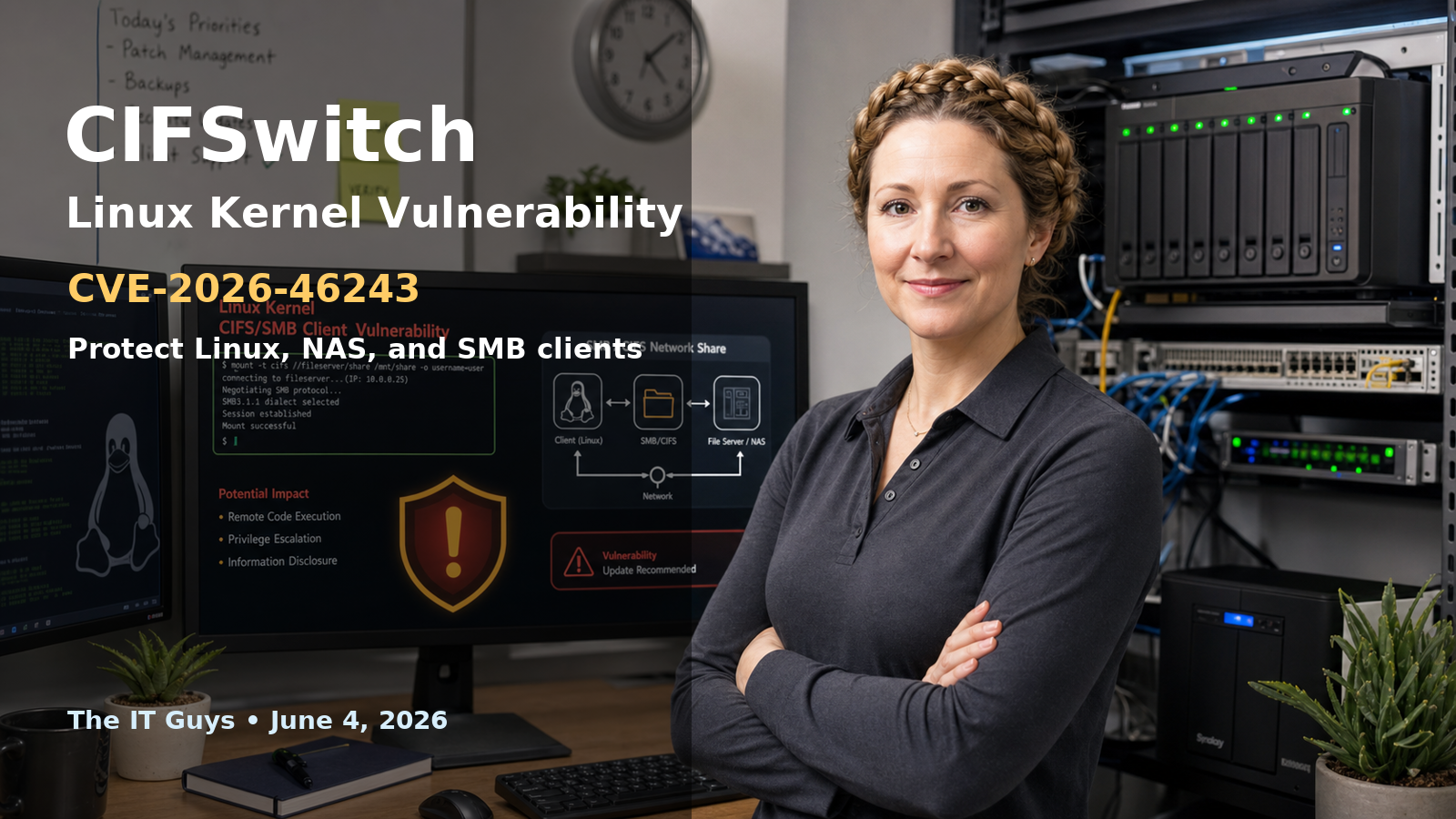
For home users and small businesses, the practical advice is straightforward: install your Linux vendor’s kernel updates, reboot into the fixed kernel, remove CIFS/SMB client components if you do not use them, and be careful with temporary mitigations because they can break legitimate network-drive mounts. This is especially relevant for Linux desktops, file servers, NAS-style systems, backup servers, virtualization hosts, developer workstations, cloud Linux instances, and containers or app platforms that run workloads on a shared Linux kernel.
In this article
- What happened
- Why a local Linux bug still matters
- Who may be affected
- How to protect your Linux systems
- Customer checklist
- Sources and references
What happened with CIFSwitch?
CIFSwitch was publicly explained by security researcher Asim Viladi Oglu Manizada in late May 2026 and later assigned CVE-2026-46243 by the Linux kernel CVE process. The bug sits at the boundary between the Linux kernel’s CIFS/SMB client and the cifs-utils package, which provides helper tools used when Linux mounts Windows-style SMB file shares.
CIFS, or Common Internet File System, is part of the SMB family of network file-sharing protocols. In plain English, this is the technology Linux can use to connect to Windows shares, NAS shares, and other SMB file servers. When a Linux system mounts an SMB share using Kerberos/SPNEGO authentication, the kernel asks a userspace helper called cifs.upcall to help obtain the authentication material.
The problem, according to the NVD entry, is that cifs.spnego key descriptions contain authority-bearing fields such as pid, uid, creduid, and upcall_target. The helper treated those fields as if they came from the kernel CIFS client, but userspace could also create keys of that type through request_key(2) or add_key(2). That origin confusion is the heart of the vulnerability.
Manizada’s original technical write-up describes the chain this way: a local attacker can forge a cifs.spnego request, cause the normal request-key rule to launch cifs.upcall as root, trick the helper into switching into an attacker-controlled namespace, and then abuse Name Service Switch behavior before final privilege drop. TrueNAS’ security impact statement describes the same issue as a local privilege escalation affecting the Linux kernel CIFS client subsystem together with cifs-utils.
Why “local privilege escalation” still matters
Some people see “local” and assume the bug is minor. That is not a safe assumption. Local privilege escalation means the attacker usually needs some way to run code on the Linux system first. But in real incidents, that first step often comes from somewhere else: a stolen SSH password, a vulnerable web app, a malicious plugin, a compromised developer dependency, a container escape chain, a bad cron job, or a user account that should not have administrative access.
Once an attacker has low-level access, root access changes the situation completely. Root can read sensitive files, alter system binaries, hide persistence, change firewall rules, disable logging, access mounted backups, read application secrets, and pivot deeper into a business network. That is why local Linux kernel bugs matter on servers, not just on personal desktops.
The good points
- It is not remote by itself. CIFSwitch requires local code execution or a workload already running on the host.
- A kernel fix exists upstream. The Linux kernel fix rejects userspace-created
cifs.spnegodescriptions that do not come from the kernel CIFS path. - Some default security policies help. Researcher testing found some newer distro defaults blocked exploitation through SELinux or AppArmor policy, depending on the distribution and version.
- Temporary mitigations exist. If patching is delayed, admins may be able to remove
cifs-utils, block the CIFS module, override thecifs.spnegorequest-key rule, or restrict unprivileged user namespaces.
The bad points
- Public proof-of-concept code exists. That makes it easier for defenders to test, but also easier for attackers to understand the technique.
- The affected surface is common. SMB/CIFS client support is widely used on Linux systems that connect to Windows or NAS file shares.
- Some affected systems are exploitable with default settings. The original disclosure and later reporting list several distributions where tested default configurations were exploitable.
- Containers and app platforms are not automatically safe. TrueNAS specifically warned that a malicious or compromised app workload could matter because it still runs against the host kernel.
- Mitigations can break file-share workflows. Blocking CIFS or changing
cifs.spnegobehavior can interrupt legitimate SMB client mounts, especially Kerberos-based mounts.
Who may be affected?
The exact answer depends on your Linux distribution, kernel version, cifs-utils version, security policy, and whether unprivileged user namespaces are enabled. The original write-up says the issue generally requires these conditions: a vulnerable kernel, an affected cifs-utils setup with the default cifs.spnego request-key rule, the ability for unprivileged users to create user and mount namespaces, and no SELinux/AppArmor policy blocking the exploit path.
Manizada’s tested list is intentionally non-exhaustive, but it included stock-exploitable examples such as Linux Mint 21.3/22.3 Cinnamon, CentOS Stream 9 GNOME, Rocky Linux 9 Workstation, Kali Linux headless versions from 2021.4 through 2026.1, AlmaLinux 9.7 Workstation/Azure image, and SLES 15 SP7/SAP 15 SP7. The same write-up listed other systems as exploitable if cifs-utils is installed, including several Ubuntu, Debian, Pop!_OS, openSUSE, Oracle Linux, Rocky Linux 8, and Amazon Linux 2023 combinations.
There are also systems where default policy may block the published exploit path. For example, the original impact table listed Fedora 40 through 44, CentOS Stream 10, Rocky Linux 10, AlmaLinux 10.1, Oracle Linux 10, openSUSE Leap 16, openSUSE Tumbleweed, and SLES 16 as blocked by stock SELinux/AppArmor policy in tested configurations. That does not mean every machine is permanently safe; changing security policy, disabling SELinux/AppArmor enforcement, installing extra packages, or using a different kernel can change exposure.
TrueNAS published a separate impact statement for TrueNAS SCALE/CE/Enterprise. It rated the issue High and said supported TrueNAS releases include both the vulnerable CIFS kernel module and cifs-utils with the default request-key rule. TrueNAS also noted that its SMB server function uses Samba in userspace, so blocking the Linux CIFS client module affects the host mounting SMB shares as a client, not normal SMB serving.
How customers should protect themselves
1. Install Linux vendor updates and reboot
The clean fix is a patched kernel from your Linux vendor or appliance vendor. The upstream Linux kernel fix is identified as 3da1fdf4efbc490041eb4f836bf596201203f8f2 with the subject smb: client: reject userspace cifs.spnego descriptions. NVD lists multiple stable-kernel references, and vendors such as SUSE are tracking their own package status.
Do not assume installing updates is enough until the system has rebooted into the fixed kernel. Linux systems often download a patched kernel but keep running the old vulnerable kernel until the next reboot. On production systems, schedule a maintenance window, snapshot or back up important data, apply updates, reboot, and confirm the running kernel changed.
uname -r

# Debian/Ubuntu examples:
apt list --upgradable 2>/dev/null | grep -E 'linux-image|linux-headers|cifs-utils'

# RHEL/Rocky/Alma/Fedora examples:
dnf updateinfo list security 2>/dev/null | grep -Ei 'kernel|cifs|CVE-2026-46243'
Those commands do not prove exploitability by themselves. They are starting points for inventory and patch review. For business systems, use your vendor advisory and package changelog as the authority.
2. Remove CIFS client pieces if you do not need them
If a Linux machine never mounts Windows shares, NAS SMB shares, or other CIFS/SMB shares as a client, removing unused CIFS client tooling can reduce attack surface. The original disclosure lists removing cifs-utils as one possible mitigation when it is not required.
# Debian/Ubuntu inventory:
dpkg -l | grep cifs-utils

# RHEL/Rocky/Alma/Fedora inventory:
rpm -qa | grep cifs-utils

# Check currently mounted CIFS shares:
mount | grep -i cifs
Be careful here. If a backup job, accounting export, document workflow, or line-of-business application depends on an SMB mount, removing cifs-utils can break that workflow. Inventory first, then change.
3. Consider blocking the CIFS kernel module if SMB client mounts are not used
Blocking the cifs kernel module can prevent the vulnerable client path from being used if the module is not built into the kernel. This is a stronger mitigation than only removing a helper package, but it also prevents Linux from mounting SMB/CIFS shares as a client.
lsmod | grep cifs
modinfo cifs 2>/dev/null | head
TrueNAS recommends a product-specific approach for many TrueNAS deployments: setting module_blacklist=cifs through the TrueNAS advanced system setting and rebooting. Do not blindly paste generic Linux blacklist instructions into an appliance without checking the vendor’s guidance, because appliances often manage boot configuration differently.
4. Override the cifs.spnego request-key rule if Kerberos CIFS is not needed
The original disclosure and TrueNAS advisory both describe changing the cifs.spnego request-key behavior as a more targeted mitigation. The goal is to stop forged cifs.spnego requests from launching cifs.upcall as root. This can break Kerberos-authenticated CIFS mounts, so it should be tested before applying to production file-share clients.
TrueNAS’ impact statement shows a negate-style rule for its documented mitigation. Manizada’s disclosure shows an example using keyctl negate, with a note to adjust the keyctl path. The details matter. Use your distro or appliance vendor’s recommended syntax when available.
5. Review unprivileged user namespaces
The exploit path depends in part on namespace behavior. Disabling or restricting unprivileged user namespaces can reduce exposure, but this change may break containers, developer tooling, sandboxed apps, rootless container workflows, some browser sandbox configurations, and certain CI jobs. This is not a casual checkbox. It is a security-hardening decision that should be tested against the workload.
For business customers, the right move is usually: patch first, then consider namespace restrictions on systems that run untrusted code, public-facing apps, multi-user shell access, or CI/build workloads. On a single-purpose server, stricter namespace settings may be reasonable. On a developer workstation or container host, the operational tradeoff is larger.
6. Do not rely only on “we have a firewall”
A firewall is still important, but it does not solve local privilege escalation by itself. If a web application, VPN account, SSH account, container workload, or scheduled script gives an attacker code execution on the Linux host, the firewall has already been bypassed for this stage of the attack. Layered protection matters: patching, least privilege, MFA for remote access, EDR/logging, backups, and careful control over who can run code locally.
Customer checklist
- Patch Linux kernels now. Prioritize servers, NAS appliances, virtualization hosts, developer machines, and systems with multiple users or containers.
- Reboot after kernel updates. A fixed kernel package does not protect a system still running the old kernel.
- Inventory SMB/CIFS client use. Check whether the Linux machine mounts Windows/NAS shares using CIFS.
- Remove
cifs-utilswhere unused. Do this only after confirming no business workflow depends on it. - Block the
cifsmodule where appropriate. This is useful when Linux SMB client mounts are not needed. - Do not disable SELinux/AppArmor casually. Some tested systems were protected by default policy, and weakening it can reopen exploit paths.
- Be extra careful with containers and app platforms. A container is not a separate kernel. Local kernel privilege escalation bugs can matter even when the first foothold is inside a workload.
- Watch vendor advisories. Kernel backports vary by distribution and appliance.
What The IT Guys recommends for local businesses
If you only use Windows PCs and do not run Linux servers, this specific issue is probably not your top priority. Still, many small businesses have Linux hidden in places they forget about: NAS boxes, firewall appliances, backup servers, Proxmox or virtualization hosts, web servers, camera systems, Docker hosts, Raspberry Pi devices, and vendor-managed appliances.
For Port Saint Lucie, Jensen Beach, Fort Pierce, and Vero Beach customers, the practical question is not “Do I run Linux on my laptop?” It is “Do we have any Linux-based device that stores files, backs up files, runs apps, or connects to Windows shares?” If the answer is yes, it is worth checking.
The IT Guys can help inventory Linux systems, identify whether CIFS/SMB client components are installed, confirm the running kernel version, plan a safe maintenance reboot, and apply mitigations without breaking file-share access. We can also review backup systems and NAS appliances, where a rushed mitigation can accidentally interrupt the very data protection customers depend on.
FAQ
Can someone exploit CIFSwitch remotely over the internet?
Not by itself. The vulnerability is local, meaning the attacker needs a way to run code on the affected Linux system first. The risk becomes serious when combined with another foothold, such as a compromised web app, SSH account, container workload, or malicious local user.
Does this affect Windows?
No, this is a Linux kernel and cifs-utils issue. Windows systems can still be part of the network file-sharing environment, but the vulnerable client path discussed here is on Linux systems mounting SMB/CIFS shares.
Does this affect SMB file sharing from a Linux server?
The issue is about the Linux CIFS/SMB client path, especially authentication helper behavior for mounts. A Linux server offering SMB shares through Samba is a different path. However, a server can both serve SMB shares and mount SMB shares as a client, so inventory matters.
Should I run the public proof-of-concept?
Only in a controlled test environment, and only if you understand the cleanup risk. TrueNAS notes that exploit success can modify files such as /etc/sudoers or similar host files. For most customers, vendor patch verification and configuration inventory are safer than running exploit code on production systems.
What is the safest immediate action?
Install vendor security updates, reboot into the fixed kernel, and confirm whether the system uses CIFS/SMB client mounts. If updates are not available yet, use vendor-approved mitigations that match the system’s role.
Related reading from The IT Guys
- Latest Security Threats: Practical Ways to Protect Yourself
- Kali365 Warning: How Microsoft 365 Phishing Can Bypass MFA
- Stop Sharing Passwords by Text and Use a Shared Vault Instead
Sources and references
- NVD: CVE-2026-46243
- Linux CVE announcement for CVE-2026-46243
- Asim Manizada: CIFSwitch technical write-up
- CIFSwitch proof-of-concept and validation repository
- Linux kernel stable commit: reject userspace cifs.spnego descriptions
- TrueNAS impact statement: CIFSwitch CVE-2026-46243
- SUSE CVE tracker: CVE-2026-46243
- BleepingComputer: New CIFSwitch Linux flaw gives root on multiple distributions
- Tenable CVE summary: CVE-2026-46243
Security note: Details and package status can change quickly after a kernel CVE is assigned. Always check your Linux distribution or appliance vendor’s current advisory before making production changes.