

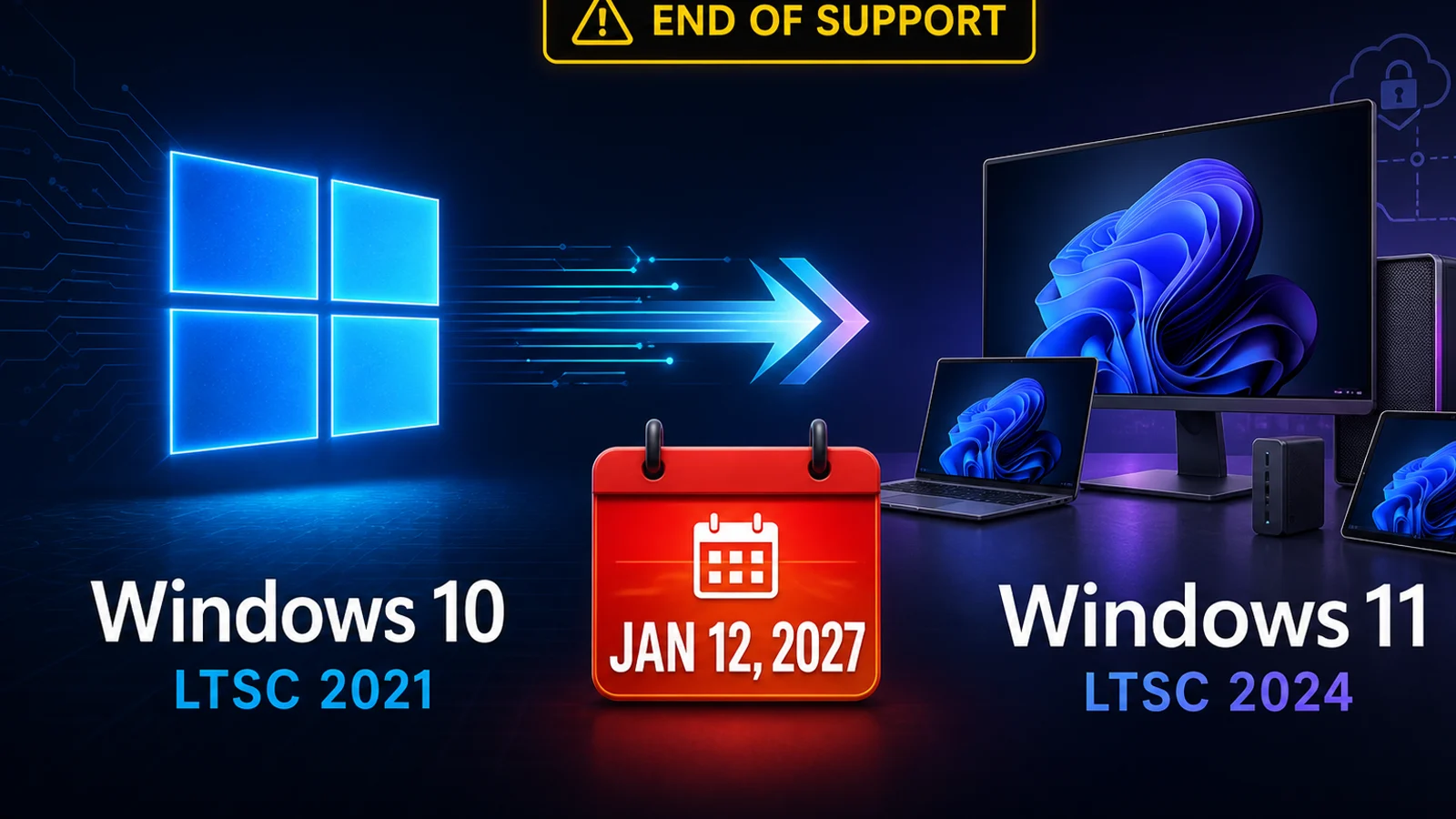
Microsoft issued an operational warning on August 5, 2026: Windows 10 Enterprise LTSC 2021 reaches end of support on January 12, 2027. Organizations using this specific long-term servicing release should inventory affected PCs now, test a supported replacement, and decide whether a short Extended Security Updates bridge is necessary.
The short version
- Affected: Windows 10 Enterprise LTSC 2021.
- Final regular security update: January 12, 2027, according to Microsoft’s August 5 announcement.
- Recommended destination: Windows 11 Enterprise LTSC 2024, where appropriate for the device and workload.
- Temporary bridge: paid ESU coverage goes on sale September 1, 2026 and can extend critical and important security updates for up to three years.
- Not the same product: Windows 10 IoT Enterprise LTSC 2021 remains under extended support into January 2032.
What Microsoft announced—and what it did not
This is a support-lifecycle advisory, not a new Patch Tuesday package, preview update, Insider build, or emergency out-of-band patch. Microsoft did not announce a new KB number or OS build for LTSC 2021 today. Instead, it set a planning deadline: devices on Windows 10 Enterprise LTSC 2021 are expected to receive their final monthly security update on January 12, 2027.
After that final update, Microsoft says the release will no longer receive normal Windows security updates, non-security updates, bug fixes, technical support, or online technical-content updates. The practical risk grows with time: newly discovered vulnerabilities may remain unpatched, software vendors may stop testing against the old platform, and regulated businesses may have difficulty demonstrating that endpoints are supported.
Are your computers affected?
Do not assume every Windows 10 computer is part of this notice. The advisory is specifically for Windows 10 Enterprise LTSC 2021. It is primarily found in organizations and on specialized-purpose systems, not ordinary retail Windows 10 Home PCs.
Quick check on one PC
- Press Windows key + R.
- Type winver and press Enter.
- Read the edition and version shown in the About Windows box.
- For a second check, open Settings → System → About and look under Windows specifications.
If the edition says Windows 10 Enterprise LTSC 2021, place the device in your migration inventory. If it says Windows 10 IoT Enterprise LTSC 2021, do not put it on the same timeline: Microsoft lists that IoT edition with extended support into January 2032. Home, Pro, Education, ordinary Enterprise, older LTSC releases, and Windows Server each have their own servicing rules and must be checked separately.
Fleet check for IT administrators
Use your existing endpoint-management inventory—such as Microsoft Intune, Configuration Manager, Windows Autopatch reporting, or a trusted RMM—to export the Windows edition, display version, OS build, hardware model, application owner, and business function. Do not rely on device names or purchase dates. Flag embedded and appliance-like systems for vendor review before changing the operating system.
Your three practical paths
1. Migrate
Microsoft recommends Windows 11 Enterprise LTSC 2024 for appropriate LTSC workloads. Test hardware support, drivers, security tools, line-of-business apps, peripherals, kiosk controls, activation, and recovery procedures before rollout.
2. Replace
If a PC cannot meet the supported destination’s hardware or vendor requirements, replacement may be safer and less expensive than forcing an upgrade. Budget for deployment labor, accessories, application testing, data transfer, and secure disposal—not only the computer.
3. Buy time with ESU
Extended Security Updates can serve as a temporary bridge when a migration cannot finish by January. They reduce exposure to certain serious vulnerabilities, but they do not make the old platform equivalent to a fully supported release.
LTSC 2021 ESU pricing and limits
Microsoft says LTSC 2021 ESU licenses become available on September 1, 2026 through Volume Licensing or a Microsoft Cloud Solution Provider. Its announced US Year 1 price is $61 per device. Organizations using Microsoft Intune or Windows Autopatch for cloud-based update management are listed at approximately $45 per device for Year 1. Regional pricing can vary.
Coverage may run for up to three years, through January 8, 2030. Microsoft says the price doubles in each consecutive year, and licensing is cumulative: joining in Year 2 also requires paying the Year 1 cost.
Good: ESU can preserve critical and important security-update coverage while a carefully tested migration finishes.
Bad: ESU does not include new features, ordinary quality fixes, design changes, or full technical support. It is a paid bridge—not permission to postpone planning indefinitely.
A practical business timeline
- Now through August 2026: inventory devices, identify application owners, separate Enterprise LTSC from IoT Enterprise LTSC, and document critical workflows.
- September 2026: obtain ESU quotes only for systems that may genuinely miss the migration deadline; begin pilot migrations.
- October–November 2026: test backups and bare-metal recovery, validate drivers and line-of-business applications, and move low-risk groups first.
- December 2026: finish the main rollout, verify patch compliance, and isolate any approved exceptions.
- January 12, 2027: install and validate the final regular monthly security update, then confirm that every remaining exception has an active supported path.
For local organizations that need help inventorying devices or planning a phased migration, review our small-business IT services. If you are also preparing ordinary Windows and Mac endpoints for this month’s updates, see our August 2026 Windows and Apple update preview.
Frequently asked questions
Does this mean every Windows 10 PC stops working in January?
No. Affected computers will not suddenly shut down. The problem is that Windows 10 Enterprise LTSC 2021 leaves normal support after its final security update, making continued use progressively riskier and potentially harder to insure, audit, and support.
Is this today’s Patch Tuesday update?
No. Today’s item is a lifecycle and migration advisory. Microsoft’s MSRC index still lists July 14, 2026 as the initial release date of the latest monthly security cycle; today’s warning does not carry a new KB or production build.
Is Windows 10 IoT Enterprise LTSC 2021 affected?
Not by this January 2027 end-of-support deadline. Microsoft’s lifecycle page lists extended support for Windows 10 IoT Enterprise LTSC 2021 into January 2032. Confirm the exact edition rather than guessing from the device’s purpose.
Should we use ESU or migrate?
Migrate when the hardware, application, and vendor-support requirements allow it. Use ESU only as a controlled, time-limited exception with an owner, budget, isolation plan, and firm retirement date.
Can we upgrade every LTSC device in place?
Do not assume so. LTSC systems often run specialized software, kiosk shells, medical or industrial peripherals, or vendor-certified images. Verify the supported migration method with the software or equipment vendor and test rollback before touching production equipment.
Official sources
- Microsoft Windows IT Pro Blog: Plan for Windows 10 Enterprise LTSC 2021 end of support
- Windows Message Center
- Microsoft Lifecycle: Windows 10 Enterprise LTSC 2021
- Microsoft Lifecycle: Windows 10 IoT Enterprise LTSC 2021
- What’s new in Windows 11 Enterprise LTSC 2024
- Microsoft Extended Security Updates FAQ
- Microsoft Security Response Center CVRF update index
Source review completed August 5, 2026 at 7 PM Eastern. Apple’s official security-release list and developer release feed showed no same-day macOS security or production system release; the latest listed production macOS updates remained macOS Tahoe 26.6, macOS Sequoia 15.7.8, and macOS Sonoma 14.8.8 from July 27, 2026.