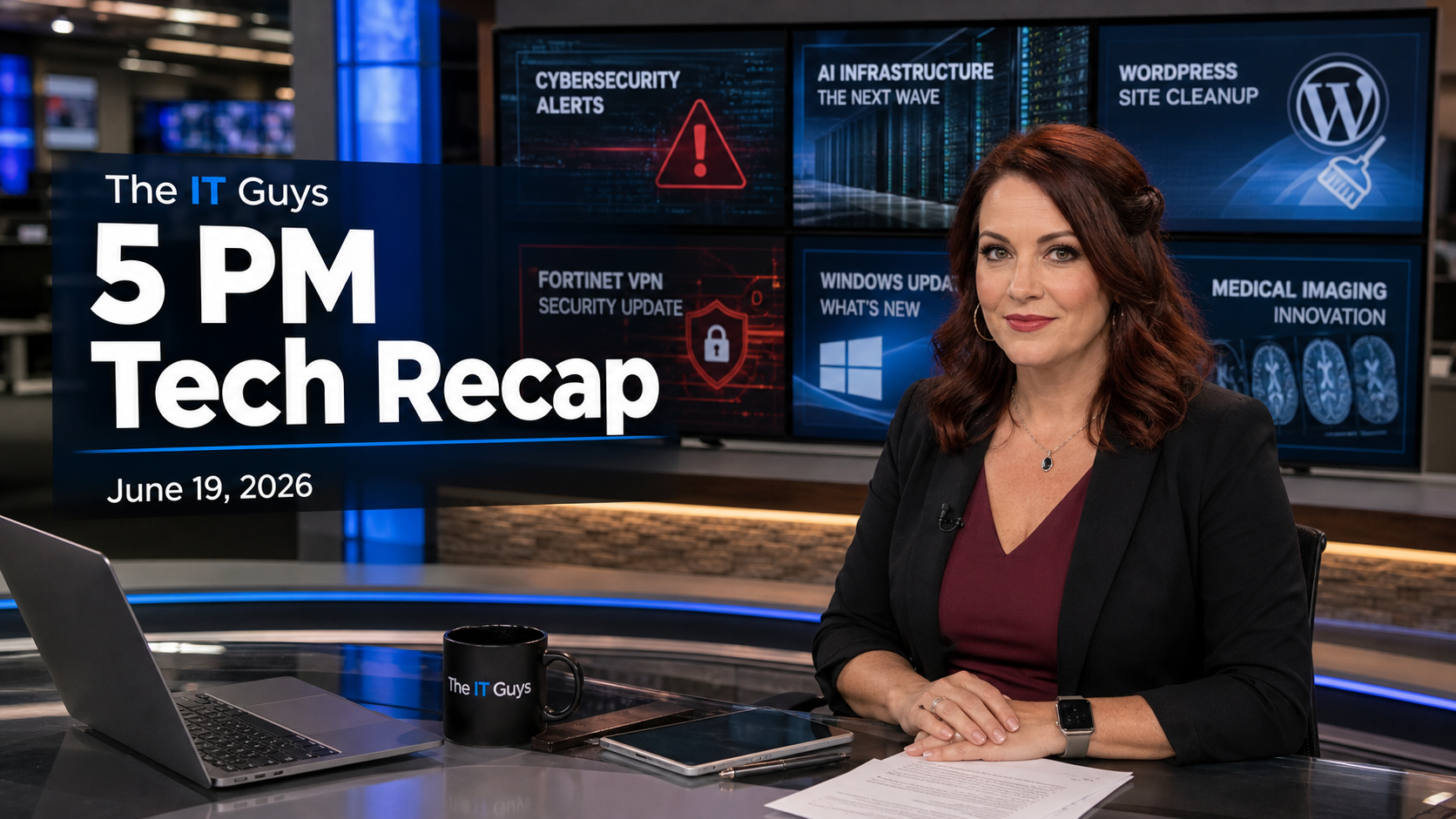
Published by Jennifer Hudsen for The IT Guys at the June 19, 2026 5 PM recap window. Today’s roundup focuses on practical technology news for home users, small businesses, and anyone responsible for websites, updates, vendor accounts, AI tools, and remote access.
Quick Take
- Patch WordPress sites: attackers are exploiting an unauthenticated information-disclosure flaw in the Gravity SMTP WordPress plugin, active on roughly 100,000 sites.
- Fortinet cleanup continues: CISA urged customers to secure devices after the FortiBleed leak exposed nearly 74,000 firewall and VPN credentials.
- Splunk remains urgent: CISA’s Known Exploited Vulnerabilities catalog lists Splunk Enterprise CVE-2026-20253, with a June 21, 2026 remediation due date for covered federal systems.
- Vendor risk hit Texas: a Texas Parks and Wildlife Department license-system vendor breach exposed personal information for more than 3 million people.
- Windows users got an annoying bug: Microsoft confirmed the June 2026 Windows updates can show the wrong filename in Recycle Bin prompts.
- AI infrastructure keeps scaling: Techmeme tracked reports on MGX exploring a DayOne data-center deal, U.S. regulators fast-tracking data-center power requests, and OpenAI’s reported Q1 cash burn and revenue.
WordPress: Gravity SMTP Is The Fix-Now Item
The most directly actionable item today is the Gravity SMTP plugin issue. BleepingComputer reported on June 19 that threat actors are exploiting an unauthenticated information-disclosure vulnerability in Gravity SMTP, a WordPress plugin active on about 100,000 sites. SMTP plugins are easy to underestimate because they are not usually the visual part of a website, but they often handle email delivery, contact forms, account notifications, password reset messages, and mail logs.
Customer impact: if a site stores sensitive form notifications, test messages, debugging logs, API keys, SMTP credentials, or internal email routing details, an information-disclosure bug can create a path to account takeover, phishing, or broader business-email compromise. Even when the exposed data looks boring, attackers can use it to map how a business communicates.
What to do today: update Gravity SMTP immediately if it is installed, then review plugin settings, mail logs, administrator users, newly created accounts, and recent file changes. If you do not need the plugin, remove it instead of leaving it disabled. For business sites, this is also a good time to verify that backups are stored away from the website host and that a restore has been tested recently.
For a related practical habit, see our guide on checking connected app permissions. WordPress plugins, OAuth apps, and cloud integrations all deserve periodic review because they become part of the trust chain.
Fortinet And VPNs: Rotate Before You Debate
CISA’s Fortinet warning is a useful reminder that credential exposure is not solved by patching alone. The reported FortiBleed leak involved nearly 74,000 firewall and VPN credentials. If a VPN account was exposed, the safest assumption is that the password should be changed and the environment should be reviewed for unusual successful logins.
Small-business takeaway: VPN access is usually a doorway to file shares, accounting systems, remote desktops, management portals, and internal applications. Rotate exposed or high-risk credentials, require MFA, disable old vendor and employee accounts, check firewall firmware, and review access logs. If the firewall supports administrator login restrictions by IP address or role, use them.
This is also where password reuse becomes expensive. If the same password was used for VPN, email, Microsoft 365, bookkeeping, or a vendor portal, the risk travels. Credential rotation should include the related accounts, not just the firewall.
Splunk: Security Tools Are High-Value Targets
CISA’s Known Exploited Vulnerabilities catalog still lists Splunk Enterprise CVE-2026-20253, with a June 21, 2026 remediation due date for covered federal systems. The date matters because it lands this weekend. Even organizations that are not under the federal deadline should treat KEV additions as a practical signal that attackers are already using the flaw somewhere.
Why it matters: logging and monitoring systems often contain sensitive event data, service-account details, internal hostnames, security alerts, and integrations with other tools. A compromise of the system watching the network can become a compromise of the network’s map.
Practical check: confirm the Splunk version, exposure path, vendor advisory, mitigation status, and backup posture. If Splunk is hosted or managed by a provider, ask for written confirmation rather than assuming the platform was handled.
Texas Driver’s Licenses: Vendor Risk Is Real Risk
The Texas Parks and Wildlife Department disclosed a breach at a license-system vendor that exposed personal information for more than 3 million people. This is not just a government story. It is the same pattern small businesses run into when survey platforms, HR tools, payment systems, CRMs, booking systems, and email marketing services store customer or employee data.
Local-business takeaway: every vendor that stores personal data should be treated as part of your security boundary. Ask what data is stored, how long it is retained, whether MFA is required for admin accounts, how access is logged, how quickly customers are notified after an incident, and whether old exports or test data are deleted.
If you collect driver’s license images, employee IDs, tax forms, insurance documents, or payment data, keep only what you truly need. The cheapest breach is the one where the exposed system did not have unnecessary sensitive data in the first place.
Windows Updates: Annoying Bug, But Still Patch
Microsoft confirmed a Recycle Bin prompt bug caused by June 2026 Windows updates. The bug can show a different filename in the confirmation dialog when deleting a file from the Recycle Bin. That is confusing and worth warning users about, especially in offices where employees routinely clean shared folders or downloads.
The important point is that this is not a reason to skip security updates. It is an operational nuisance, not a reason to leave systems exposed. Tell users to slow down on delete prompts until Microsoft ships a fix, and remind staff that shared business folders should not be used as the only copy of important files.
AI Infrastructure: Bigger Bills, Bigger Dependencies
Techmeme’s June 19 feed shows how quickly AI infrastructure is becoming a utility-scale business issue. Reuters reported that Abu Dhabi-backed MGX is exploring buying Singapore-based data-center operator DayOne, which had reportedly planned a U.S. IPO at a $20 billion valuation. Bloomberg reporting tracked by Techmeme said U.S. regulators are moving to fast-track data-center power requests, aiming to handle some requests in 90 days while adding new requirements for AI hyperscalers.
That is good news if more capacity helps make AI tools faster, cheaper, and more reliable. The caution is that AI is not just a button inside an app anymore. It is tied to power grids, data-center locations, vendor contracts, and cloud pricing. Businesses should pay attention to where sensitive data is processed, how long prompts and outputs are retained, and whether AI features are included in existing subscriptions or billed separately.
Techmeme also tracked The Information’s report that OpenAI burned through $3.7 billion in Q1 on $5.7 billion in revenue and ended the quarter with more than $73 billion in cash and marketable securities. The practical takeaway is not stock-market speculation. It is that AI vendors are spending heavily to build capacity, and those economics eventually show up in pricing, product packaging, or usage limits.
AI Agents Need Identity Controls
BleepingComputer’s sponsored security piece today made a point worth keeping even outside the ad context: AI agents should be treated as identities. If an agent can read email, create tickets, deploy code, access a CRM, summarize meetings, or trigger workflows, it needs the same kind of access review as a user account or service account.
Business checklist: document which AI tools have access to email, files, calendars, customer records, code repositories, finance systems, and chat history. Give them the least access needed, review logs, remove abandoned test agents, and make sure someone owns each integration.
Good News And Sensible Priorities
Today was not all bad news. The useful side of this recap is that most of the risk has a clear next step. Gravity SMTP can be updated or removed. Fortinet credentials can be rotated. Splunk exposure can be checked. Windows users can be warned about the Recycle Bin bug without pausing security patching. Vendor data risk can be reduced by collecting less sensitive information and tightening admin access.
Here is what I would prioritize before the weekend:
- Update Gravity SMTP on every WordPress site where it is installed, then review logs and administrator accounts.
- Rotate Fortinet VPN and firewall credentials that could be exposed, enforce MFA, and disable stale accounts.
- Confirm Splunk Enterprise mitigation for CVE-2026-20253 before the June 21 deadline.
- Warn Windows users about the Recycle Bin prompt issue, but keep security updates moving.
- Review vendors that store sensitive customer or employee data, especially systems that hold IDs, forms, or exports.
- Inventory AI agents and integrations as real identities with access, not as harmless convenience features.
Security work is usually a stack of small decisions. Today’s theme is simple: know what has access, patch what is exposed, rotate credentials when they leak, and keep backups far enough away that a website, vendor, or account problem cannot destroy the only copy.
Related Reading
- 5 PM Tech News Recap for June 18, 2026: Splunk, NGINX, WordPress, Fortinet, AI Data Centers, And App Store Changes
- 5 PM Tech News Recap for June 21, 2026: Anthropic, iOS 27, FortiBleed, Klue, Mastra, Splunk, And SocGholish
- 5 PM Tech News Recap for June 20, 2026: Prinz Eugen, Mastra npm, OAuth Tokens, WordPress, And AI PCs