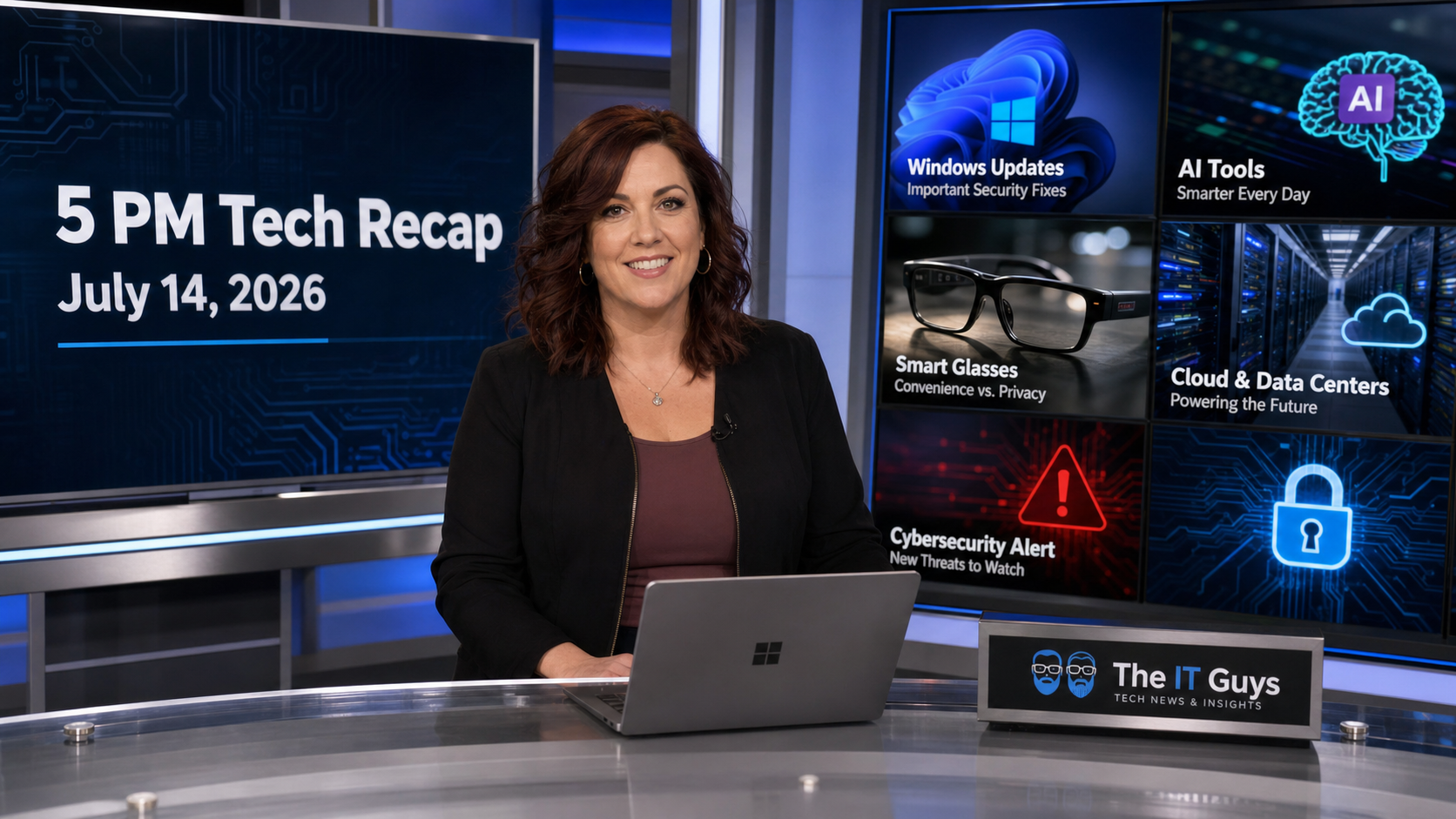
Published for the 5 PM recap on Tuesday, July 14, 2026. Today’s technology news is unusually patch-heavy, and that matters for both home users and small offices. The biggest story is Microsoft’s July Patch Tuesday, which security reporters are describing as a record-size release. The good news is that Microsoft is also adding recovery and usability improvements that should make Windows easier to recover when an update or driver goes sideways. The bad news is that the size of this month’s security load is a reminder that patching can no longer be treated as a “when we get around to it” task.
Quick Take
- Patch Windows soon, but do it deliberately. Microsoft’s July 2026 update cycle is large enough that business PCs should be backed up and updated in a planned window.
- Windows recovery is getting more useful. Reports on the July Windows 11 update highlight point-in-time restore and quieter Widgets behavior, which are both practical quality-of-life changes.
- Samsung Galaxy owners should watch for the July patch. Samsung’s July security maintenance release includes Google Android patches and Samsung-specific fixes.
- AI is becoming normal small-business infrastructure. New small-business marketing data shows AI use and social discovery are now mainstream, but businesses still need privacy rules and human review.
- CISA’s exploited-vulnerability catalog is still a priority list. Even when the newest Microsoft number dominates headlines, exposed servers, remote access tools, and business applications should be checked against CISA KEV.
The Lead: Microsoft’s July Patch Tuesday Is A Big One
Microsoft released its July 2026 Patch Tuesday updates today. KrebsOnSecurity reports that Microsoft patched at least 570 security flaws across Windows and other Microsoft software, and BleepingComputer reports the same patch count in its Windows 10 coverage. That is not a normal “small monthly update” number. It is the kind of month where managed PCs, business desktops, and any system that touches email, file sharing, accounting, or remote access deserve deliberate attention.
The useful part for everyday Windows users is that the update is not only about invisible CVE cleanup. Thurrott’s Windows 11 coverage says the July updates add a recovery feature for rolling a PC back to a recent automatic restore point, and also make Widgets less distracting. Notebookcheck’s roundup also points to point-in-time restore, pause-update changes, and a final Kerberos RC4 enforcement phase. In plain English: Microsoft is trying to give users more recovery control while continuing to tighten old authentication behavior.
Good News
- More vulnerabilities fixed now means fewer old openings for attackers later, especially on machines that are normally patched through Windows Update or a managed patch system.
- Better restore tooling can help when a driver, update, or configuration change breaks a PC that a household or small office depends on.
- Windows 10 users on Extended Security Updates still have a path for security fixes, which matters for offices that are not finished replacing older PCs.
Bad News
- A patch count this large means testing matters. Do not blindly update every business-critical PC five minutes before payroll, invoicing, or a deadline.
- Older Windows 10 machines remain a planning problem. Extended security buys time, not a permanent pass to keep unsupported hardware forever.
- Attackers watch Patch Tuesday too. Once patches are public, criminals can compare changes and look for systems that have not been updated.
What Home Users Should Do Tonight
- Open Settings > Windows Update and install the July security update when you have time to restart.
- Before updating, make sure important files are synced or backed up. OneDrive, an external drive, or a proper backup tool is better than hoping nothing goes wrong.
- After the reboot, reopen your browser, email, printer software, VPN, and any must-have apps. If something changed, catch it while you still remember what was updated.
- If your PC is slow, low on storage, or already showing disk errors, fix that first. Big updates are harder on unhealthy machines.
What Small Businesses Should Do
For small businesses, the safest answer is not “never update” and not “update everything instantly.” The practical answer is a staged patch plan. Update one or two normal workstations first, verify printers, line-of-business software, VPN, Microsoft 365 sign-in, shared drives, and accounting software, then roll the update to the rest of the fleet. Servers, domain controllers, point-of-sale systems, and remote-access machines should be handled more carefully.
- Same day: patch internet-facing Windows systems, remote access tools, browsers, and high-risk workstations.
- Within a few days: update normal office desktops and laptops after a quick test group passes.
- Before patching servers: confirm a fresh backup, confirm you can restore, and schedule downtime with staff.
- After patching: check event logs, backups, endpoint protection, and any failed update reports.
If you are local and want help planning updates without breaking the workday, The IT Guys can help with Windows settings and backup planning, workstation cleanup, and staged small-business patching.
Mobile Security: Samsung’s July Patch Is Worth Installing
Samsung’s official mobile security page lists a July 2026 Security Maintenance Release that includes Google Android patches and Samsung-specific fixes. The official bulletin names several critical Android CVEs in the July package, and third-party coverage says the July release totals dozens of fixes across Android and Samsung’s own software layer.
For customers, the takeaway is simple: do not ignore phone updates just because the phone still “works fine.” Phones now hold email, banking, password-manager access, business chats, photos of documents, and two-factor authentication prompts. A compromised phone can become a business incident even if the office computers are patched.
- On Samsung Galaxy phones, check Settings > Software update.
- Install the July patch when it reaches your model, region, and carrier.
- Keep business apps, password managers, and authenticator apps updated from the Play Store or Galaxy Store.
- For company-owned phones, track patch levels the same way you track laptops.
AI For Small Business: Useful, But Still Needs Guardrails
Today’s broader business-tech story is that AI is no longer a side experiment for small businesses. Constant Contact’s 2026 small-business marketing statistics say its Small Business Now report surveyed more than 5,000 owners and consumers, and the company’s small-business hub highlights that 87% of U.S. small business owners are using AI in 2026, up from 26% in 2023. The same data points to social media as the top digital discovery tool for small businesses, with 49% of consumers worldwide using social media to find new small businesses, ahead of search engines at 40%.
That is good news for a local shop, contractor, restaurant, service provider, or home-office business that needs to stay visible without hiring a full marketing department. AI can help draft email newsletters, summarize reviews, turn a list of services into social posts, and analyze customer questions. The risk is that business owners can accidentally paste private customer data into tools they do not control, publish inaccurate AI-written claims, or let every post sound generic.
A Sensible AI Rule For Small Offices
- Use AI for drafts, outlines, summaries, and brainstorming.
- Do not paste customer medical, financial, legal, employee, password, or private account data into public AI tools.
- Have a human review prices, warranties, service claims, dates, addresses, and anything that could create customer confusion.
- Label AI-assisted content when transparency matters, especially for marketing, customer communication, or regulated work.
Security Watch: Do Not Lose Sight Of CISA KEV
Microsoft’s huge patch release is today’s loudest story, but CISA’s Known Exploited Vulnerabilities catalog remains one of the best practical triage lists for businesses. CISA added three known exploited vulnerabilities to the catalog on July 7, and the live KEV catalog continues to track products that attackers are confirmed to be exploiting in the real world.
For a home user, KEV mostly means “keep your devices updated.” For a business, it means someone should know what routers, firewalls, VPNs, servers, CMS platforms, remote support tools, and business apps are exposed to the internet. A vulnerability in a forgotten appliance or web server can matter more than a fully patched desktop.
- Inventory internet-facing equipment and cloud apps.
- Patch VPNs, firewalls, routers, remote desktop gateways, and exposed servers first.
- Turn off old remote access methods that no one actively owns.
- Use MFA on admin accounts, email, remote access, and cloud dashboards.
- Keep a written list of who is responsible for updates.
Bottom Line
July 14 is a patch-and-process day. The useful action is to update Windows and mobile devices, but to do it with backups, testing, and a short checklist instead of guessing. For small businesses, this is also a good moment to look at AI use and ask whether staff have clear privacy rules before they paste customer or company information into a new tool.
The practical checklist for tonight: back up, install Windows updates, restart, check Samsung or Android updates if you use one, verify business apps, and make sure any AI tools in use have a clear “do not paste private data” rule. That is not flashy, but it prevents real problems.
Sources
- KrebsOnSecurity: Microsoft patches a record 570 security flaws
- BleepingComputer: Windows 10 KB5099539 extended security update
- Thurrott: Microsoft releases July 2026 Patch Tuesday updates
- Notebookcheck: Microsoft’s July 2026 Patch Tuesday is here
- Samsung Mobile Security: July 2026 Security Maintenance Release
- CISA: July 7 known exploited vulnerabilities catalog update
- CISA Known Exploited Vulnerabilities Catalog
- Constant Contact: 2026 small business marketing statistics
- Constant Contact Small Business Hub