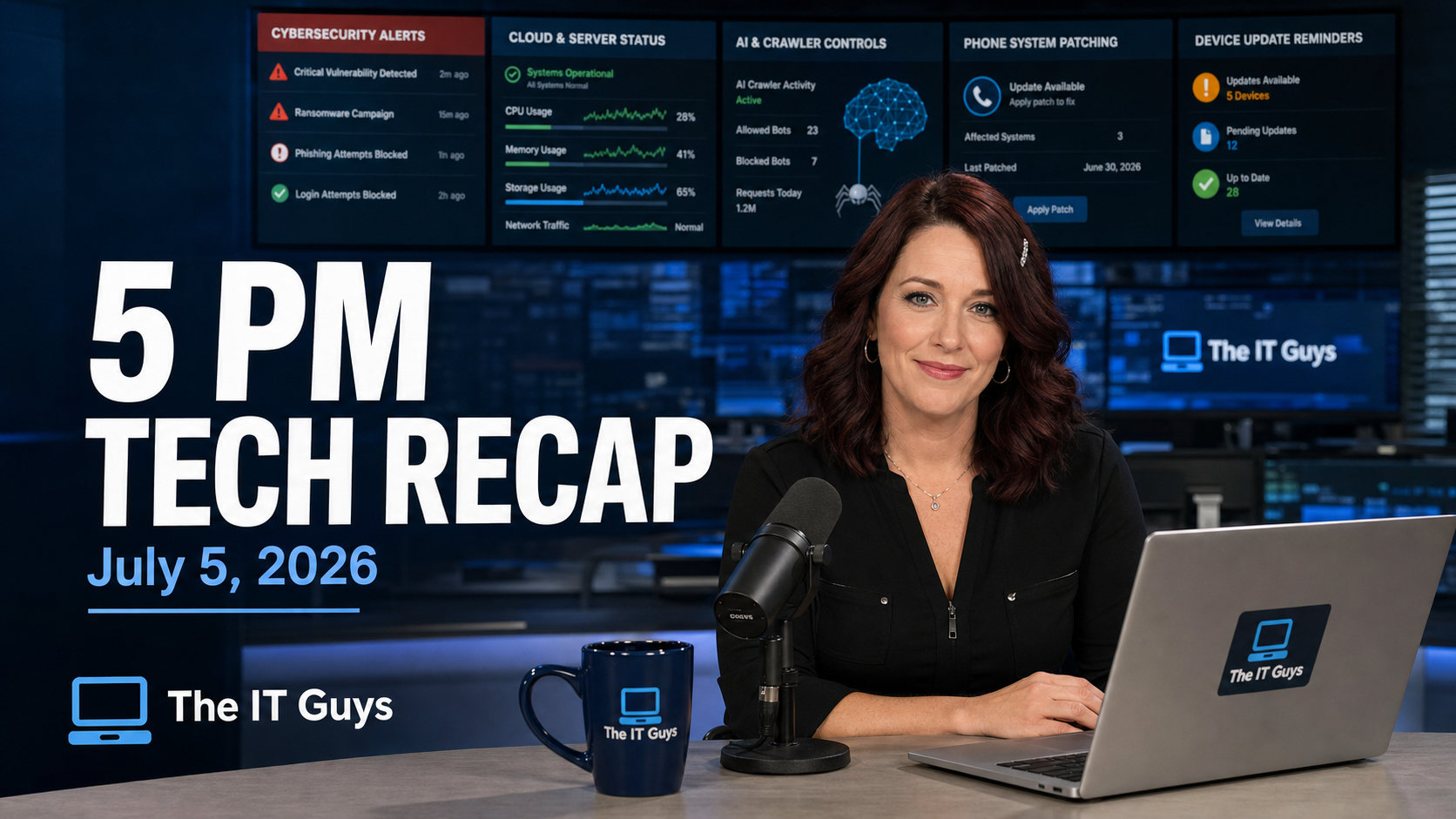
Jennifer’s 5 PM take: July 5 was a quieter Sunday for product launches, but not a quiet day for risk. The useful news is that Microsoft is adding better controls for bots in Teams meetings, Flipper Zero firmware work is continuing with more community process, and Anthropic has restored access to its top Fable 5 model while it works through safety and capacity limits. The bad news is more urgent: SharePoint Server exploitation is active, a Microsoft Defender flaw is now tied to ransomware campaigns, Oracle E-Business Suite exposure remains a problem, Adobe shipped maximum-severity fixes for ColdFusion and Campaign Classic, and AI-powered browsers are still showing prompt-injection weaknesses that matter for businesses.
This recap is written for home users, small offices, and local businesses that need the practical version: what happened, who should care, and what to check next. Dates matter here. I treated July 5, 2026 as today’s recap date in America/New_York, and I included a few July 1-2 security items because they were still operationally relevant today and had not aged out.
The Short Version
- Patch priority: on-premises Microsoft SharePoint Server, Microsoft Defender/Windows systems, Oracle E-Business Suite, Adobe ColdFusion, and Adobe Campaign Classic should be checked first.
- Good news: Microsoft Teams is gaining better bot admission controls, and Flipper Zero firmware is not being abandoned.
- AI caution: Anthropic’s Fable 5 is back, but access and safety controls are changing. AI browsers and agent tools still need tight permissions.
- Business takeaway: do not let the holiday weekend create a patch backlog. Internet-facing servers, meeting tools, and AI-connected browser sessions all need owner-level review.
1. SharePoint Server Exploitation Is Active
CISA warned that attackers have begun exploiting CVE-2026-45659, a high-severity remote code execution flaw in Microsoft SharePoint Server. BleepingComputer reported on July 2 that the issue affects SharePoint Enterprise Server 2016, SharePoint Server 2019, and SharePoint Server Subscription Edition, and that Microsoft had released fixes on May 21 after the CVE was accidentally omitted from the May security update listing. Shadowserver was tracking more than 10,000 exposed SharePoint servers, which is the kind of internet-facing population attackers love to scan.
Why it matters: this is mainly an on-premises SharePoint Server concern, not ordinary Microsoft 365 SharePoint Online for most small businesses. But if a company, nonprofit, school, or vendor still runs SharePoint Server, the risk is real. The reported attack path requires an authenticated attacker with low privileges, not an administrator, and it can lead to arbitrary code execution on an unpatched server.
- Check today: whether your organization runs SharePoint Server 2016, 2019, or Subscription Edition.
- Patch today: install the May 21 Microsoft updates and confirm the server build afterward.
- Reduce exposure: keep SharePoint Server off the open internet unless there is a documented business need and compensating protection.
- Audit access: review recently created accounts, unexpected site members, web shells, scheduled tasks, and unusual IIS logs.
Source: BleepingComputer on CISA’s SharePoint warning and CISA’s Known Exploited Vulnerabilities Catalog.
2. Microsoft Defender “BlueHammer” Is Now Tied To Ransomware Campaigns
CISA has also flagged the Microsoft Defender BlueHammer flaw, tracked as CVE-2026-33825, as exploited in ransomware campaigns. This is not a brand-new patch: Microsoft addressed it in April 2026. The concern is that delayed patching keeps turning old emergency fixes into current attacker inventory.
BlueHammer is a local privilege escalation issue. That means an attacker normally needs some initial foothold first, such as a phished account, remote access tool abuse, malware, or another exploit. Once they are on a machine, privilege escalation is what can turn a limited compromise into full system control.
- For home users: run Windows Update, restart fully, and make sure Microsoft Defender platform updates are current.
- For businesses: check endpoint management reports for devices missing April, May, or June cumulative updates.
- For ransomware defense: do not stop at patching. Confirm backups, endpoint protection status, local admin control, and remote access logs.
Source: BleepingComputer on BlueHammer ransomware exploitation.
3. Oracle E-Business Suite Exposure Is Still A Serious Server Issue
Oracle E-Business Suite is not something most home users run, but it matters to businesses because it often sits near accounting, purchasing, HR, payments, and operational data. BleepingComputer reported on July 1 that more than 900 Oracle E-Business Suite instances were exposed online while attackers were exploiting CVE-2026-46817, a critical flaw in the Oracle Payments File Transmission component.
Oracle had already released fixes in its May 2026 Critical Security Patch Update, so the practical story is familiar: the patch exists, but exposed systems may still be unpatched. For any organization using Oracle EBS, this should be treated as an incident-prevention check rather than routine maintenance.
- Confirm whether Oracle EBS is internet reachable.
- Apply the May 2026 Oracle Critical Patch Update if it has not been installed.
- Review Oracle EBS access logs for unexpected HTTP activity around payment or file-transfer components.
- Ask vendors and hosted providers for written confirmation if they manage Oracle for you.
Source: BleepingComputer on exposed Oracle E-Business Suite instances.
4. Adobe ColdFusion And Campaign Classic Need Fast Attention
Adobe released patches for seven maximum-severity vulnerabilities affecting ColdFusion and Campaign Classic. The ColdFusion issues can lead to remote code execution on affected versions, and Adobe tagged the updates as priority 1, meaning administrators should move quickly. Adobe also said it is moving to twice-monthly security bulletin releases starting July 14, 2026.
Who should care: businesses that host older web apps, government contractors, marketing teams with on-premises Adobe Campaign Classic, and IT providers supporting legacy web applications. ColdFusion is easy to forget until it becomes the doorway into a server.
- Inventory public-facing ColdFusion servers and confirm exact versions.
- Patch ColdFusion 2025.9, 2023.20, and earlier affected builds.
- Confirm whether Adobe Campaign Classic is Adobe-hosted, hybrid, or fully on-premises.
- After patching, review web server logs for suspicious file upload, template, or unexpected script activity.
Source: BleepingComputer on Adobe’s ColdFusion and Campaign Classic patches.
5. DHS Confirmed An Unclassified HSIN Breach
The Department of Homeland Security confirmed a cyber incident involving an unclassified legacy information-sharing environment tied to the Homeland Security Information Network, known as HSIN. DHS said classified networks were not impacted, that affected systems were isolated, and that a forensic investigation is underway.
This is not something most local businesses can patch directly, but it is a reminder that collaboration systems can become sensitive even when they are not classified. Incident response plans, emergency operations coordination, vendor portals, shared drives, and event planning systems often hold more operational detail than people realize.
- Review who has access to shared planning portals and collaboration workspaces.
- Remove inactive partner and contractor accounts.
- Use MFA for collaboration systems, not just email.
- Separate public documents, partner-only material, and sensitive operational plans.
Source: BleepingComputer on the DHS HSIN incident.
6. Good News: Microsoft Teams Is Getting Better Bot Controls
Microsoft introduced a Teams admin policy that can force suspected third-party bots into the meeting lobby and require organizer approval before they join. That matters because AI note-takers, transcription bots, and malicious automation can create privacy and social-engineering problems when nobody in the meeting realizes a non-human participant has joined.
This is a practical improvement for law offices, medical practices, finance teams, HR meetings, government contractors, and any business that discusses customer information over Teams. The feature also fits the broader security trend: collaboration tools are no longer just convenience apps. They are part of the attack surface.
- Review the Teams Admin Center setting for managing external bots and their meeting access.
- Decide which note-taking or transcription bots are approved.
- Set a meeting policy for sensitive calls that requires explicit organizer approval.
- Train staff to pause when a bot appears unexpectedly in a lobby or participant list.
Source: BleepingComputer on Microsoft Teams bot protection.
7. AI Browser Warning: BioShocking Shows Why Agent Permissions Need Limits
Researchers at LayerX described a prompt-injection attack called BioShocking that can manipulate AI-powered browsers into treating risky real-world actions as part of a fictional game scenario. BleepingComputer reported that the proof of concept was tested against six mainstream agentic browser products, and that the safest response is to require explicit user confirmation for sensitive actions, stronger context checks, and tighter session boundaries.
The small-business version is simple: do not give an AI browser broad access to email, cloud storage, GitHub, banking, customer records, or admin portals unless you understand exactly what it can do. Agentic browsing is useful, but “can click around for me” also means “can be tricked into clicking around for someone else” if controls are weak.
- Use separate browser profiles for AI-agent testing and real business accounts.
- Keep agent sessions scoped to one task and one site whenever possible.
- Do not let experimental browser agents access password managers, admin consoles, or financial portals.
- Require human confirmation for downloads, uploads, sharing, code execution, and credential-related actions.
Source: BleepingComputer on the BioShocking AI browser attack.
8. Anthropic Fable 5 Is Back, But Capacity And Safety Friction Remain
Anthropic says access to Claude Fable 5 and Mythos 5 has been restored after U.S. export controls were lifted. Fable 5 is available globally on Claude Platform, Claude.ai, Claude Code, and Claude Cowork, with subscription access included only up to a limited portion of weekly usage through July 7 before shifting to usage credits. Anthropic also says it strengthened safeguards after reviewing reported cybersecurity bypass concerns with government and industry partners.
The good news is that developers and businesses get access back. The bad news is that several users are reporting more false positives and fallback behavior during normal coding or security-adjacent work. That is the tradeoff we should expect more often: the strongest AI models will be powerful enough to help real work and risky enough to invite tighter controls.
- Do not build a business workflow that depends on one AI model always being available at one price.
- Keep a fallback model and a manual path for critical coding, documentation, or support work.
- For security tasks, document whether the AI tool is allowed to analyze code, logs, vulnerabilities, or customer data.
Sources: Anthropic’s Fable 5 redeployment post, BleepingComputer on Fable 5 subscription changes, and BleepingComputer on user reports after the relaunch.
9. Good News For Tinkerers: Flipper Zero Firmware Development Continues
Flipper Devices says Flipper Zero firmware will continue, although with a smaller internal team and more community involvement. The company said requests will be evaluated weekly, discussion will move through GitHub Discussions, community pull requests will be accepted with stricter review requirements, and mandatory integration and regression testing will be part of the process.
For businesses, the Flipper Zero itself is not the point. The point is that security tools, hobbyist devices, and open hardware now live in a world where community code, AI-generated code, and low-level firmware review all intersect. A mature review process is a good sign.
- If you use community firmware or security tools, track official sources and release notes.
- Do not plug unknown USB or radio-testing devices into production machines.
- For makers and repair shops, treat firmware updates like software updates: verify source, version, and rollback options.
Source: BleepingComputer on Flipper Zero firmware development.
What I Would Do First On Monday Morning
- Check exposed servers: SharePoint Server, Oracle EBS, ColdFusion, Campaign Classic, VPNs, firewalls, and remote access gateways.
- Review patch reports: focus on devices missing April through June Microsoft updates, not just the newest patch.
- Lock down collaboration tools: enable Teams bot controls where available and review guest/external access.
- Limit AI agent permissions: separate AI browsing from admin, finance, password, and customer-data workflows.
- Confirm backups: ransomware-linked privilege escalation makes backup testing more important, not less.
The IT Guys Takeaway
The practical theme today is control. Control who can join meetings. Control which servers are exposed. Control how fast critical patches move from “available” to “installed.” Control what AI tools can reach. None of those steps are flashy, but they are exactly the sort of work that prevents a quiet weekend from becoming a Monday morning emergency.
If you are not sure whether your office runs SharePoint Server, ColdFusion, Oracle EBS, or on-premises Adobe Campaign Classic, that is the first question to answer. If the answer is yes, this is a patch-and-verify week.
Related The IT Guys reading: make a backup sign-in plan before MFA locks you out, what to do before your phone is lost or stolen, and do not let remote support become a security risk.