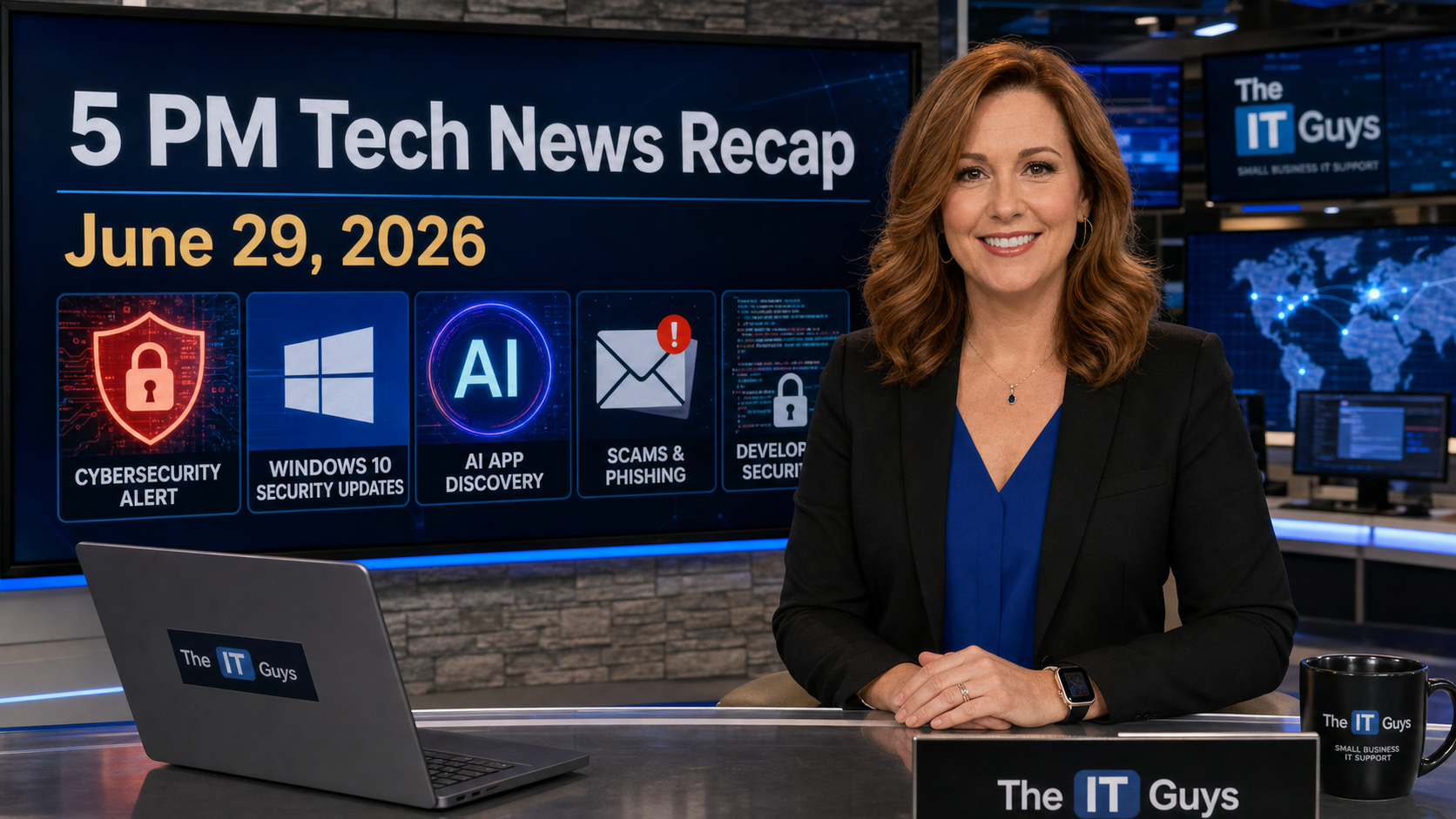
Today’s 5 PM tech recap for Monday, June 29, 2026: a newly added CISA exploited-vulnerability warning affects SimpleHelp remote support, Microsoft’s Edge team has detailed a large malicious extension cleanup, WhatsApp is starting username reservations to reduce phone-number sharing, Windows 10 users have a longer consumer security-update runway, and Rocket Lab is making a major satellite-services move by acquiring Iridium.
This roundup is written for home users and small businesses around Central Florida who do not have time to read every security bulletin, product announcement, and platform change. The useful thread today is simple: remote-access tools need urgent attention, browser extensions deserve more suspicion, privacy features are improving in mainstream messaging, and the Windows 10 timeline is less stressful but still needs planning.
Quick Takeaways
- Bad news: CISA added CVE-2026-48558, a SimpleHelp authentication-bypass vulnerability, to the Known Exploited Vulnerabilities catalog today. Federal agencies have a July 2, 2026 remediation deadline, which is a useful urgency signal for everyone else.
- Bad news: Microsoft says the StegoAd campaign involved 119 malicious Edge extensions and up to 2.6 million installs, with payloads hidden in image and font files.
- Good news: WhatsApp username reservations are starting, which should eventually let people connect without immediately exposing a phone number.
- Good news: Microsoft’s consumer Windows 10 Extended Security Updates page now says eligible devices can receive ESU coverage through October 12, 2027.
- Mixed news: Rocket Lab’s planned Iridium acquisition could strengthen global satellite communications competition, but satellite and connectivity consolidation is worth watching for pricing, resilience, and vendor lock-in.
1. CISA Adds SimpleHelp Remote Support To The Exploited Vulnerability List
The most urgent security item today is CISA’s June 29 addition of CVE-2026-48558 to its Known Exploited Vulnerabilities catalog. CISA identifies it as a SimpleHelp authentication bypass vulnerability and gives federal agencies until July 2, 2026 to apply vendor instructions or mitigations.
SimpleHelp is remote support software. That matters because remote-access platforms sit in a sensitive position: they are designed to let administrators connect into machines, troubleshoot issues, transfer files, and manage systems from outside the office. When a remote support tool has an authentication bypass and it is known to be exploited, the concern is not theoretical. The software may be positioned exactly where an attacker wants to be.
Customer impact
- Small businesses: inventory every remote support tool in use, including tools installed by old vendors or previous IT providers. Remote tools that are forgotten are often the most dangerous.
- Home users: if someone installed remote-support software for past troubleshooting, confirm whether it is still needed. Unused remote access should be removed.
- IT teams: check exposure, patch status, admin accounts, MFA availability, logs, and whether remote-support servers are reachable from the public internet.
The practical move: if your business uses SimpleHelp, treat this like a same-day review. Patch or mitigate, check logs for unusual access, and verify that remote support accounts are still valid and intentionally assigned. If you are not sure whether SimpleHelp is present, look for installed services, browser bookmarks, vendor documentation, and firewall rules that reference it.
2. Microsoft’s StegoAd Cleanup Is A Reminder To Audit Browser Extensions
Microsoft’s Edge Extensions Security Team recently published a detailed write-up on StegoAd, a malicious browser extension campaign. The numbers are large: 119 extensions and up to 2.6 million installs. Microsoft says the campaign used delayed execution and hid payloads inside image and font files, a technique meant to make the extensions look normal during review and early use.
Security Affairs and RedmondMag both covered the issue today, but the original Microsoft analysis is the important source because it explains the method. The campaign abused trust in ordinary extension categories like ad blockers, download tools, and utility add-ons. That is the uncomfortable part: a browser extension can look useful, have reviews, sit in a legitimate store, and still become a serious identity and data risk.
Why it matters locally
Most small businesses do not centrally manage browser extensions. Employees install coupon tools, PDF helpers, AI sidebars, shopping trackers, grammar tools, video downloaders, and “free VPN” add-ons because they solve a small immediate problem. The risk is that extensions can read page content, cookies, search terms, clipboard data, or form entries depending on their permissions.
- Good policy: allow only approved extensions that have a business reason.
- Good habit: remove any extension you do not recognize or actively use.
- Good check: review permissions. Be suspicious of extensions that want access to every website.
- Business-grade option: use browser management through Microsoft Intune, Google Admin, or another endpoint management tool so extensions are not a free-for-all.
This is also a good week to remind staff that “available in the browser store” is not the same as “safe forever.” Extension updates can change behavior after installation.
3. WhatsApp Usernames Are Starting, Which Helps Privacy But Does Not Remove Scams
WhatsApp is starting global reservations for usernames, according to The Hacker News and other technology outlets. The practical benefit is privacy: people and organizations will eventually be able to connect without immediately sharing a phone number.
The rollout is designed around exact usernames rather than public browsing. The reports also note an optional username key, meaning someone may need both the exact username and key before they can message a user for the first time through that method. That is a useful anti-spam idea, especially for business owners who want to communicate with customers without exposing a personal mobile number.
Small business takeaway
- Reserve a sensible business username when the option appears in your app.
- Do not assume a username proves identity. Scammers will still imitate businesses, employees, family members, and vendors.
- For payment, payroll, vendor bank changes, and gift-card requests, verify through a second known channel.
- Keep WhatsApp updated before looking for the feature. Do not install “WhatsApp username unlocker” apps, browser extensions, or APK files.
This is good privacy news, but it is not a replacement for basic fraud controls. A username can reduce phone-number exposure; it cannot make every incoming message trustworthy.
4. Windows 10 ESU Now Gives Consumers More Breathing Room
Microsoft’s official Windows 10 Consumer Extended Security Updates page now says eligible consumer devices can receive coverage through October 12, 2027. Microsoft lists three enrollment paths: no additional cost if syncing PC settings, redeeming 1,000 Microsoft Rewards points, or a one-time $30 purchase plus applicable tax. Microsoft also says one ESU license can be used on up to 10 eligible devices on the same Microsoft account.
This is good news for people with Windows 10 machines that still work well but cannot move to Windows 11 because of hardware requirements. It may reduce rushed computer purchases and e-waste. It also helps families and small offices that need time to budget for replacements.
But it is not a reason to ignore the transition. ESU is security updates, not a feature roadmap. Old hardware can still have failing drives, unsupported business software, weak battery life, and missing security capabilities. The right plan is to use the extra runway to move deliberately instead of panic-buying.
Recommended Windows 10 plan
- Check whether each Windows 10 PC is running version 22H2 and fully updated.
- Enroll eligible personal machines in ESU if they will remain in service.
- For businesses, separate personal-device ESU from commercial Windows lifecycle planning. Managed business devices may need different licensing.
- Inventory software that blocks upgrades, especially accounting, point-of-sale, label printers, scanners, and industry-specific tools.
- Budget replacements in waves instead of waiting until the last month.
For related planning, The IT Guys has been pushing the same basic rule in several support conversations: do not wait for a failed hard drive, unsupported operating system, and urgent business deadline to all meet on the same day.
5. Rocket Lab Plans To Acquire Iridium In An $8 Billion Satellite Deal
Rocket Lab and Iridium announced a major satellite-industry deal today through a joint release distributed by PR Newswire. Rocket Lab plans to acquire Iridium in a cash-and-stock transaction valued at approximately $8.0 billion, with Iridium shareholders receiving $54 per share. Reuters-linked and market outlets are framing it as a major step in satellite-services competition.
Why should a local business care about a space-company acquisition? Because satellite connectivity is no longer a niche story. Backup internet, maritime tracking, aviation services, remote industrial sites, emergency communications, and positioning/navigation/timing systems all depend on resilient communications infrastructure. More competition can be good, but consolidation can also reshape pricing and vendor choices.
Practical takeaway
- If your business depends on remote sites, mobile teams, boats, field service, or disaster response, keep satellite backup internet and emergency communications on the planning list.
- Do not buy satellite service only because of headlines. Match the service to your real need: low-latency internet, low-bandwidth emergency messaging, asset tracking, phone service, or backup connectivity.
- For Florida businesses, remember that hurricane planning is not just batteries and generators. It is also internet failover, cloud access, phones, and documented recovery procedures.
What To Do This Week
- Check remote access: confirm whether SimpleHelp or any other remote-support platform is installed, exposed, and patched.
- Audit extensions: remove browser extensions that are not clearly needed. Businesses should consider allow-listing.
- Update messaging apps: watch for WhatsApp username reservations, but keep scam verification habits in place.
- Plan Windows 10: enroll eligible personal PCs in ESU if they need to stay on Windows 10, then schedule replacement planning.
- Review continuity: if internet access is mission-critical, consider whether your backup connection still matches your risk.
Sources
- CISA Known Exploited Vulnerabilities Catalog – June 29, 2026 addition for CVE-2026-48558, SimpleHelp authentication bypass.
- Microsoft Edge Extensions Security Team: Inside StegoAd.
- RedmondMag: Microsoft disrupts StegoAd extension campaign.
- The Hacker News: WhatsApp username reservations.
- Microsoft: Windows 10 Consumer Extended Security Updates.
- BleepingComputer: Windows 10 ESU extension coverage.
- Rocket Lab and Iridium acquisition announcement.