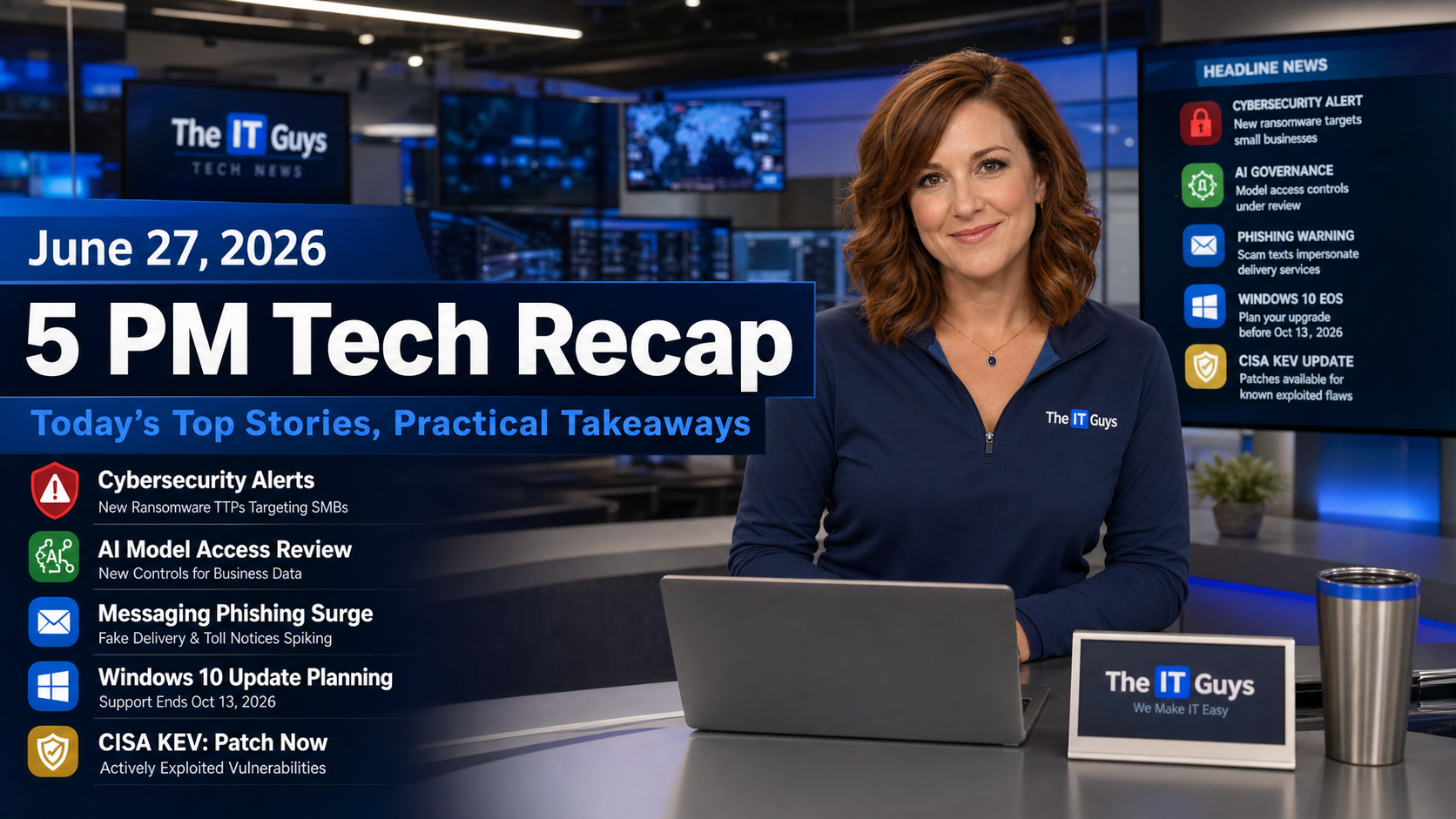
Published by Jennifer Hudsen for The IT Guys at the June 27, 2026 5 PM recap window. Today’s roundup focuses on technology news that affects home users, small businesses, developers, admins, and anyone responsible for keeping accounts, devices, and websites safe.
Listen to the quick recap:
What Matters Today
June 27 is a good example of modern technology risk moving in two directions at once. There is genuinely useful news for Windows 10 users: Microsoft’s consumer Extended Security Updates window now gives eligible personal devices more time to stay patched. At the same time, today’s security stories show attackers getting better at using trusted workflows against people: clean-looking GitHub projects can manipulate AI coding agents, fake Signal support messages are going after backup recovery keys, fraudulent SaaS workspace invitations can arrive from legitimate email infrastructure, and supply-chain attacks can drain money from users even when the website they trust is the one on screen.
The practical takeaway is not to stop using AI tools, messaging apps, cloud workspaces, crypto services, or older computers. The takeaway is to slow down at trust handoff points: when a tool asks to run code, when an app asks for a recovery key, when a workspace invite appears, when a browser prompts for transaction approval, or when a vendor patch deadline hits.
1. Clean GitHub Repositories Can Still Trick AI Coding Agents
BleepingComputer reported on June 27 that researchers at Mozilla’s 0DIN AI security platform demonstrated a way for a clean-looking GitHub repository to trick an AI coding agent into running a malicious payload. The important part is that the repository itself does not need to contain obvious exploit code. The attack chain can rely on normal-looking setup instructions, dependency behavior, an error message that nudges the agent toward a setup command, and a script that retrieves attacker-controlled instructions from a DNS TXT record.
That matters because many people are starting to treat AI coding agents as tireless junior developers. They can clone repositories, install packages, run setup commands, and “fix” errors. Those are useful capabilities, but they also create a security boundary problem: if the agent is allowed to execute commands on a real workstation with developer credentials, environment variables, SSH keys, cloud tokens, or customer code, a bad setup workflow can become a foothold.
Customer impact: small businesses that use AI-assisted development, website maintenance, scripts, automation, or outsourced code review should treat new repositories like downloaded software. Use test containers or disposable virtual machines, review install scripts, avoid running unknown projects on the same machine that holds production credentials, and keep API keys out of broad shell environments whenever possible.
2. FBI And CISA Warn About Signal Backup Recovery-Key Phishing
BleepingComputer covered a June 26 FBI and CISA warning about Russian intelligence-linked phishing that targets Signal users. The updated tactic asks victims to enable Signal backups, view the backup recovery key, and paste that key into a message supposedly from Signal support. That key is the real prize. If an attacker gets it, they may be able to restore encrypted backup data to their own device and read historical messages.
This is different from a normal password scam. A recovery key is supposed to be private by design. Legitimate support teams do not need it, and they should not ask for it in a message thread. The same rule applies to MFA codes, password-reset links, account PINs, seed phrases, BitLocker recovery keys, and backup keys for password managers.
Home-user takeaway: never paste recovery keys, verification codes, or backup keys into chat messages, even if the message appears to come from support. If a message says an account will be lost unless you copy a key, stop and go directly to the app’s official support site from a browser bookmark or app-store listing.
Business takeaway: executives, political workers, journalists, attorneys, nonprofits, and contractors should assume messaging-app phishing is a real account-security issue. Train staff that end-to-end encryption does not protect a conversation if someone hands over the backup key or links an attacker-controlled device.
3. Fraudulent OpenAI Workspace Invites Show A New SaaS Phishing Pattern
A June 26 BleepingComputer report described a “Poisoned Tenant” campaign found by Push Security. Attackers created an OpenAI organization impersonating a real company and invited employees to join it. The emails reportedly came from OpenAI’s legitimate notification system and passed normal email authentication checks, which makes this style of attack harder for users and email filters to spot.
The suspected goal is straightforward: get employees to use an attacker-controlled AI workspace as if it were the company’s real workspace. Once that happens, prompts can contain sensitive data: source code, customer details, contracts, internal reports, security research, credentials copied by mistake, or strategic plans.
Customer impact: this is not limited to one AI service. Any SaaS platform with workspaces, tenants, shared folders, projects, boards, Slack/Teams-style groups, cloud drives, or organization invitations can be abused. Small businesses should verify unexpected invitations before accepting them, especially when the platform is used for customer information, accounting, IT support, code, or internal documents.
Good practice: keep a short approved-tools list, require MFA, review organization memberships, remove former employees and stale contractors, and make sure staff know what the company’s legitimate workspace names and login URLs look like. If the inviter’s domain does not match the company or the invitation was unexpected, confirm through a known-good channel before joining.
4. Cisco And PTC KEV Deadlines Keep Edge And Engineering Systems In The Spotlight
CISA added two actively exploited vulnerabilities to its Known Exploited Vulnerabilities catalog on June 25: CVE-2026-20230 in Cisco Unified Communications Manager and CVE-2026-12569 in PTC Windchill and FlexPLM. BleepingComputer noted that federal agencies were given a June 28 deadline under the urgent remediation rules, and The Hacker News reported that PTC exploitation includes JSP web shell activity against susceptible systems.
Most homes will never run PTC Windchill or Cisco Unified Communications Manager, but the pattern is still relevant. Business systems that sit near the edge of the network or hold engineering/product data are high-value targets. Voice systems, VPNs, routers, SD-WAN tools, product lifecycle management software, remote admin portals, and exposed management panels should not be treated like ordinary apps.
Small-business check: ask whether any phone system, router, firewall, cloud key, remote support tool, NAS, camera recorder, engineering platform, or vendor portal is exposed to the internet. If the answer is yes, document why, confirm the patch level, restrict access, and turn on MFA or VPN-only access where supported.
5. Polymarket Says It Will Reimburse Users After A Supply-Chain Attack
BleepingComputer reported on June 26 that Polymarket said it will reimburse customers after a supply-chain attack led users to approve fraudulent transactions on the official website. The reported losses were estimated at about $3 million, and the attack involved malicious JavaScript injected through a frontend vendor dependency.
The uncomfortable lesson is that users can be on the right website and still face a dangerous prompt if the site’s frontend supply chain is compromised. This is especially serious for crypto and finance workflows because a browser approval can directly authorize asset movement.
Practical advice: never approve wallet or finance prompts casually. Read what the prompt is asking for, use hardware wallets or transaction simulation where appropriate, separate high-value funds from day-to-day wallets, and consider a dedicated browser profile for financial or crypto work. Businesses with websites should also review third-party scripts, tag managers, analytics tools, chat widgets, and payment scripts because frontend vendors can become part of the security perimeter.
6. Windows 10 Users Get More Time, But Not A Free Pass
On the good-news side, BleepingComputer reported earlier this week that Microsoft quietly extended free consumer Windows 10 Extended Security Updates coverage for eligible personal devices through October 12, 2027. Microsoft’s updated language says this gives customers more time to transition while continuing to receive critical security updates.
This is helpful for households with working PCs that do not meet Windows 11 requirements or for families that need more time before replacing hardware. It is also useful during a period when PC prices and upgrade decisions can be frustrating. But it does not turn Windows 10 back into a fully supported modern platform, and it does not automatically cover every business-managed device.
What to do now: make a list of Windows 10 machines, check which ones are eligible for Windows 11, confirm backups, enroll eligible personal devices in ESU when appropriate, and plan replacement timing. For business devices joined to a domain, managed through MDM, or tied to line-of-business software, check the correct commercial ESU path instead of assuming the consumer option applies.
Good News, Bad News
- Good: Windows 10 consumer users have more breathing room to stay patched while planning replacements.
- Good: CISA’s KEV updates give defenders a clear patch-priority list instead of asking teams to guess which CVEs are being used in real attacks.
- Good: researchers are finding AI-agent workflow risks before they become routine commodity attacks.
- Bad: attackers are increasingly abusing trusted systems: real SaaS invites, official websites, familiar setup commands, and normal-looking support messages.
- Bad: recovery keys, cloud workspaces, and frontend dependencies are now practical targets, not abstract security theory.
Weekend Checklist For Home Users And Small Businesses
- Restart browsers: make sure Chrome, Edge, Firefox, and Brave are actually running their latest updates.
- Protect recovery keys: do not paste backup keys, MFA codes, seed phrases, or account recovery strings into chats or forms.
- Verify workspace invites: confirm unexpected OpenAI, Microsoft 365, Google Workspace, Slack, Teams, Dropbox, Notion, GitHub, or cloud-drive invites before joining.
- Isolate new code: test unknown GitHub projects in containers or disposable VMs, especially when using AI agents that can run commands.
- Patch edge systems: review routers, firewalls, voice systems, VPNs, UniFi gear, remote-management tools, and exposed admin panels.
- Plan Windows 10 upgrades: use the ESU extension as a planning window, not a reason to ignore aging PCs.
If you need help checking Windows 10 upgrade paths, reviewing account recovery settings, auditing SaaS workspaces, securing developer machines, or patching network equipment, The IT Guys can turn today’s headlines into a practical checklist for your home or business.
Sources
- BleepingComputer: Clean GitHub repo tricks AI coding agents into running malware
- BleepingComputer: FBI says Russian hackers now target Signal backup recovery keys
- FBI IC3: Updated warning on Russian Intelligence Services targeting Signal users
- BleepingComputer: Cybersecurity firms targeted by fraudulent OpenAI organization invites
- BleepingComputer: CISA sets urgent deadline to fix Cisco flaw exploited in attacks
- The Hacker News: CISA adds exploited PTC Windchill RCE flaw to KEV
- CISA: Known Exploited Vulnerabilities Catalog
- BleepingComputer: Polymarket customers lose $3 million in supply-chain attack
- BleepingComputer: Microsoft quietly extends free Windows 10 ESU support to October 2027
- Microsoft Support: Windows 10 consumer Extended Security Updates program