

Bottom line: Android 17, internally known as Cinnamon Bun, is now deep into beta testing. Google’s public Android 17 page says Beta 4 is available, and the release notes call Beta 4 the last scheduled beta. That means Pixel owners should expect the finished release to be getting closer, but Google has not published a specific final stable release date for Pixel devices yet.
This is still worth watching closely. Android 17 is not just a cosmetic update. The most useful changes are around privacy, security, app stability, larger-screen layouts, desktop-style multitasking, better camera/media tools, accessibility improvements, and cross-device handoff. Some of those will be obvious to everyday users. Others will quietly make Android apps more reliable and better behaved.
Quick Summary: What Pixel Owners Should Know
- Android 17 Beta 4 was released April 16, 2026. Google’s release notes say this is the last scheduled beta.
- Supported Pixel beta devices include Pixel 6 through the Pixel 10 family. Google lists Pixel 6, 6 Pro, 6a, Pixel 7/7a series, Pixel Tablet, Pixel Fold, Pixel 8/8a series, Pixel 9 family, Pixel 9a, and Pixel 10 family.
- There is no final stable Pixel release date posted in Google’s developer docs yet. The practical expectation is that Pixel devices get it first when Google finishes the platform release cycle.
- The codename Cinnamon Bun is fun, but not the main story. The real story is better privacy, stronger security, and more polished Android behavior across phones, foldables, tablets, and desktop-style use.
- Most people should not install the beta on their daily phone. Beta builds are for testing. Wait for the stable update if the phone is important for work, banking, MFA, travel, or family communication.
Release Timing For Pixel Devices
Google’s Android 17 overview says Android 17 Beta is available for development, testing, and feedback on select Pixel devices and in the Android Emulator. Google’s release notes list Beta 1 on February 13, Beta 2 on February 26, Beta 3 on March 26, and Beta 4 on April 16, 2026. The Beta 4 section says Android 17 is on its last scheduled beta.
That is the best official timing signal right now. It means the platform is late in the preview cycle, but it is not the same as a final launch date. Until Google posts the stable release, the cleanest advice is: supported Pixels can test Android 17 now through the beta program, while regular users should wait for the official stable OTA update.
Pixel Models Listed For Android 17 Beta
Google’s Get Android 17 page lists Android 17 OTAs and downloads for these Pixel devices:
- Pixel 6, Pixel 6 Pro, Pixel 6a
- Pixel 7, Pixel 7 Pro, Pixel 7a
- Pixel Tablet and Pixel Fold
- Pixel 8, Pixel 8 Pro, Pixel 8a
- Pixel 9, Pixel 9 Pro, Pixel 9 Pro XL, Pixel 9 Pro Fold, Pixel 9a
- Pixel 10, Pixel 10 Pro, Pixel 10 Pro XL, Pixel 10 Pro Fold
If your Pixel is on that list, it is in the beta path. If your Android phone is from Samsung, OnePlus, Motorola, or another manufacturer, final timing depends on that manufacturer and carrier after Google finishes the platform release.
Why Android Users Should Be Happy About Android 17
The best Android updates are not always the flashiest. Android 17 looks like a practical release: fewer weird app crashes, stronger app security, more private network behavior, better handling for foldables and tablets, improved media tools, and smarter device-to-device continuity. That is exactly the kind of upgrade that helps regular users even when they do not know the name of every API behind it.
- Better security defaults: Advanced Protection Mode can harden Android for higher-risk users.
- Better privacy: Encrypted Client Hello support, contact picker improvements, and tighter SMS OTP protections reduce unnecessary exposure.
- Better app stability: conservative memory limits and profiling tools should help developers find bad app behavior before it ruins the whole phone experience.
- Better big-screen Android: desktop-style PiP, bubbles, external-display widget work, and app resizing changes push Android closer to a real productivity platform.
- Better media and accessibility: camera API upgrades and hearing-aid routing improvements make Android more useful for creators and people who rely on assistive audio devices.
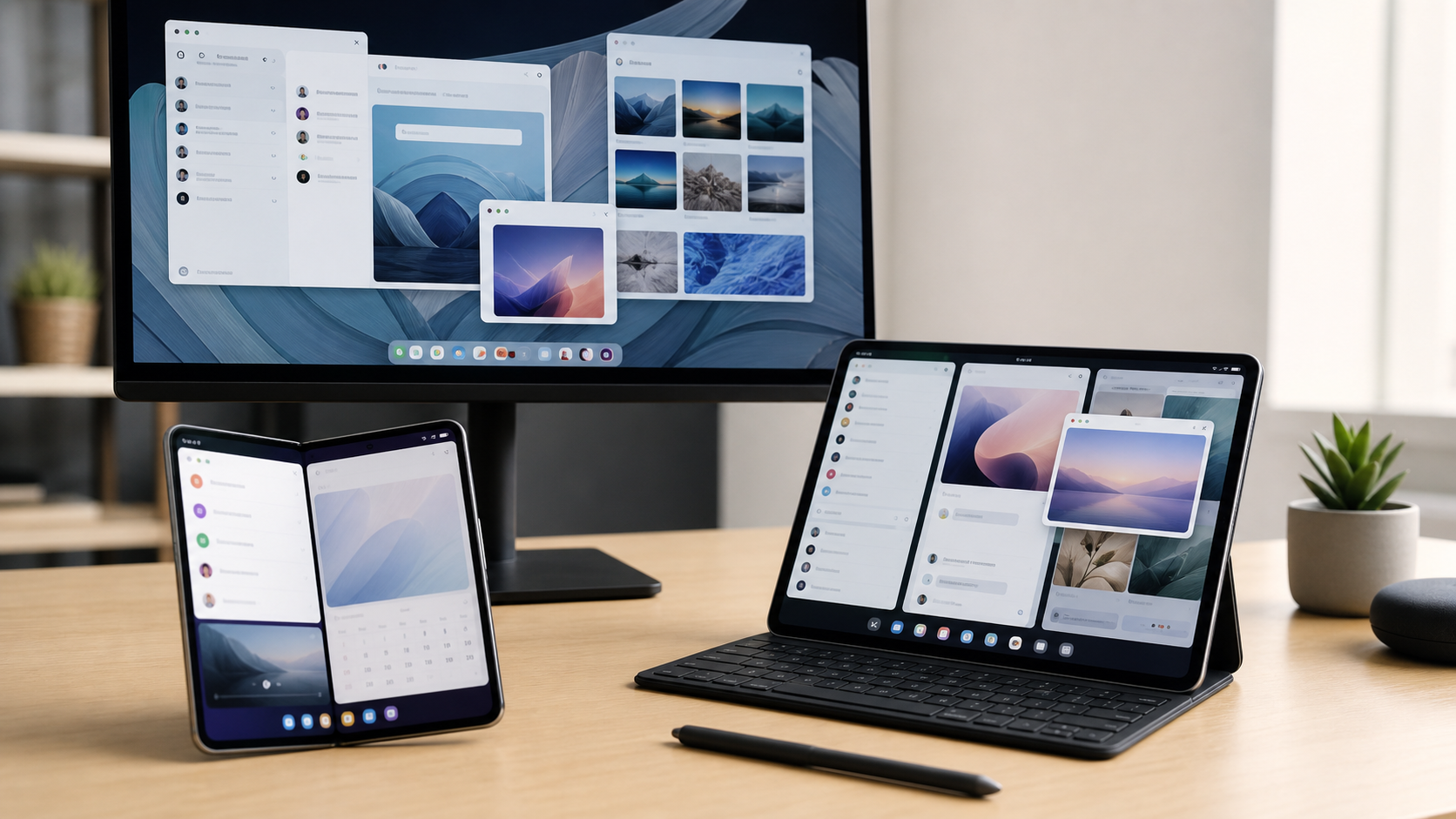
1. Large Screens, Foldables, And Desktop-Style Use Get More Serious
Android has been steadily moving toward better large-screen behavior, and Android 17 continues that direction. Google’s Android 17 release notes call out Desktop Interactive Picture-in-Picture, which lets apps request a pinned windowing layer during desktop mode on external displays. They also note that Bubbles are fully enabled in Beta 3, and that widget support on external displays is improving.
For regular users, this means Android is becoming more comfortable on tablets, folding phones, and phones connected to larger screens. For small businesses, that matters because phones and tablets are increasingly used for point-of-sale work, inventory, dispatch, field service, messaging, scanning, security camera dashboards, and customer check-in tools.
The developer side matters too. Android 17 continues pushing apps toward layouts that adapt properly instead of breaking when the screen is wide, folded, rotated, or connected to an external display. Customers may experience that simply as “this app feels less awkward on my tablet.” That is a win.
2. Privacy Gets More Practical
Google’s Android 17 feature page highlights Encrypted Client Hello platform support. In plain English, ECH is meant to make it harder for network intermediaries to see which specific domain an app is connecting to during part of the TLS handshake. It is not magic anonymity, but it is a real privacy improvement as apps and networking libraries adopt it.
Android 17 also adds a standardized Contact Picker. Instead of granting an app broad access to the entire address book, users can choose specific contacts and specific fields to share. That is the kind of privacy design people actually need: share the one thing the app needs, not the whole phone book.
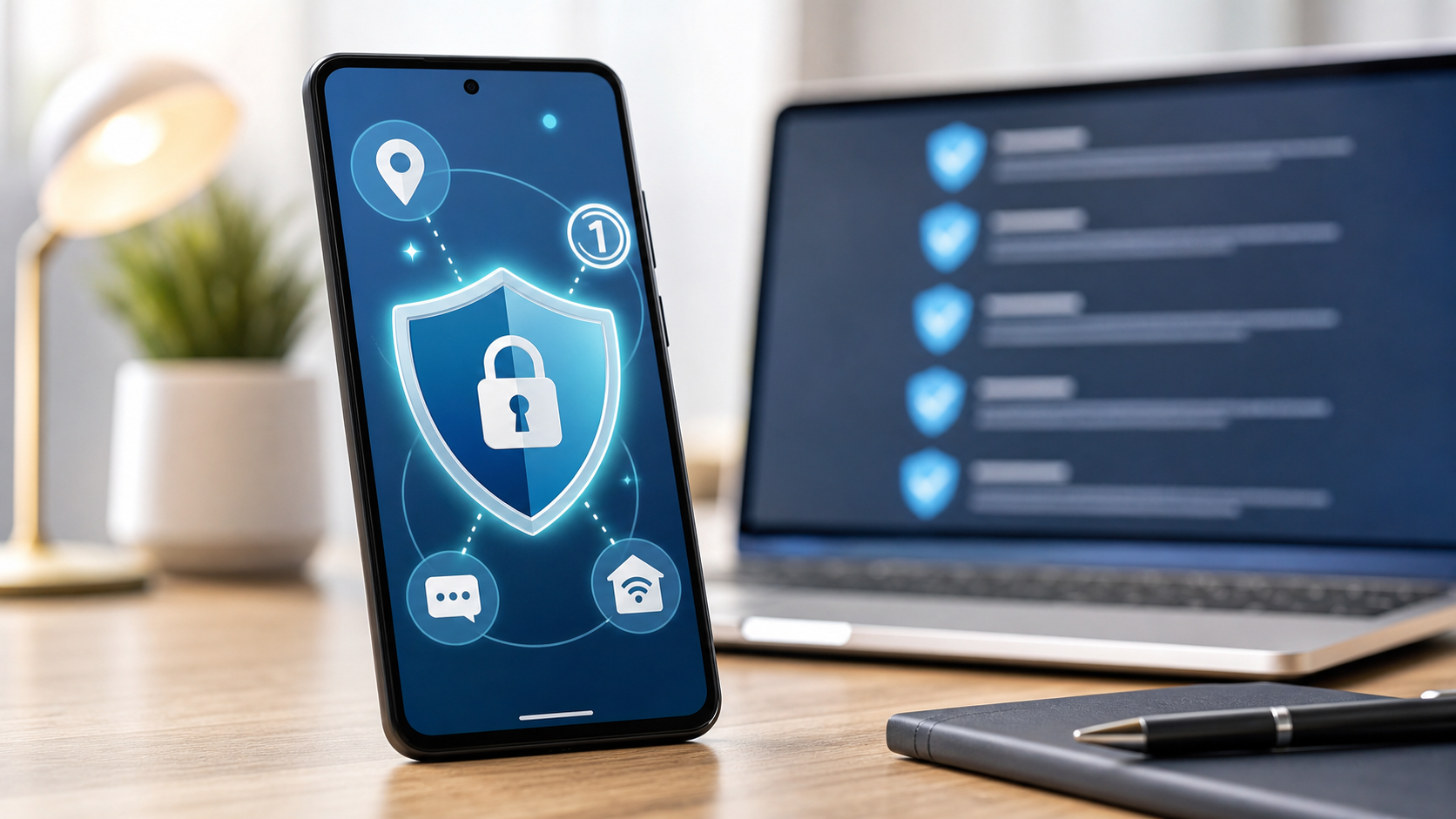
3. Security Improvements Are A Big Deal
Android 17 introduces Android Advanced Protection Mode, an opt-in setting designed for users at higher risk. Google says it can apply a hardened security posture, including blocking app installation from unknown sources, restricting USB data signaling, and requiring Google Play Protect scanning.
That is useful for journalists, business owners, public-facing staff, activists, people who travel heavily, and anyone who has already been targeted by account attacks. For a local business, it is also useful for company phones tied to banking, email administration, payroll, client records, or multi-factor authentication.
Google also documents stronger SMS OTP protection. Beginning with Android 17, Android expands protection for SMS messages that contain one-time passwords, including WebOTP format messages. The goal is to reduce the ability of the wrong app to read a verification code immediately.
There is also a future-facing app-signing change: post-quantum cryptography hybrid APK signing. Most consumers will never interact with that directly, but it matters because app signing is part of how Android verifies that app updates really come from the expected developer.
4. App Stability And Battery Behavior Should Improve
Android 17 adds app memory limits on some devices, plus new profiling triggers that help developers diagnose cold starts, out-of-memory errors, excessive CPU usage, and other abnormal behavior. That may sound developer-heavy, but the customer benefit is simple: fewer apps should be able to chew through memory, cause stutters, drain battery, or destabilize the phone.
Google says the memory limits are conservative and aimed at extreme leaks and outliers. That is the right target. Nobody wants a normal app punished, but everyone benefits when runaway apps are easier to identify and fix.
5. Camera, Media, And Accessibility Get Attention
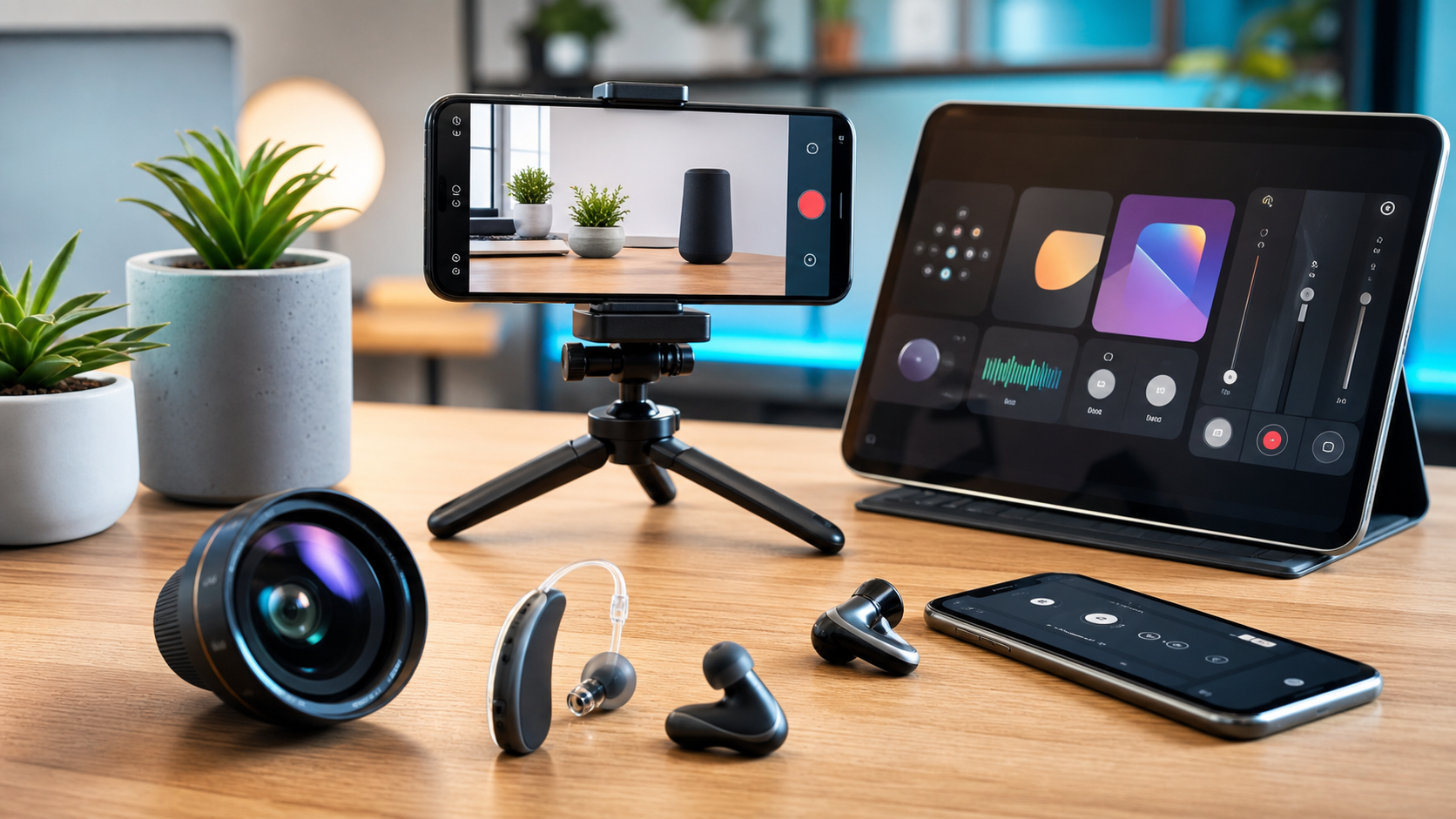
Android 17 Beta 3 release notes list several camera and media changes: photo picker customization, RAW14 support for professional camera apps, vendor-defined camera extensions, camera device type APIs, extended HE-AAC software encoding, and improved Bluetooth LE hearing aid handling.
The hearing-aid routing change is especially practical. Google says users can independently route system sounds such as notifications, ringtones, and alarms to either connected hearing aids or the device speaker. That is not just a technical feature. It can make a phone less frustrating and more usable for people who rely on hearing aids.
Android 17 also includes a redesigned screen recording experience with a floating toolbar that is excluded from the final video. That matters for tutorials, support videos, app walkthroughs, and small businesses that record quick training clips for staff or customers.
6. Handoff Could Make Android Devices Work Better Together
Android 17 introduces Handoff, a feature and API that lets a user start an app activity on one Android device and transition it to another nearby Android device. Google describes app-to-app handoff and app-to-web fallback options.
If app developers support it well, this could become one of the more noticeable everyday features. Imagine starting a task on your phone, then continuing on a tablet or foldable without hunting for the same screen again. For business use, it could help with service tickets, estimates, delivery workflows, field notes, photos, or customer check-ins across multiple Android devices.
What Not To Overhype Yet
There are two things worth keeping honest. First, Android 17 is still in beta as of Google’s current public developer documentation. Beta builds can have bugs, battery weirdness, app compatibility problems, and unexpected restarts. Second, some of the best features depend on app developers, device hardware, phone manufacturers, or Google app updates. Not every Android 17 device will feel identical on day one.
For Pixel owners, the safest path is to wait for the stable OTA unless you are comfortable testing and troubleshooting. For business phones, do not put a beta OS on a device used for payroll, field work, MFA, banking, customer data, or emergency communication.
Should You Install The Android 17 Beta?
Install it only if you are testing. Developers, IT staff, tech enthusiasts with a spare supported Pixel, and people who can tolerate bugs may want to try it. Everyone else should wait.
- Good beta candidate: spare Pixel, backed-up data, no critical work dependency, comfortable restoring the phone if needed.
- Bad beta candidate: only phone, business phone, phone used for MFA, banking, travel, medical apps, family communication, or customer work.
- Before installing: back up photos, messages, authenticator recovery options, important files, and app data.
- After stable release: update promptly once your device maker offers the official update and early major bugs are understood.
Small Business Checklist For Android 17
- Inventory business Android phones and tablets.
- Check which devices are still supported for security and OS updates.
- Keep beta builds off production devices.
- Test critical apps on one spare device before a wide rollout.
- Make sure email, MFA, password managers, payment tools, dispatch apps, and remote-work apps behave normally.
- Review sideloading policy and app-install rules, especially if Advanced Protection Mode becomes part of your security plan.
- Plan replacement for older phones that will not receive Android 17 or current security patches.
FAQ
Is Android 17 really called Cinnamon Bun?
Cinnamon Bun is the internal dessert-style codename being associated with Android 17. The public product name users will see is still Android 17.
When will Android 17 come to Pixel phones?
Google has not published a specific final stable date in the Android 17 developer documentation checked for this article. Beta 4 is available now and is listed as the last scheduled beta. Supported Pixel devices are first in line for Google’s official Android beta and usually receive the stable Android platform release before most non-Google phones.
Which Pixel phones can test Android 17?
Google lists Pixel 6 and newer families in the Android 17 beta path, including Pixel 6/7/8/9/10 models, Pixel Tablet, and Pixel Fold devices. Check Google’s official beta page before installing because supported-device lists can change.
What is the biggest customer-facing improvement?
For regular users, the biggest practical improvements are likely security/privacy hardening, better stability, better large-screen behavior, better hearing-aid audio routing, and smoother cross-device handoff once apps support it.
Should businesses update right away?
Businesses should not deploy beta builds broadly. Once the stable release arrives, test critical apps first, then update in a controlled way. Security updates should still be installed promptly.
Sources And Videos
- Android 17 overview – Android Developers
- Get Android 17 – Pixel and partner beta device information
- Android 17 release notes
- Android 17 features and APIs
- Android 17 behavior changes for all apps
- YouTube: Android Show / I/O-style overview
- YouTube: Android 17 developer-focused video
- YouTube: Android recap video
Related Reading
- Android CVE-2026-0073: Update Your Phone Now – a practical security update companion for Android users
- Stop Annoying Chrome Notifications on Android Phones – a simple cleanup task for Android phone owners