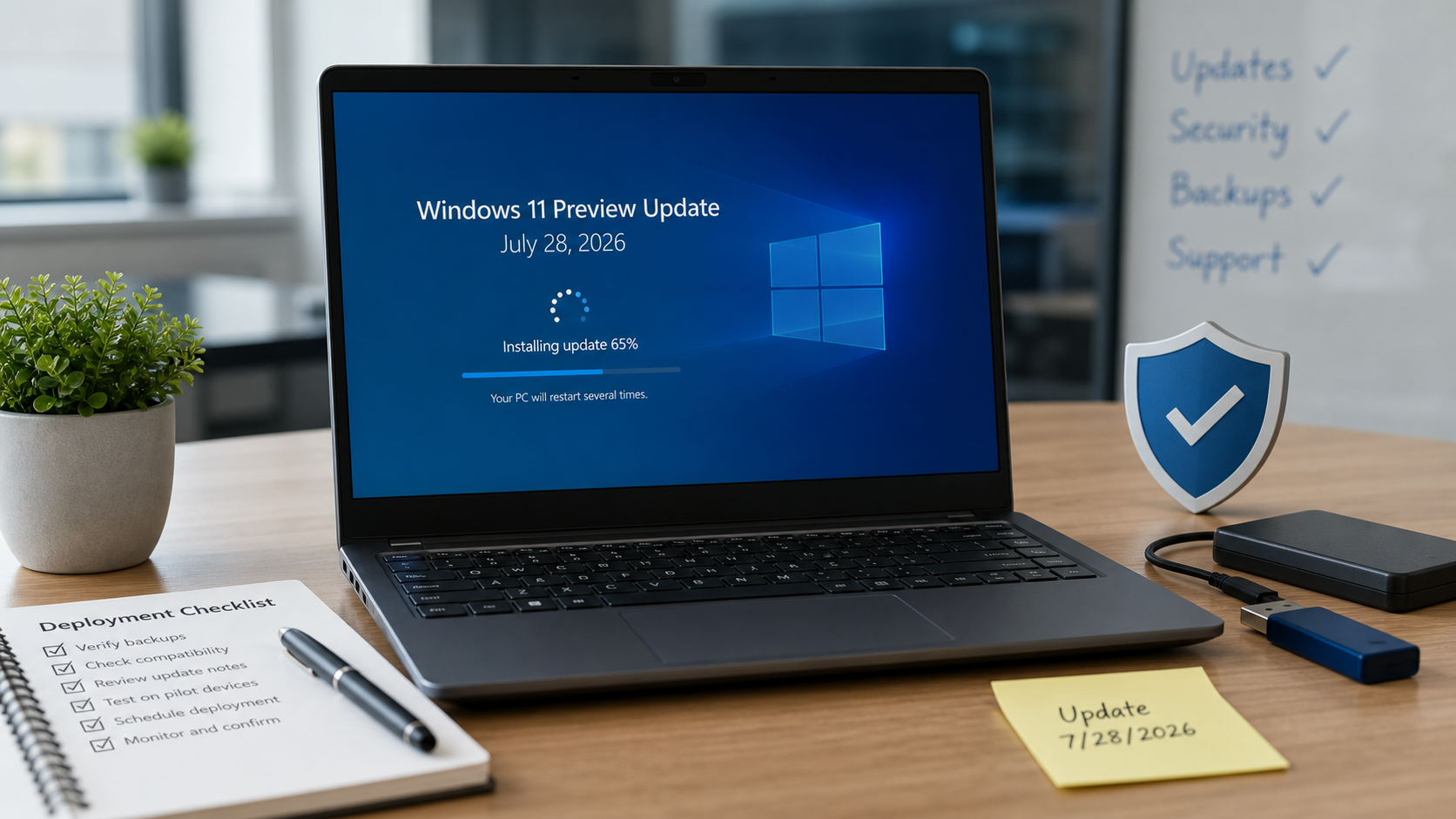
Microsoft posted a new Windows 11 preview cumulative update on July 28, 2026. It is important for planning, but it is not the same thing as this month’s Patch Tuesday security update.
The update customers are most likely to see is KB5101684, listed by Microsoft as the July 28, 2026 preview update for Windows 11 versions 25H2 and 24H2. Microsoft also posted KB5101681 for Windows 11 version 26H1. Microsoft’s Windows message center says the July 2026 non-security preview update is now available for Windows 11 versions 26H1, 25H2, and 24H2.
For home users and small businesses, the plain-English takeaway is this: this is an optional preview release that lets Microsoft ship quality fixes and feature improvements before the next regular security update. Some devices may see it under optional updates. Managed business devices may receive it only if an administrator intentionally deploys preview updates.
In this article
What changed in KB5101684
Microsoft’s support article for KB5101684 lists OS builds 26200.8973 and 26100.8973 for Windows 11 versions 25H2 and 24H2. The Windows 11 26H1 preview update is KB5101681, listed as OS build 28000.2608.
Microsoft describes KB5101684 as a non-security update that includes quality improvements and staged feature rollout items. That means two PCs can both be fully updated and still not show every new feature at the exact same time. Microsoft calls this a gradual rollout, where features reach devices in phases.
Customer-facing changes Microsoft highlights include:
- Voice Access improvements: Voice Isolation is being added to Voice Access so Windows can better recognize a user’s voice by reducing background noise and other speakers. Microsoft says Korean language support for Voice Access is also included.
- Windows Hello changes: Windows Hello Enhanced Sign-in Security now supports peripheral fingerprint sensors, expanding support beyond built-in fingerprint readers on eligible devices.
- File Explorer refinements: File sizes in Details view now use appropriate units such as KB, MB, and GB instead of showing everything as KB. Microsoft also lists new middle-click behavior for opening folders in new tabs from the Address Bar and Home page.
- Touchpad controls: New precision touchpad gesture controls are available under Settings > Bluetooth & devices > Touchpad, including scroll and zoom speed controls.
- Windows Update cleanup and progress improvements: Microsoft says the update improves update progress calculation in Windows Update settings and includes update cleanup logic intended to improve performance after an update.
- DFS and File History fixes: Microsoft lists a fix for files on DFS mapped drives being incorrectly treated as Internet-originated after reconnecting, and a fix for File History backups to SMB network shares failing with a false invalid-credentials error.
Microsoft also says it is not currently aware of any known issues with KB5101684. That is useful, but it should not be treated as a guarantee that every line-of-business app, printer driver, VPN client, or security product will behave perfectly in every environment.
Who is affected
This update is mainly relevant to customers running supported Windows 11 versions 26H1, 25H2, and 24H2. If you are still on an older Windows 11 release, your update path may be different. Microsoft’s Windows 11 release information page is the official place to check servicing status and update history by version.
For many home users, this preview update is optional. If your PC is stable and you do not need a listed fix, waiting for the next regular security update is usually reasonable. If you are affected by one of the fixes, especially the File History SMB backup issue or the DFS mapped-drive behavior, installing the preview update may be worth considering sooner.
For businesses, preview updates should be treated as a controlled deployment decision. They can be useful for testing fixes before the next Patch Tuesday, but they should not be pushed broadly without basic validation.
Why this still matters for security planning
KB5101684 is not labeled as the monthly security update. Microsoft’s July security update was posted earlier in the month as KB5101650 for Windows 11 versions 25H2 and 24H2. However, preview updates still matter for security operations because they often become part of the next cumulative release.
There is also a Secure Boot planning note attached to the July Windows update cycle. Microsoft continues to warn that Secure Boot certificates used by most Windows devices expire starting in 2026, and that updated certificates are being delivered through Windows Update over time. Microsoft’s Secure Boot certificate expiration and CA updates support page explains the certificate transition in more detail.
That Secure Boot work is one reason some devices may experience extra restart behavior during recent or upcoming Windows update cycles. If a business has BitLocker, endpoint encryption, firmware controls, older hardware, virtual machines, or remote users, update planning should include recovery-key access and restart timing instead of assuming this is just another silent background patch.
What to do before installing
Before installing a preview cumulative update, use the same habits you would use before any meaningful operating-system update:
- Confirm your Windows version: Go to Settings > System > About and check the version and OS build. Match that against Microsoft’s KB article before manually installing anything.
- Back up important work: Make sure important files are synced or backed up before rebooting. For businesses, verify that shared files, accounting data, customer documents, and line-of-business exports are covered.
- Save browser and app work: Updates can require a restart. Save web forms, unsent emails, open documents, remote sessions, and accounting work before clicking restart.
- Check BitLocker recovery access: If BitLocker is enabled, confirm recovery keys are available before updating, especially on managed laptops, older PCs, or systems with recent firmware changes.
- Do not download random “Windows update” installers: Use Windows Update, your company’s management tool, or the official Microsoft Update Catalog path referenced by Microsoft.
Microsoft’s official consumer instructions are available in Update Windows. For customers who want to understand the difference between security updates, preview updates, out-of-band updates, and feature rollout behavior, Microsoft’s Windows monthly updates guidance is also worth reading.
Small business rollout guidance
For a small office, the safest rollout pattern is boring on purpose:
- Test first: Install the preview update on one or two representative PCs before rolling it to everyone. Include a normal staff laptop and, if possible, a workstation that uses printers, mapped drives, VPN, or specialized software.
- Watch backup behavior: Because Microsoft lists a File History and SMB network-share fix, businesses that use network shares should confirm backup jobs and mapped-drive workflows after installation.
- Check sign-in devices: If your office uses external fingerprint readers or Windows Hello, test sign-in after the update before assuming every desk setup behaves the same way.
- Plan restarts: Schedule restarts outside billing, dispatch, intake, remote-support, and point-of-sale hours. A small restart surprise can become a business interruption when the wrong PC is involved.
- Document what changed: Record the KB number, install date, test machines, and any problems. That gives you a clean rollback or troubleshooting trail if something breaks later.
If your business uses Microsoft Intune, Windows Update for Business, Windows Autopatch, WSUS, endpoint security tools, or managed BitLocker policies, treat preview updates as part of your patch-management process. Do not let one eager user manually install a preview update on the one computer that runs payroll, shipping labels, medical devices, or production software.
What we found for Mac users today
We also checked Apple’s official security-release page today. Apple’s Apple security releases page currently lists macOS 26.6 as the latest macOS version and shows recent macOS security releases dated July 27, 2026, not July 28. We did not find a same-day July 28 macOS security update, Rapid Security Response, or macOS advisory that matched this Windows article.
That does not mean Mac users should ignore updates. It means today’s article is Windows-focused because Microsoft posted a same-day Windows update item. Mac users should still install available updates from System Settings > General > Software Update when appropriate, especially when Apple posts security content for their supported macOS version.
When to call The IT Guys
Call The IT Guys if a Windows update fails repeatedly, a laptop asks for a BitLocker recovery key, File History or SMB backups stop working, mapped drives behave oddly, fingerprints or Windows Hello sign-in stop working, or you need a clean rollout plan for multiple business PCs.
We can help verify which Windows version you have, confirm whether a preview update is worth installing, check backup coverage before restarts, and build a patch process that keeps devices secure without turning every update into a workday interruption.
Official Sources
- Microsoft Windows message center
- Microsoft Support: July 28, 2026 KB5101684 Preview
- Microsoft Support: July 28, 2026 KB5101681 Preview
- Microsoft Windows 11 release information
- Microsoft Support: July 2026 Windows security update KB5101650
- Microsoft Support: Update Windows
- Microsoft: Understanding Windows monthly updates
- Microsoft Support: Windows Secure Boot certificate expiration and CA updates
- Apple security releases