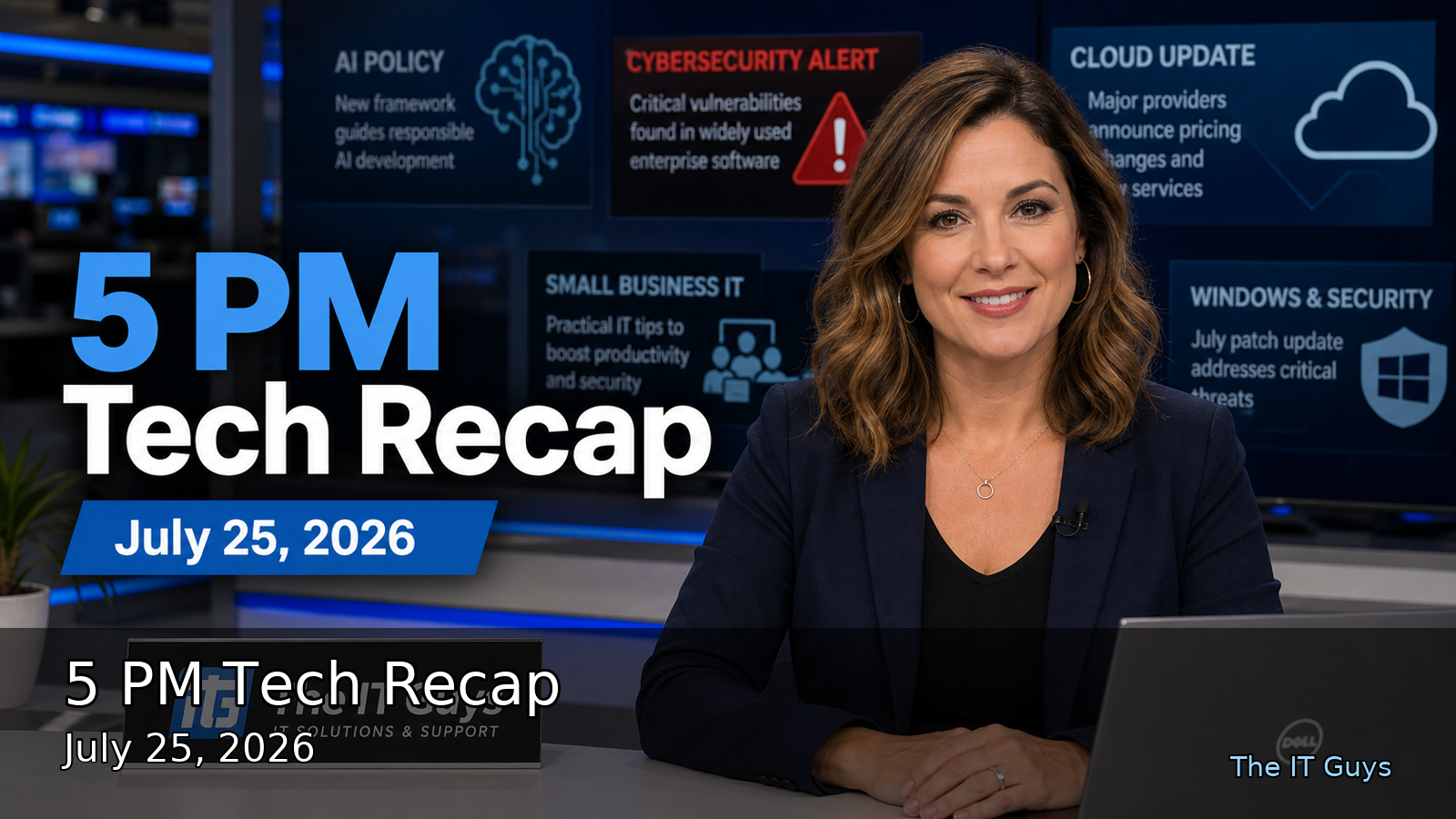
Updated for 5 PM Eastern on July 25, 2026. Today's technology recap is security-heavy, but there is useful good news too: developers and website operators have urgent patch checks, AI vendors are shipping more efficient models and defender-focused tooling, and Microsoft is publishing concrete security-hardening progress that small businesses can copy in simpler form.
Quick Take
- Bad news: proof-of-concept exploit details are now public for a GitLab issue affecting unpatched self-managed servers.
- Bad news: Fastjson 1.x is being targeted in active attacks, and the mitigation path may require configuration changes or migration.
- Bad news: Check Point patched critical management-plane flaws, including one reported as exploited in the wild.
- Good news: Google released more efficient Gemini models and a limited cyber-focused model intended for defensive code repair.
- Good news: Microsoft's latest Secure Future Initiative report gives practical examples of identity, exposure, and vulnerability management at scale.
1. GitLab PoC Publication Raises Patch Urgency
The Hacker News reported today that researchers published working proof-of-concept code on July 24 for a GitLab remote code execution chain. The reported risk applies to self-managed GitLab 18.11.3 servers that did not take GitLab's June 10 update. According to the report, an authenticated user who can push to a project can trigger the issue through crafted Jupyter notebook diffs and run commands as the git user.
The part that matters for IT operations is the triage lesson. The fix was reportedly connected to an Oj library bump listed under bug fixes rather than a prominent security table entry. If your team only scans vendor release notes for obvious security labels, you can miss high-impact fixes that later become urgent once exploit details are public.
- Confirm whether you use GitLab.com or a self-managed GitLab server.
- If self-managed, verify the exact version and update path against GitLab's current releases.
- Limit who can push to projects, especially shared or low-trust projects.
- Review GitLab logs for unusual notebook diffs, unexpected repository activity, and suspicious commands run by the
gitservice account. - Back up GitLab before upgrades, but do not let backup planning turn into a multi-day delay for exposed systems.
The local-business takeaway: developer platforms are production infrastructure. If your company self-hosts Git, ticketing, CI, documentation, or password-vault tools, those systems need the same patch discipline as servers that run customer-facing websites.
2. Fastjson 1.x Attacks Are A Java Dependency Wake-Up Call
The Hacker News also reported active attacks against CVE-2026-16723, a critical Fastjson issue involving Alibaba's JSON library for Java. The reported attack conditions include Fastjson 1.2.68 through 1.2.83, a Spring Boot executable fat-JAR, a reachable path that parses attacker-controlled JSON, and SafeMode left disabled. As of today's report, Alibaba had not released a fixed Fastjson 1.x version.
This is the kind of vulnerability that hides in the supply chain. A business owner may never hear the word Fastjson, but it can still sit inside a vendor app, internal dashboard, API service, reporting tool, or legacy Java system. When there is no simple patch, the practical response becomes inventory, mitigation, isolation, and a migration plan.
- Ask developers or vendors whether Fastjson 1.x is present in any Java application.
- Where immediate migration is not possible, review SafeMode guidance and package-level mitigations.
- Restrict public access to Java services that do not need to be internet-facing.
- Watch web application logs for unusual JSON payloads, Java errors, outbound connections, or new processes.
- Put a date on the migration plan. Temporary mitigations become permanent when nobody owns the follow-up.
3. Check Point Management Access Should Not Be Internet-Exposed
Check Point released fixes for multiple Security Management and Multi-Domain Management vulnerabilities. The most urgent item in today's reporting is CVE-2026-16232, an authentication-bypass flaw in the SmartConsole login process with a reported CVSS score of 9.3. The Hacker News reported that Check Point said it was aware of a small number of customers being targeted, and that the highest-risk condition is management access exposed directly to the internet without IP restrictions.
For most smaller organizations, the specific product may not be in use. The broader lesson absolutely applies: firewall, VPN, router, NAS, remote-management, and admin portals should not sit open to the internet unless there is a strong reason, tight access control, current patching, MFA where available, and logging that someone actually reviews.
- Inventory firewall and management portals reachable from the internet.
- Restrict trusted client IPs or require VPN before administrative access.
- Apply vendor hotfixes for Check Point Security Management, Multi-Domain Security Management, and Gaia Portal where applicable.
- Review vendor indicators of compromise and admin-login history.
- Remove old remote-access exceptions created for vendors, temporary projects, or emergency work.
4. AI Model News: More Useful, But Still Needs Governance
Google announced Gemini 3.6 Flash, Gemini 3.5 Flash-Lite, and Gemini 3.5 Flash Cyber on July 21. Google says 3.6 Flash reduces output token usage compared with 3.5 Flash, while 3.5 Flash-Lite is positioned for fast, lower-cost high-volume workloads. The cyber-focused model is tied to CodeMender and is planned as a limited-access pilot for governments and trusted partners.
The useful part for small businesses is not the model-name race. The useful part is that AI tooling is becoming cheaper, faster, and more specialized. That means more vendors will add AI assistants to support desks, accounting tools, code tools, CRMs, document workflows, and security products. Some of that will save time. Some of it will create new permission and data-retention questions.
- Decide which business data is allowed in AI tools before employees improvise.
- Separate personal AI accounts from company-managed accounts.
- Review retention, training, and sharing settings for AI services.
- Give AI agents the least access they need, then log what they do.
- For customer-facing work, keep a human review step for legal, medical, financial, or reputation-sensitive output.
5. Microsoft's Security Report Gives A Practical Checklist
Microsoft's July Secure Future Initiative progress report is not just a large-company story. The numbers are large because Microsoft is large: phishing-resistant MFA now protects 99.97% of Microsoft user/device pairs, public access was revoked from more than 732,000 resources, 1.4 million unused apps were decommissioned, and more than 550,000 critical and high-risk open-source vulnerabilities were remediated. The pattern is what matters: reduce identity risk, reduce public exposure, remove unused apps, and patch what attackers can actually reach.
Microsoft also announced new Azure offerings with AMD for AI, data processing, electronic design automation, and high-performance computing. That is good news for cloud choice and capacity, especially as AI workloads keep growing. It is also a reminder that cloud bills and cloud security both need owners. More powerful infrastructure is useful only when cost controls, access rules, backups, and monitoring are in place.
Today's Practical Checklist
- Patch: update self-managed GitLab and check for Fastjson 1.x in Java services.
- Reduce exposure: remove direct internet access to firewall, VPN, NAS, and admin portals unless it is tightly restricted.
- Strengthen login security: use phishing-resistant MFA where possible, especially for administrators.
- Clean up old access: remove unused apps, stale API tokens, old service accounts, and vendor accounts no longer needed.
- Govern AI: decide what data AI tools may use, who owns each tool, and what logs are reviewed.
- Back up before emergencies: make sure backups are offline or separately protected before a patch crisis arrives.
If you want help checking whether your business website, firewall, Microsoft 365 tenant, backups, or remote-access setup has the right protections in place, The IT Guys can help with practical local-business IT support: contact The IT Guys.
Sources
- The Hacker News: July 25 security feed
- The Hacker News: Check Point patches exploited SmartConsole flaw
- SecurityWeek: July 25 cybersecurity headlines
- Google: Introducing Gemini 3.6 Flash, 3.5 Flash-Lite, and 3.5 Flash Cyber
- Microsoft Security: July 2026 Secure Future Initiative progress report
- Microsoft: Azure AI and HPC infrastructure with AMD