

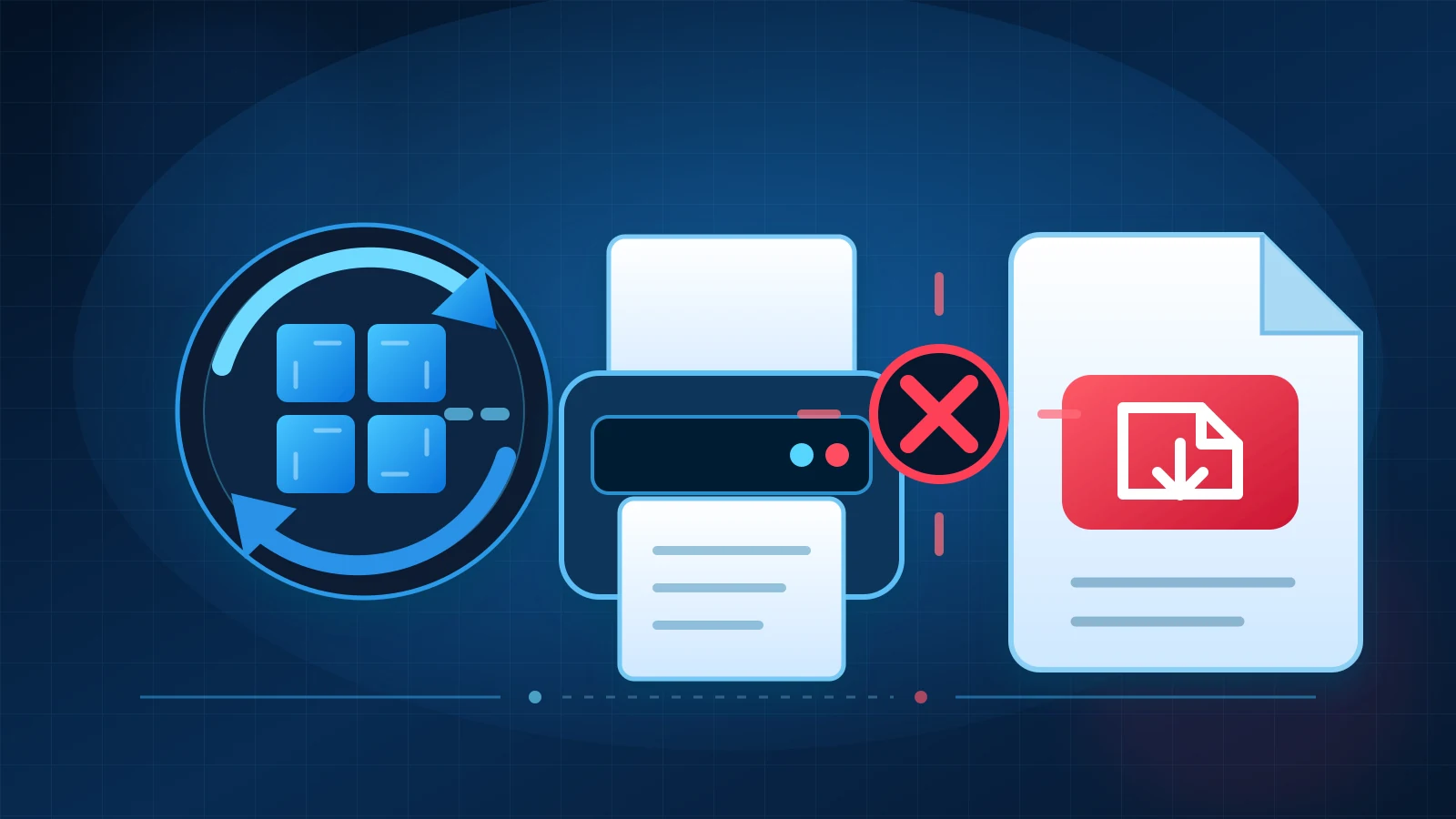
Microsoft has confirmed a regression in its August 2026 .NET Framework cumulative updates: certain Windows Presentation Foundation applications can throw a System.IO.FileFormatException when printing or generating PDF/XPS content that uses particular fonts, including Calibri.[1] Microsoft is investigating, and its only documented workaround temporarily turns off security protections added by the same update.[1]
Reporting cutoff: 2026-08-25T13:28:17Z (August 25, 2026, 9:28 AM EDT). This article updates The IT Guys’ August Patch Tuesday coverage with a newly documented compatibility problem; it does not replace the broader patch guide.[14]
Hero disclosure: Original editorial concept; not an official Microsoft, Windows, Adobe or printer-vendor graphic.
The short version
This is not a universal Windows printing outage.[1] Microsoft’s wording limits the confirmed problem to some WPF applications and to print or PDF/XPS-generation paths involving certain fonts.[1] A printer that works from one application may therefore fail from another, and a document may display correctly on screen but fail when the application tries to print or export it.[1]
Microsoft currently lists the issue as Investigating.[1] The company has not published a permanent correction or a release date for one in the support pages reviewed for this article.[1]
What users may see
An affected application may fail during printing, PDF export or XPS generation with a System.IO.FileFormatException.[1] Microsoft names Calibri as one confirmed example, but does not publish a complete font or application list.[1]
A Microsoft Q&A thread provides useful—but community-level—technical detail.[12] Users reported failures in WPF and Crystal Reports-based workflows, while a Microsoft External Staff moderator said the behavior had been isolated to the WPF TrueType font-subsetting path.[12] The thread also reported Calibri, Cambria, Constantia and Corbel failures in some tests, but those extra font findings are not a complete Microsoft-certified compatibility list.[12]
That distinction matters: the fonts can still open and render normally.[12] The failure can occur only when WPF tries to create a font subset for a print, PDF or XPS job.[12] This is why replacing a printer driver or resetting the print spooler may not address this particular regression.[12]
Which Windows versions and updates are involved?
Microsoft’s August 11 release table spans Windows 11, Windows 10 and Windows Server.[11] The individual update pages below now carry the same WPF printing/PDF warning and list the status as Investigating.[1][5][10]
| Platform | Representative August .NET update(s) |
|---|---|
| Windows 11 26H1 | KB5120711[2] |
| Windows 11 25H2 | KB5120708[1] |
| Windows 11 24H2 | KB5120710[3] |
| Windows 11 23H2 | KB5120713[4] |
| Windows Server 2025 / Microsoft server OS 24H2 | KB5120708[1] |
| Windows Server 2022 | KB5120705 or KB5120714, depending on installed .NET Framework version[8] |
| Windows 10 21H2/22H2 | KB5120701 or KB5120709[5] |
| Windows 10 1809 / Windows Server 2019 | KB5120698 or KB5120703[7] |
| Windows 10 1607 / Windows Server 2016 | KB5120702 and other applicable August servicing packages[6] |
| Windows Server 2012 R2 | KB5120700 or KB5120706 for affected .NET Framework branches[9] |
| Windows Server 2012 | KB5120699 or KB5120704 for affected .NET Framework branches[10] |
The exact KB shown in update history depends on the Windows release and installed .NET Framework branch.[11] Microsoft also cautions that an operating-system offering KB may differ from the specific .NET Framework update ultimately installed, so administrators should verify the actual installed package rather than relying on one headline KB number.[11]
Why the workaround is a security trade-off
Microsoft’s documented mitigation is an application-level AppContext switch:
<configuration>
  <runtime>
    <AppContextSwitchOverrides
      value="Switch.MS.Internal.TtfDelta.DisableCmapAndSbitOverflowProtection=true"/>
  </runtime>
</configuration>
Microsoft warns that this switch disables security protections introduced by the August update and may increase exposure to vulnerabilities the update addresses.[1] The company recommends it only as a temporary measure and only when required.[1] This is a developer or administrator mitigation—not a general “paste this into Windows” home-user fix.[1]
The August .NET Framework release addresses six listed vulnerabilities: CVE-2026-65810, CVE-2026-62872, CVE-2026-62886, CVE-2026-62897, CVE-2026-62902 and CVE-2026-70354.[11] Three are described by Microsoft as remote-code-execution vulnerabilities, two as elevation-of-privilege issues and one as information disclosure.[11] Microsoft does not say in the reviewed support pages that the workaround reopens every one of those flaws, nor does it attribute the printing regression to a single CVE.[11]
What home users and small businesses should do
- Confirm the pattern before changing anything. Check whether the failure began after the August 11 .NET updates, affects one WPF-based application, involves printing or PDF/XPS generation, and shows System.IO.FileFormatException or a font-format message.[1]
- Test another application. If the same printer works from Notepad, a browser or another program, the physical printer and spooler may be healthy; the failure may be in the affected application’s WPF output path.
- Contact the application vendor or your IT provider. Ask for a vendor-supported fix or application-specific mitigation. Do not edit an executable’s configuration file unless you know which process performs the print/export operation and have tested the security impact.
- If the application allows it, test a different font on a copy. Community testing indicates that some unaffected fonts can avoid the failing subset path, but substitutions can change pagination, forms and reports.[12] Treat this as a temporary, document-level experiment—not a universal fix.[12]
- Do not blindly uninstall the security update or disable Windows Update. Removing the update also removes security fixes.[1] Any rollback or compatibility switch should be narrowly scoped, documented, approved and reversed when Microsoft ships a corrected update.[1]
- Monitor the Microsoft support page for your KB. The status was still Investigating at our reporting cutoff, so guidance may change quickly.[1]
A Microsoft documentation mismatch to know about
At the reporting cutoff, Microsoft’s individual KB pages documented the WPF printing/PDF problem and marked it Investigating.[1][11] However, the top-level August 2026 .NET Framework release-notes page still said, “This release contains no known issues.”[1][11]
For active troubleshooting, the platform-specific KB page is therefore the safer controlling source. The mismatch also means administrators should recheck Microsoft’s live documentation before deploying a workaround or assuming the issue is resolved.
What remains unknown
Microsoft has not published a final root-cause analysis, a complete affected-application list, a complete affected-font list, a permanent-fix build, or a delivery date.[1][12][13] Public reports establish real failures, but they do not provide a reliable count of affected devices or businesses.[1][12][13]
The safest current description is narrow: August 2026 .NET Framework updates can break printing and PDF/XPS generation in some WPF applications when certain fonts are processed. They do not establish that Windows printing, Microsoft Print to PDF, Adobe Acrobat, Microsoft 365 or every application using Calibri is broken.
Sources
- Microsoft KB5120708 — Windows 11 25H2 and Server 2025 .NET Framework update
- Microsoft KB5120711 — Windows 11 26H1 .NET Framework update
- Microsoft KB5120710 — Windows 11 24H2 .NET Framework update
- Microsoft KB5120713 — Windows 11 23H2 .NET Framework update
- Microsoft KB5120701 — Windows 10 21H2/22H2 .NET Framework 4.8 update
- Microsoft KB5120702 — Windows 10 1607/Server 2016 .NET Framework 4.8 update
- Microsoft KB5120698 — Windows 10 1809/Server 2019 .NET Framework update
- Microsoft KB5120705 — Windows Server 2022 .NET Framework 4.8 update
- Microsoft KB5120706 — Windows Server 2012 R2 .NET Framework 4.8 rollup
- Microsoft KB5120704 — Windows Server 2012 .NET Framework 4.8 rollup
- Microsoft .NET Framework August 2026 cumulative update release notes
- Microsoft Q&A — WPF TrueType subsetting regression reports
- BleepingComputer — Microsoft confirms WPF print/PDF regression
- The IT Guys — August 2026 Patch Tuesday complete guide
Reporting cutoff: August 25, 2026, 9:28 AM EDT (2026-08-25T13:28:17Z). Microsoft’s status may change; recheck the platform-specific KB before applying a workaround.