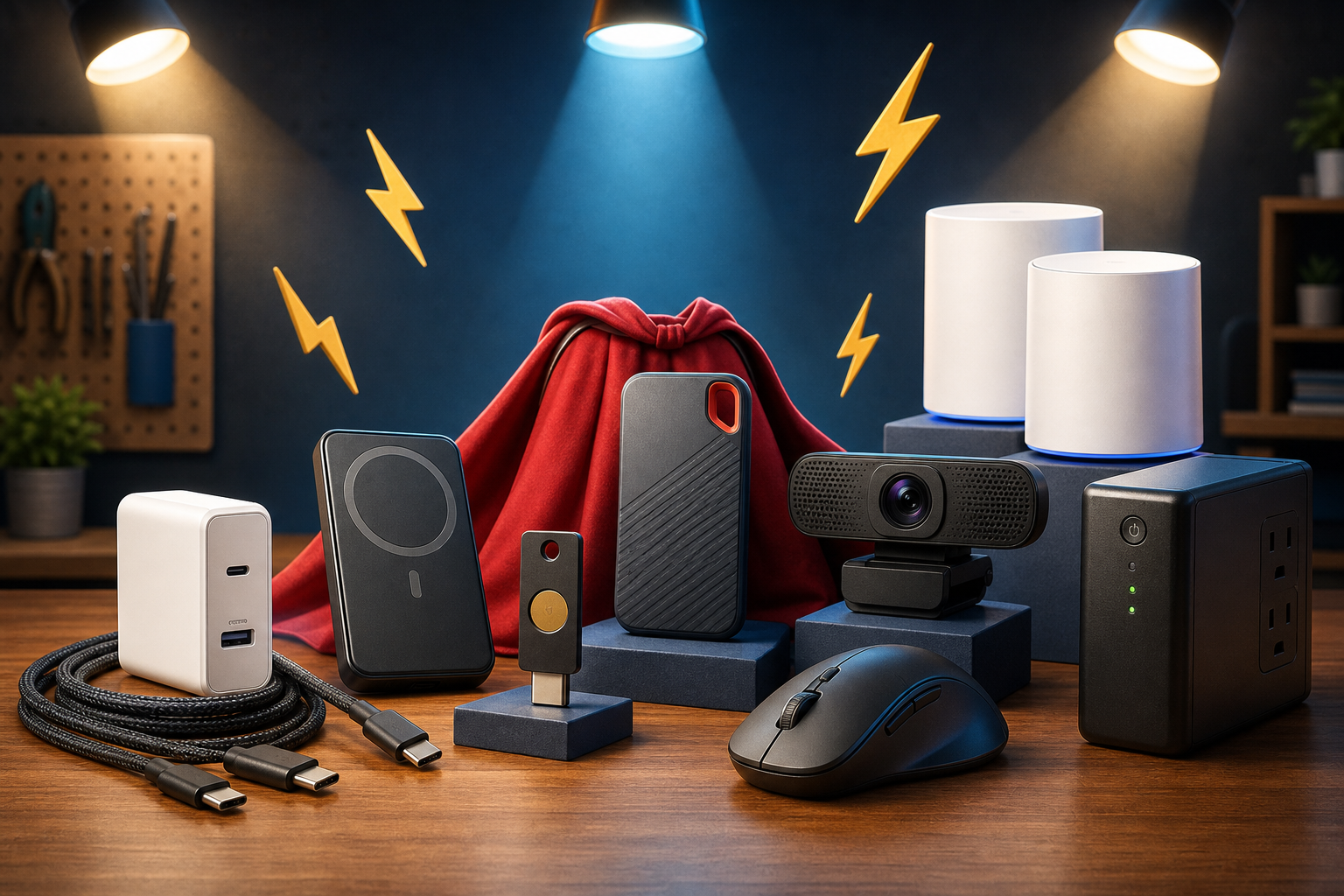
Updated May 27, 2026: The most useful tech accessories are not always the flashiest gadgets. They are the small upgrades that make daily technology easier, safer, and more reliable: better charging, stronger account protection, cleaner video calls, faster backups, stronger Wi-Fi, and protection when the power flickers.
Prices, store stock, bundles, and promo codes change constantly, so use the links below to verify the final checkout price before buying. We are not listing unverified coupon codes because expired or fake codes waste customers’ time. When a store shows an automatic sale, clip-on coupon, loyalty discount, student discount, business pricing, or email-signup offer, treat it as a deal note and verify it in cart.
Where To Check Local Stock
These store links are useful for local pickup, returns, price matching, and checking whether an item is available nearby:
- Best Buy store locator
- Walmart store finder
- Target store locator
- Staples store locator
- Office Depot and OfficeMax store locator
- Micro Center locations
- Costco warehouse locator
- Amazon tech accessories search
1. A High-Quality USB-C GaN Charger
Recommended type: 65W, 100W, or 140W+ USB-C GaN charger.
- Anker chargers
- UGREEN chargers
- Belkin chargers
- Best Buy USB-C GaN charger search
- Amazon USB-C GaN charger search
A good USB-C GaN charger replaces the pile of weak wall plugs most people collect over time. One compact charger can power a phone, tablet, earbuds, Nintendo Switch, Chromebook, or many laptops. For the customer, that means fewer chargers in the bag, faster top-ups, less waiting, and less guessing which power brick goes with which device.
For small businesses, this is also a practical support item. If employees use USB-C laptops, keeping a few quality 65W or 100W chargers on hand can prevent a lost charger from becoming a productivity problem. For travel, a multi-port model is especially useful because one outlet can charge a laptop and phone at the same time.
What to look for: USB-C Power Delivery support, reputable brand, enough wattage for the laptop, foldable prongs if traveling, and multiple ports if charging several devices. Avoid ultra-cheap no-name chargers for expensive laptops because poor power hardware can create heat, reliability, or safety problems.
2. Certified USB-C Cables
Recommended type: 100W or 240W USB-C cables for charging, plus USB4 or Thunderbolt cables when fast data, docks, or monitors are needed.
- Anker USB-C cables
- Belkin USB-C cables
- Best Buy 100W USB-C cable search
- Amazon 240W USB-C cable search
A charger is only half the story. A weak cable can make a powerful charger behave like a slow charger. Customers often think their phone, laptop, or power bank is failing when the real problem is a cheap cable that cannot carry enough power or data.
A proper USB-C cable gives predictable charging, fewer connection problems, and less frustration when transferring files or connecting monitors. For people with newer laptops, a 100W or 240W cable is a smart buy because it supports higher power needs and is less likely to become outdated quickly.
Important caution: not every USB-C cable supports fast data or video. Some are charge-only or slow-data cables. If the customer needs external monitors, docks, or fast SSD transfers, buy a cable that clearly lists data speed or Thunderbolt/USB4 support.
3. A Reliable USB-C Power Bank
Recommended type: 10,000 mAh for daily carry, 20,000 mAh or higher for travel.
- Anker power banks
- Belkin power banks
- Best Buy USB-C power bank search
- Amazon USB-C power bank search
A good power bank buys time. It keeps a phone alive during travel, power outages, long workdays, sports events, hospital visits, service calls, and emergencies. For anyone who uses a phone for maps, authentication codes, banking, business calls, or family communication, battery life is not just convenience. It is access.
For small business owners and field workers, a power bank can keep payment terminals, phones, hotspot devices, tablets, and Bluetooth accessories running when there is no nearby outlet. A model with a built-in USB-C cable can be especially helpful because the customer has one less thing to forget.
What to look for: USB-C input and output, at least 20W for phones, 30W or more for tablets and small laptops, pass-through charging if needed, clear battery display, and airline-safe capacity if traveling. Travelers should check airline battery rules before flying.
4. A Hardware Security Key
Recommended type: USB-C plus NFC for customers who use a modern phone and laptop.
- Yubico YubiKey 5C NFC
- Yubico Security Key Series
- Google Titan Security Key
- Amazon hardware security key search
This is one of the most important accessories for anyone with valuable online accounts. A hardware security key adds strong phishing-resistant sign-in protection. Instead of relying only on passwords or text-message codes, the customer physically taps or inserts the key to prove it is really them.
This is especially valuable for business email, Google accounts, Microsoft accounts, password managers, domain registrars, social media accounts, banking portals that support security keys, and admin dashboards. If a customer gets tricked by a fake login page, a properly configured security key can stop many attacks because the key checks the real website identity before approving sign-in.
Best customer fit: business owners, bookkeepers, IT admins, and anyone with access to payroll, banking, customer data, website admin accounts, or important email. Buy at least two keys: one daily-use key and one backup stored safely. Losing the only key can create account recovery problems.
Source: CISA recommends phishing-resistant MFA for high-value accounts.
5. A Portable External SSD
Recommended type: 1TB or 2TB USB-C SSD from a known brand.
- SanDisk Extreme Portable SSD
- Samsung portable SSDs
- Crucial portable SSDs
- Best Buy portable SSD search
- Micro Center portable SSD search
A portable SSD gives customers a fast, simple place to store photos, videos, tax records, business documents, project files, and emergency backups. Compared with older portable hard drives, SSDs are faster, smaller, quieter, and less vulnerable to damage from normal movement because they do not have spinning disks.
For customers with full laptops, a portable SSD can immediately free up space without deleting important files. For creators, it can hold photo and video projects. For small businesses, it can support local backup workflows, QuickBooks file copies, exported reports, job photos, and device migration work.
Important guidance: an external SSD is not a complete backup by itself. The best protection is 3-2-1 backup thinking: three copies of important data, on two types of storage, with one off-site or cloud copy. A portable SSD is an excellent piece of that plan, not the whole plan.
6. A Quality Webcam And Small Video Light
Recommended type: 1080p webcam for most people, 4K webcam for professionals who need sharper framing.
- Logitech webcams
- Logitech MX Brio
- Razer streaming cameras
- Best Buy webcam search
- Amazon webcam search
A better webcam makes a customer look more professional immediately. Built-in laptop cameras are often low angle, soft, noisy, or poorly lit. A dedicated webcam placed at eye level improves video calls, telehealth appointments, remote interviews, school meetings, sales calls, livestreams, and online training.
For business customers, this is a trust accessory. Clear video and clear audio make a company look more prepared. A small adjustable video light can make an even bigger difference than the camera itself, especially in dim rooms or offices with overhead lighting.
Privacy caution: customers should unplug or cover the camera when not in use if they are privacy-conscious. A camera with a physical shutter is worth a few extra dollars.
7. An Ergonomic Mouse And Keyboard
- Logitech MX Master 3S
- Logitech ergonomic products
- Microsoft accessories
- Best Buy ergonomic mouse search
- Staples ergonomic keyboard search
This is the accessory category people ignore until their wrist, shoulder, or hand starts bothering them. A better mouse and keyboard can make daily computer use more comfortable, especially for customers who work at a desk for hours.
For productivity, a quality mouse adds better scrolling, programmable buttons, smoother tracking, and multi-device switching. That means less repetitive movement and faster work in spreadsheets, browser tabs, design tools, email, remote support software, and business apps.
Best customer fit: office workers, bookkeepers, students, dispatchers, business owners, remote workers, and anyone who spends more than a couple hours per day at a computer.
Deal note: Logitech often posts sale and bundle offers on its official sale page, but coupon codes vary and should be verified before publishing.
8. A Mesh Wi-Fi System Or Wi-Fi 7 Router Upgrade
- TP-Link Deco mesh systems
- TP-Link Deco BE63 Wi-Fi 7
- Eero systems
- Netgear Orbi mesh Wi-Fi
- Best Buy mesh Wi-Fi search
Bad Wi-Fi makes everything feel broken: slow laptops, buffering TVs, dropped video calls, unreliable printers, smart-home devices that vanish, and phones that burn battery trying to hold weak signals. A good mesh Wi-Fi system can spread stronger coverage through a home or small office and reduce dead zones.
For customers working from home, better Wi-Fi can directly improve video calls, cloud apps, file syncing, VoIP phones, remote desktop, and online backups. For families, it can help streaming, gaming, school devices, and smart TVs stay connected without constantly rebooting the router.
Wi-Fi 7 note: Wi-Fi 7 is the newest standard and can offer higher throughput, lower latency, and better handling of modern devices when paired with compatible hardware. Customers do not need to replace everything immediately, but if they are already buying a new premium router, Wi-Fi 7 is worth considering.
Source: Wi-Fi Alliance Wi-Fi 7 overview.
Important caution: a better router cannot fix a bad internet plan, damaged cable line, overloaded modem, or poor device placement. The best result comes from checking modem health, router placement, channel congestion, and speed at the source before buying.
9. A UPS Battery Backup
Recommended type: 600VA to 850VA for modem/router; 1000VA to 1500VA for desktop, workstation, NAS, or small office gear.
- APC Back-UPS line
- APC Back-UPS Pro 1500
- CyberPower UPS systems
- Best Buy UPS search
- Staples UPS search
A UPS is not exciting until the power flickers and everything else shuts off. It gives customers a buffer during short outages, brownouts, and power blips. For a modem and router, it can keep internet running during brief interruptions. For a desktop PC, it gives the customer time to save work and shut down properly. For a small business, it can protect POS systems, network gear, phone systems, NAS boxes, and office computers from sudden shutdowns.
Why customers should care: unexpected power loss can corrupt files, interrupt updates, knock out payment systems, damage productivity, and create support calls. A UPS turns a sudden outage into a controlled event.
Buying caution: do not plug laser printers, space heaters, or high-draw appliances into the battery side of a UPS. They can overload it. Printers usually belong on surge protection, not battery backup.
10. A Good Surge Protector Or Power Strip With USB-C
- Belkin surge protectors
- APC SurgeArrest Essential
- Best Buy USB-C surge protector search
- Walmart USB-C surge protector search
- Amazon USB-C surge protector search
A better surge protector organizes the desk and adds a layer of protection for chargers, monitors, docks, speakers, routers, and small electronics. Models with USB-C ports reduce wall-brick clutter and make it easier to keep phones and accessories charged at the same station.
What to look for: UL listing, joule rating, protected and grounded indicator lights, enough outlet spacing, USB-C Power Delivery if charging phones or tablets, and a cord length that fits the room without stretching.
Important caution: surge protectors wear out over time. If the protection light is off, the unit is old, or it has taken a major surge, replace it. Never daisy-chain power strips.
11. Bluetooth Trackers For Keys, Bags, And Tech Cases
Trackers help customers find everyday items before they become a problem: keys, backpacks, laptop bags, camera bags, luggage, tool bags, and remote controls. For business owners or technicians, a tracker inside a work bag can prevent wasted time and lost equipment.
Best customer fit: travelers, students, field technicians, parents, caregivers, and anyone who regularly misplaces important items.
Privacy caution: customers should understand anti-stalking alerts and privacy features. Trackers are for finding your own items, not tracking people without consent.
Best Picks By Customer Type
- For almost everyone: USB-C GaN charger, quality USB-C cables, power bank, and surge protector.
- For business owners: hardware security keys, UPS battery backup, portable SSD for backups, better webcam, and mesh Wi-Fi.
- For remote workers: webcam, video light, ergonomic mouse, USB-C charger, docking-friendly cables, and UPS for the modem/router.
- For students: power bank, durable USB-C cable, portable SSD, Bluetooth tracker, and compact charger.
- For seniors or less technical customers: simple charger upgrade, power bank with display, Bluetooth tracker, webcam with privacy cover, and UPS for the router if they rely on internet calling or telehealth.
The Practical Buying Advice
The strongest customer message is simple: buy accessories that prevent problems before they cost you time. A charger, cable, and power bank setup prevents dead-device headaches. A security key can prevent account takeover. A UPS can prevent corrupted files and network downtime. A mesh Wi-Fi upgrade can make the whole home or office feel faster without replacing every device.
Before buying, check the product page, cart page, and local pickup price. Look for automatic discounts, clip-on coupons, open-box pricing from reputable retailers, manufacturer sales, student pricing, business pricing, or loyalty rewards. Do not rely on random coupon-code websites unless the code also appears on the manufacturer or retailer checkout page.
Related Reading
- Quick Tech Tip: Set Up Guest Wi-Fi Before Sharing Your Password – a practical follow-up checklist readers can use right away
- Quick Tech Tip: Check Your Browser Extensions Before They Cause Trouble – a practical follow-up checklist readers can use right away
- German Researchers Warn Ordinary Wi-Fi Could Identify People With Near-Perfect Accuracy – related guidance from The IT Guys archive
FAQ
Are these prices guaranteed?
No. Deals, coupon codes, stock, and shipping can change quickly. Always verify the final cart price and return policy before buying.
What matters more than the lowest price?
For computers and accessories, check warranty, return window, compatibility, storage, memory, ports, and whether the product actually solves the problem you have.
Should a business buy consumer sale items?
Sometimes, but business use may need better warranty coverage, standardized hardware, security features, and predictable support.