

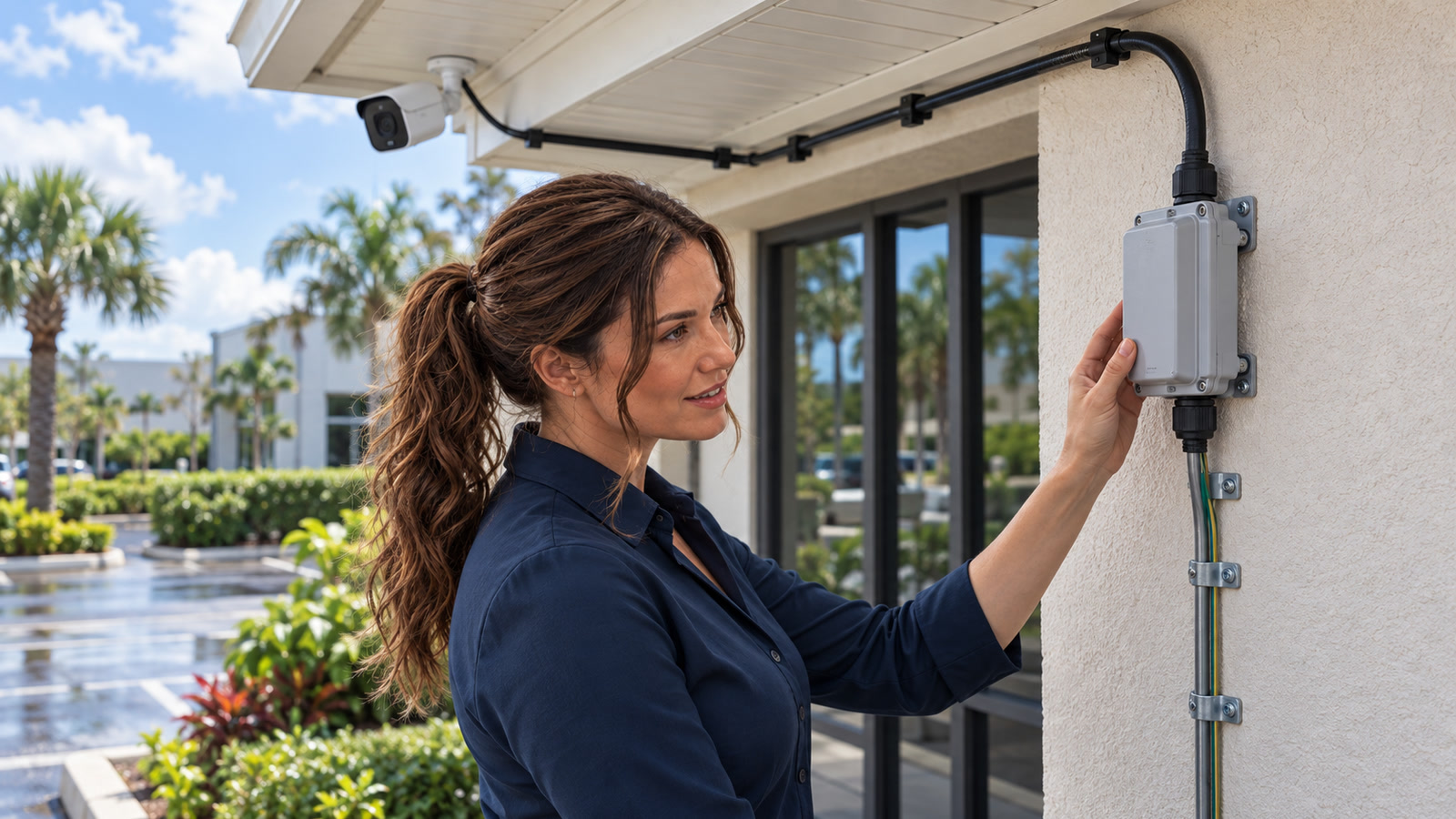
Practical topology inference: an outdoor security camera or access point can bring a surge path indoors through its Ethernet cable—even when the indoor switch, recorder, and router sit on a good AC surge protector. [1] Axis says transient voltage spikes can travel in the Ethernet cable, and its outdoor PoE surge-protection guidance places protection at the building entry or beside the exposed device. [1]
Research cutoff: October 10, 2026, 1:39 p.m. EDT (17:39 UTC). Practical use boundary: this is a visual audit and planning guide, not instructions for installing grounding electrodes, opening electrical equipment, or working during a storm. [4] [5]
The costly failure this audit helps prevent
Practical topology inference: a single exposed copper run can connect an outdoor PoE camera, gate station, wireless access point, or point-to-point radio to an indoor PoE switch, NVR, router, firewall, and other network equipment. [1] Axis describes Ethernet-cable transients as a source of PoE-device downtime, service, and maintenance. [1]
Practical guidance: do not audit only the wall outlet. Trace every conductive path that crosses from outdoors to indoors. [1] The goal is layered, model-compatible protection and correct bonding—not a promise that one small box can defeat every lightning event. [1] [5]
Safety boundary: never inspect this during thunder
Florida’s Division of Emergency Management says the state averages around 70–100 days a year with at least one thunderstorm somewhere in Florida, and warns that lightning location and timing cannot be forecast exactly. [2] If you hear thunder, stop outdoor work and seek safe shelter. [2] The National Weather Service’s Melbourne office says to remain indoors for 30 minutes after the last clap of thunder. [4] Practical safety boundary: do not touch cameras, cable, grounding hardware, protectors, poles, or exterior enclosures during that interval. [4]
Practical safety boundary: stop and use a qualified installer or licensed electrician if a ground or bonding path is missing, corroded, improvised, connected to an unknown electrode, or requires work near service equipment. [5] Do not add a separate ground rod, bond to plumbing, open a panel, or improvise a connection from a general article. [5] The correct method depends on the building grounding system, local code, equipment listing, and manufacturer instructions. [5]
Who is affected—and who is not
Practical topology examples: audit these runs
- PoE security cameras under eaves, on poles, fences, gates, detached structures, or parking areas.
- Outdoor Wi-Fi access points and point-to-point wireless bridges.
- Door stations, intercoms, gate controllers, sensors, and other Ethernet devices with outdoor copper cable.
- Any copper Ethernet cable that leaves one building and enters another. [1]
Why the ordinary power-strip check is incomplete
Practical inference: an AC surge strip watches the conductors plugged into its AC receptacles. It cannot divert a transient arriving on a separate Ethernet cable unless the product is specifically designed and installed for that data path. [1] Practical inventory guidance: separate incoming power, Ethernet, coax, telephone, and other conductive services on the site map. [1]
Cisco specifies shielded outdoor-rated Ethernet for the cited outdoor access point. [5] Axis says its model-specific Ethernet protector can be installed before the cable enters the building or beside a wall- or pole-mounted camera. [1] Practical scope boundary: these are manufacturer recommendations for their ecosystems—not proof that one universal layout fits every camera, cable, switch, building, or code jurisdiction. [1] [5]
The seven-step outdoor Ethernet audit
Build a cable-path map before buying anything
Practical mapping guidance: start indoors at the PoE switch, injector, NVR, or router. Follow each cable to the wall penetration and then to the outdoor device. Record every patch panel, coupler, junction box, detached structure, pole, and building entry. [1]
Identify the exact exposed equipment
Practical inventory guidance: record the camera or access-point model, switch or injector model, Ethernet speed, PoE standard and maximum power, cable category, shielding type, connector type, and weather rating. [1] [5] Practical compatibility guidance: a protector that supports only a lower data rate can become the new bottleneck. [1] Axis’s current T8061 page, for example, lists up to 1 Gbps and up to 10 kV surge protection for that specific product; those numbers must not be copied to a different device. [1]
Check the cable, connectors, and enclosure as one system
Practical visual check: look for indoor-only cable outdoors, cracked jackets, loose glands, missing drip loops, water tracks, corroded plugs, unsupported spans, sharp bends, and a cable routed beside power conductors. [5] Cisco specifies shielded outdoor-rated Ethernet for the cited outdoor access point. [5] Practical installation boundary: follow the exact device maker’s cabling instructions rather than assuming shielded cable is automatically correct when its bonding path is unknown. [5]
Find the protection point—and the real ground path
Practical installation boundary: a protector is not just an inline coupler. It needs the placement, bonding, conductor, enclosure, cable, and compatible equipment specified by its listing and manufacturer. [1] [5] Cisco’s outdoor access-point guide says the unit must be properly grounded before power is connected and calls for shielded outdoor-rated Ethernet for the cited model. [5] Practical safety boundary: if the existing ground path cannot be positively identified, stop the audit at documentation and escalate the installation. [5]
Check both ends when the run is highly exposed
Axis’s product guidance describes placement before the cable enters the building or immediately beside an outdoor camera. [1] Practical guidance: ask the equipment manufacturer or qualified network installer whether the specific run needs protection at one end or both ends, and how each device must be bonded. Do not assume two protectors are automatically safer if their grounding paths are wrong. [1] [5]
Test the network after approved installation
Practical verification guidance: verify link speed, PoE negotiation, camera or access-point uptime, video quality, packet loss, and remote access. Reboot the endpoint through the documented management method and confirm it returns. For cameras, run a real recording-and-playback test; our camera evidence test covers that separate proof. [1]
Label, photograph, and schedule reinspection
Practical maintenance guidance: save the final cable map, protector model, installation date, grounding/bonding sign-off, weatherproofing photos, and post-install test results. Reinspect after exterior construction, a camera move, a major storm, unexplained port failure, or water intrusion. Replace equipment only under the manufacturer’s documented inspection or replacement criteria. [1]
Good fixes versus expensive wrong turns
On a phone: swipe sideways to read all columns.
| Finding | Good next move | Bad next move |
|---|---|---|
| Outdoor copper cable enters the building with no documented protection | Practical guidance: map the run and obtain model-specific, code-aware design from a qualified installer. [1] [5] | Do not: buy the cheapest inline adapter and leave its ground terminal unused. [5] |
| Protector is present, but its ground path is unknown | Practical safety guidance: stop at documentation and have grounding/bonding verified. [5] | Do not: attach a new wire to plumbing, a random screw, or an isolated rod. [5] |
| Camera works, but the link negotiates slowly after a change | Practical diagnostic guidance: check protector data rate, connectors, cable test, and switch logs. [1] | Do not: assume “video still appears” proves the path is healthy. [1] |
Example: the camera survives, but the NVR and switch do not
Hypothetical example: a small office has one PoE camera on a parking-lot pole. The indoor network rack has a UPS and an AC surge protector, so the owner assumes the camera path is covered. After a nearby storm, the camera still powers up when tested elsewhere, but the PoE switch port, NVR network interface, and router are damaged.
Practical diagnostic framing: ask which conductive paths connected outdoor equipment to indoor equipment, where they were protected, and how those protective devices were bonded. Use the audit to map that chain before another failure. [1] [5] Practical uncertainty: it does not claim that a protector can make any installation lightning-proof. [1]
What remains unknown until a qualified review
Practical uncertainty: no general article can determine the correct protector, grounding point, conductor, spacing, enclosure, or number of protection stages for a particular property. [1] [5] Practical uncertainty: even a correctly selected surge protector reduces risk; it does not guarantee survival of a direct or severe nearby lightning event. [1] [2] Practical installation boundary: the final design must follow the current equipment manuals, device listings, building grounding system, local code, and authority having jurisdiction. [1] [5]
Frequently asked questions
Does a UPS or whole-building surge protector cover Ethernet?
Not by itself. Practical guidance: inventory AC power and every separate conductive data path. Use only listed, compatible protection designed for the path being protected. [1]
Can I install an Ethernet surge protector without connecting its ground?
Practical safety guidance: do not assume it will perform as intended. [5] Manufacturer designs that divert a surge to ground depend on a correct grounding/bonding path. If that path is absent or uncertain, use a qualified installer rather than improvising. [5]
Should every outdoor camera use shielded Ethernet?
It depends on the equipment. Cisco specifies shielded outdoor-rated cable for the cited outdoor access point. [5] Practical scope boundary: that example does not override another manufacturer’s design or local installation requirements. [5]
What if the camera works after the storm?
Practical diagnostic guidance: verify more than live view: playback, timestamps, PoE stability, link speed, packet loss, switch logs, and remote access. Intermittent damage, water intrusion, or a degraded connector can hide behind a picture that happens to load. [1]
How is this different from your power-strip guide?
Our power-strip and whole-building surge audit covers the AC side. Our PoE power-budget guide covers overload and voltage-drop symptoms. This article focuses on exposed outdoor copper Ethernet as a separate surge path.
Need the outdoor network path documented?
For service and contact options, visit our small-business services, at-home services, or contact page. Practical safety boundary: grounding and electrical corrections remain work for the appropriately qualified professional. [5]
Sources
- Axis Communications: AXIS T8061 Ethernet Surge Protector — manufacturer guidance on Ethernet transients, placement, ratings, and outdoor use; accessed October 10, 2026.
- Florida Division of Emergency Management: Lightning — Florida thunderstorm frequency and lightning-safety context; accessed October 10, 2026.
- National Weather Service Melbourne: Lightning Rules — shelter and 30-minute return-to-work guidance; accessed October 10, 2026.
- Cisco: Catalyst IW9165D installation overview — model-specific outdoor grounding and shielded-cable instructions; accessed October 10, 2026.
- The IT Guys: generated-hero media inspection — exact-pixel identity, scene, disclosure, and anti-repetition review; inspected October 10, 2026.
Editorial disclosure: The featured image is an original AI-generated editorial illustration of Jennifer Hudsen, The IT Guys’ AI editorial persona. The synthetic figure is not a customer or a real staff portrait, and the scene is not a real property, installation, product endorsement, or guarantee of lightning protection. [6]