

☀ Morning Good News for Today
NV Access released stable NVDA 2026.2 on August 31, adding a built-in magnifier and broader touch, speech, and braille features to its free Windows screen reader. [1] For people who navigate a PC with more than a mouse and monitor, that is practical progress inside a familiar accessibility tool. No meaningful independent hands-on report was found by our cutoff, so feature details below are attributed to NV Access rather than presented as independently tested outcomes.
Good news in 30 seconds
- The new magnifier supports full-screen zoom and color filtering; docked modes are planned for a future release, not included now. [1] [2]
- Touch users can bind pinch-in and pinch-out gestures and navigate browse-mode elements such as links, headings, form fields, lists, and tables. [1] [2]
- Braille additions include automatic display scrolling, DotPad multi-button combinations, and new Italian and Estonian braille tables. [1] [2]
What happened
NV Access published NVDA 2026.2 as the current stable release of its free screen reader for Microsoft Windows. [1] The release groups several kinds of access in one update: a built-in magnifier, expanded touch navigation, new speech controls and add-on dictionary support, plus braille improvements. [1] [2]
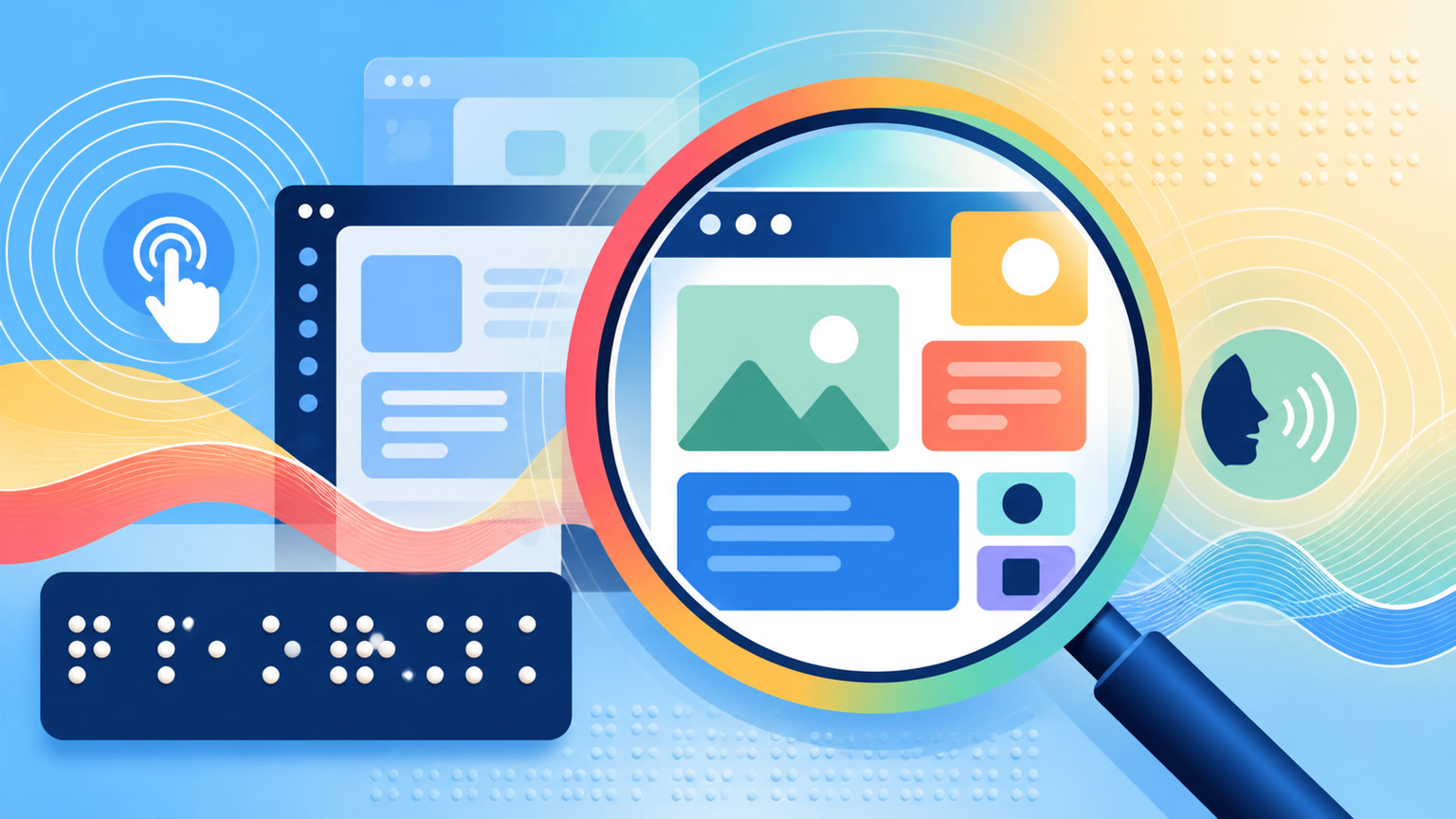
The magnifier can zoom the full screen, apply color filters, and follow focus in different ways. [2] For some users, having magnification and screen-reading options in the same free tool may make a Windows setup simpler, though we did not independently test that experience.
This is not one flashy feature wearing a cape. The update addresses visual magnification, touch navigation, spoken information, and braille interaction together. [1] That breadth is encouraging because accessibility needs rarely arrive in one neat box.
Why this made us smile
This update gives Windows a closer look without asking your wallet to squint. More importantly, it reflects the ordinary engineering work that can make a computer more usable in several different ways at once.
What it could mean for everyday people
If you use NVDA—or help someone who does—review the official highlights and detailed release notes before upgrading, especially if the setup depends on specialized add-ons, touch hardware, or braille devices. NV Access encourages users to upgrade, but a cautious reader should still confirm that the new version fits the individual workflow. [1]
Keep the confetti factual
No meaningful independent hands-on coverage of the stable release was found before this reporting cutoff. The feature list and behavior described here come from NV Access. [1] [2] The magnifier is full-screen only in this version; docked modes remain planned. [1] We have not verified performance across every application, display, touch device, braille display, synthesizer, or add-on, and the timing of docked modes is unknown.
One happy thing to carry with you
A free accessibility tool just gained more ways to see, touch, hear, and read a Windows computer. That is a quietly excellent way to start the morning.