

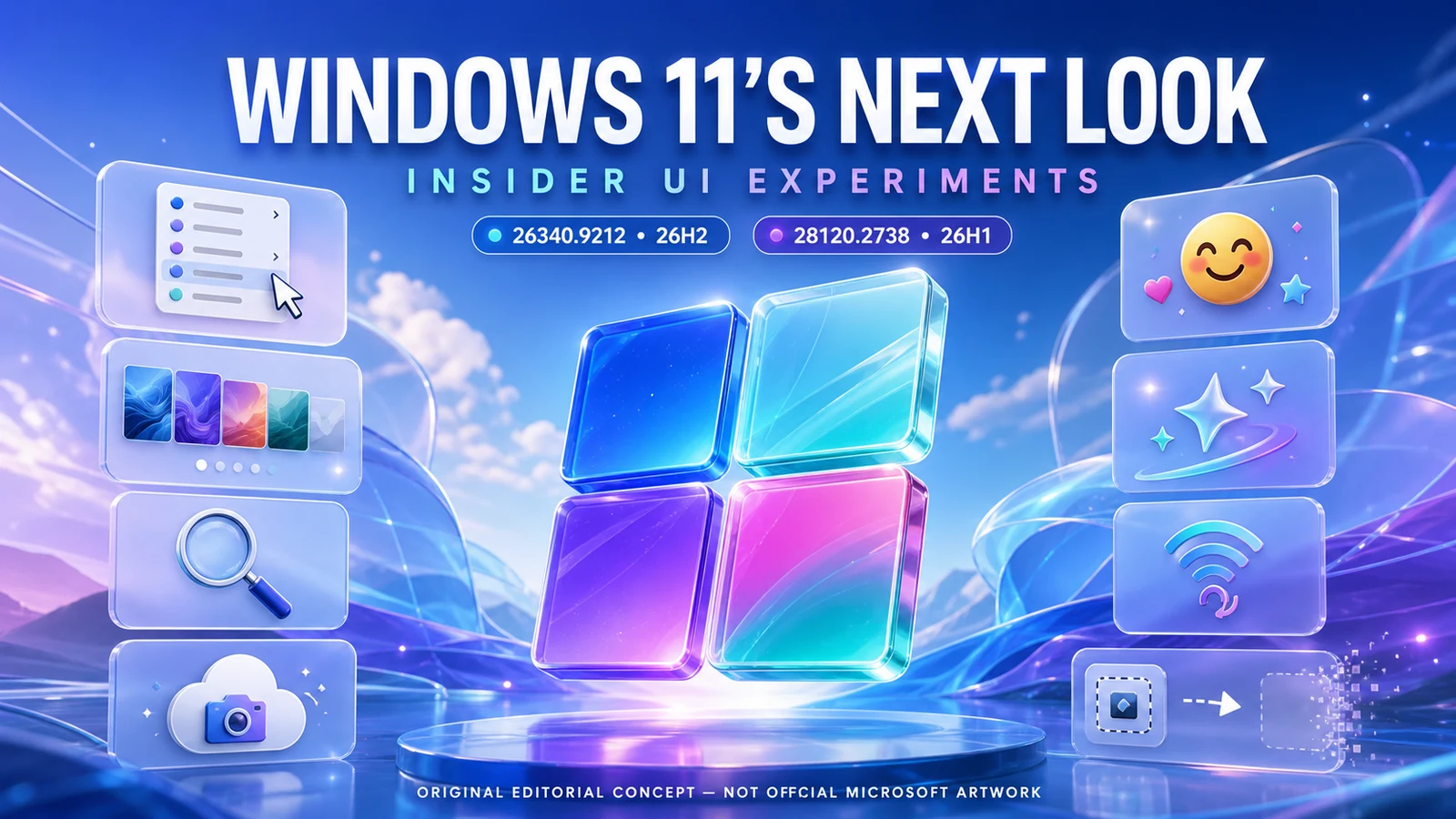
Microsoft’s August 17 Windows Insider wave offers a colorful preview of where Windows 11 could be heading: a customizable File Explorer right-click menu, better wallpaper controls, new emoji, a refreshed Magnifier, phone-photo backup prompts, friendlier setup pages, and smarter recovery networking. But the build labels have been widely confused, and none of these experiments is a promise to regular Windows users.
First, untangle the build-number alphabet soup
| Build | Channel/branch | Main role in this story | Consumer availability |
|---|---|---|---|
| 26340.9212 | Experimental, 26H2 | Rich UI and experience preview | Insider-only; controlled rollout |
| 28120.2738 | Experimental, 26H1 | Removals, fixes, PUBG safeguard | Insider-only; unstable branch |
| 26220.9202 | Beta, 25H2 | Actual 25H2 companion build | Insider Beta; not normal production |
Some secondary reports called 26340.9212 a 25H2 build. Microsoft’s updated Learn page says 26H2, so this article follows the primary source. Microsoft shipped five builds in the broader wave, including separate Beta 26H1 and future-platform builds, which helps explain the confusion.
The biggest change: File Explorer’s right-click menu may finally become personal
A cleaner menu—with an actual Settings page
Microsoft says the redesigned context menu reduces top-level clutter, keeps frequent actions easy to reach, and adds settings that let people control what appears. Hands-on reporting shows an App extensions submenu for third-party entries and a Customize menu route into Settings → Personalization.
This addresses one of Windows 11’s longest-running usability complaints: the modern menu looks clean until applications fill it with extensions or the action you need lives behind another click. The customization concept is promising precisely because different users need different tradeoffs.
Eight more interface and experience changes worth watching
1. Better desktop-background controls
Build 26340 improves Settings reliability, raises wallpaper-preview resolution, improves portrait-monitor previews, smooths slideshow transitions, supports DIB images, handles rapid wallpaper changes better, and lets slideshow wallpapers remain active across multiple desktops.
2. Camera Roll Backup entry points
Settings Home and Accounts gain prompts to configure Camera Roll Backup, sending photos and videos from a mobile device to OneDrive. It is convenient cloud backup—not a local copy—and storage/account terms still matter.
3. Emoji 17.0 arrives
The emoji panel adds entries including distorted face, fight cloud, and hairy creature. Microsoft also adjusts existing emoji such as saluting face, goose, lotus, and kissing cat for better cross-platform consistency.
4. Get Started becomes more useful
New pages guide app installation, site pinning, and personalized themes. The pages can vary by device, can be closed, and remain available later through the Get Started app.
5. Magnifier gets a visual refresh
Icons, spacing, and padding move closer to Windows 11’s current visual language. Microsoft says views, zoom controls, keyboard shortcuts, and Read Aloud behavior do not change.
6. Recovery can reuse saved Wi-Fi
WinRE can reuse eligible Wi-Fi profiles from the main OS—including supported certificate-based networks—when recovery needs connectivity. That may simplify Quick Machine Recovery and cloud rebuilds; administrators can disable it.
7. Wallpaper, File Explorer, and input polish
Microsoft fixes an image-preview band, improves Japanese IME reliability, addresses a Date & Time Settings crash, and fixes an Arm64 app-crash path involving xtajit64.dll.
8. Start and Run experiments keep moving
The personalized Start-menu rollout population is changing, so it may disappear temporarily for some Insiders. The modern Run dialog gets first-launch reliability and screen-reader verbosity improvements.
Two things Microsoft is taking away
Drag Tray is removed
Microsoft says Insider feedback led it to remove Drag Tray from these builds while it explores a future replacement. That is a useful reminder: preview features can disappear after real-world testing.
WMIC is removed
The legacy Windows Management Instrumentation command-line tool is gone as part of its long deprecation. This is not merely visual. Businesses and power users with old scripts should identify dependencies and test supported PowerShell/CIM replacements before a production branch reaches them.
What is actually inside 28120.2738?
The Experimental 26H1 build is considerably smaller than 26340.9212’s documented package. It removes WMIC and Drag Tray, fixes a Settings crash under System → Notifications, and fixes a Magnifier launch problem from the previous flight.
The related File Explorer app rollout was announced across the wider five-build wave, but feature availability uses Controlled Feature Rollout. Two PCs on the same nominal build can therefore show different experiments.
Will these changes reach normal Windows 11 PCs?
Microsoft’s warning is unusually direct: features in Experimental builds might never be released. They can change, be removed, be replaced, or remain Insider-only. Some may appear in a future Windows release when ready, but no date is promised.
What these experiments mean for different customers
Everyday file-management users
The right-click redesign could remove the false choice between a clean menu and a useful one. A photographer may keep Rotate image and Copy as path visible; an office worker may prioritize Print and Send to; a developer may expose selected app extensions. The value comes from letting the menu match the person instead of assuming one layout fits everyone.
Multi-monitor and personalization fans
Sharper previews on portrait monitors, more dependable slideshow transitions, DIB support, and slideshow preservation across virtual desktops are individually modest. Together they address the small inconsistencies that make Windows personalization feel less polished than the wallpaper itself.
Families using phone-photo backup
The new Settings entry points can make OneDrive Camera Roll Backup easier to discover, but discovery is not the same as informed configuration. Check Microsoft-account identity, available cloud storage, mobile-data behavior, retention expectations, and whether another photo service is already uploading the same library.
Businesses and managed devices
WinRE reusing eligible saved Wi-Fi profiles can simplify recovery and cloud rebuilds, particularly with supported certificate-based networks. Administrators should still test policy, credential handling, network segmentation, and the option to disable the capability before relying on it during an outage.
How Controlled Feature Rollout changes what a build number means
Windows Insider builds no longer behave like a simple checklist where installing build X guarantees features A through Z. Microsoft uses Controlled Feature Rollout to enable a change for a small population, measure reliability and feedback, and then expand, pause, modify, or reverse it. A second PC on the same build can legitimately show a different File Explorer menu or Start experience.
That means screenshots and hands-on reports are evidence that Microsoft is testing a design—not evidence that every Insider has it or that it is scheduled for a consumer update. Microsoft can also move an experiment between branches, as it did when the WinRE networking enhancement was removed from the 25H2 Beta build 26220.9202 and moved into Experimental build 26340.9212.
The Drag Tray removal demonstrates the other side of the process. Microsoft received feedback, removed the current experience, and said it is exploring a future replacement. The feature did not “fail to install”; the experiment itself changed course. The same could happen to menu controls, Get Started pages, wallpaper behavior, or any other preview.
For readers watching “what is coming down the pipe,” the useful question is not simply whether code exists. Look for repeated appearance across branches, expansion to more users, documentation moving from Experimental to Beta or Release Preview, and finally production release notes. Until then, the honest label is possible future direction.
WMIC removal needs a migration plan, not panic
WMIC has been deprecated for years, but an old batch file can remain invisible until a machine update removes the command. Search login scripts, inventory jobs, vendor installers, scheduled tasks, deployment packages, and troubleshooting documentation for calls to wmic.exe. Record what each command gathers or changes, then replace it with tested PowerShell/CIM or another supported management interface.
- Inventory first: find every WMIC dependency and its owner.
- Capture expected output: preserve examples before rewriting the script.
- Build a supported replacement: account for property names, remote access, permissions, and output formatting.
- Test on a pilot device: compare exact results and failure behavior.
- Update documentation: do not leave the next technician following an obsolete command.
The same caution applies to Drag Tray expectations. If a workflow or training guide assumed that preview feature would ship, revise the document now; Microsoft has removed Drag Tray and has not promised the design or timing of a replacement.
28120.2738 has a real gaming caveat
The PUBG: BATTLEGROUNDS safeguard is not a cosmetic footnote. Microsoft says some Insiders may be prevented from launching the game after installing 28120.2738 because of a known compatibility issue. That is a branch-specific warning, not evidence that production Windows or 26340.9212 breaks PUBG. Test-device users should follow Microsoft’s release note and wait for the announced resolution rather than trying to defeat the safeguard.
Should customers install these builds to get the new look?
No—not on a normal work, family, gaming, or primary home PC. Experimental builds can be unstable, may include limited documentation, can carry compatibility safeguards, and may expose half-finished localization or UI behavior.
Enjoy the preview from a distance
Read the release notes and wait for production availability unless testing pre-release Windows is part of your job or hobby.
Use a separate test device
If you participate, use hardware that can be wiped without losing business operations, family data, or access to essential applications.
Back up before enrolling
Keep an independent, tested backup. A restore point alone is not a complete data-protection plan.
Inventory compatibility
Check games, security tools, VPNs, hardware utilities, accessibility software, and legacy WMIC scripts before moving branches.
Know the exit path
Leaving some Insider branches may require waiting for a production build or performing a clean installation. Read enrollment terms before clicking.
Frequently asked questions
Is build 26340.9212 Windows 11 25H2?
No. Microsoft’s canonical release note says the build is based on Windows 11 26H2. The 25H2 Beta companion is 26220.9202.
Is 28120.2738 Windows 11 26H1?
Yes. Microsoft labels it Experimental 26H1.
Does every Insider receive the redesigned context menu?
No. Controlled Feature Rollout starts with a subset and expands only as Microsoft evaluates feedback.
Is the new context menu guaranteed for production Windows?
No. Microsoft explicitly says Experimental features can change, disappear, or never release.
Does Camera Roll Backup save photos locally?
No. The new entry points configure mobile photo and video backup to OneDrive.
Will Magnifier work differently?
Microsoft says the visual toolbar changes do not alter views, zoom controls, shortcuts, or Read Aloud.
Why does PUBG not launch on 28120.2738?
Microsoft lists a known compatibility issue and safeguard while it works with the developer. The release note does not provide a fix date.
Should businesses worry about WMIC removal?
Yes if old scripts still call WMIC. Inventory those scripts and test supported PowerShell/CIM replacements before the removal reaches a production environment.
Sources
- Microsoft: Experimental Preview Build 26340.9212
- Microsoft: Experimental 26H1 Preview Build 28120.2738
- Microsoft: 25H2 Beta Preview Build 26220.9202
- Windows Central: hands-on August Insider UI roundup
- Neowin: build comparison and changelog
- Thurrott: five-build wave and File Explorer rollout
Read Microsoft’s 26340.9212 release note
Reporting cutoff: August 20, 2026 at 5:33 p.m. EDT / 9:33 p.m. UTC. Windows, Microsoft, OneDrive, PUBG, and related names belong to their owners. The artwork is an original editorial concept and does not depict a shipping interface.