

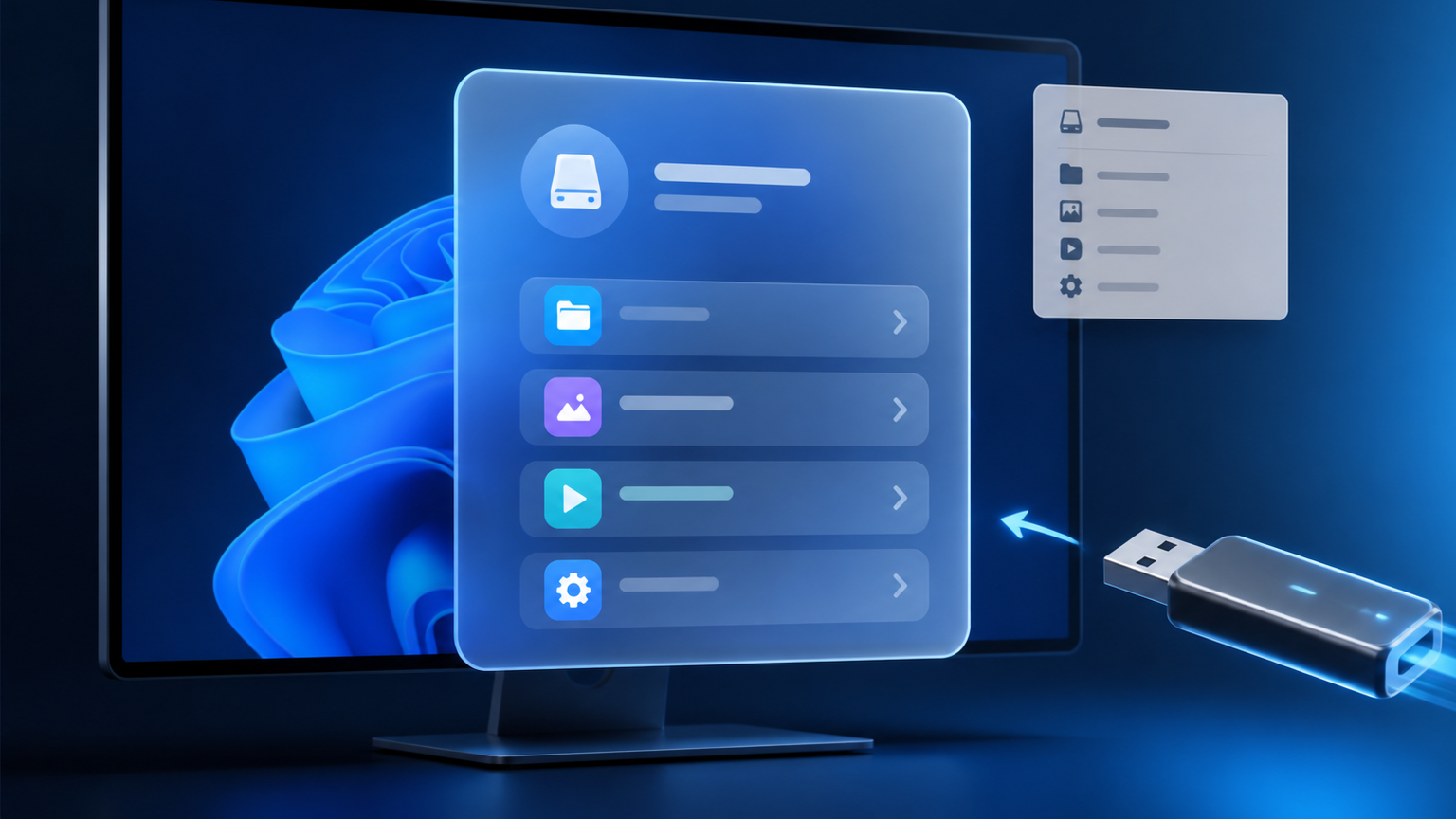
Microsoft has confirmed that Windows 11’s AutoPlay interface is being rebuilt with WinUI 3. The familiar flyout that appears when you connect a USB drive, SD card, phone, camera or disc is becoming a centered, modern dialog with dark and light themes, larger controls and a useful choice between applying an action every time or only once.
AutoPlay is being modernized
Microsoft explicitly named the AutoPlay dialog among Windows shell experiences coming to Insider Preview Experimental builds.
Dark and light versions exist
Public preview screenshots posted August 15 show both themes and the new centered layout.
No stable release date yet
Microsoft has not attached AutoPlay to a public KB, exact build, 26H2 milestone or general-release date.
What AutoPlay does today
AutoPlay is the prompt Windows displays after detecting removable media or a connected device. Depending on the device and installed applications, it may offer to open File Explorer, import photos, configure storage, launch a media application or take no action.
AutoPlay is related to—but different from—the older AutoRun mechanism. AutoRun historically allowed media to request that a program launch. AutoPlay instead puts a choice in front of the user. Microsoft tightened that behavior beginning with Windows Vista because automatically trusting removable media is an obvious security risk.
The current Windows 11 implementation still resembles the Windows 8-era flyout: it appears near the upper-right corner, uses a relatively dense list and can feel visually disconnected from the rest of Windows 11—especially when a bright legacy surface interrupts dark mode.
Old AutoPlay versus the new WinUI 3 dialog
| Area | Current interface | Upcoming preview interface |
|---|---|---|
| Placement | Small flyout near the upper-right corner. | Proper modal-style dialog centered on the desktop. |
| Theme | Legacy appearance that can clash with Windows 11 dark mode. | Native-looking dark and light presentations. |
| Design | Compact Win32/Windows 8-era list treatment. | Rounded corners, Fluent-style typography, larger icons and more breathing room. |
| Choice behavior | Choose an action from the flyout; remembering behavior is less explicit. | Select an action, then choose Always or Just once. |
| Observed actions | Varies by connected device and installed software. | Preview screenshots show Configure storage settings, Open folder to view files and Take no action. |
The preview screenshots—and what they prove
The following source posts contain the actual unreleased screenshots. They are linked in their original context rather than rehosted as Microsoft promotional material. They document preview behavior, not a guaranteed final design.
Centered AutoPlay for “Elements (E:)”
The screenshot shows a dark rounded dialog with three actions and two bottom buttons: Always and Just once. The selected action is visually highlighted.
Open the dark screenshot on XSource: PhantomOfEarth, posted August 15, 2026 at 4:01 PM. Unofficial preview-build observation.Unreleased dark-mode AutoPlay screenshot from PhantomOfEarth.
View the original post and screenshot on X
The same redesign in light mode
Gareth/TechosarusRex showed the centered light-theme version with the same action list and Always/Just once decision. The desktop watermark identifies it as an Insider Preview test environment.
Open the light screenshot on XSource: @techosarusrex, posted August 15, 2026. Unreleased interface; details can change.Unreleased light-mode AutoPlay screenshot from TechosarusRex.
View the original post and screenshot on X
Why WinUI 3 matters
WinUI 3 is Microsoft’s recommended native user-interface framework for new Windows desktop applications. It is delivered through the Windows App SDK and combines the Win32 application model with modern XAML controls, Fluent styling, high-DPI rendering and support for touch, pen, keyboard and mouse.
For AutoPlay, the immediate benefit is consistency. A modern shell component can follow light and dark themes, scaling and current Windows controls without maintaining a separate legacy visual path. Microsoft says it has also made “substantial improvements in memory efficiency and latency” in WinUI 3 while tuning a more efficient allocator and reducing overhead elsewhere in Windows.
This is part of a wider Windows 11 cleanup
File and Folder Properties
Microsoft says more Properties dialogs are coming to Experimental builds. Preview implementations replace older tabbed surfaces with roomier WinUI layouts.
Run
Microsoft identifies the new Run experience as another Windows shell area strengthened through WinUI 3.
Widgets
Widgets are also part of the expanded shell work, alongside separate efforts to make feeds quieter and more controllable.
Print Management
Early WinUI-based Print Management work has appeared in testing, reinforcing the dialog-by-dialog modernization pattern.
Microsoft is not rewriting every legacy surface in one release. Windows contains decades of compatibility-sensitive code, and replacing mature interfaces can introduce regressions. The company is moving incrementally, collecting Insider telemetry before broader deployment.
When should you expect the new AutoPlay?
| Window | What is supported by evidence | Confidence |
|---|---|---|
| Now | Not present as a normal public Windows 11 feature. Screenshots come from preview/testing work. | High |
| Coming soon | Microsoft explicitly says AutoPlay is coming to Windows Insider Preview Experimental builds. | High, but no exact build date |
| Fall 2026 | Microsoft says many Windows quality improvements begin rolling out more broadly this fall. | Medium for the broader program; not a specific AutoPlay promise |
| Stable AutoPlay release | No official KB, build, month or 26H2 commitment has been published. | Unknown |
Windows features increasingly arrive through controlled feature rollout rather than one giant annual switch. Even after AutoPlay enters a stable servicing branch, Microsoft may enable it gradually, meaning two fully updated PCs could receive it at different times.
Should you join the Experimental channel to get it?
Not on your primary work computer merely for this dialog. Experimental builds exist for early validation and can contain unfinished features, regressions or designs that disappear. Businesses should wait for stable release notes and test the change against removable-media policies, photo-import workflows and endpoint-management settings before broad deployment.
If you already run an Insider test machine, treat the screenshots as a preview checklist: verify light/dark theming, keyboard navigation, screen-reader labels, high-DPI scaling, device-specific actions and whether Always/Just once behaves correctly.
Security advice does not change
- Do not launch unfamiliar programs from an unknown USB drive.
- Prefer Just once until you trust the device and action.
- Use Take no action when a device appears unexpectedly.
- Open files deliberately through File Explorer and scan questionable media.
- Managed organizations should keep AutoPlay and removable-media policy under administrative control.
Frequently asked questions
Is this a Windows 11 26H2 feature?
Microsoft has not publicly committed the redesigned AutoPlay dialog to 26H2. It may eventually ship alongside that release family or through monthly servicing, but naming 26H2 today would be speculation.
Will it support dark mode?
Yes, the preview evidence shows a dark presentation, and a separate screenshot shows the light version.
What do Always and Just once mean?
After choosing an action, Always tells Windows to remember it for that device or media type; Just once applies the action to the current connection without making it the standing choice. Exact final behavior remains subject to testing.
Do I need to enable WinUI 3?
No. WinUI 3 is the implementation framework. If Microsoft releases the new AutoPlay publicly, it should arrive as part of Windows servicing or a feature rollout.
Will this make Windows 11 faster?
Do not expect one dialog to transform system performance. Microsoft ties the work to broader memory- and latency-reduction efforts, but it has not published an AutoPlay-specific benchmark.
Bottom line
AutoPlay’s redesign is small compared with a new Start menu or movable taskbar, but it is exactly the kind of everyday polish Windows 11 needs. The new centered dialog is easier to read, supports both major themes and makes remembering a choice explicit. The evidence is real; the public release date is not. For now, consider it a credible Insider preview—not a feature you should expect on every Windows 11 PC after the next Patch Tuesday.
Sources
- Microsoft: Windows quality—an update on the commitment made in March — July 31, 2026.
- Microsoft Learn: WinUI 3 overview.
- Windows Latest: AutoPlay preview report and comparison — August 16, 2026.
- PhantomOfEarth: dark-mode AutoPlay preview — August 15, 2026.
- TechosarusRex: light-mode AutoPlay preview — August 15, 2026.
Featured image: original editorial illustration by The IT Guys. It is not an actual Windows preview screenshot. Unreleased-interface references are clearly labeled and linked to their original observers.