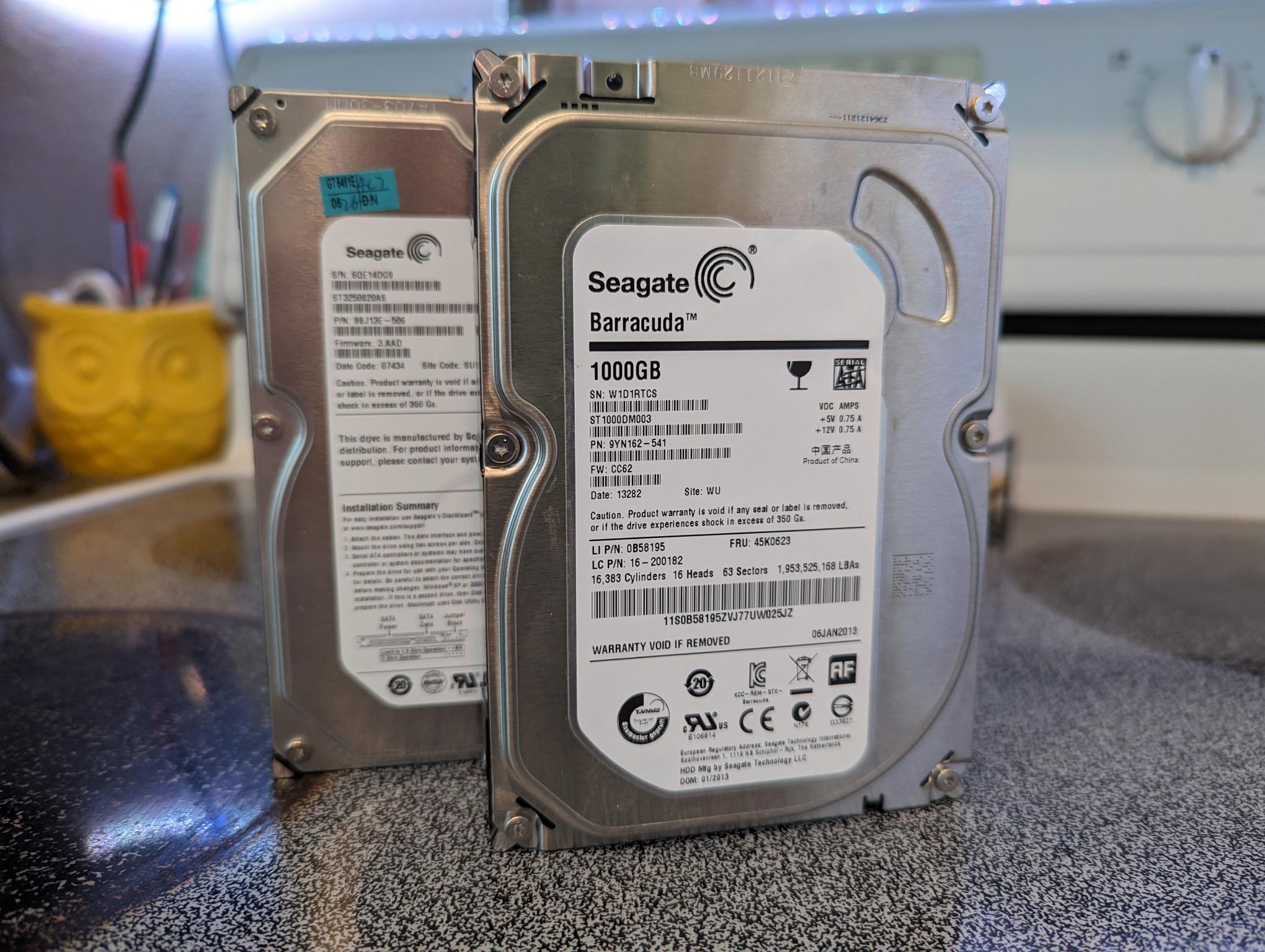
These are the victims, just over the last 48 hours failing hard drives.
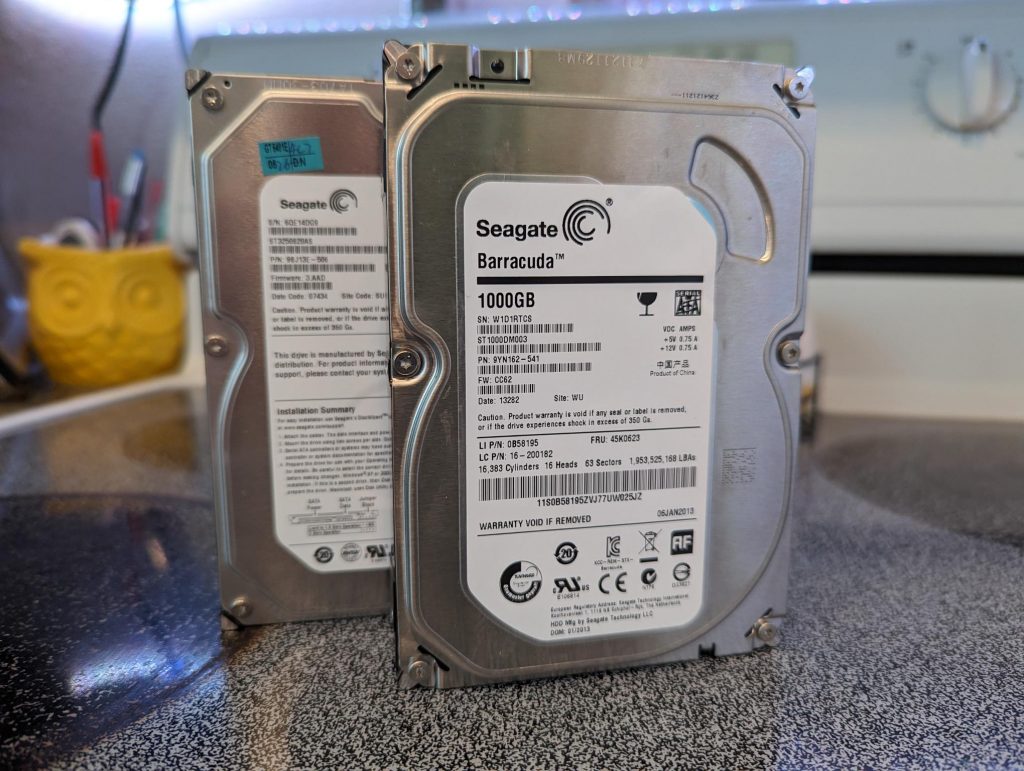
- Grinding Noise
- You hear “Ticking” in the back of the PC and/or in the tower.
- If Windows is very very slow, may not be a virus. That could me a sign of hard drive failure.
I am finding that the older PC’s with the “Spinning” hard drives 5 years or older. The drives have given a good life and just need to be replaced with a newer hard drive. Never wait if you are having issues like above. The longer it sits there making noise, the less of change, we can pull the older data off. Then sign up with a cloud provider, so if you do get a failure again, it will be easy to recover your data next time.
Have a great day!
Related Reading
- Poor PC Performance: Your Hard Drive Could be to Blame. – related guidance from The IT Guys archive
- FREE!! EPIC GAMES UNTIL MAY 1ST, 2025 @ 11AM – CHUCHEL – another gaming or deals post from The IT Guys archive
- FREE!! EPIC GAMES UNTIL AUGUST 8ST, 2024 @ 11AM – RAWMEN – another gaming or deals post from The IT Guys archive
FAQ
Who is this guide for?
This article is for home users and small businesses that want practical technology guidance without unnecessary jargon.
What should I check before following the steps?
Make sure the instructions match your device, account, software version, and business requirements.
When should I ask for help?
If the device or account is important for work, contains sensitive data, or affects backups, email, payments, or customer access, get help first.